
ADE CK2304
ADE CK2304 Digital Bathroom Clock User Manual
מאָדעל: CK2304
הקדמה
This manual provides instructions for the setup, operation, maintenance, and troubleshooting of your ADE CK2304 Digital Bathroom Clock. This device features a hygrometer, thermometer, shower timer, countdown function, and a large LCD display, all within an IP65 waterproof design.

בילד: פראָנט view of the ADE CK2304 Digital Bathroom Clock, displaying time, date, temperature, and humidity readings on its large LCD screen.
פּעקל אינהאַלט
באַשטעטיקן אַז אַלע זאכן זענען פאַראַן אין פּעקל:
- ADE CK2304 Digital Bathroom Clock
- 2 X AAA באַטעריז
- ינסטרוקטיאָן מאַנואַל (דעם דאָקומענט)
סעטאַפּ
1. באַטאַרייע ייַנמאָנטירונג
The device requires 2 x AAA batteries for operation. These are included in the package.
- געפינט דעם דעקל פונעם באַטעריע־אָפּטייל אויף דער הינטערשטער זייגער.
- עפענען די באַטאַרייע אָפּטייל.
- Insert the 2 x AAA batteries, ensuring correct polarity (+ and -).
- Close the battery compartment cover securely to maintain IP65 waterproofing.
בילד: הינטערשטע view of the ADE CK2304 Digital Bathroom Clock, highlighting the battery compartment and various mounting features like the suction cup and hanging eyelet.
2. מאַונטינג אָפּציעס
The ADE CK2304 offers flexible placement options:
- Wall Mounting (Suction Base): Press the rubberized suction base firmly against a clean, smooth, non-porous surface (e.g., tile, mirror, glass). Ensure the surface is dry for optimal adhesion.
- Hanging (Eyelet): Use the integrated hanging eyelet to suspend the clock from a hook or nail. (Hook/nail not included).
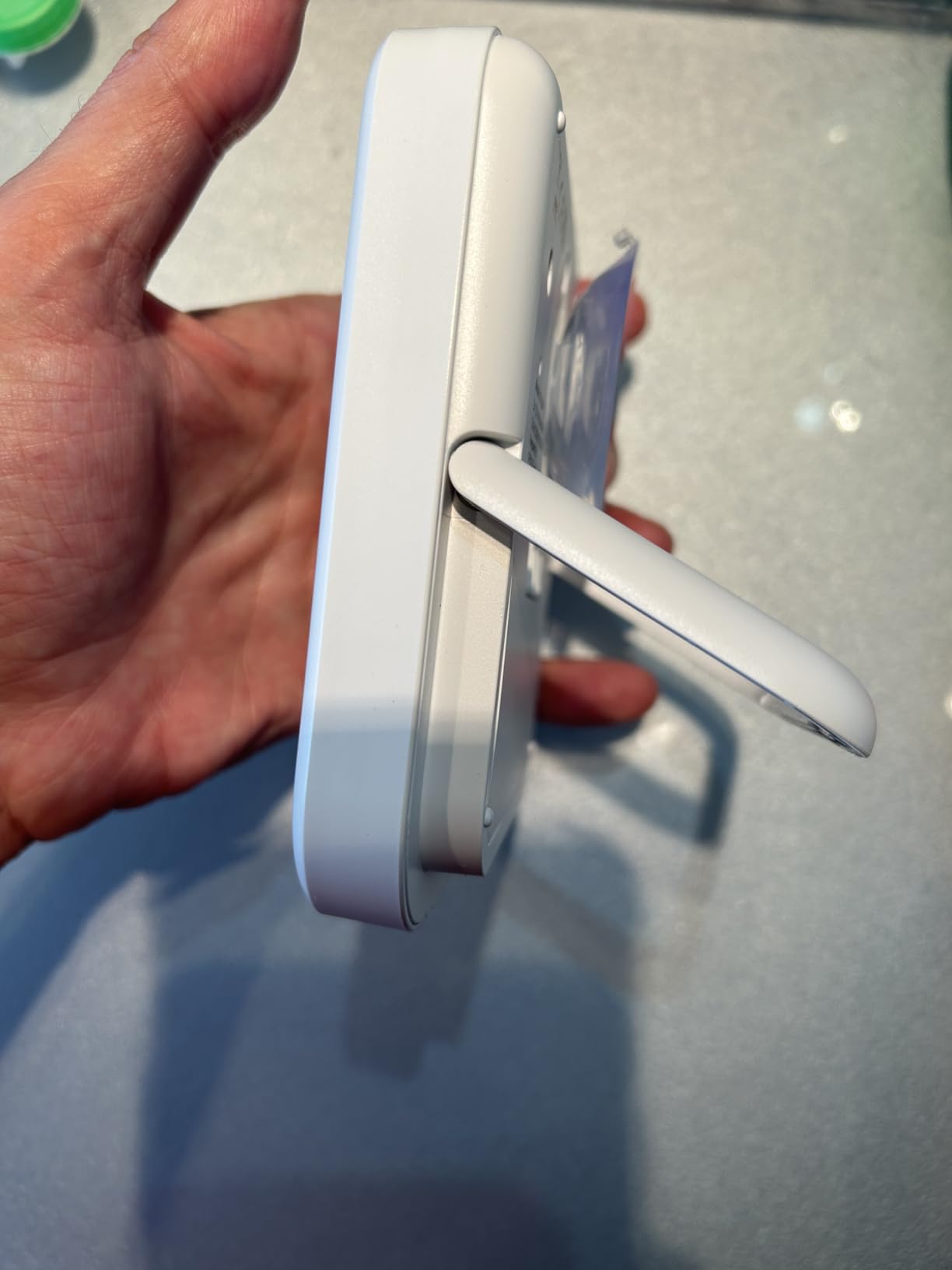
- Standing (Adjustable Base): Utilize the sturdy, adjustable base to place the clock on a flat surface, such as a countertop or shelf.
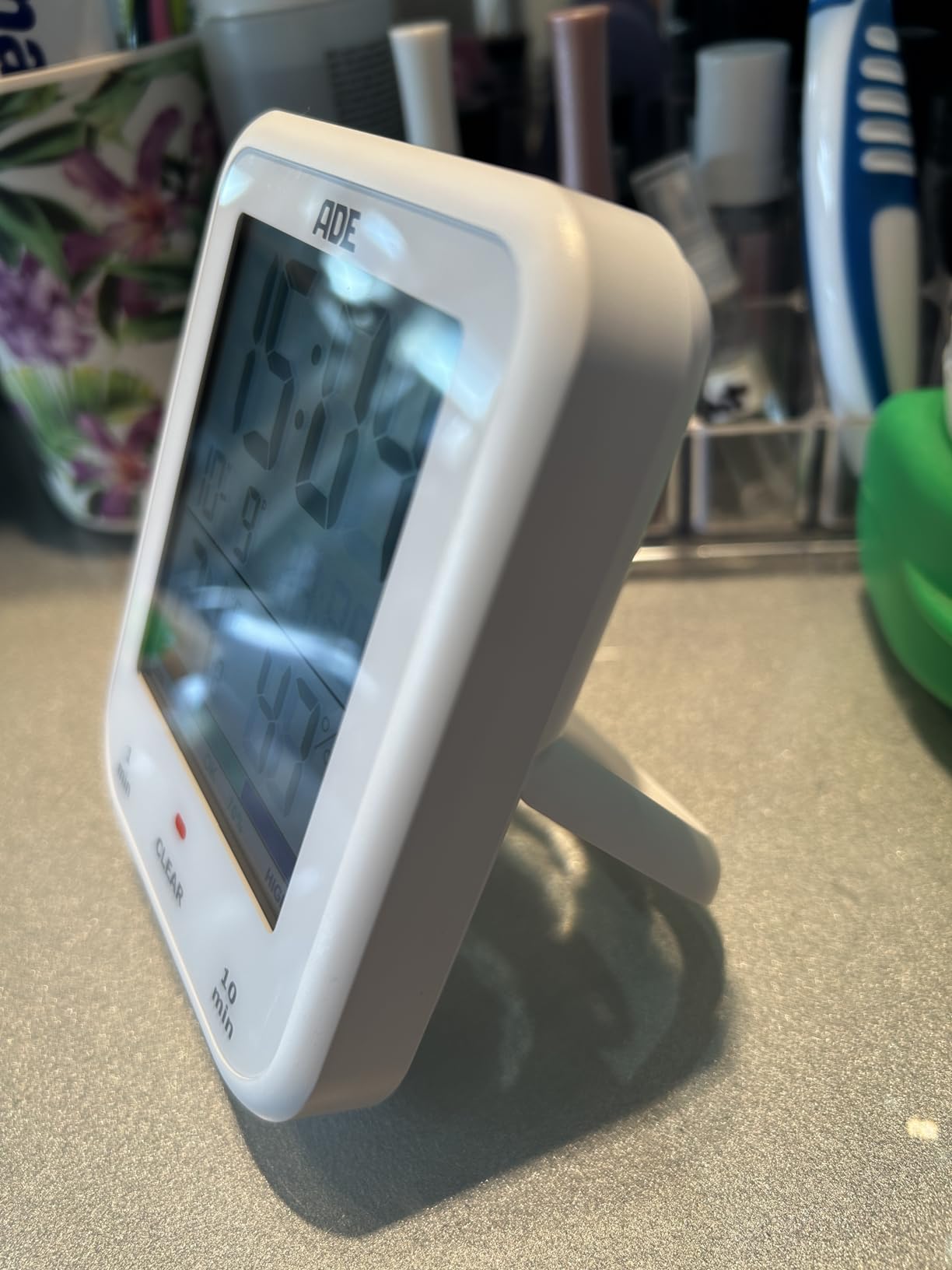
Image: The ADE CK2304 Digital Bathroom Clock securely attached to a bathroom wall using its suction cup mounting option.
אַפּערייטינג ינסטראַקשאַנז
1. Initial Power On and Display
Upon battery installation, the clock will power on and display the current time, date, temperature, and humidity. The large LCD display ensures readability.
2. באַשטעטיקן צייט און דאַטע
Refer to the buttons on the back or side of the device (specific button names are not provided in the input, so I'll use generic terms):
- Press and hold the "SET" button (or equivalent) until the time display flashes.
- Use the "UP" and "DOWN" buttons (or equivalent) to adjust the hour. Press "SET" to confirm.
- איבערחזרן פֿאַר מינוט, יאָר, חודש און טאָג.
- Press "SET" one last time to exit setting mode.
3. Using the Shower Timer / Countdown Function
The shower timer helps manage water consumption. The clock features a countdown function.
- Press the "TIMER" button (or equivalent) to activate the countdown function.
- Repeatedly press "TIMER" to cycle through preset countdown durations (e.g., 1 minute, 10 minutes, etc., as suggested by a review).
- Alternatively, press and hold "TIMER" to manually set a custom countdown duration using the "UP" and "DOWN" buttons.
- The countdown will begin automatically after selection or confirmation.
- An audible alert will sound when the timer reaches zero.
- דרוק קיין קנעפּל צו האַלטן די שרעק.
4. טעמפּעראַטור און הומידיטי אַרויסווייַזונג
The clock continuously displays the current room temperature and humidity. It also includes a comfort zone indicator to help maintain an optimal indoor climate and prevent mold formation.
וישאַלט
- רייניקונג: ווישט דעם זייגער מיט א ווייכן, דamp שטאָף. דו זאלסט נישט נוצן אַברייסיוו קלינערז אָדער סאָלוואַנץ.
- באַטערי פאַרבייַט: Replace batteries when the display dims or the clock stops functioning. Ensure the battery compartment is sealed tightly after replacement to maintain waterproofing.
- וואָטערפּרופינג: The device is IP65 waterproof, meaning it is protected against low-pressure water jets from any direction. Do not submerge the device in water. Ensure the battery compartment is always properly sealed.
טראָובלעשאָאָטינג
| פּראָבלעם | מעגלעך סיבה | לייזונג |
|---|---|---|
| דער עקראַן איז ליידיק אָדער טונקל. | נידעריגע אדער אויסגעשעפטע באַטעריעס. | פאַרבייטן מיט נייַע AAA באַטעריעס, זיכער מאַכן אַז די פּאָלאַריטעט איז ריכטיק. |
| צייט/דאטום איז נישט ריכטיג. | Settings need adjustment. | פֿאָלגט די אינסטרוקציעס "שטעלן צייט און דאַטע" אין דער אָפּערירן סעקציע. |
| Suction cup does not hold. | Surface is dirty, wet, or porous. | Clean and dry the surface thoroughly. Ensure it is smooth and non-porous. |
| טעמפּעראַטור/פֿײַכטקייט מעסטונגען זעען אויס נישט ריכטיק. | Device recently moved to a new environment; needs time to stabilize. | Allow 15-30 minutes for the sensors to adjust to the new environment. |
ספּעסאַפאַקיישאַנז
- מאָדעל: CK2304
- סאָרט: ADE
- ווייַז טיפּ: דיגיטאַל לקד
- וואָטערפּרוף שאַץ: IP65 (Protected against low-pressure water jets)
- פאַנגקשאַנז: Time, Date, Temperature, Humidity, Shower Timer, Countdown Function, Comfort Zone Indicator
- מאַכט מקור: 2 X AAA באַטעריז (אַרייַנגערעכנט)
- פּראָדוקט דימענשאַנז: 9.2 סענטימעטער (וו) רענטגענ 11.5 סענטימעטער (ה) רענטגענ 2.3 סענטימעטער (ד)
- נומער וואָג: 207 גראַמז
- מאַונטינג אָפּציעס: Suction Base, Hanging Eyelet, Adjustable Stand
- צימער טיפּ: קלאָזעט
וואָראַנטי און שטיצן
For warranty information or technical support, please refer to the contact details provided on the product packaging or the official ADE webזייטל. האַלט אייער קויף קוויטל ווי אַ באַווייַז פון קויפן.
Ask a question about this manual
Ask about setup, troubleshooting, compatibility, parts, safety, or missing instructions. Manuals+ will review the question and use this page’s manual context to help answer it.