
1. הקדמה
Thank you for choosing the EBTOOLS A9 Magnetic 1080P Mini Camera. This compact and versatile camera is designed for home, office, or courtyard monitoring, offering 1080P high-resolution video recording and Wi-Fi connectivity. This manual provides essential information for setting up, operating, and maintaining your camera to ensure optimal performance.
2. זיכערקייַט אינפֿאָרמאַציע
ווארענונג: Do not attempt to disassemble, modify, or repair the product yourself to avoid personal injury or equipment damage.
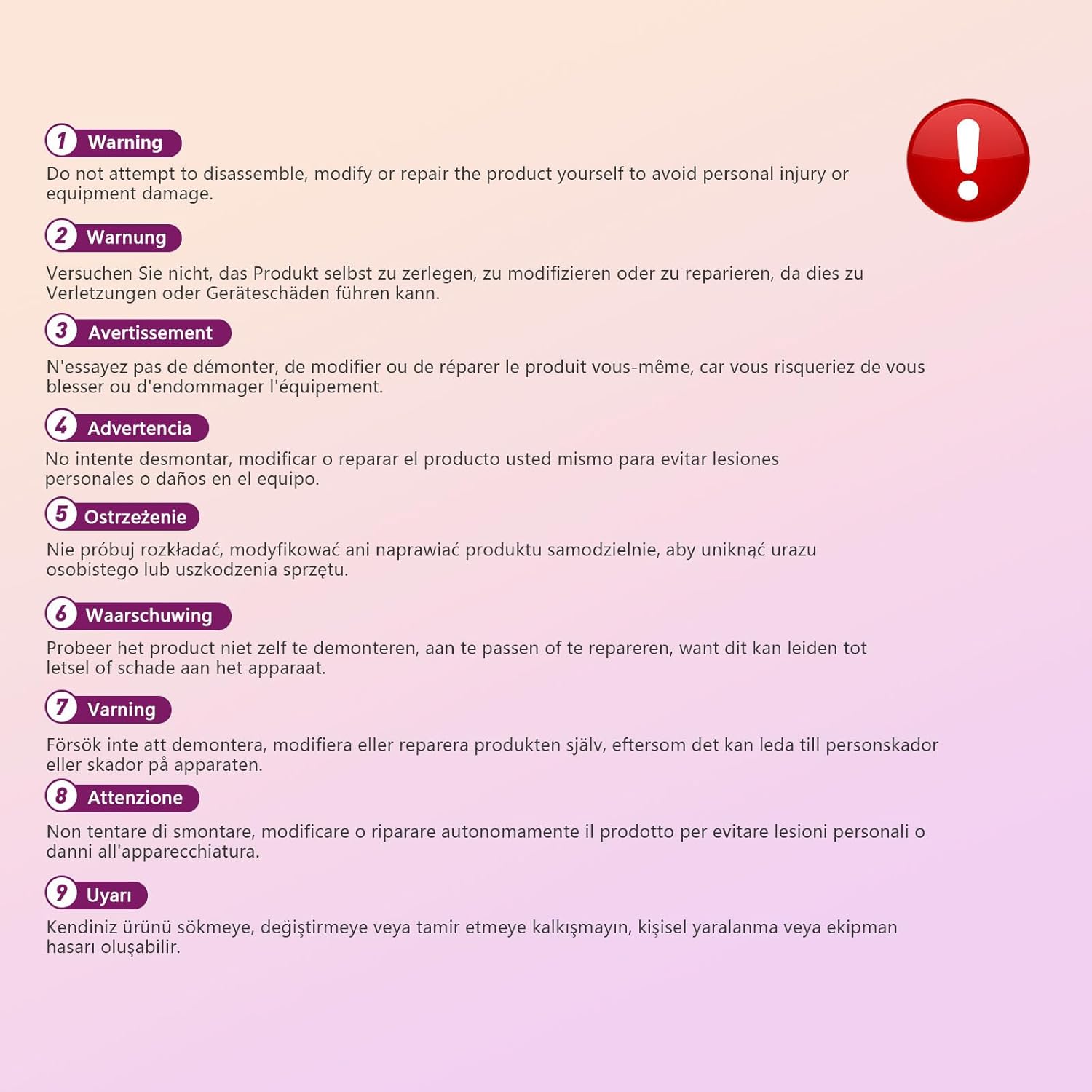
This image displays a warning message in multiple languages, advising users not to disassemble, modify, or repair the product themselves to prevent personal injury or damage to the device.
3. פּעקל אינהאַלט
ביטע טשעק די פּאַקעט פֿאַר די פאלגענדע זאכן:
- EBTOOLS A9 Mini Camera
- מאַגנעטיק בארג
- וסב טשאַרדזשינג קאַבלע
- Adhesive Pad (for mount)

This image shows the EBTOOLS A9 Mini Camera, a magnetic mount, and a USB charging cable, which are typically included in the product package.
4. פּראָדוקט איבערview
מאַכט זיך באַקאַנט מיט די קאַמעראַ'ס קאָמפּאָנענטן:

This image displays the front of the EBTOOLS A9 Mini Camera, highlighting the lens, the ON/OFF button, and the MODE button on the top surface.
- לענס: The primary camera lens for video capture.
- ON/OFF קנעפּל: מאַכט אָן אָדער אויס די קאַמעראַ.
- מאָדע קנעפּל: Switches between different operating modes.
- ינדיקאַטאָר ליכט: Provides status feedback (e.g., charging, recording, Wi-Fi status).

This image shows a side view of the camera, clearly indicating the Micro USB charging port.

This image displays another side view of the camera, highlighting the Micro SD card slot for local storage.
5. סעטאַפּ
5.1 אויפלאָדן די קאַמעראַ
Before first use, fully charge the camera. Connect the supplied USB cable to the camera's Micro USB port and a 5V USB power adapter (not included). The indicator light will show charging status and turn off when fully charged. The built-in 240 mAh battery provides approximately 45 minutes of continuous operation.
5.2 ינסערטינג אַ מיקראָ סד קאָרט
To store recordings, insert a Micro SD card (up to 128GB, not included) into the Micro SD card slot. Ensure the card is inserted correctly with the contacts facing the camera's front. The camera supports continuous recording and motion-activated recording to the card.

This image shows the EBTOOLS A9 Mini Camera with a Micro SD card partially inserted into its slot, alongside a Wi-Fi signal icon, indicating its storage and connectivity features.
5.3 אַפּ אינסטאַלאַציע און Wi-Fi פֿאַרבינדונג
The camera connects via Wi-Fi and is controlled using a smartphone app (compatible with Android devices). Refer to the quick start guide or packaging for the specific app name and download instructions. Once the app is installed:
- מאַכט אויף די אַפּאַראַט.
- עפֿענען די אַפּ און נאָכגיין די ינסטראַקשאַנז אויף דעם עקראַן צו לייגן אַ נייַע מיטל.
- Connect the camera to your home Wi-Fi network.
- אַמאָל קאָננעקטעד, איר קענען view לעבן פאָאָtage, adjust settings, and access recordings remotely.
6. אַפּערייטינג ינסטרוקטיאָנס
6.1 פּאַוערינג אויף / אַוועק
- צו מאַכט אויף: Press and hold the ON/OFF button until the indicator light illuminates.
- צו מאַכט אַוועק: Press and hold the ON/OFF button until the indicator light turns off.
6.2 רעקאָרדינג מאָדעס
The camera typically supports two main recording modes:
- קעסיידערדיק רעקאָרדינג: Records video continuously to the Micro SD card.
- רעקאָרדינג פון באַוועגונג דעטעקטיאָן: Records only when motion is detected, saving storage space and battery life.
Use the MODE button or the smartphone app to switch between these modes. Refer to the app's instructions for detailed mode configuration.
6.3 Motion Detection Alerts
When motion detection is enabled, the camera will send alerts to your smartphone via the app when movement is detected within its field of view. This feature is useful for security monitoring.
6.4 אַפּ קאָנטראָל
The dedicated app allows you to:
- View לעבן ווידעא קאָרמען פֿון דער אַפּאַראַט.
- Access and playback recorded footage.
- Adjust camera settings (e.g., resolution, recording mode, motion detection sensitivity).
- Receive push notifications for motion alerts.
7. וישאַלט
- רייניקונג: ניצט אַ ווייכע, טרוקענע שטאָף צו רייניקן די קאַמעראַ לינזע און קערפּער. פֿאַרמייַדט ניצן פליסיקע רייניגער אָדער שרײַבנדיקע מאַטעריאַלן.
- סטאָרידזש: ווען נישט אין באַנוץ פֿאַר לענגערע פּעריאָדן, האַלט די קאַמעראַ אין אַ קיל, טרוקן אָרט אַוועק פון דירעקט זונשייַן און עקסטרעמע טעמפּעראַטורן.
- באַטערי זאָרגן: Recharge the battery periodically if stored for a long time to maintain its lifespan.
8. טראָובלעשאָאָטינג
If you encounter issues with your camera, refer to the following table:
| פּראָבלעם | מעגלעך סיבה | לייזונג |
|---|---|---|
| קאַמעראַ גייט נישט אָן | Low battery; Faulty power button | Charge the camera fully; Contact support if issue persists |
| קענען ניט פאַרבינדן צו ווי-פי | אומרעכט Wi-Fi פּאַראָל; קאַמעראַ צו ווייט פֿון ראַוטער; ראַוטער פּראָבלעמען | Verify password; Move camera closer to router; Restart router |
| קיין רעקאָרדינג צו SD קאַרטל | SD card not inserted; SD card full or corrupted; Incorrect recording mode | Insert SD card; Format or replace SD card; Check app settings for recording mode |
| נעבעך ווידעא קוואַליטעט | Dirty lens; Low light conditions; App resolution settings | Clean the lens; Ensure adequate lighting; Adjust resolution in app |
| App not receiving alerts | Motion detection off; App notifications disabled; Poor Wi-Fi connection | Enable motion detection in app; Check phone notification settings; Ensure stable Wi-Fi |
9. ספּעסאַפאַקיישאַנז
| שטריך | דעטאַל |
|---|---|
| מאָדעל נומער | EBTOOLSzi9gg2t6c1-12 |
| ווידעא קאַפּטורע רעסאָלוטיאָן | 1080 פּ, 720 פּ |
| קאַנעקטיוויטי טעכנאָלאָגיע | ווירעלעסס (ווי-פי) |
| מאַכט מקור | Battery Powered (Built-in 240 mAh) |
| מאַטעריאַל | אַקרילאָניטרילע בוטאַדיענע סטירענע (אַבס) |
| מאַונטינג טיפּ | וואַנט מאָונט (מאַגנעטיש) |
| קאָנטראָל מעטאָד | אַפּ |
| קאַמפּאַטאַבאַל דעוויסעס | סמאַרטפאָנע (אַנדרויד) |
| פלינק טיפּ | בלויז באַוועגונג |
| דרינענדיק / דרויסנדיק באַניץ | דרינענדיק |
| פּונקט וואָג | 2.08 אונסעס |
10. וואָראַנטי און שטיצן
For warranty information and technical support, please refer to the product packaging or contact EBTOOLS customer service directly. Keep your purchase receipt for warranty claims.