
Sharp 2TC40EF4UR
Sharp 40-inch Full HD Smart LED Roku TV User Manual
Model: 2TC40EF4UR
הקדמה
This manual provides comprehensive instructions for the installation, operation, maintenance, and troubleshooting of your Sharp 40-inch Full HD Smart LED Roku TV. Please read this manual thoroughly before using your television to ensure proper setup and functionality. Keep this manual for future reference.

בילד: פראָנט view of the Sharp 40-inch Full HD Smart LED Roku TV.
סעטאַפּ
1. אויספּאַקן און פּאַקעט אינהאַלט
נעמט פֿאָרזיכטיק אַרויס אַלע קאָמפּאָנענטן פֿון דער פּאַקעט. באַשטעטיקט אַז אַלע זאַכן וואָס זענען אויסגערעכנט אונטן זענען פֿאַראַן:
- Sharp 40-inch Full HD Smart LED Roku TV
- ווײַטקאָנטראָל (דאַרפֿט 2 AAA באַטעריעס, נישט אַרייַנגערעכנט)
- Table Stand with Screws
- באַניצער מאַנואַל (דעם דאָקומענט)
- וואָראַנטי אינפֿאָרמאַציע
2. אנשטעלן דעם טעלעוויזיע שטאנד
If you are placing the TV on a table or entertainment unit, you will need to attach the included stand. Place the TV screen-down on a soft, clean surface to prevent scratches. Align the stand legs with the mounting holes on the bottom of the TV and secure them using the provided screws.

Image: The Sharp Roku TV displayed on its table stand in a room.
3. קאַנעקטינג פונדרויסנדיק דעוויסעס
Your Sharp Roku TV offers various ports for connecting external devices such as cable boxes, gaming consoles, and USB drives.
- HDMI פּאָרץ: Connect high-definition devices using HDMI cables. This TV features 3 HDMI inputs.
- וסב פּאָרט: Connect USB storage devices for media playback. This TV features 1 USB input.
- קאָמפּאָזיט ווידעאָ אַרייַנגאַנג: For older devices, use the composite video (AV) input.
- אָפּטיש אַודיאָ רעזולטאַט: פֿאַר פֿאַרבינדן צו עקסטערנע סאַונד סיסטעמען.

Image: Rear panel of the TV illustrating the power connector and various input/output ports (HDMI, USB, Optical, AV).
4. מאַכט קאַנעקשאַן
Connect the power cord to the TV's power input and then plug it into a standard electrical outlet (120V AC, 60Hz).
5. ערשטע אויפשטעל און נעץ פארבינדונג
Upon first power-on, the TV will guide you through the initial setup process. This includes selecting your language, connecting to your Wi-Fi network, and activating your Roku account. A stable Wi-Fi connection is required to access smart TV features and streaming content.
אַפּערייטינג ינסטראַקשאַנז
1. רימאָוט קאָנטראָל פאַנגקשאַנז
The included remote control uses infrared technology. Ensure there is a clear line of sight between the remote and the TV's IR receiver. Insert two AAA batteries into the remote control, observing polarity.
2. Roku OS Interface
Your TV operates on the Roku OS, providing a user-friendly interface for accessing streaming channels, live TV, and connected devices. The home screen displays your installed channels and input selections.

Image: The Roku TV home screen interface and a smartphone displaying the Roku mobile app remote control with voice search functionality.
3. קול קאָנטראָל
The Sharp Roku TV supports voice control through compatible devices like Amazon Alexa or Google Assistant. You can use voice commands to search for movies, change channels, switch inputs, and more.
4. Streaming and Apps
Access a wide variety of streaming services and applications through the Roku Channel Store. Many popular apps are pre-installed, and you can download additional ones to customize your viewינג דערפאַרונג.
5. Dolby Audio
This television features Dolby Audio technology, which enhances sound quality for a more immersive listening experience. Ensure your audio settings are configured to utilize this feature for optimal performance.
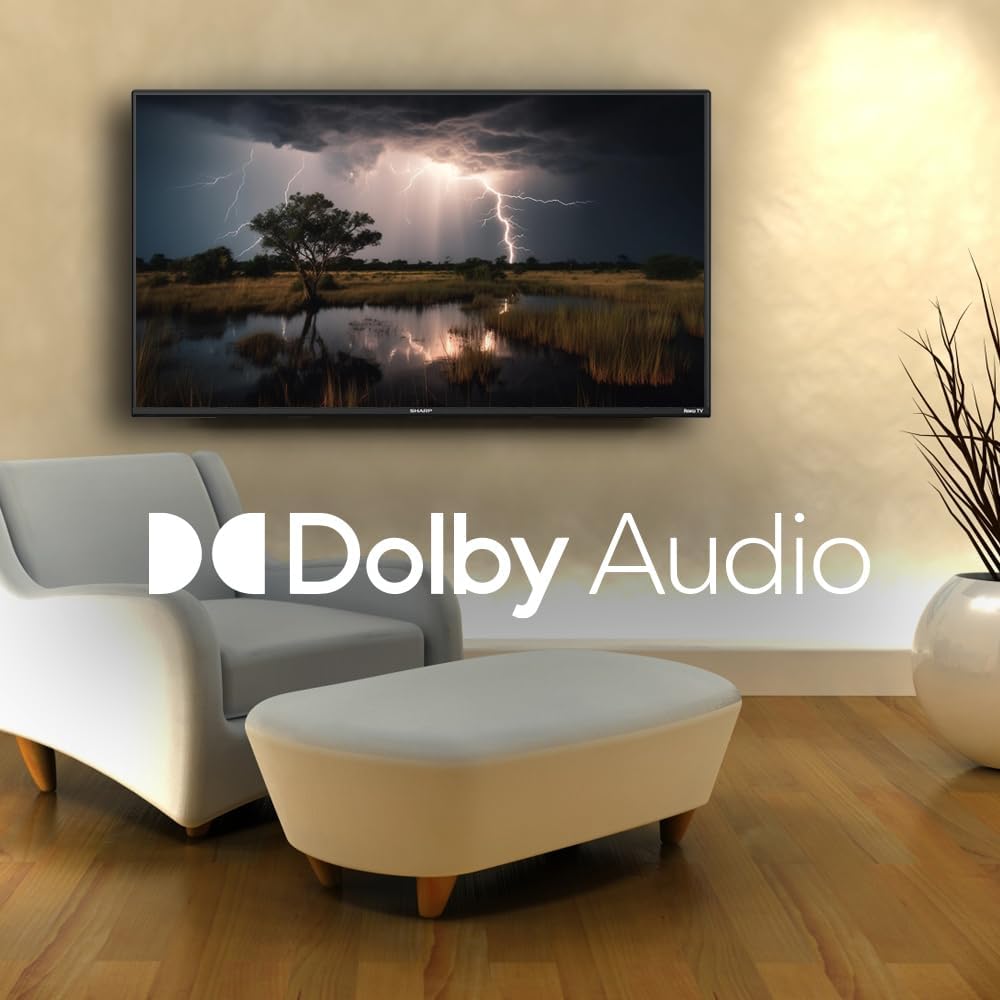
Image: A television screen displaying a dramatic scene with the Dolby Audio logo prominently featured.
וישאַלט
1. רייניקן דעם טעלעוויזיע עקראַן
צו רייניקן דעם עקראַן, ווישט עס אָפּ מיט אַ ווייכן, לינט-פֿרייעם שטאָף. פֿאַר שווערע פֿלעקן, ווישט עס אָפּ לייכט.ampen the cloth with water or a screen-specific cleaning solution. Avoid using harsh chemicals, abrasives, or direct spraying onto the screen.
2. Cleaning the TV Casing
ווישט אויס דעם טעלעוויזאר קasinגיסן מיט אַ ווייכן, טרוקענעם שטאָף. ניצט נישט פליסיקע רייניקונגס-מיטלען גלייך אויף די קasing.
3. ווענטילאַטיאָן
Ensure that the ventilation openings on the back of the TV are not blocked. Proper airflow is essential to prevent overheating.
טראָובלעשאָאָטינג
אויב איר טרעפט פּראָבלעמען מיט אייער טעלעוויזיע, זעט די פאלגענדע געוויינטלעכע פּראָבלעמען און לייזונגען:
| פּראָבלעם | מעגלעך לייזונג |
|---|---|
| קיין מאַכט | Check if the power cord is securely connected to both the TV and the electrical outlet. Ensure the outlet is functional. |
| קיין בילד נישט, אבער סאונד איז דא | באַשטעטיקן אַז די ריכטיקע אַרייַנגאַנג מקור איז אויסגעקליבן. קאָנטראָלירט די פֿאַרבינדונגען פֿון די עקסטערנע דעווייסעס. |
| קיין קלאַנג, אָבער בילד איז דאָ | Check the volume level and mute status. Ensure external audio systems are properly connected and powered on. |
| ווייַט קאָנטראָל איז נישט ארבעטן | Replace the batteries in the remote control. Ensure no obstructions are between the remote and the TV. |
| קען נישט פאַרבינדן צו Wi-Fi | Verify your Wi-Fi password. Restart your router and the TV. Ensure the TV is within range of your Wi-Fi network. |
| קלוגע פֿעיִטשערז רעאַגירן נישט | Check your internet connection. Restart the TV by unplugging it for 30 seconds and plugging it back in. |
ספּעסאַפאַקיישאַנז
| שטריך | דעטאַל |
|---|---|
| מאָדעל נומער | 2TC40EF4UR |
| פאַרשטעלן גרייס | 40 אינטשעס (102 ס״מ קענטיקע דיאַגאָנאַל) |
| ווייַז טעכנאָלאָגיע | געפירט |
| האַכלאָטע | גאַנץ הד (1920 רענטגענ 1080) |
| דערפרישן קורס | 60 הז |
| אָפּערייטינג סיסטעם | ראָקו אַס |
| באַראַן | 512 מב |
| אַודיאָ רעזולטאַט מאַכט | 16 Watts (2.0 Dolby) |
| HDMI פּאָרץ | 3 |
| וסב פּאָרץ | 1 |
| קאַנעקטיוויטי | HDMI, USB, Wi-Fi, Composite Video |
| קאָמפּאַטיביליטי פון קול קאָנטראָל | אַמאַזאָן אַלעקסאַ, Google אַססיסטאַנט |
| Power Consumption (On Mode) | 65 וואטס |
| Voltage | 120 וואלטס (AC) |
| דימענשאַנז (מיט שטיין) | 99 סענטימעטער (וו) רענטגענ 12 סענטימעטער (ד) רענטגענ 57 סענטימעטער (ה) |
| וואָג | 5.7 קג |
| ווייַט קאָנטראָל טעכנאָלאָגיע | ינפרערעד |
| בלועטאָאָטה שטיצן | ניין |

Image: The Sharp Roku TV with its width, depth, and height dimensions indicated.
וואָראַנטי און שטיצן
וואָראַנטי אינפֿאָרמאַציע
Your Sharp 40-inch Full HD Smart LED Roku TV comes with a manufacturer's warranty. Please refer to the warranty document included in your product packaging for detailed terms, conditions, and registration information. Keep your proof of purchase for warranty claims.
קונה שטיצן
For technical assistance, troubleshooting beyond this manual, or warranty service, please contact Sharp customer support. Contact information can typically be found on the Sharp official webזייטל אדער אין אייער גאַראַנטיע דאָקומענטאַציע.
Ask a question about this manual
Ask about setup, troubleshooting, compatibility, parts, safety, or missing instructions. Manuals+ will review the question and use this page’s manual context to help answer it.