
1. הקדמה
Thank you for choosing the Zunate Mini Smartphone. This compact device offers a 3.5-inch IPS display, 4G connectivity, Face Unlock, and a dual-camera system, all powered by an MTK6737 Quad Core processor. This manual provides essential information for setting up, operating, and maintaining your new smartphone.
2. פּעקל אינהאַלט
ביטע אָפּהאַקן דאָס קעסטל פֿאַר די פֿאָלגנדיקע זאַכן:
- 1 x Zunate Mini Smartphone
- 1 x באַניצער מאַנואַל
- 1 x Power Cable (Micro USB)
- קסנומקס רענטגענ פּראַטעקטיוו קאַסע
- 1 x SIM Eject Pin

Image: The Zunate Mini Smartphone displayed alongside its protective case, Micro USB charging cable, and SIM eject pin, illustrating the complete package contents.
3. סעטאַפּ
3.1. סים קאַרטל און זכּרון קאַרטל ינסטאַלירונג
- געפינט די סים קארטל טאַץ אויף דער זייט פון דעם טעלעפאָן.
- Insert the SIM eject pin into the small hole next to the tray to open it.
- Place your Nano-SIM cards (supports dual SIM) and/or a memory card into the designated slots. Ensure correct orientation.
- שטופּן דעם טאַץ צוריק אין טעלעפאָן ביז עס קליקט אַרײַן אין פּלאַץ.

בילד: א דעטאַלירטע view of the Zunate Mini Smartphone's SIM card tray, showing the proper placement for two SIM cards and an optional memory card, highlighting its dual SIM capability.
3.2. פּאָווערינג אויף / אויסגעלאשן
- צו מאַכט אויף: Press and hold the Power button (usually on the right side) until the Zunate logo appears.
- צו מאַכט אַוועק: דריק און האלט דעם פּאַוער קנעפּל, און סעלעקטיר 'פּאַוער אויס' פון די אָפּציעס אויפן עקראַן.
3.3. ערשט סעטאַפּ
Upon first power-on, follow the on-screen prompts to configure your device. This includes selecting your language, connecting to Wi-Fi, setting up your Google account, and configuring security options like Face Unlock.
4. אַפּערייטינג ינסטרוקטיאָנס
4.1. פנים אויפשליסן
The Zunate Mini Smartphone features infrared face recognition for quick and secure unlocking. During initial setup or via the Security settings, register your face. To unlock, simply hold the phone up to your face. The infrared technology allows for identification even in low-light environments.
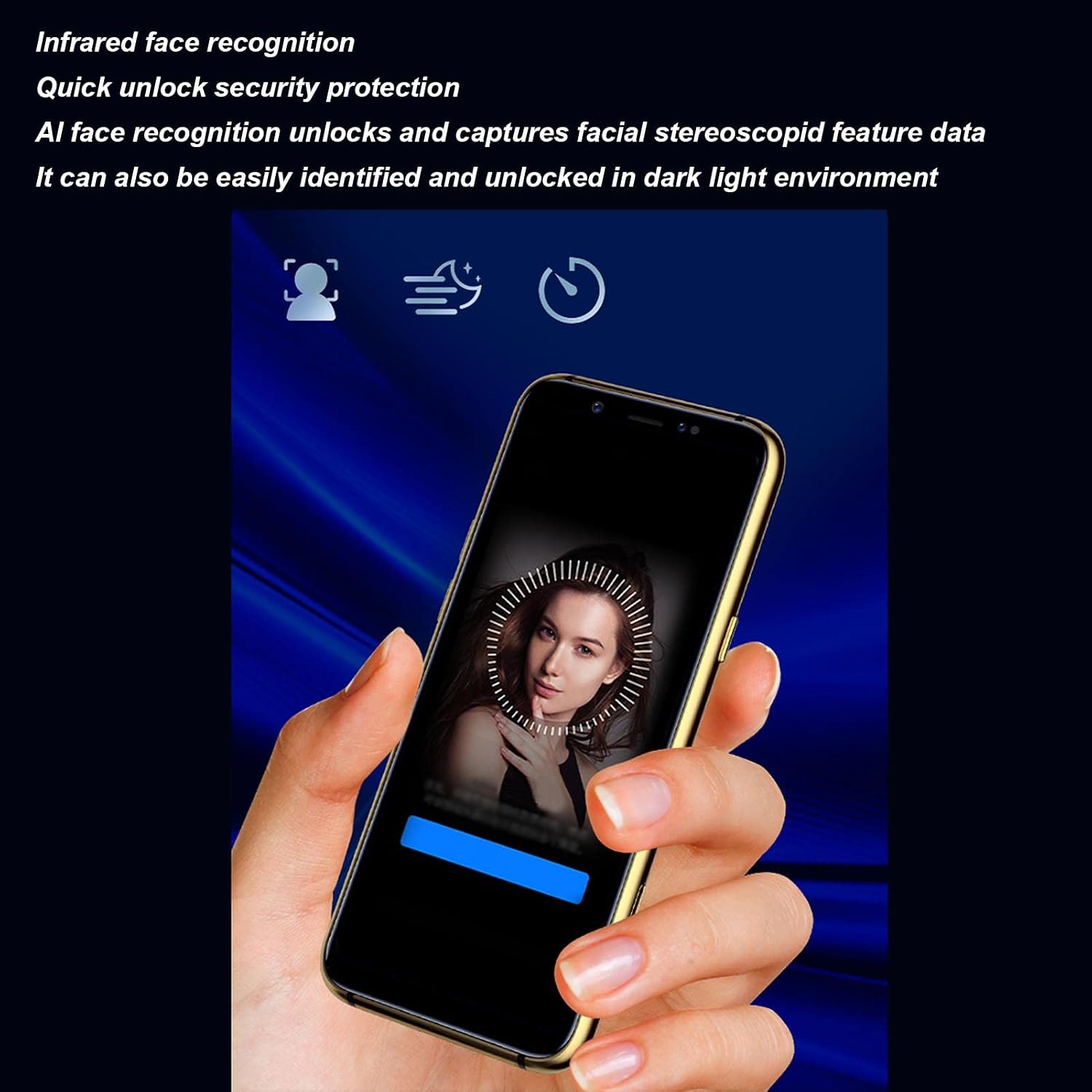
Image: A user's hand holds the Zunate Mini Smartphone, which displays an on-screen animation indicating the infrared face recognition process for quick and secure unlocking.
4.2. קאַמעראַ פונקציעס
Your smartphone is equipped with an 8MP high-definition rear camera and a 5MP front camera. The rear camera includes flash and autofocus capabilities, allowing for clear photos even when zoomed in. Explore various modes like macro for close-ups and ultra-wide for broader scenes.

Image: The Zunate Mini Smartphone's screen shows its camera application, demonstrating different photographic capabilities such as ultra-wide shots, detailed macro photography, and portrait mode.
4.3. נעץ קאַנעקטיוויטי
The device supports full 4G network connectivity, ensuring stable signal and fast data speeds for browsing, streaming, and communication. It is compatible with various GSM, WCDMA, FDD, and TDD bands.
4.4. General Navigation and Applications
Navigate the Android 6.0 operating system using touch gestures. Access pre-installed applications like the phone dialer, messages, browser, and app store. Download additional applications from the Google Play Store to expand functionality.

Image: The Zunate Mini Smartphone's display shows its home screen, featuring icons for common applications and highlighting specific functions like health code, car yards, and payment code access.
5. וישאַלט
- רייניקונג: ניצט אַ ווייכע, לינט-פֿרייע שטאָף צו רייניקן דעם עקראַן און קערפּער. פֿאַרמייַדט שטרענגע כעמיקאַלן.
- שוץ: ניצט דעם צוגעשטעלטן שוץ-קעסטל צו באַשיצן קעגן קראַצן און קליינע אימפּאַקטן.
- טעמפּעראַטור: פֿאַרמײַדט אויסשטעלן דעם טעלעפֿאָן צו עקסטרעמע טעמפּעראַטורן (הייס אָדער קאַלט) אָדער דירעקט זונשײַן פֿאַר לענגערע פּעריאָדן.
- וואַסער קעגנשטעל: This device is not water-resistant. Keep it away from liquids.
6. טראָובלעשאָאָטינג
- טעלעפאָן טוט זיך נישט אָן: זיכער מאַכן אַז די באַטאַרייע איז אויפגעלאָדן. פֿאַרבינדט זיך צום טשאַרדזשער און פּרוּווט ווידער.
- Apps crashing/Freezing: Try restarting the phone. If the issue persists, clear the app's cache or reinstall it.
- שלעכט נעץ סיגנאַל: Check your SIM card installation. Move to an area with better network coverage.
- פּנים אַנלאַק אַרבעט נישט: Ensure your face is well-lit and clear of obstructions. Re-register your face if necessary.
- לאַנגזאַמע פאָרשטעלונג: Close unused applications. Consider freeing up storage space or performing a factory reset (backup data first).
7. ספּעסאַפאַקיישאַנז
| מאָדעל נומער | Zunate24nvz1bghm-12 |
| סאָרט | זונאַטע |
| פּלאַטפאָרמע | MTK6737 קוואַד קאָר |
| אָפּערייטינג סיסטעם | אַנדרויד 6.0 |
| באַראַן | 3 גיגאבייט |
| ראַם | 32 גיגאבייט |
| פאַרשטעלן גרייס | 3.5-inch IPS, 2.5D Curved TP |
| דערציען אַפּאַראַט | 8MP (with Flash, Focus) |
| פראָנט אַפּאַראַט | 5MP |
| באַטערי | 1800 מאַה ליטהיום פּאָלימער |
| נעץ | GSM: 850, 900, 1800, 1900; WCDMA: B1, B5, B8; FDD: B1, B3, B7, B8, B20; TDD: B38, B39, B40, B41 |
| רעדנער | 2-in-1 Class K |
| קאָליר | בלוי |

Image: A close-up of a CPU chip, symbolizing the high-performance MTK6737 Quad Core processor that powers the Zunate Mini Smartphone.
8. וואָראַנטי און שטיצן
פֿאַר וואָראַנטי אינפֿאָרמאַציע און קונה שטיצע, ביטע זען די דאָקומענטאַציע וואָס איז געווען צוגעשטעלט ביים קויפן אָדער קאָנטאַקט דיין הענדלער. האַלט דיין באַווייַז פון קויפן פֿאַר קיין וואָראַנטי קליימז.