
1. הקדמה
Welcome to the Nokia T10 Wi-Fi Tablet user manual. This guide provides essential information to help you set up, operate, maintain, and troubleshoot your new device. The Nokia T10 is an 8-inch HD Android 12 tablet designed for everyday use, offering a balance of performance and portability.
Please read this manual carefully to ensure proper use and to maximize the lifespan of your tablet.
2. וואָס איז אין דער קעסטל
Upon unboxing your Nokia T10 tablet, please verify that all the following items are included:
- Nokia T10 Tablet Device
- טיפּ- C וסב קאַבלע
- טשאַרדזשער
- שנעל אָנהייב גייד (QSG)
- זיכערהייט ביכל
- User Guide Band
- Plastic Bag (packaging material)
If any items are missing or damaged, please contact your retailer or Nokia customer support immediately.
3. סעטאַפּ
3.1 אויפלאָדן די טאַבלעט
Before first use, fully charge your Nokia T10 tablet. Connect the provided Type-C USB cable to the tablet's charging port and the other end to the charger. Plug the charger into a power outlet. The battery indicator on the screen will show the charging status.
3.2 פּאַוערינג אויף / אַוועק
- צו מאַכט אויף: דריק און האלט דעם פּאַוער קנעפּל ביז דער נאָקיאַ לאָגאָ דערשיינט.
- צו מאַכט אַוועק: Press and hold the Power button until the power options appear on the screen. Select "Power off" and confirm.
- צו ריסטאַרט: Press and hold the Power button until the power options appear. Select "Restart" and confirm.
3.3 ערשט סעטאַפּ
When you power on your tablet for the first time, you will be guided through an initial setup process:
- שפּראַך סעלעקציע: קלייַבן דיין בילכער שפּראַך.
- Wi-Fi קאַנעקשאַן: Connect to a Wi-Fi network to access the internet. This is crucial for downloading updates and setting up your Google account.
- גוגל אקאונט: Sign in with your existing Google account or create a new one. This is necessary for accessing the Google Play Store, Gmail, and other Google services.
- טאָג און צייט: שטעלט איין דעם ריכטיקן דאטום און צייט, אדער לאזט דעם נעץ עס אויטאמאטיש שטעלן.
- זיכערהייט: Set up a screen lock (PIN, pattern, password) and consider enabling AI Face Unlock for convenient access.
3.4 אריינשטעלן א מיקראָSD קאַרטל
The Nokia T10 supports expandable storage via a MicroSD card. Locate the SIM/SD card tray on the side of the tablet. Use the provided SIM ejector tool to open the tray. Carefully place the MicroSD card into the designated slot with the gold contacts facing down, then reinsert the tray firmly.
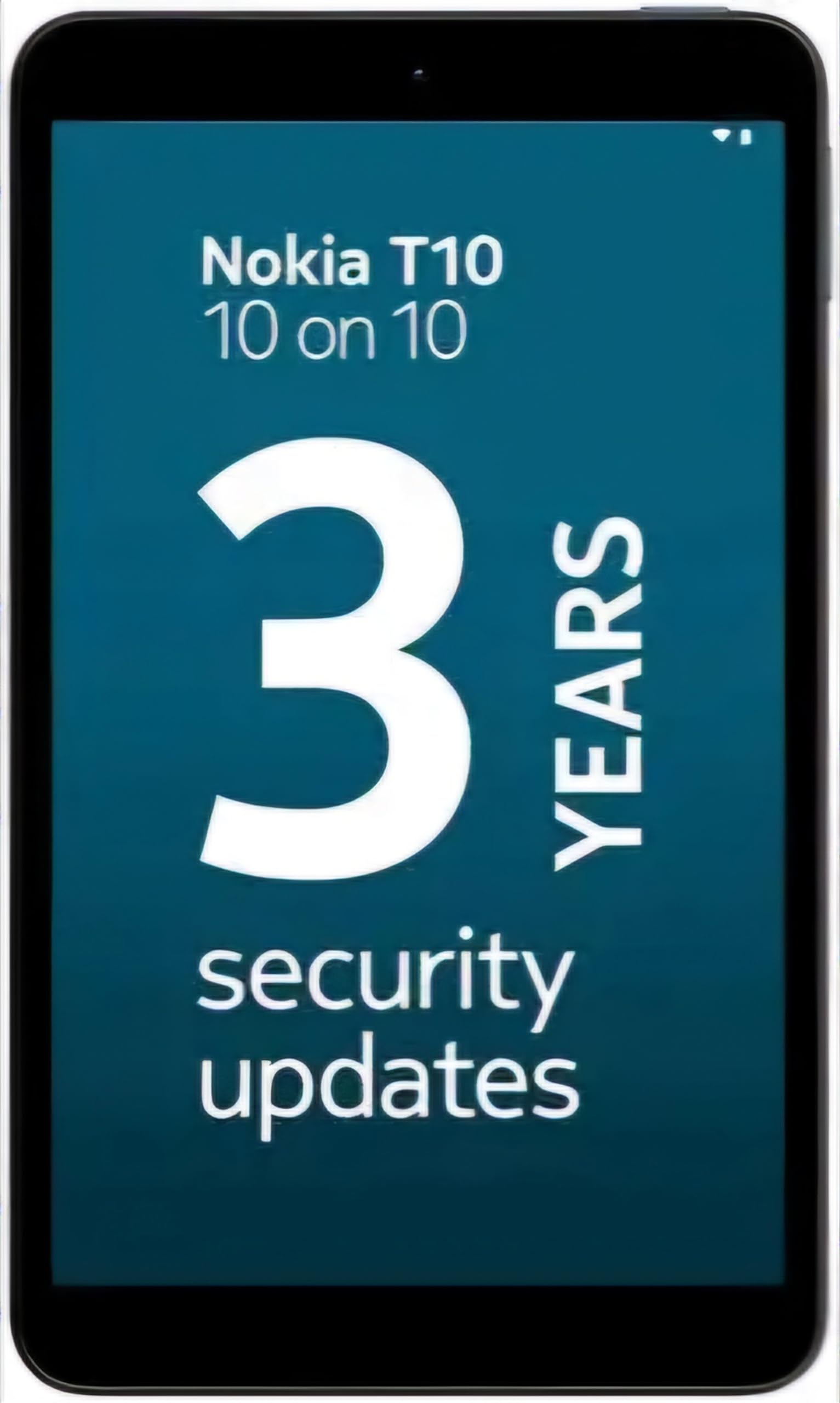
Image: Nokia T10 tablet, showcasing its sleek design and the rear camera module.
4. אַפּערייטינג ינסטרוקטיאָנס
4.1 אַרויסווייַזונג און נאַוויגאַציע
The Nokia T10 features an 8-inch HD display (1280x800 pixels). Navigate the interface using touch gestures:
- צאַפּן: אויסקלייבן אַן אייטעם אָדער עפֿענען אַן אַפּ.
- לאַקכענען: סקראָלן דורך סקרינז, רשימות, אדער אינהאַלט.
- קניפּ-צו-זומען: פארגרעסערן אדער פארקלענערן בילדער און web בלעטער.
- לאנג פּרעס: צוטריט קאָנטעקסטואַל מעניוז אָדער באַוועגן אַפּ ייקאַנז.
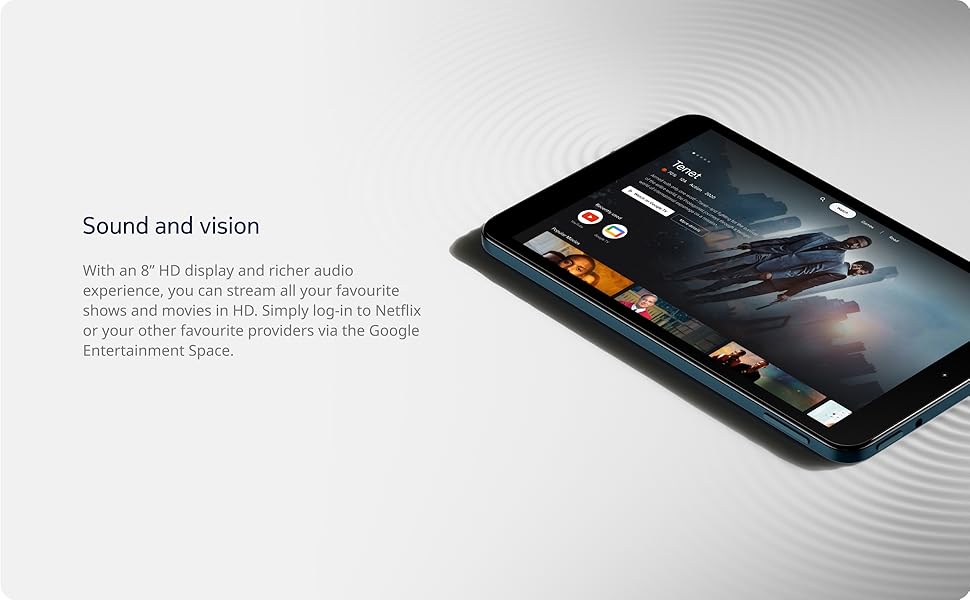
Image: The Nokia T10 tablet showcasing its 8-inch HD display with streaming video content.
4.2 קאַמעראַ פונקציעס
Your tablet is equipped with an 8MP rear camera with autofocus and flash, and a 2MP front camera.
- גענומען פאָטאָס: עפֿנט די קאַמעראַ אַפּ, ראַמט אײַער בילד, און צאַפּט דעם שאַטער קנעפּל.
- רעקאָרדינג ווידיאס: Switch to video mode in the Camera app and tap the record button to start/stop. The tablet supports FHD 1080p video capture.
- פראָנט אַפּאַראַט: Tap the camera switch icon to use the front camera for selfies or video calls.

Image: A Nokia T10 tablet displaying a video call, highlighting its front camera functionality.
4.3 באַטערי מאַנאַגעמענט
The Nokia T10 has a 5250 mAh battery designed for all-day use. To optimize battery life:
- רעדוצירן פאַרשטעלן ברייטנאַס.
- אויסלעשן Wi-Fi און בלועטוט ווען נישט אין באניץ.
- שליסן הינטערגרונט אַפּפּס.
- Enable battery saver mode in Settings.
4.4 קאַנעקטיוויטי
- ווי-פי: Connect to wireless networks via Settings > Network & internet > Wi-Fi. The tablet supports 802.11a/b/g/n/ac standards.
- בלועטאָאָטה: Pair with Bluetooth devices (headphones, speakers) via Settings > Connected devices > Bluetooth. The tablet features Bluetooth 5.0.
- וסב טיפּ-C: Use the USB-C port for charging and data transfer.
4.5 AI Face Unlock
For quick and secure access, set up AI Face Unlock:
- Go to Settings > Security > Face unlock.
- גיי די ינסטראַקשאַנז אויף דעם עקראַן צו פאַרשרייַבן דיין פּנים.
- Ensure you are in a well-lit environment during setup and use.
4.6 ווייכווארג און דערהייַנטיקונגען
The Nokia T10 runs on Android 12. Nokia provides 2 years of OS updates and 3 years of monthly security updates to keep your device secure and up-to-date. You will receive notifications when updates are available. It is recommended to install updates over a Wi-Fi connection.
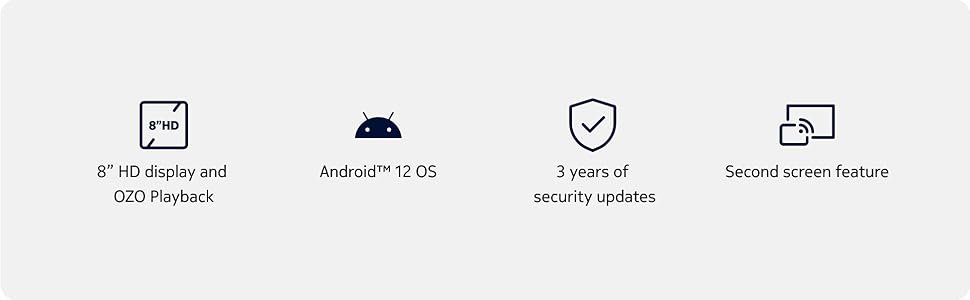
Image: Visual representation of Nokia T10 features including Android 12 OS and 3 years of security updates.
5. וישאַלט
5.1 רייניקן דיין טאַבלעט
- ניצט אַ ווייכן, לינט-פֿרייע שטאָף צו רייניקן דעם עקראַן און קערפּער.
- פֿאַרמײַדן ניצן שטרענגע כעמיקאַלן, אַברייסיוו רייניגער, אָדער אַעראָסאָל ספּרײַס.
- Do not expose the tablet to excessive moisture.
5.2 ווייכווארג דערהייַנטיקונגען
קאָנטראָלירט און אינסטאַלירט רעגולער ווייכווארג דערהייַנטיקונגען צו ענשור אָפּטימאַלע פאָרשטעלונג און זיכערהייט. גייט צו סעטטינגס > סיסטעם > סיסטעם דערהייַנטיקונג.
5.3 סטאָרידזש פאַרוואַלטונג
To maintain performance, periodically manage your tablet's storage:
- אויסמעקן אומנייטיקע אַפּפּס און files.
- מאַך גרויס files (photos, videos) to a MicroSD card or cloud storage.
- Clear app cache regularly via Settings > Apps > [App Name] > Storage & cache.
6. טראָובלעשאָאָטינג
If you encounter issues with your Nokia T10 tablet, try the following solutions:
| פּראָבלעם | לייזונג |
|---|---|
| טאַבלעט טוט זיך נישט אָן | זיכער מאַכן אַז די באַטאַרייע איז אויפגעלאָדן. פֿאַרבינדט דעם טשאַרדזשער און וואַרט אַ פּאָר מינוט איידער איר פּרוּווט ווידער אָנצוצינדן. |
| ווי-פי קשר ישוז | Restart your Wi-Fi router. Go to Settings > Network & internet > Wi-Fi, turn Wi-Fi off and then on again. Forget the network and reconnect. |
| פּאַמעלעך פאָרשטעלונג | Close unused apps. Clear app caches. Restart the tablet. Check for available software updates. |
| אַפּפּס קראַשן אָדער פרירן | Force stop the app (Settings > Apps > [App Name] > Force stop). Clear the app's cache and data. Reinstall the app. |
| באַטאַרייע דריינז געשווינד | Reduce screen brightness. Disable unnecessary features like GPS, Bluetooth, and Wi-Fi when not in use. Check battery usage in Settings to identify power-hungry apps. |
If the problem persists after trying these steps, please contact Nokia customer support.
7. ספּעסאַפאַקיישאַנז
Below are the key technical specifications for the Nokia T10 Wi-Fi Tablet:
- מאָדעל נאָמען: Nokia T10 TA-1472 WIFI 3/32
- אַפּערייטינג סיסטעם: אַנדרויד 12
- פּראַסעסער: Unisoc T606 (Octa-core, 1.6 GHz)
- גראַפיקס קאָופּראַסעסער: Mali-G57
- באַראַן: 3 גיגאבייט
- אינערלעכער סטאָרידזש: 32 גיגאבייט
- יקספּאַנדאַבאַל סטאָרידזש: Yes, via MicroSD card (up to 512GB, sold separately)
- ווייַז: 8-inch HD (1280 x 800 pixels) TFT, 16:10 aspect ratio
- דערציען אַפּאַראַט: 8 MP with AF and Flash
- פראָנט אַפּאַראַט: 2 מפּ
- ווידעא כאַפּן האַכלאָטע: FHD 1080p at 30 fps
- באַטערי: 5250 מאַה ליטהיום פּאָלימער
- קאַנעקטיוויטי: Wi-Fi (802.11a/b/g/n/ac), Bluetooth 5.0, USB Type-C, 3.5mm Audio Jack
- זיכערהייט פֿעיִקייטן: אַי פאַסע אַנלאַק
- אַודיאָ: Stereo Speakers, OZO Playback
- Dimensions (L x W x Thickness): 20.8L x 12.3W x 0.9Th Centimeters
- וואָג: 375 גראַמז
- קאָליר: בלוי
8. וואָראַנטי אינפֿאָרמאַציע
The Nokia T10 tablet comes with a 1-יאָר פאַבריקאַנט וואָראַנטי for the device and battery from the date of purchase. In-box accessories are covered by a 6-חודש פאַבריקאַנט וואָראַנטי from the date of purchase. Please retain your proof of purchase for warranty claims. For detailed terms and conditions, refer to the warranty card included in your product packaging or visit the official Nokia support webפּלאַץ.
9. שטיצן
פֿאַר ווייטערדיקע הילף, טעכנישע שטיצע, אָדער צו געפֿינען סערוויס צענטערס, ביטע באַזוכט די אָפֿיציעלע נאָקיאַ שטיצע website or contact their customer service. You can typically find support contact information on the Nokia website or in the safety booklet provided with your tablet.
אָנליין שטיצן: נאָקיאַ שטיצע Webפּלאַץ