
הקדמה
Thank you for choosing the Roadstar RS-870BR Bioimpedance Smart Scale. This advanced scale is designed to help you monitor your health and fitness progress by measuring up to 12 key body indices. With Bluetooth connectivity and the intuitive FitGo app, you can easily track your data, set goals, and integrate with popular health platforms like Apple Health, Fitbit, and Google Fit. This manual provides essential information for safe and effective use of your new smart scale.
וויכטיק סאַפעטי אינפֿאָרמאַציע
- Do not use this device for medical diagnosis or treatment. Consult a healthcare professional for any health concerns.
- Place the scale on a hard, flat surface. Using it on soft surfaces like carpets may affect accuracy.
- האַלט די וואָג טרוקן. פֿאַרמייַדט קאָנטאַקט מיט וואַסער אָדער אַנדערע פליסיקייטן.
- The maximum weight capacity is 180 kg (397 lb). Do not exceed this limit.
- Do not jump on the scale or use it for purposes other than weighing.
- Individuals with pacemakers or other implanted medical devices should not use this scale due to the bioelectrical impedance analysis (BIA) technology.
- Pregnant women should consult their doctor before using this scale.
פּעקל אינהאַלט
ביטע אָפּהאַקן דאָס קעסטל פֿאַר די פֿאָלגנדיקע זאַכן:
- 1x Roadstar RS-870BR Bioimpedance Smart Scale
- 1x USB Charging Cable (usually included, though not explicitly listed in components)
- באַניצער מאַנואַל (דעם דאָקומענט)
סעטאַפּ גייד
1. אַנפּאַקינג און פּלייסמאַנט
Carefully remove the scale from its packaging. Place the scale on a hard, flat, and stable surface. Avoid soft surfaces like carpets or rugs, as this can affect measurement accuracy. Ensure the scale is level.
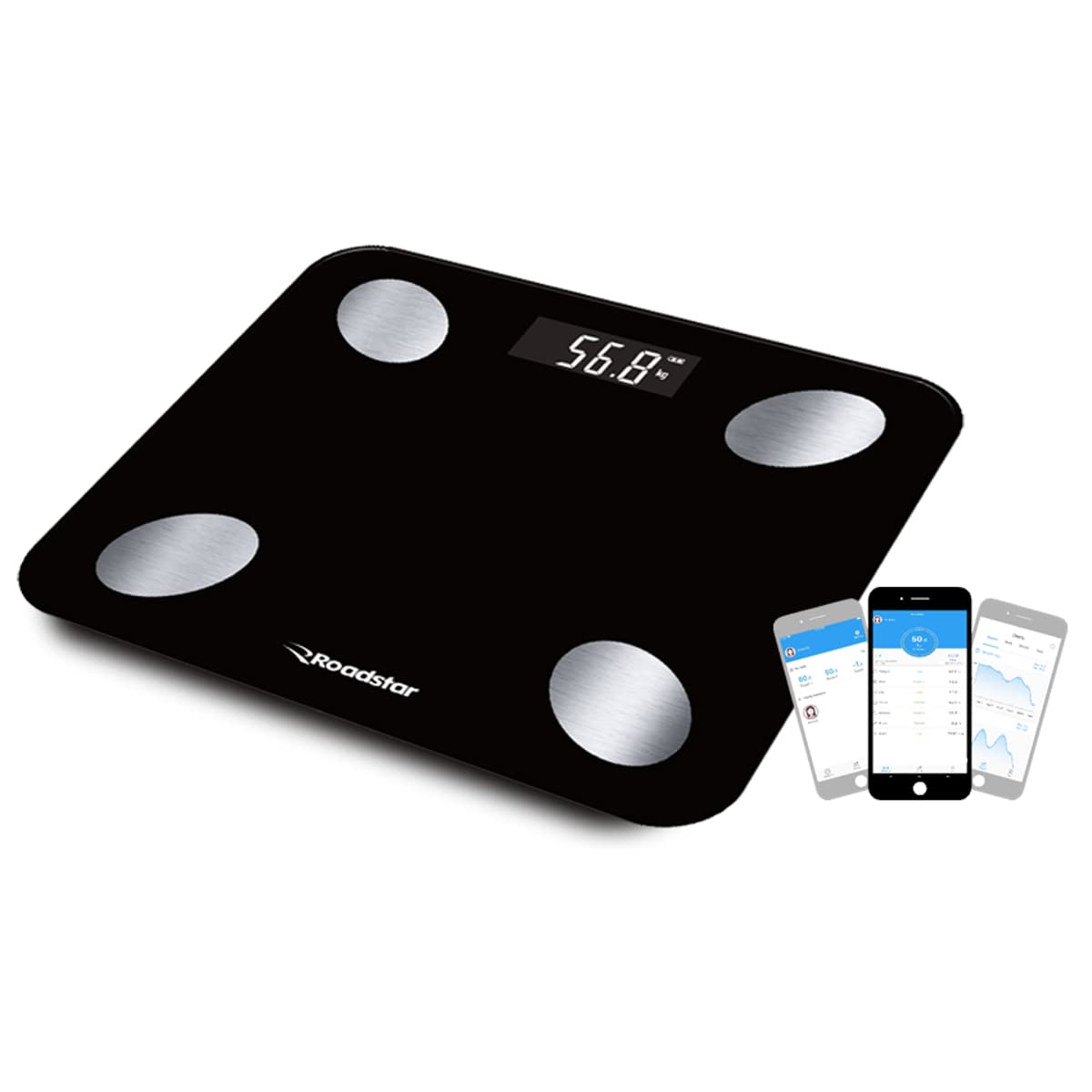
Image: The Roadstar RS-870BR Bioimpedance Smart Scale, black with four silver electrodes, displayed on a flat surface.
2. טשאַרדזשינג די וואָג
The RS-870BR scale features an internal battery and charges via USB. Before first use, or if the display shows a low battery indicator, connect the scale to a USB power source using the provided cable. The display will indicate charging status.
3. אַפּ אינסטאַלאַציע און פּערינג
To unlock the full potential of your smart scale, download the FitGo app on your smartphone or tablet. The app is compatible with Android (4.3 and above) and iOS (7.0 and above) devices.
- זוכן פֿאַר "FitGo" in the Apple App Store or Google Play Store and install the app.
- מאַכן זיכער אַז בלועטאָאָטה איז ענייבאַלד אויף דיין סמאַרטפאָנע.
- Open the FitGo app and follow the on-screen instructions to create your user profile.
- Step onto the scale to activate it. The app should automatically detect and pair with your RS-870BR scale. If not, follow the app's instructions to manually add a device.
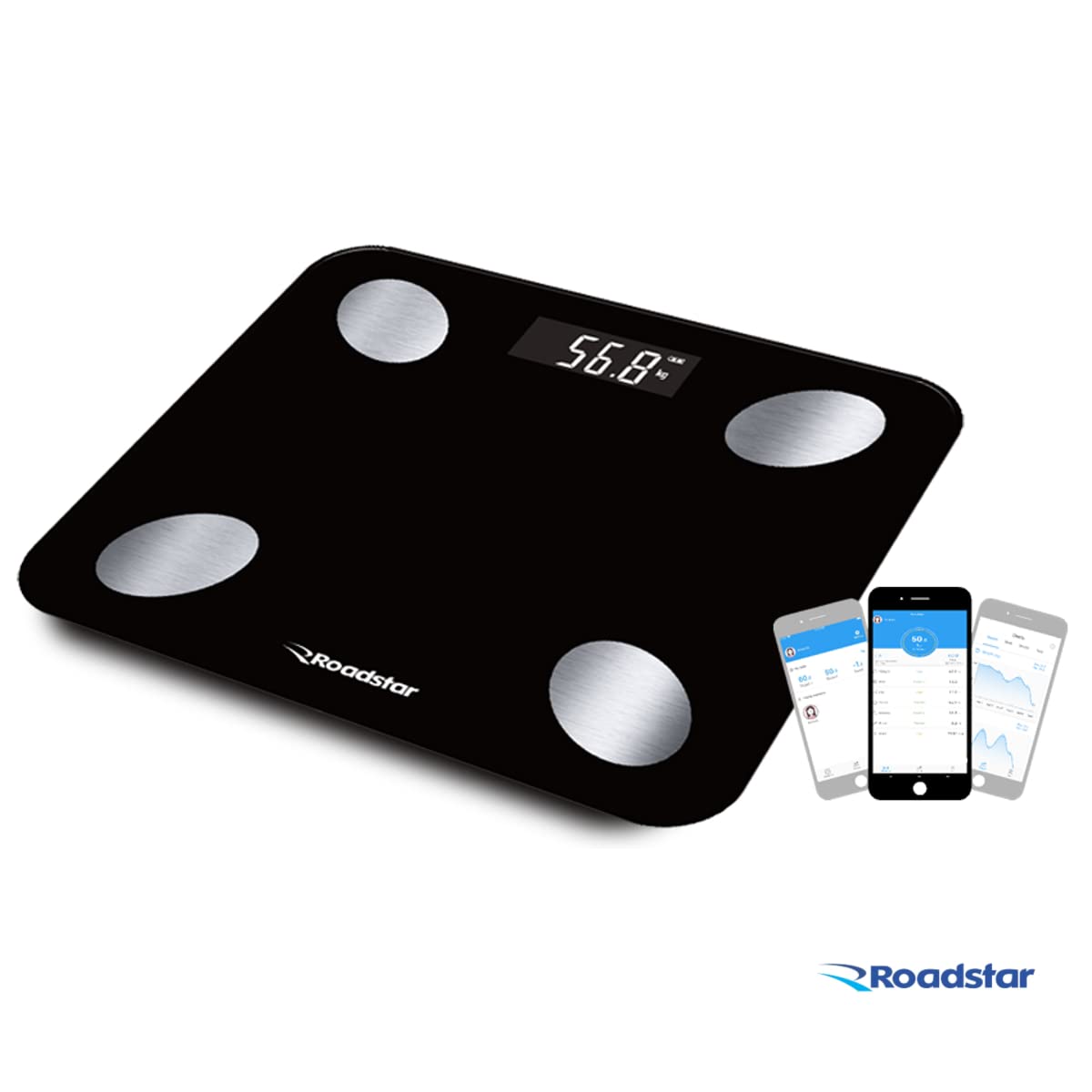
Image: The Roadstar RS-870BR scale shown alongside a smartphone displaying the FitGo application, illustrating the connectivity.
Video: This video provides additional information about the Bioimpedance Scale, demonstrating its features and how it works with the app. It shows the scale in use and the data displayed on a smartphone.
אַפּערייטינג ינסטראַקשאַנז
1. גענומען אַ מעזשערמאַנט
For accurate bioimpedance measurements, it is crucial to follow these steps:
- זיכער מאַכן אַז אייערע פֿיס זענען ריין און טרוקן.
- Step onto the scale barefoot, placing your feet directly on the four silver electrodes. Stand still and balanced.
- The scale will display your weight first, then transmit all 12 body indices to the FitGo app.
- View your detailed results in the FitGo app.

Image: A person's feet are shown correctly positioned on the four silver electrodes of the Roadstar RS-870BR scale for an accurate measurement.
2. Understanding Body Indices
The Roadstar RS-870BR scale measures 12 different body indices using Bioelectrical Impedance Analysis (BIA). This technology sends a small, safe electrical current through your body to estimate body composition. The indices include:
- וואָג: דיין גאַנץ גוף וואָג.
- BMI (Body Mass Index): א מאָס פון קערפּער פעט באַזירט אויף הייך און וואָג.
- גוף פאַט: פּראָצענטtage פון גאַנצן קערפּער וואָג וואָס איז פעט.
- מוסקל מאַסע: די גאַנצע וואָג פון מוסקלען אין דיין קערפּער.
- וואַסער אינהאַלט: פּראָצענטtage פון גאַנצן קערפּער וואָג וואָס איז וואַסער.
- Protein Rate: די פּראָצענטtage פון פּראָטעין אין דיין קערפּער.
- וויסעראַל פעט: Fat stored around the organs in your abdomen.
- Basal Metabolism: The number of calories your body needs to perform basic, life-sustaining functions.
- ביין מאַסע: די גאַנצע וואָג פון ביין אין דיין קערפּער.
- גוף עלטער: An estimation of your body's physiological age based on your body composition.
- Ideal Weight: A calculated healthy weight range for your profile.
- גוף טיפּ: Categorization of your physique based on muscle and fat distribution.

Image: An infographic illustrating the 12 body indices measured by the scale, including weight, BMI, body fat, muscle mass, and more, along with an indication of memory for up to 8 users.
3. Using the FitGo App
The FitGo app is your central hub for all your health data. It allows you to:
- View detailed reports and historical data for each body index.
- Track your progress over days, weeks, months, and years.
- Create up to 8 user profiles, making it suitable for the whole family.
- Synchronize your data with Apple Health, Fitbit, and Google Fit for a comprehensive health overview.
זאָרגן און וישאַלט
- רייניקונג: ווישט די וואָג ייבערפלאַך מיט אַ ווייכן, דamp טוך. ניצט נישט קיין שרײַבנדיקע רייניגער און טונקט נישט אײַן די וואָג אין וואַסער.
- סטאָרידזש: האַלט די וואָג אין אַ קיל, טרוקן אָרט. פֿאַרמייַדט עקסטרעמע טעמפּעראַטורן און דירעקט זונשייַן.
- באַטערי: Recharge the scale when the low battery indicator appears to ensure continuous operation.
טראָובלעשאָאָטינג
| פּראָבלעם | מעגלעך סיבה | לייזונג |
|---|---|---|
| וואָג טוט נישט קער אויף. | נידעריק באַטאַרייע. | Charge the scale using the USB cable. |
| ומפּינקטלעך רידינגז. | Scale on soft surface; feet not properly placed; scale not calibrated. | Place on hard, flat surface. Ensure bare feet are on electrodes. Step on and off quickly to calibrate to zero before weighing. |
| די אַפּ פֿאַרבינדט זיך נישט צום וואָג. | Bluetooth off; app not open; scale not active. | Ensure Bluetooth is on. Open FitGo app. Step on scale to activate. Try restarting both app and scale. |
| "לאָ" ווערט געוויזן. | נידעריק באַטאַרייע. | לאָד אויף די וואָג. |
| "ערר" ווערט געוויזן. | Overload or measurement error. | Ensure weight is within 180 kg limit. Step off and on again. |
טעכניש ספּעסאַפאַקיישאַנז
| שטריך | באַשרייַבונג |
|---|---|
| סאָרט | ראָאַדסטאַר |
| מאָדעל | RS-870BR |
| קאָליר | שוואַרץ |
| מאַקסימום קאַפּאַציטעט | 180 kg / 397 lb / 28st: 5lb |
| דיוויזשאַנז | 0.1 kg / 0.2 lb / 1 lb |
| וניץ | kg / lb / st: lb |
| ווייַז טיפּ | לקד |
| פּלאַטפאָרמע מאַטעריאַל | High-Resistance Tempered Glass |
| Body Indices Measured | Weight, BMI, Body Fat, Muscle Mass, Water Content, Protein Rate, Visceral Fat, Basal Metabolism, Bone Mass, Body Age, Ideal Weight, Body Type (12 total) |
| באַניצער זכּרון | אַרויף צו 8 ניצערס |
| מאַכט צושטעלן | Internal Battery, USB Charging |
| קאַנעקטיוויטי | בלועטאָאָטה |
| ווייכווארג קאָמפּאַטיביליטי | FitGo App (Android 4.3+, iOS 7.0+), Apple Health, Fitbit, Google Fit |
| פּונקט וואָג | 1420 גראַמז |
וואָראַנטי און שטיצן
Your Roadstar RS-870BR Bioimpedance Smart Scale comes with a 3-חודש פאַבריקאַנט ס וואָראַנטי. די וואָראַנטי קאָווערס חסרונות אין מאַטעריאַלס און ווערקמאַנשיפּ אונטער נאָרמאַל נוצן.
For technical support, warranty claims, or any questions regarding your product, please refer to the contact information provided by your retailer or the official Roadstar website. Please have your purchase receipt and product model number (RS-870BR) ready when contacting support.