
1. הקדמה
Thank you for choosing the VOYEE WE-07 Wired Game Controller. This manual provides detailed instructions for setting up, operating, and maintaining your controller. The WE-07 is designed for a responsive and immersive gaming experience on both PC and PlayStation 3 platforms.

Image: The VOYEE WE-07 wired game controller, featuring a black and red design with prominent VOYEE branding and illuminated rumble effects, indicating its dual shock capabilities.
2. פּראָדוקט פֿעיִקייטן
- ווייערד קאַנעקטיוויטי: Equipped with a 1.8-meter (5.9ft) USB cable for a stable connection and comfortable gaming distance.
- Dual Shock Vibration: Built-in dual motion motors provide varied intensity feedback for an authentic gaming experience.
- ערגאָנאָמיק פּלאַן: Features a special matte layer for a comfortable grip during extended gaming sessions.
- ברייט קאַמפּאַטאַבילאַטי: Supports Windows 7/8/8.1/10/11 PC games (DInput and XInput modes) and is fully compatible with Sony PlayStation 3 consoles.

Image: An illustration highlighting the internal dual shock rumble motor within the VOYEE WE-07 controller, emphasizing its vibration feedback capability.
3. קאָנטראָללער אויסלייג
Familiarize yourself with the buttons and controls of your VOYEE WE-07 controller:

Image: A detailed diagram of the VOYEE WE-07 controller, labeling all buttons and joysticks, including R1/R2/L1/L2 buttons, LED indicators, SELECT, START, HOME, D-Pad, Left/Right Joysticks, and A/B/X/Y buttons.
- לינקס דזשויסטיק: פֿאַר ריכטונגס-באַוועגונג.
- רעכט דזשויסטיק: For camera control or aiming.
- ד-פּאַד: ריכטונג-פאד פאר גענויע איינגאבע.
- אַקציע קנעפּלעך (A, B, X, Y): פֿאַר אַקציעס אין שפּיל.
- אַקסל קנעפּלעך (L1, R1): קנעפּלעך אויף די אויבערשטע זייט.
- טריגער קנעפּלעך (L2, R2): Bottom-mounted analog triggers.
- SELECT קנעפּל: Typically for menu navigation or specific game functions.
- אָנהייב קנעפּל: Typically for pausing or starting games.
- HOME/P3 Button: For accessing system menus or PlayStation 3 home screen.
- LED אינדיקאַטאָרן (1-4): Show player number or connection status.
4. סעטאַפּ אינסטרוקציעס
Connecting your VOYEE WE-07 controller is a straightforward process:
4.1. Connecting to a PC (Windows 7/8/8.1/10/11)
- געפֿינען אַן בנימצא וסב פּאָרט אויף דיין קאָמפּיוטער.
- Plug the USB connector of the VOYEE WE-07 controller into the USB port.
- Your computer will automatically detect and install the necessary drivers. This may take a few moments.
- Once installed, the controller will be ready for use. You may need to configure the controller settings within your game or platform (e.g., Steam) for optimal performance.
The controller supports both DInput (DirectInput) and XInput modes. Most modern PC games use XInput, which is automatically recognized. For older games, DInput might be used.
4.2. Connecting to a PlayStation 3 (PS3)
- זייט זיכער אז אייער PS3 קאנסאל איז אנגעצונדן.
- Plug the USB connector of the VOYEE WE-07 controller into an available USB port on your PS3.
- The PS3 will recognize the controller. The LED indicators on the controller will light up to show the assigned player number.
- The controller is now ready for use with your PlayStation 3 games.

Image: A close-up of the VOYEE WE-07 controller's USB cable connecting to a device, illustrating the wired connection process.
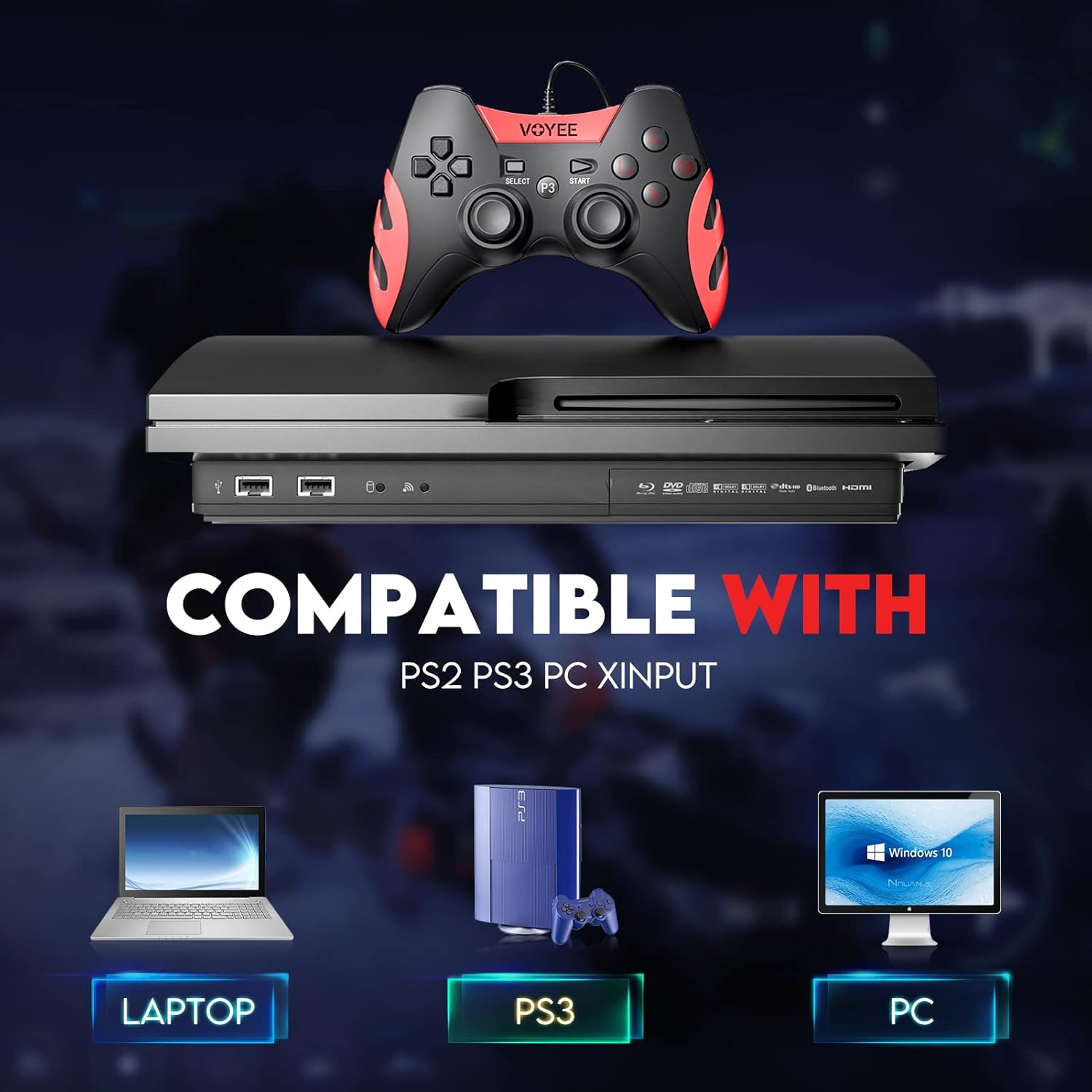
Image: A graphic demonstrating the VOYEE WE-07 controller's compatibility with various platforms, including laptops, PlayStation 3 consoles, and desktop PCs, highlighting its versatility.
5. אַפּערייטינג ינסטרוקטיאָנס
Once connected, the VOYEE WE-07 controller functions similarly to standard gamepads. Here are some general operating tips:
- Game Control: Use the joysticks and D-Pad for movement and navigation. The action buttons (A, B, X, Y) and shoulder/trigger buttons (L1, R1, L2, R2) perform in-game actions as defined by the specific game.
- ווייבריישאַן באַמערקונגען: The dual shock motors will provide tactile feedback during gameplay, enhancing immersion. This feature is automatically enabled when supported by the game.
- HOME/P3 Button: Press this button to access the system menu on PS3 or to bring up the game overlay on PC (depending on the game or platform).
- ערגאָנאָמיקס: The controller's matte finish and ergonomic design are intended for comfortable use during long gaming sessions.
6. טראָובלעשאָאָטינג
If you encounter issues with your VOYEE WE-07 controller, please refer to the following common solutions:
| פּראָבלעם | לייזונג |
|---|---|
| קאנטראלער נישט דערקענט דורך פּיסי/פּס3. |
|
| ווייבריישאַן פידבעק אַרבעט נישט. |
|
| קנעפּלעך אדער דזשויסטיקס רעאַגירן נישט. |
|
7. וישאַלט
To ensure the longevity and optimal performance of your VOYEE WE-07 controller, follow these maintenance guidelines:
- רייניקונג: ניצט אַ ווייכע, טרוקענע שטאָף צו ווישן די ייבערפלאַך פון דעם קאָנטראָללער. פֿאַר שווערע שמוץ, אַ ביסל טרוקןampשווענק דעם שטאָף מיט וואַסער. פֿאַרמייַדט ניצן שטרענגע כעמיקאַלן אָדער אַברייסיוו רייניגער.
- סטאָרידזש: האַלט דעם קאָנטראָללער אין אַ קיל, טרוקן אָרט אַוועק פון דירעקט זונשייַן און עקסטרעמע טעמפּעראַטורן. פֿאַרמייַדט צו שטעלן שווערע זאַכן אויף דעם קאָנטראָללער.
- קאַבלע זאָרגן: Do not sharply bend or pull the USB cable. Always grasp the plug when disconnecting, not the cable itself.
- ויסמיידן טראפנס: באַשיצן דעם קאָנטראָללער פֿון פֿאַלן און קלאַפּן, וואָס קענען שעדיקן אינעווייניקסטע קאָמפּאָנענטן.
8. ספּעסאַפאַקיישאַנז
| מאָדעל | WE-07 |
| סאָרט | VOYEE |
| קאַנעקטיוויטי | ווייערד וסב |
| קאַבלע לענג | 1.8 מעטער (5.9 ft) |
| קאַמפּאַטאַבאַל דעוויסעס | PC (Windows 7/8/8.1/10/11), PlayStation 3 |
| קאָנטראָללער טיפּ | Gamepad, Joystick (DInput & XInput) |
| נאָך פֿעיִקייטן | Dual Shock Vibration, Ergonomic Design, Matte Finish |
| קנעפּל קוואַנטיטעט | 17 |
9. וואָראַנטי און שטיצן
VOYEE provides a 365-טאָג וואָראַנטי for the WE-07 wired gamepad controller from the date of purchase. This warranty covers manufacturing defects under normal use.
If you encounter any problems or have questions regarding your VOYEE WE-07 controller, please do not hesitate to contact our customer service team via e-mail. Our friendly customer service is available to assist you.
For support, please visit the official VOYEE webזייטל אדער זעט אייער קויפן דאקומענטאציע פאר קאנטאקט אינפארמאציע.