
הקדמה
א דאנק פארן קויפןasing the Cuifati A100 Mini Cartoon Kids Camera. This camera is designed for children aged 3-12, offering a fun and safe way to explore photography and videography. Its compact, lightweight, and durable design, made from food-grade ABS material, ensures a comfortable and secure grip for small hands. This manual provides essential information for setting up, operating, and maintaining your camera.
The camera features a 2.0-inch color display, 20MP photo resolution, 720P video recording, and includes various photo frames and filters to enhance creativity. It is equipped with a built-in 400mAh rechargeable battery for extended use.
זיכערקייַט אינפֿאָרמאַציע
- This product is intended for children aged 3-12. Adult supervision is recommended during use.
- The camera is made from food-grade ABS material, ensuring it is safe for children.
- Do not expose the camera to extreme temperatures, direct sunlight for prolonged periods, or moisture.
- פֿאַרמײַדט צו לאָזן פאַלן אָדער אויסשטעלן די קאַמעראַ צו שטאַרקע קלאַפּן.
- Keep small parts, such as memory cards, out of reach of very young children to prevent choking hazards.
- Use only the provided charging cable or a compatible DC5V 1A charger.
- The battery is built-in and non-detachable. Do not attempt to replace it.
פּעקל אינהאַלט
ביטע טשעקן דעם פּעקל צו זיכער מאַכן אַז אַלע זאכן זענען דאָרט:
- 1 x Cuifati A100 Children Camera
- 1 x Fixing Strap
- 1 x Anti-lost Rope
- 1 x וסב טשאַרדזשינג קאַבלע

פיגורע 1: Package contents including the camera, straps, and charging cable.
פּראָדוקט איבערview
The Cuifati A100 camera features a user-friendly design with a durable, rounded body for comfortable handling.

פיגורע 2: The camera's light and round design.
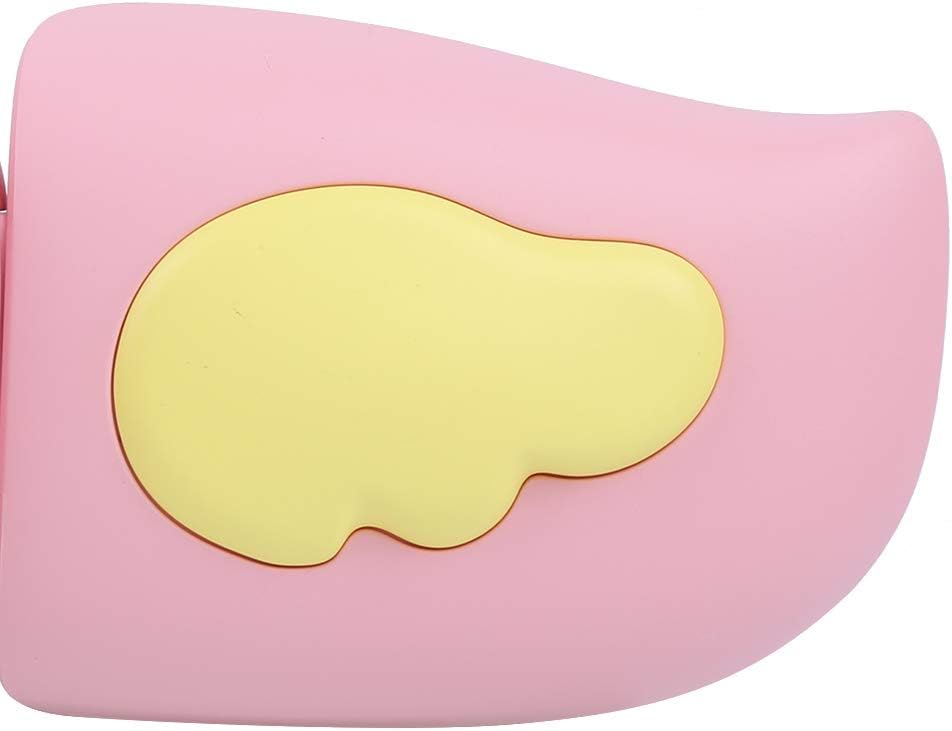
פיגורע 3: Detail of the camera's ergonomic design.
שליסל פֿעיִקייטן:
- 2.0-אינטש קאָליר ווייַז: פֿאַר viewבילדער, ווידיאס, און נאַוויגירן מעניוז.
- פאַרפעסטיקט לענס: 100° viewing angle for capturing wide scenes.
- באַניצער-פרייַנדלעך קנעפּלעך: אינטואיטיווע קאָנטראָלס פֿאַר גרינג אָפּעראַציע.
- USB צובינד: פֿאַר טשאַרדזשינג און דאַטן אַריבערפירן.
- זכּרון קאָרט שפּעלטל: Supports up to 32GB (card not included).
סעטאַפּ
1. טשאַרדזשינג די קאַמעראַ
Before first use, fully charge the camera's built-in 400mAh battery. The camera features a large capacity battery for strong endurance.
- Connect the provided USB charging cable to the camera's USB port.
- Connect the other end of the USB cable to a DC5V 1A USB power adapter (not included) or a computer's USB port.
- The charging indicator light will illuminate. Once charging is complete, the light may change color or turn off.
2. אַרייַנלייגן אַ זכּרון קאָרט
A memory card (MicroSD card, up to 32GB) is required to save photos and videos. It is not included in the package.
- געפינען די זכּרון קאָרט שפּעלטל אויף די זייַט פון די אַפּאַראַט.
- Gently insert a MicroSD card into the slot with the metal contacts facing the front of the camera until it clicks into place.
- To remove the card, gently push it in again until it springs out.
אַפּערייטינג ינסטראַקשאַנז
1. מאַכט אויף / אויסגעלאשן
- צו מאַכט אויף: דריק און האלט דעם פּאַוער קנעפּל (געוויינטלעך באצייכנט מיט Ⓜ or a similar icon) for a few seconds until the screen lights up.
- צו מאַכט אַוועק: דריק און האלט דעם פּאַוער קנעפּל ווידער ביז דער עקראַן שליסט זיך אויס.

פיגורע 4: Camera in hand, showing the display and control buttons.
2. גענומען פאָטאָס
- Turn on the camera. It will typically default to photo mode.
- Frame your shot using the 2.0-inch color display.
- Press the Shutter button (often a prominent button on top or side) to take a picture.
- The camera supports 20MP photo resolution.
- Utilize the 4 types of photo stickers and 9 kinds of filters for creative effects.
- Time-lapse shooting for selfies can be set for 3 or 5 seconds.
3. רעקאָרדינג ווידיאס
- From photo mode, navigate to video mode using the mode button (usually marked 'M' or a video camera icon).
- Press the Shutter button to start recording. A recording indicator will appear on the screen.
- דרוק דעם לאָדן קנעפּל ווידער צו האַלטן די רעקאָרדינג.
- The camera records videos in 720P (1080x720) resolution.
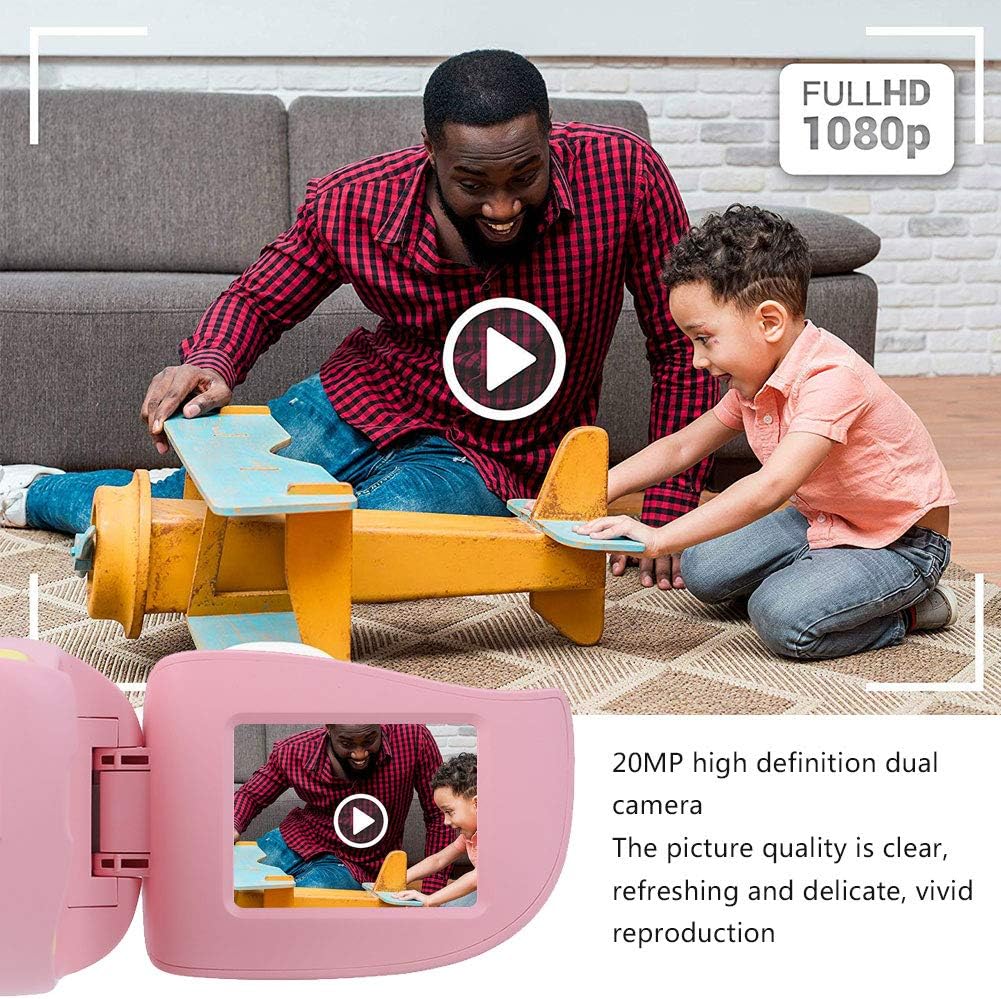
פיגורע 5: Illustrating the camera's 20MP photo and 720P video capabilities.
4. פּלייבאַק מאָדע
- אַרייַן ווידערשפּיל מאָדע מיטן מאָדע קנעפּל.
- Use the navigation buttons (up/down or left/right arrows) to browse through your photos and videos.
- Press the OK/Shutter button to view אַ פאָטאָ אָדער שפּיל אַ ווידעא.
5. Settings and Games
- Access the settings menu via the mode button or a dedicated menu button. Here you can adjust language (Chinese, English, Russian, Korean, Japanese), date/time, and other camera parameters.
- The camera supports a variety of built-in games for entertainment. Navigate to the game section through the menu.
וישאַלט
- רייניקונג: Use a soft, dry cloth to clean the camera body. For the lens, use a specialized lens cleaning cloth. Do not use liquid cleaners or abrasive materials.
- סטאָרידזש: Store the camera in a cool, dry place away from direct sunlight and moisture when not in use.
- באַטערי זאָרגן: כדי צו פארלענגערן די לעבן פון די באַטעריע, זאָלט איר נישט אָפט אויסלאָדן די באַטעריע. לאָדט די קאַמעראַ רעגולער אויף, אפילו אויב זי ווערט נישט גענוצט פאר לענגערע צייטן.
טראָובלעשאָאָטינג
| פּראָבלעם | מעגלעך סיבה | לייזונג |
|---|---|---|
| די קאַמעראַ צינדט זיך נישט אָן. | די באַטעריע איז נידעריק אָדער אויסגעשעפּט. | Charge the camera using the USB charging cable. |
| קען נישט נעמען בילדער/רעקארדירן ווידיאס. | No memory card inserted or card is full/corrupted. | Insert a compatible MicroSD card (up to 32GB). Check if the card has sufficient space or try formatting it (this will erase all data). |
| בילדער/ווידעאס זענען פארשוואומען. | Lens is dirty or lighting is poor. | Clean the lens with a soft cloth. Ensure adequate lighting for your shots. |
| די קאַמעראַ פרירט זיך אָדער ווערט נישט-רעאַגירנדיק. | ווייכווארג פראבלעם. | Press and hold the Power button for an extended period (e.g., 10-15 seconds) to force a restart. If the issue persists, ensure the battery is charged. |
ספּעסאַפאַקיישאַנז
| מאָדעל | A100 |
| מאַטעריאַל | פוד-מיינונג אַבס |
| סקרין | 2.0 Inch Color Display Screen (LCD) |
| לענס | Fixed Lens, 100° Viewינג אַנגלע |
| סטאָרידזש מיטל | Memory Card (MicroSD), Maximum Support 32GB (Not Included) |
| בילד פֿאָרמאַט | JPG |
| ווידעא פֿאָרמאַט | JPEG |
| ווידעא האַכלאָטע | 720P (1080x720) |
| פאָטאָ פּיקסעלס | 20 MP Effective Still Resolution |
| פאָטאָ פראַמעס | 4 טייפּס |
| פילטער עפפעקץ | 9 קינדס |
| אַרייַנשרייַב וואָלtage | DC5V 1A |
| פאַנגקשאַנז | Taking Pictures, Video Recording, Games |
| שטיצט שפּראַכן | Chinese, English, Russian, Korean, Japanese |
| באַטערי | Built-in, Non-Detachable 400mAh Lithium Battery |
| וואָג | בעערעך. 220 ג |
| דימענסיעס (בעערעך) | 13 x 11 x 7 ס״מ (פּאַקעט גרייס) |
| קאַנעקטיוויטי | וסב, ווי-פי |
| פאָטאָ סענסאָר טעכנאָלאָגיע | קמאָס |
| ויסשטעלן קאָנטראָל | מאַנואַל |
| שיסערייַ מאָדעס | ספּאָרט |
| קעסיידערדיק שיסערייַ | 30 FPS |
| עלטער ראַנגע | קינד (3-12 יאָר) |
וואָראַנטי און שטיצן
Specific warranty information is not provided in this manual. For details regarding warranty coverage, technical support, or service, please refer to the documentation included with your purchase or contact the retailer where the product was acquired. You may also visit the official Cuifati brand store for additional information.
Cuifati Brand Store: באַזוכן קראָם