
1. הקדמה
This manual provides detailed instructions for the installation, operation, and maintenance of your Reobiux 1080P Wireless WiFi Light Bulb Security Camera. Please read this manual thoroughly before using the product to ensure correct usage and optimal performance. Keep this manual for future reference.
2. פּראָדוקט איבערview
The Reobiux Light Bulb Security Camera integrates a 1080P HD camera into a standard E27 light bulb form factor, offering discreet surveillance. It features 2.4GHz WiFi connectivity, two-way audio, motion detection, and night vision capabilities for comprehensive home monitoring.
- 1080P פול HD ווידעא: Captures clear, high-definition video footage.
- 2.4GHz Wireless WiFi: Connects to your home network for remote access.
- פּאַן און טילט פאַנגקשאַנאַליטי: Offers 355° horizontal rotation and 90° vertical tilt for wide area coverage.
- צוויי-וועג אַודיאָ: אן איינגעבויטער מיקראָפאָן און רעדנער ערמעגלעכן קאָמוניקאַציע אין רעאַל-צייט.
- באַוועגונג דעטעקשאַן און אַלערץ: Detects movement and sends notifications to your smartphone.
- IR Night Vision & Full Color Night Vision: Provides clear video monitoring in low-light conditions, with options for infrared or color night vision.
- לאקאלע און וואָלקן סטאָרידזש: Supports Micro SD card storage (up to 128GB, not included) and optional cloud storage.
- גרינג ינסטאַלירונג: Screws into a standard E27 light bulb socket.

בילד: דעטאַילעד view of the Reobiux Light Bulb Security Camera, highlighting its components such as the E27 light socket, enhanced WiFi module, microphone, speaker, HD lens, light sensor, 4 white LEDs, 4 array LEDs, Micro SD card slot, and reset button. Dimensions are also shown.
3. פּעקל אינהאַלט
ביטע קאָנטראָלירט די אינהאַלט פון די פּאַקעט ביים עפענען. אויב עס פעלט עפּעס אָדער עס זענען צעבראָכן, קאָנטאַקטירט קונה סערוויס.
- Reobiux Light Bulb Security Camera (1)
- E27 לamp האָלדער (1)
- Mounting Screws and Wall Plugs (1 set)
- באַניצער מאַנואַל (1)
4. סעטאַפּ גייד
4.1. גשמיות ייַנמאָנטירונג
- מאַכט אַוועק: Ensure the power to the light socket is turned off before installation to prevent electrical shock.
- Screw In Camera: Carefully screw the Reobiux Light Bulb Security Camera into a standard E27 light bulb socket. Ensure it is securely tightened.
- מאַכט אויף: Restore power to the light socket. The camera will power on and initiate its self-test sequence. You should hear a prompt indicating it is ready for connection.

בילד: A person's hands are shown screwing the Reobiux Light Bulb Security Camera into an E27 light socket, illustrating the easy installation process.
4.2. אַפּ דאַונלאָוד און חשבון רעגיסטראַציע
- אראפקאפיע אַפּ: זוכן פֿאַר "ICSEE" in your smartphone's app store (Google Play Store for Android or Apple App Store for iOS) and download the application.
- רעגיסטרירן אַקאַונט: Open the ICSEE app and follow the on-screen instructions to register a new account. If you already have an account, log in.
4.3. Connecting the Camera to WiFi
Ensure your smartphone is connected to a 2.4GHz WiFi network. The camera does not support 5GHz WiFi.
- לייג דיווייס: In the ICSEE app, tap the "+" icon to add a new device. Select "Add Camera" or "Smart Camera".
- אויסקלייבן פֿאַרבינדונג מעטאָד: Choose the "WiFi Connection" or "Scan QR Code" method as prompted by the app.
- אַרייַן WiFi דעטאַילס: Input your 2.4GHz WiFi network name (SSID) and password.
- פּאָרינג: Follow the app's instructions to complete the pairing process. This usually involves holding your phone's QR code in front of the camera lens or listening for a connection sound.
- באַשטעטיקונג: Once connected, the camera will indicate successful pairing (e.g., a voice prompt or LED indicator change). You can then name your camera and begin live viewing.
5. אַפּערייטינג ינסטרוקטיאָנס
5.1. לייוו View און פּלייַבאַקק
- צוטריט צו לייוו פיד: Open the ICSEE app and select your camera from the device list to view די לעבן ווידעא קאָרמען.
- שפּיל רעקאָרדירט פוtage: נאַוויגירן צו די פּלייבאַק סעקציע אין דער אַפּ צו ווידערview videos stored on the Micro SD card or cloud storage.
5.2. פּאַן און טילט קאָנטראָל
Use the directional controls within the ICSEE app to remotely adjust the camera's viewינג ווינקל.
- האָריזאָנטאַל ראָוטיישאַן: The camera supports 355° pan movement.
- ווערטיקאַל טילט: The camera supports 90° tilt movement.

בילד: The Reobiux Light Bulb Security Camera is shown with arrows indicating its 355-degree horizontal pan and 90-degree vertical tilt capabilities, alongside a smartphone displaying the camera's control interface.
5.3. צוויי-וועגיק אודיאָ
צו ניצן די צוויי-וועג אודיאָ פֿונקציע:
- רעדן: דריקט דעם מיקראָפאָן בילדל אין דער לייוו view interface to speak through the camera's speaker.
- הערן: The camera's built-in microphone will pick up audio from the monitored area.
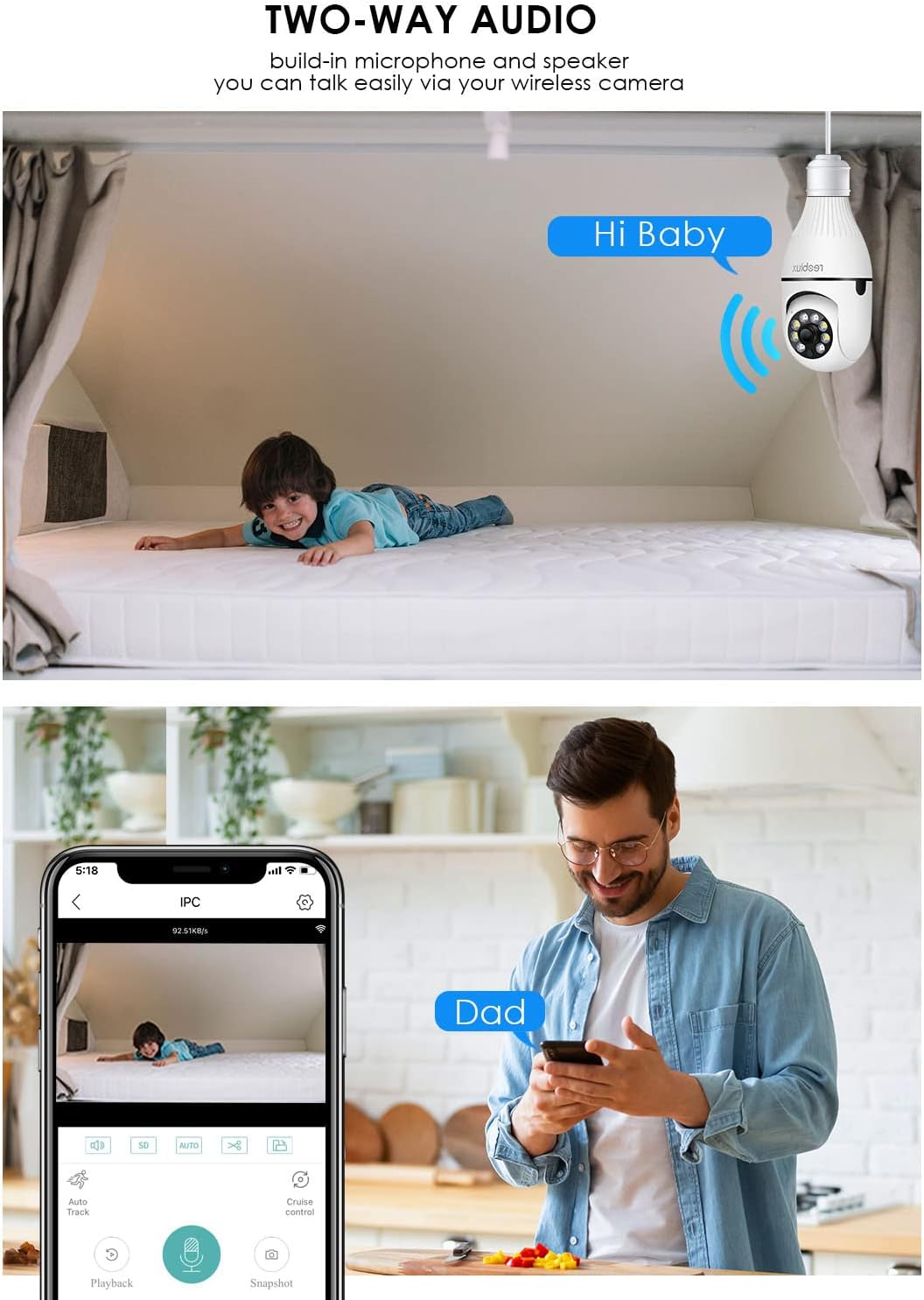
בילד: Illustrates the two-way audio function, showing a child on a bed and a person on a phone, with speech bubbles indicating communication through the camera.
5.4. באַוועגונג דעטעקציע און וואָרענונגען
The camera can detect motion and send alerts to your smartphone.
- געבן / דיסייבאַל: Access the camera settings in the ICSEE app to enable or disable motion detection.
- סענסיטיוויטי: אַדזשאַסטירן די באַוועגונג דעטעקשאַן סענסיטיוויטי צו מינימיזירן פאַלשע אַלאַרמס.
- אַלערץ: Configure notification settings to receive push alerts on your phone when motion is detected.
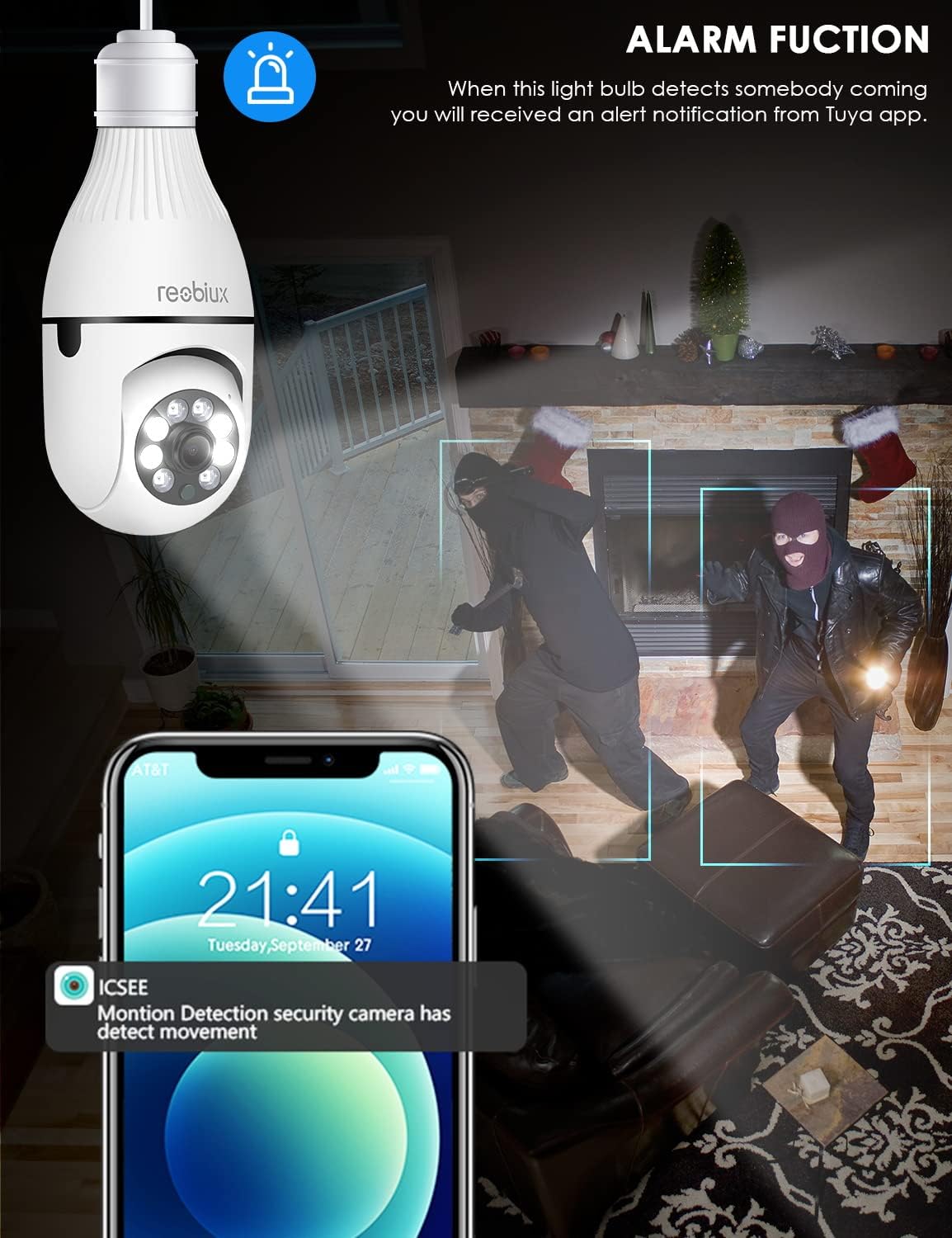
בילד: Depicts the camera's alarm function, showing an alert notification on a smartphone screen when motion is detected by the light bulb camera.
5.5. נאכט זעאונג מאָדעס
The camera offers enhanced night vision capabilities.
- IR נאַכט וויזשאַן: Utilizes infrared LEDs for clear black-and-white video in complete darkness.
- פול קאליר נאכט זעאונג: Activates white supplement lights to provide color video even in low-light conditions.
- מאָדע סעלעקציע: Select your preferred night vision mode in the app settings.
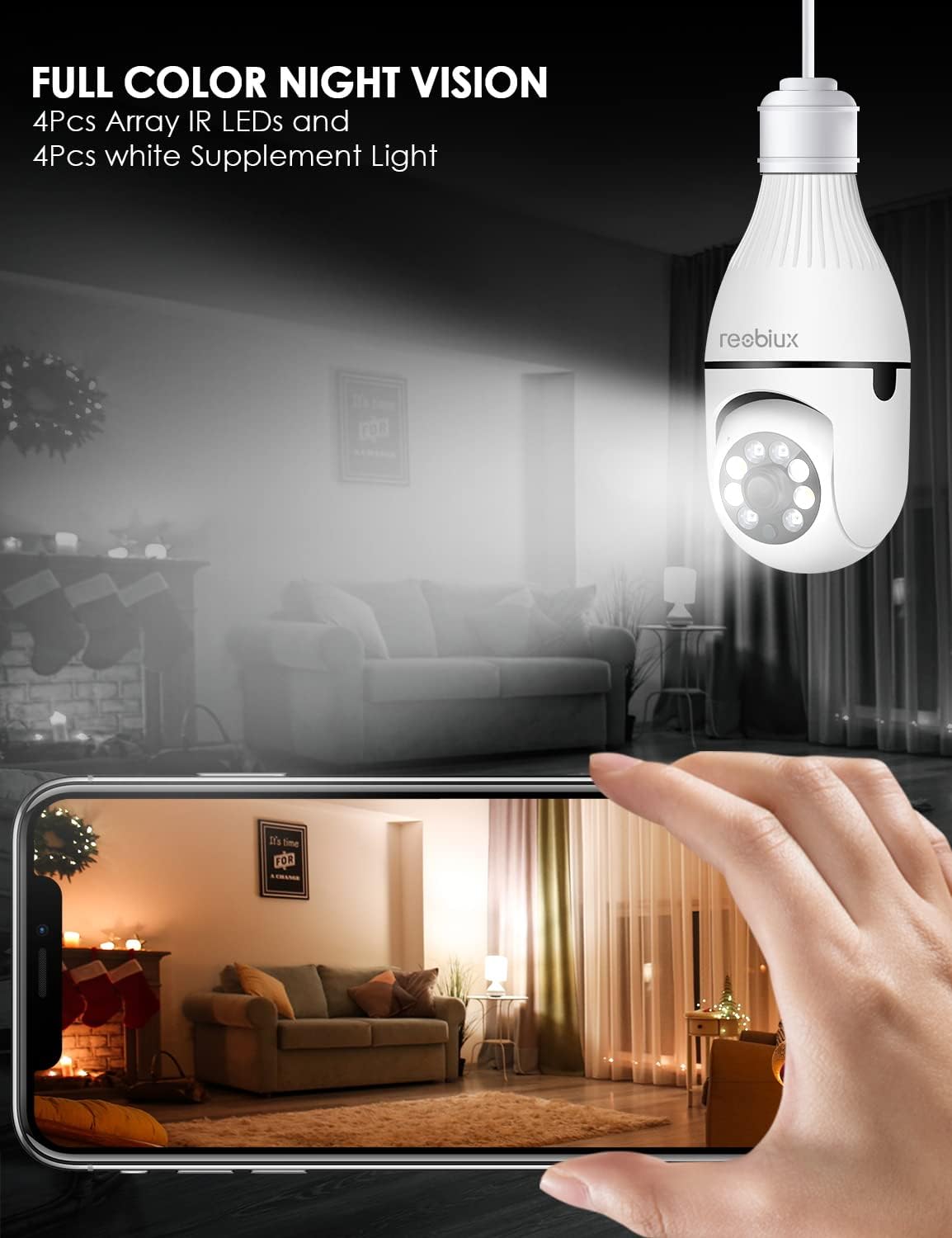
בילד: Shows the camera's full-color night vision feature, with a smartphone displaying a clear, illuminated view of a room at night, enabled by the camera's IR LEDs and white supplement lights.
5.6. סטאָרידזש אָפּציעס
- מיקראָ סד קאַרד: Insert a Micro SD card (up to 128GB, Class 10 or higher recommended) into the designated slot for local video storage. The camera will automatically overwrite older footagע ווען די קארטל איז פול.
- וואָלקן סטאָרידזש: The ICSEE app may offer optional cloud storage services for a subscription fee. Refer to the app for details.
6. וישאַלט
- רייניקונג: ווישט אָפּ די קאַמעראַ לינז און קערפּער מיט אַ ווייכן, טרוקענעם שטאָף. ניצט נישט פליסיקע רייניגער אָדער שרײַבנדיקע מאַטעריאַלן.
- Firmware דערהייַנטיקונגען: Periodically check the ICSEE app for available firmware updates. Keeping the firmware updated ensures optimal performance and security.
- באַשטעטיק די אַפּאַראַט: If you encounter persistent issues or need to reconfigure the camera, locate the reset button (refer to Product Overview image) and press and hold it for approximately 5-10 seconds until you hear a reset confirmation.
7. טראָובלעשאָאָטינג
| פּראָבלעם | מעגלעך סיבה | לייזונג |
|---|---|---|
| Camera fails to connect to WiFi. | Incorrect WiFi password, 5GHz WiFi network, camera too far from router, weak signal. |
|
| No live video feed. | No internet connection, camera offline, app issue. |
|
| באַוועגונג דעטעקשאַן אַלערץ נישט באקומען. | Motion detection disabled, app notifications off, incorrect sensitivity. |
|
| נעבעך ווידעא קוואַליטעט. | Weak WiFi signal, dirty lens, low light conditions. |
|
8. ספּעסאַפאַקיישאַנז
| מאָדעל | B09P8H6BMY |
| ווידעא קאַפּטורע רעסאָלוטיאָן | 1080 פּ |
| ווירעלעסס קאָמוניקאַציע טעכנאָלאָגיע | Wi-Fi (נאָר 2.4GHz) |
| מאַונטינג טיפּ | Ceiling Mount (E27 Socket) |
| קאָנטראָללער טיפּ | Android, iOS (via ICSEE app) |
| מאַכט מקור | AC/DC (via E27 socket) |
| Voltage | 240 וואלטס |
| וואָסtage | 3 וואטס |
| נידעריק ליכט טעכנאָלאָגיע | Night Color, Infrared |
| פלינק טיפּ | בלויז באַוועגונג |
| מאַטעריאַל | פּלאַסטיק |
| אינטערנאַציאָנאַלע פּראַטעקשאַן שאַץ | IP67 (Note: The lightbulb connection itself is not typically rated for outdoor exposure without additional protection.) |
| פּונקט וואָג | 10.5 אונסעס |
| פּעקל דימענשאַנז | 6.46 X 4.13 X 3.62 אינטשעס |
9. וואָראַנטי אינפֿאָרמאַציע
Reobiux products are typically covered by a limited warranty against defects in materials and workmanship. For specific warranty terms and conditions, please refer to the documentation included with your purchase or contact Reobiux customer support. Keep your proof of purchase for warranty claims.
10. קונה שטיצן
If you have any questions, encounter issues, or require technical assistance with your Reobiux Light Bulb Security Camera, please contact our customer support team. Refer to the product packaging or the official Reobiux webזייטל פֿאַר די מערסט אַקטועלע קאָנטאַקט אינפֿאָרמאַציע.
- אָנליין שטיצן: Visit the official Reobiux webזייטל פֿאַר אָפֿט געשטעלטע פֿראַגעס, טראָובלעשווטינג גיידס, און קאָנטאַקט פֿאָרמען.
- E- בריוו שטיצן: (Specific email address not provided in data, so general statement)
- טעלעפאָן שטיצן: (Specific phone number not provided in data, so general statement)