
הקדמה
Thank you for choosing the Perel VTBAL206 Smart Body Scale. This manual will guide you through the proper use and care of your new smart scale, designed to help you monitor your body composition with ease through the Tuya Smart app.
זיכערקייַט אינפֿאָרמאַציע
- Do not use this device if you have a pacemaker or other internal medical device.
- דו זאלסט נישט נוצן דעם מיטל אויב איר זענט שוואַנגער.
- Keep the scale dry. Avoid placing it in wet environments.
- The scale surface can be slippery when wet. Step on and off carefully.
- דו זאלסט נישט שפּרינגען אויף די וואָג.
- This scale is for household use only and not for medical diagnosis or treatment.
פּעקל אינהאַלט
- Perel VTBAL206 Smart Body Scale
- ינסטרוקטיאָן מאַנואַל (דעם דאָקומענט)
- Batteries (if included, check packaging)
סעטאַפּ
1. באַטאַרייע ייַנמאָנטירונג
Locate the battery compartment on the underside of the scale. Open the cover and insert the required batteries, ensuring correct polarity. Close the battery compartment cover securely.
2. אַפּ אראפקאפיע און ינסטאַלירונג
The Perel VTBAL206 Smart Body Scale works with the Tuya Smart app. Download the app from the Apple App Store (for iOS devices) or Google Play Store (for Android devices).
- זוכן פֿאַר "Tuya Smart" in your device's app store.
- אראפקאפיע און ינסטאַלירן די אַפּ.
- רעגיסטרירט זיך פֿאַר אַ נײַעם אַקאַונט אָדער לאָגט זיך אײַן אויב איר האָט שוין אײנס.
3. Pairing the Scale with the App
- מאַכן זיכער אַז בלועטאָאָטה איז ענייבאַלד אויף דיין סמאַרטפאָנע.
- עפֿענען די Tuya Smart אַפּ.
- Step onto the scale briefly to activate it. The display should light up.
- In the Tuya Smart app, tap "Add Device" or the "+" icon in the top right corner.
- Select "Fitness Equipment" or "Scale" from the device list.
- Follow the on-screen instructions to connect the scale. The app should automatically detect the scale via Bluetooth.
- Once connected, you may be prompted to enter personal information such as gender, age, height, and activity level. This information is crucial for accurate body composition analysis.

Image: The Perel VTBAL206 Smart Body Scale shown alongside a smartphone displaying the Tuya Smart app, illustrating the connection process.
אַפּערייטינג ינסטראַקשאַנז
נעמען אַ מעאַסורעמענט
- Place the scale on a hard, flat surface. Avoid carpets or uneven floors.
- זיכער מאַכן אַז אייערע פֿיס זענען ריין און טרוקן.
- Open the Tuya Smart app on your smartphone and ensure it's connected to the scale.
- Step onto the scale barefoot, placing your feet on the metal electrodes. Stand still until the measurement is complete.
- The scale display will show your weight. The app will then display a comprehensive analysis of your body composition data.
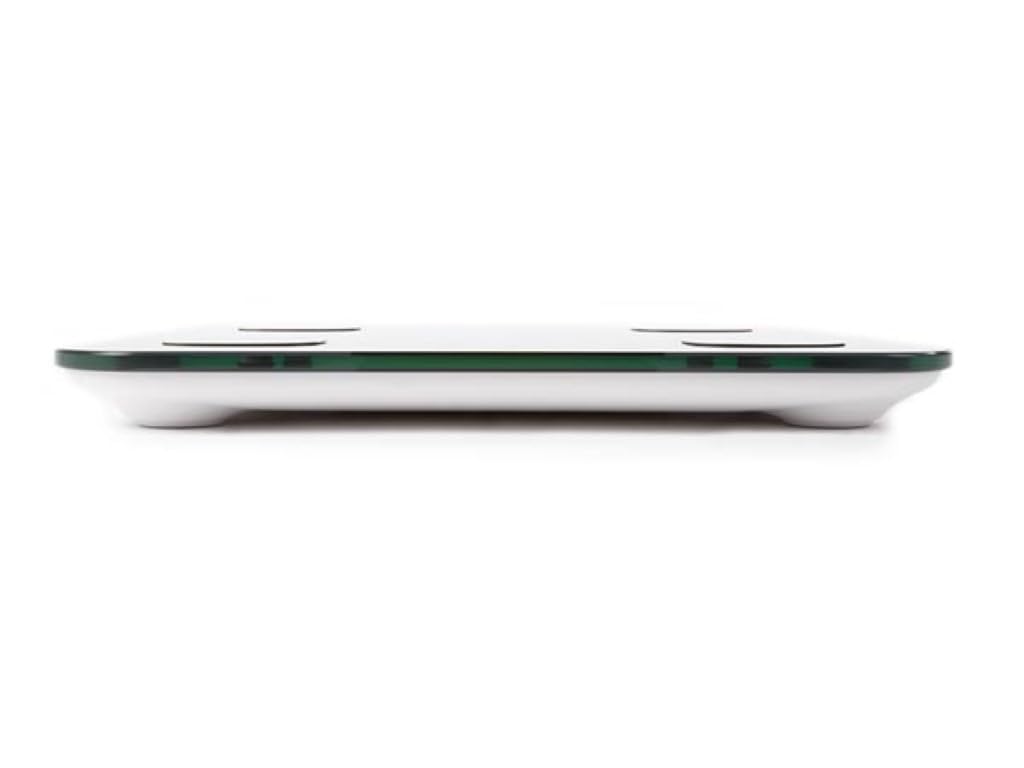
Image: The scale's LED display showing a weight measurement of 49.7 kg.

בילד: א דעטאַלירטע view of the Tuya Smart app interface, displaying various body metrics after a measurement.

Image: Further details from the Tuya Smart app, including water content, muscle, calorie, and other health indicators.
Understanding Your Data
The Tuya Smart app provides various metrics to help you understand your body composition:
- וואָג: דיין גאַנץ גוף וואָג.
- BMI (Body Mass Index): א מאָס פון קערפּער פעט באַזירט אויף הייך און וואָג.
- גוף פאַט: די פּראָצענטtagפון פעט אין דיין קערפער.
- וואַסער אינהאַלט: די פּראָצענטtagפון וואַסער אין דיין גוף.
- מוסקל מאַסע: די גאַנצע וואָג פון מוסקלען אין דיין קערפּער.
- ביין מאַסע: די גאַנצע וואָג פון ביין אין דיין קערפּער.
- וויסעראַל פעט: פעט וואָס ווערט אָנגעזאַמלט אַרום אייערע אָרגאַנען.
- פּראָטעין: די פּראָצענטtage פון פּראָטעין אין דיין קערפּער.
- BMR (בייסאַל מעטאַבאַליק קורס): The number of calories your body needs at rest.
Consult a healthcare professional for personalized advice based on your body composition data.
וישאַלט
רייניקונג
- ווישט די וואָג ייבערפלאַך מיט אַ ווייכן, דamp שטאָף.
- ניצט נישט קיין שרײַבנדיקע רייניגער און טונקט נישט אײַן די וואָג אין וואַסער.
- זיכער מאַכן אַז די וואָג איז גאָר טרוקן איידער סטאָרידזש אָדער ווייַטער נוצן.
סטאָרידזש
האַלט די וואָג אין אַ קיל, טרוקן אָרט, אַוועק פון דירעקט זונשייַן און עקסטרעמע טעמפּעראַטורן. פֿאַרמייַדט צו שטעלן שווערע זאַכן אויף דער וואָג ווען נישט אין באַנוץ.
טראָובלעשאָאָטינג
| פּראָבלעם | מעגלעך סיבה | לייזונג |
|---|---|---|
| וואָג טוט נישט קער אויף. | נידעריגע אדער טויטע באַטעריעס; אומרעכטע באַטעריע אינסטאַלאַציע. | פאַרבייַטן באַטעריעס; זיכער מאַכן די ריכטיקע פּאָלאַריטעט. |
| App cannot connect to the scale. | Bluetooth is off; scale not activated; app not open; interference. | Ensure Bluetooth is on; step on scale to activate; open app; try pairing again. Move closer to the scale. |
| נישט פּינקטלעכע וואָג מעסטונגען. | Scale on uneven surface; scale not calibrated; user movement. | Place scale on a hard, flat surface. Step on and off quickly to calibrate to zero. Stand still during measurement. |
| Body composition data not displayed. | Not standing barefoot; feet not on electrodes; personal info not entered in app. | Ensure bare feet are on all four electrodes. Verify personal information in the Tuya Smart app. |
ספּעסאַפאַקיישאַנז
| שטריך | דעטאַל |
|---|---|
| מאָדעל נומער | ווטבאַל 206 |
| סאָרט | פּערעל |
| מאַטעריאַל | טעמפּערד גלאז |
| ווייַז טיפּ | געפירט |
| דימענסיעס (L X W X H) | אומגעפער 33 ס״מ x 31 ס״מ x 4.5 ס״מ |
| קאַנעקטיוויטי | Bluetooth (Tuya Smart App compatible) |
| מעזשערמאַנט וניץ | kg (kilograms) |

Image: The Perel VTBAL206 Smart Body Scale with its physical dimensions indicated.
וואָראַנטי און שטיצן
Perel products are designed for quality and reliability. For warranty information or technical support, please refer to the warranty card included with your purchase or contact your retailer. You can also visit the official Perel webפּלאַץ פֿאַר ווייַטער הילף.
For general inquiries, please contact Perel customer service.