
1. הקדמה
Thank you for choosing the ACT AC5105 Wireless Optical Mouse. This device is designed for comfortable and efficient use at home, in the office, or while traveling. It features a compact Nano USB receiver and an intelligent power-saving mode to extend battery life. This manual provides detailed instructions for setup, operation, and maintenance of your new wireless mouse.
2. פּעקל אינהאַלט
- ACT AC5105 Wireless Optical Mouse
- נאַנאָ וסב ופנעמער
- 1x אַאַ באַטערי (אַרייַנגערעכנט)
3. סעטאַפּ גייד
- אַרייַנלייגן די באַטערי:
Open the battery compartment cover located on the underside of the mouse. Insert the included AA battery, ensuring correct polarity (+/-). Close the battery compartment cover securely.

Figure 3.1: Battery and Nano Receiver Storage
This image illustrates the underside of the mouse with the battery compartment open, showing where to insert the AA battery and store the Nano USB receiver. The on/off switch is also visible.
- Connect the Nano USB Receiver:
Remove the Nano USB receiver from its storage slot inside the battery compartment. Plug the receiver into an available USB-A port on your computer. Your operating system will automatically detect and install the necessary drivers.
- מאַכט אָן די מויז:
Locate the On/Off switch on the underside of the mouse and slide it to the "ON" position. The mouse is now ready for use.
4. אַפּערייטינג ינסטרוקטיאָנס
4.1 יקערדיק פאַנגקשאַנז
- לינק קליקט: Primary function, typically for selecting items or opening links.
- רעכט גיט: Secondary function, typically for opening context menus.
- סקראָל ראָד: סקראָלן אַרויף אָדער אַראָפּ דורך דאָקומענטן און web pages. The scroll wheel can also be pressed for a middle-click function.

Figure 4.1: Mouse Features Overview
This diagram highlights key features such as silent click buttons, the scroll wheel, the USB-A wireless receiver, the 1600 DPI optical sensor, and the use of recycled materials in its construction.
4.2 דפּי אַדזשאַסטמאַנט
The ACT AC5105 mouse features an adjustable DPI (Dots Per Inch) setting, allowing you to change the cursor speed and sensitivity. You can cycle through 800, 1200, and 1600 DPI settings by pressing the DPI switch button located behind the scroll wheel.
- 800 דפּי: Slower cursor movement, suitable for precise tasks.
- 1200 דפּי: Standard cursor movement, suitable for general use.
- 1600 דפּי: שנעלערע קורסאָר באַוועגונג, פּאַסיק פֿאַר שנעלער נאַוויגאַציע איבער גרויסע סקרינז.
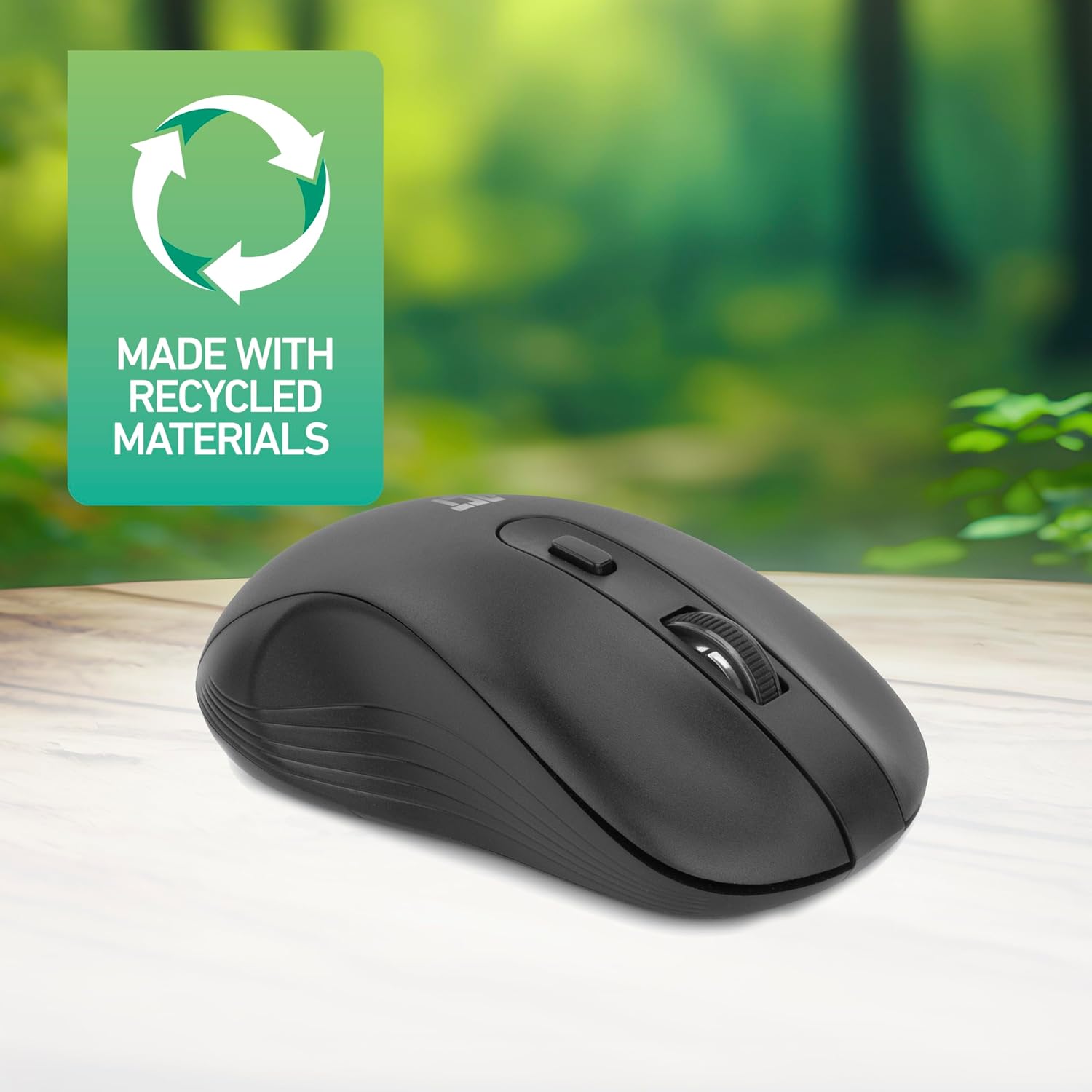
Figure 4.2: DPI Switch Location
This image shows the mouse in use on a desk, highlighting the DPI switch button for adjusting sensitivity between 800, 1200, and 1600 DPI.
4.3 מאַכט שפּאָרן מאָדע
The mouse is equipped with an intelligent power-saving feature. If the mouse is inactive for a period, it will automatically enter standby mode to conserve battery power. To wake the mouse, simply move it or click any button.
For extended periods of non-use, it is recommended to switch the mouse off using the On/Off switch on the underside of the device.
5. וישאַלט
- רייניקונג: ניצט אַ ווייכע, טרוקענע שטאָף צו רייניקן די מויז. פֿאַרמייַדט ניצן שטרענגע כעמיקאַלן אָדער שרײַבנדיקע מאַטעריאַלן.
- באַטערי פאַרבייַט: When the mouse performance degrades or it stops responding, replace the AA battery with a new one. Follow the steps in Section 3.1.
- סטאָרידזש: When not in use, especially during travel, you can store the Nano USB receiver inside the mouse's battery compartment to prevent loss.
6. טראָובלעשאָאָטינג
| פּראָבלעם | לייזונג |
|---|---|
| מויז ניט ריספּאַנדינג |
|
| קורסאָר באַוועגונג איז נישט סטאַביל אָדער פּאַמעלעך |
|
| ווירעלעסס קשר ישוז |
|
7. ספּעסאַפאַקיישאַנז
| שטריך | דעטאַל |
|---|---|
| מאָדעל נומער | AC5105 |
| קאַנעקטיוויטי טעכנאָלאָגיע | 2.4GHz Radio Frequency Wireless |
| ווירעלעסס ראַנגע | אַרויף צו 10 מעטער |
| באַוועגונג דעטעקשאַן טעכנאָלאָגיע | אָפּטיש |
| דפּי סעטטינגס | 800 / 1200 / 1600 DPI (Adjustable) |
| נומער פון קנעפּלעך | 4 (Left, Right, Scroll Wheel Click, DPI Switch) |
| האַנט אָריענטירונג | אַמבידעקסטראָוס (פּאַסיק פֿאַר ביידע לינקס און רעכט-האַנדיד ניצערס) |
| מאַכט מקור | 1 קס אַאַ באַטערי |
| פּראָדוקט דימענשאַנז (L x W x H) | 10.5 X 6.5 X 3.5 סענטימעטער |
| וואָג | 60 ג |
| קאַמפּאַטאַבאַל דעוויסעס | PC |
| אָפּערייטינג סיסטעם | ChromeOS, Linux Mint 22 (minimum required version) |
| ספּעציעלע פֿעיִקייטן | Wireless, Intelligent Power Saving, Silent Click |

פיגור 7.1: מויז דימענסיעס
This image provides a top-down and side view of the mouse, clearly indicating its physical dimensions: 105mm in length, 65mm in width, and 35mm in height.
8. וואָראַנטי און שטיצן
ACT products are manufactured to high quality standards. This product comes with a 2-year warranty from the date of purchase against defects in materials and workmanship.
For technical support, warranty claims, or further assistance, please refer to the official ACT webזייטל אדער קאָנטאַקט אייער לאקאלן הענדלער.
ביטע באַהאַלטן אייער קויפן-באַווייַז פֿאַר גאַראַנטיע צוועקן.