
הקדמה
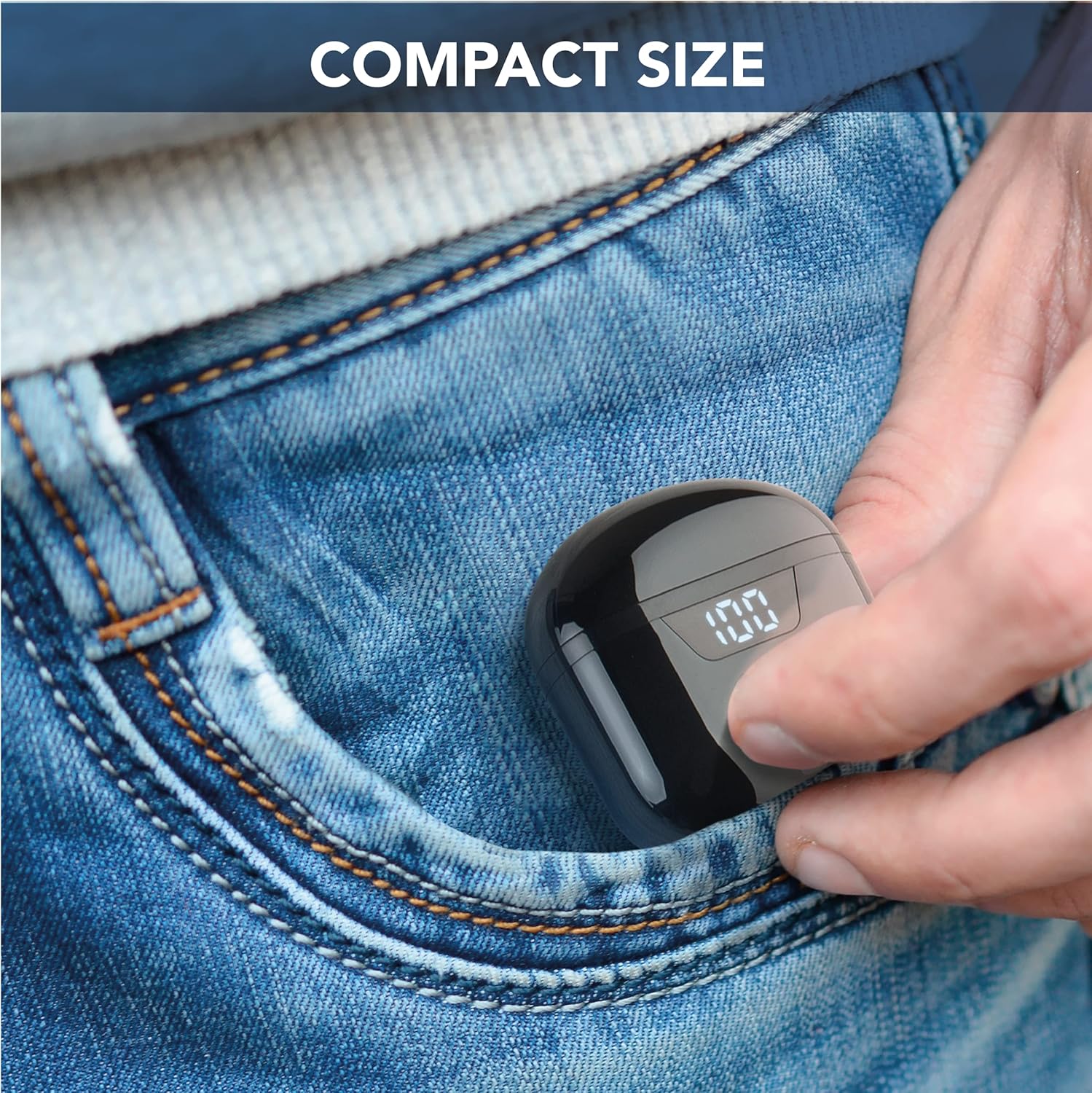
The cellularline Seek earbuds are compact, in-ear Bluetooth headphones designed for a balanced audio experience. Featuring Bluetooth 5.0 connectivity, a portable charging case with an LED display, and touch controls, these earbuds offer convenience and up to 15 hours of total playtime.
This manual provides essential information for setting up, operating, maintaining, and troubleshooting your cellularline Seek earbuds.
פּעקל אינהאַלט
- cellularline Seek Bluetooth Earbuds
- טשאַרדזשינג קאַסע
- וסב-C טשאַרדזשינג קאַבלע
פּראָדוקט איבערview


סעטאַפּ
1. ערשטע אויפלאָדונג
Before first use, fully charge the earbuds and the charging case. Connect the provided USB-C cable to the charging port on the case and to a compatible USB power source. The LED display on the case will show the charging progress and remaining battery percentage.
- טשאַרדזשינג צייט: בעערעך 1.5 שעה פֿאַר אַ פול אָפּצאָל.
- Earbud Playtime (Single Charge): אַרויף צו 3 שעה.
- גאַנץ פּלייַטיים מיט טשאַרדזשינג קאַסטן: Up to 15 hours (case provides up to 4 full charges for the earbuds).

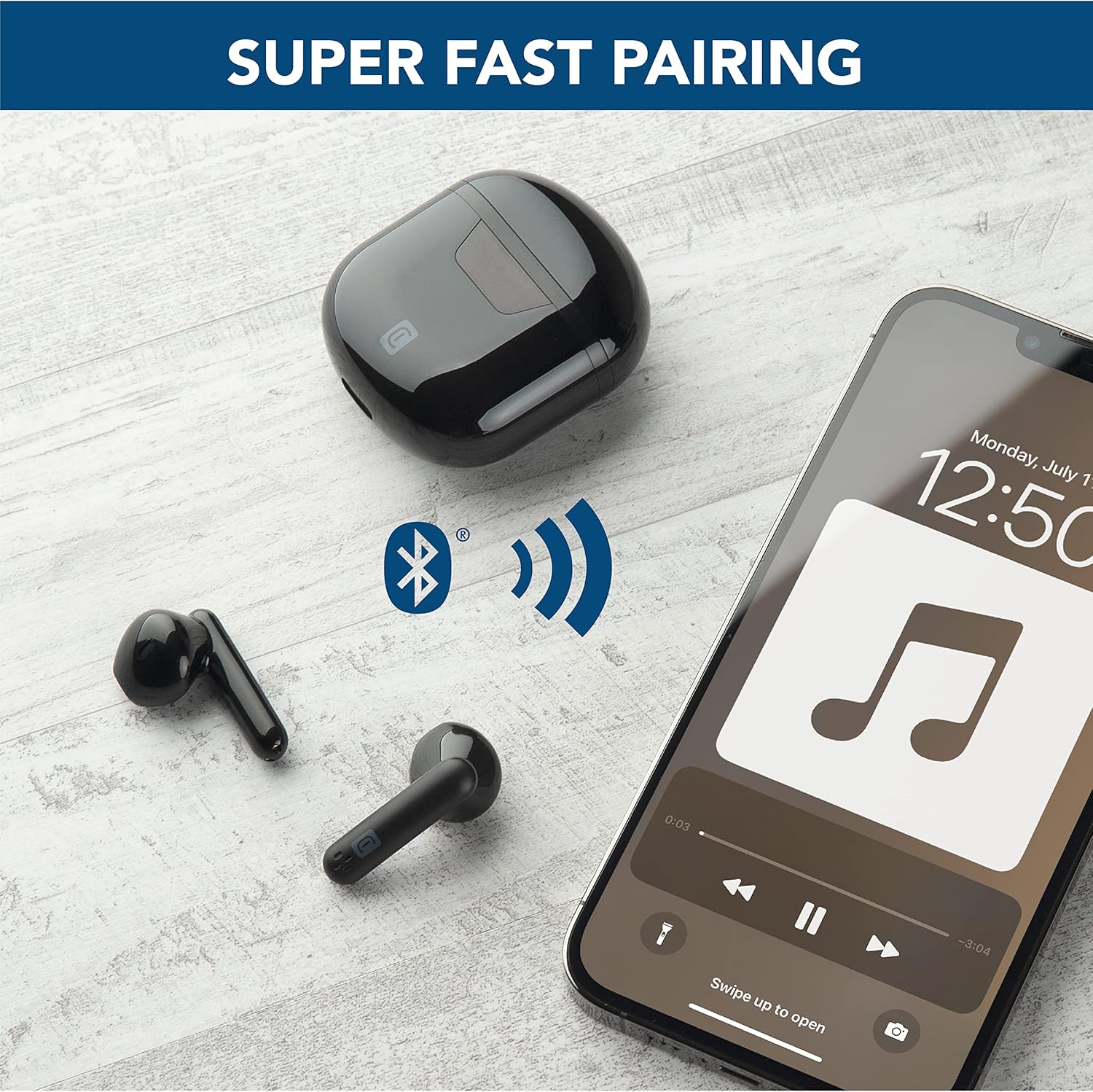
2. פּערינג מיט אַ מיטל
- זיכער מאַכן אַז די אויערקנעפּלעך זענען אויפגעלאָדן און געשטעלט אין דער טשאַרדזשינג קעסטל.
- עפֿנט דעם טשאַרדזשינג קעסטל. די אויערקנעפּלעך וועלן אויטאָמאַטיש אַרײַן אין פּערינג מאָדע.
- אויף אייער דעווייס (סמאַרטפאָן, טאַבלעט, לאַפּטאָפּ), גייט צו די בלועטוט סעטטינגס.
- זוכן פֿאַר available devices and select "cellularline Seek" from the list.
- אַמאָל פארבונדן, וועט איר הערן אַ קלאָרע באַשטעטיקונג, און די אויערקנעפּלעך וועלן זיין גרייט פֿאַר נוצן.
אַפּערייטינג ינסטראַקשאַנז
ריר קאָנטראָלס
The cellularline Seek earbuds feature intuitive touch controls for managing calls, music playback, and volume directly from the earbuds, eliminating the need to access your connected device.
- שפּיל / פּויזע מוזיק: איין צאַפּן אויף יעדער עאַרבוד.
- ווייַטער שפּור: צאַפּ צוויי מאָל אויף די רעכטע אויערקנעפּל.
- פֿריִערדיקע שפּור: צאַפּ צוויי מאָל אויף די לינקע אויערקנעפּל.
- ענטפֿערן / סוף רופן: איין צאַפּן אויף יעדער עאַרבוד.
- אָפּוואַרפן רופן: דריקן און האַלטן יעדער עאַרבוד פֿאַר 2 סעקונדעס.
- אַקטאַווייט קול אַססיסטאַנט: Triple tap on either earbud (functionality depends on device).
- באַנד קאָנטראָל: Specific gestures for volume control may vary. Refer to your device's settings or experiment with long presses on left/right earbuds if not explicitly defined.
טראָגן די עאַרבודז
The capsule shape of the Seek earbuds is designed for optimal comfort and stability. Insert each earbud gently into your ear canal and rotate slightly to find a secure and comfortable fit. A proper fit ensures the best audio quality, including rich and deep bass.

וישאַלט
רייניקונג
- רייניקט רעגולער די אויערקנעפּלעך און די טשאַרדזשינג קעסטל מיט אַ ווייכן, טרוקענעם, לינט-פֿרייע שטאָף.
- ניצט נישט קיין שרײַבענדיקע רייניגער, סאָלווענטן אדער אַעראָסאָל ספּרײַ.
- Ensure charging contacts on both earbuds and case are clean and free of debris for optimal charging.
סטאָרידזש
- ווען נישט אין באַנוץ, לייגט די אויערן-קנעפּלעך אין זייער טשאַרדזשינג קעסטל צו באַשיצן זיי און האַלטן זיי טשאַרדזשד.
- האַלט דעם אַפּאַראַט אין אַ קיל, טרוקן אָרט, אַוועק פון עקסטרעמע טעמפּעראַטורן און דירעקט זונשייַן.
וואַסער קעגנשטעל
The cellularline Seek earbuds are נישט וואַסער-קעגנשטעליק. Avoid exposure to water, moisture, rain, or sweat to prevent damage.
טראָובלעשאָאָטינג
| פּראָבלעם | מעגלעך סיבה | לייזונג |
|---|---|---|
| עאַרבודס נישט פּערינג | Earbuds not in pairing mode, low battery, or previously paired device interference. | Ensure earbuds are charged and case is open. Turn off Bluetooth on other nearby devices. Forget the device in your phone's Bluetooth settings and try pairing again. |
| ניט געזונט אָדער נידעריק באַנד | Volume too low on device/earbuds, improper fit, or earbud blockage. | Increase volume on both your device and the earbuds. Adjust earbuds for a secure fit. Clean any debris from the earbud speakers. |
| Intermittent connection/disconnections | Distance from device, interference, or low earbud battery. | Keep earbuds within 10 meters of your device. Avoid environments with strong Wi-Fi or other Bluetooth signals. Ensure earbuds are sufficiently charged. |
| Charging case LED not working or charging slowly | Faulty cable, power source, or dirty charging port. | Try a different USB-C cable and power adapter. Ensure the charging port on the case is clean and free of debris. |
ספּעסאַפאַקיישאַנז
- סאָרט: סעללולאַרלינע
- מאָדעל נאָמען: BTSEEKTWSK
- קאָליר: שוואַרץ
- אויער אָרט: אין אויער
- פאָרם פאַקטאָר: אין אויער
- ראַש קאָנטראָל: געזונט אפגעזונדערטקייט
- קאַנעקטיוויטי טעכנאָלאָגיע: ווירעלעסס (בלועטאָאָטה)
- בלועטאָאָטה ווערסיע: 5.0
- בלועטאָאָטה ראַנגע: 10 מעטער
- קאָנטראָל טיפּ: Call Control (Touch)
- אַודיאָ דרייווער טיפּ: דינאַמיש דרייווער
- אָפטקייַט ענטפער: 20 הערץ - 20,000 הערץ
- באַטאַרייע אָפּצאָל צייט: 1.5 שעה
- Average Battery Life (Earbuds): 3 שעה
- גאַנץ שפּילצייט (מיט טשאַרדזשינג קעסטל): 15 שעה
- וואָג: 40 גראַמז
- מאַטעריאַל: פּלאַסטיק
- וואַסער קעגנשטעל מדרגה: ניט וואַסער קעגנשטעליק
- קאַמפּאַטאַבאַל דעוויסעס: Phones, Tablets, Laptops, Computers
וואָראַנטי אינפֿאָרמאַציע
This cellularline product comes with a 2 יאָר פּראָדוקט וואָראַנטי. Additionally, spare parts availability in the EU is guaranteed for 2 years. Please retain your proof of purchase for warranty claims. For detailed warranty terms and conditions, refer to the documentation provided with your product or visit the official cellularline webפּלאַץ.
שטיצן
For further assistance, technical support, or to explore other cellularline products, please visit the official cellularline store or contact customer service.
Official cellularline Store: Visit the cellularline Store