
1. הקדמה
א דאנק פארן קויפןasing the AUKEY PC-LM3 Webקאַם. די מאַנואַל גיט דעטאַלירטע אינסטרוקציעס פֿאַר סעטאַפּ, אַפּערייטינג און וישאַלטן דיין webcam. Please read this manual thoroughly before use and retain it for future reference.
2. זיכערקייַט אינפֿאָרמאַציע
- האַלטן די webcam away from water, moisture, and extreme temperatures.
- פרובירט נישט צו צענעמען אדער פאררעכטן דעם אפאראט אליין. לאָזט איבער אלע סערוויסעס צו קוואַליפֿיצירטע פּערסאָנעל.
- פֿאַרמײַדן צו פֿאַלן אָדער אונטערוואַרפֿן דעם webקאַם צו שטאַרקע ימפּאַקץ.
- Clean the lens with a soft, dry cloth. Do not use liquid cleaners.
3. פּעקל אינהאַלט
ביטע קאָנטראָלירט אַז אַלע זאכן זענען פאַראַן אין אייער פּעקל:
- AUKEY PC-LM3 Webקאַם
- באַניצער מאַנואַל
- יו-עס-בי קאַבל (אינטעגרירט)
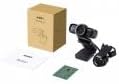
Image 1: Contents of the AUKEY PC-LM3 Webcam package, showing the webcam, manual, and packaging.
4. פּראָדוקט איבערview
The AUKEY PC-LM3 is a 1080p USB 2.0 webcam designed for high-quality video communication and recording. It features a CMOS sensor and 5x optical zoom capability, providing clear and detailed visuals.
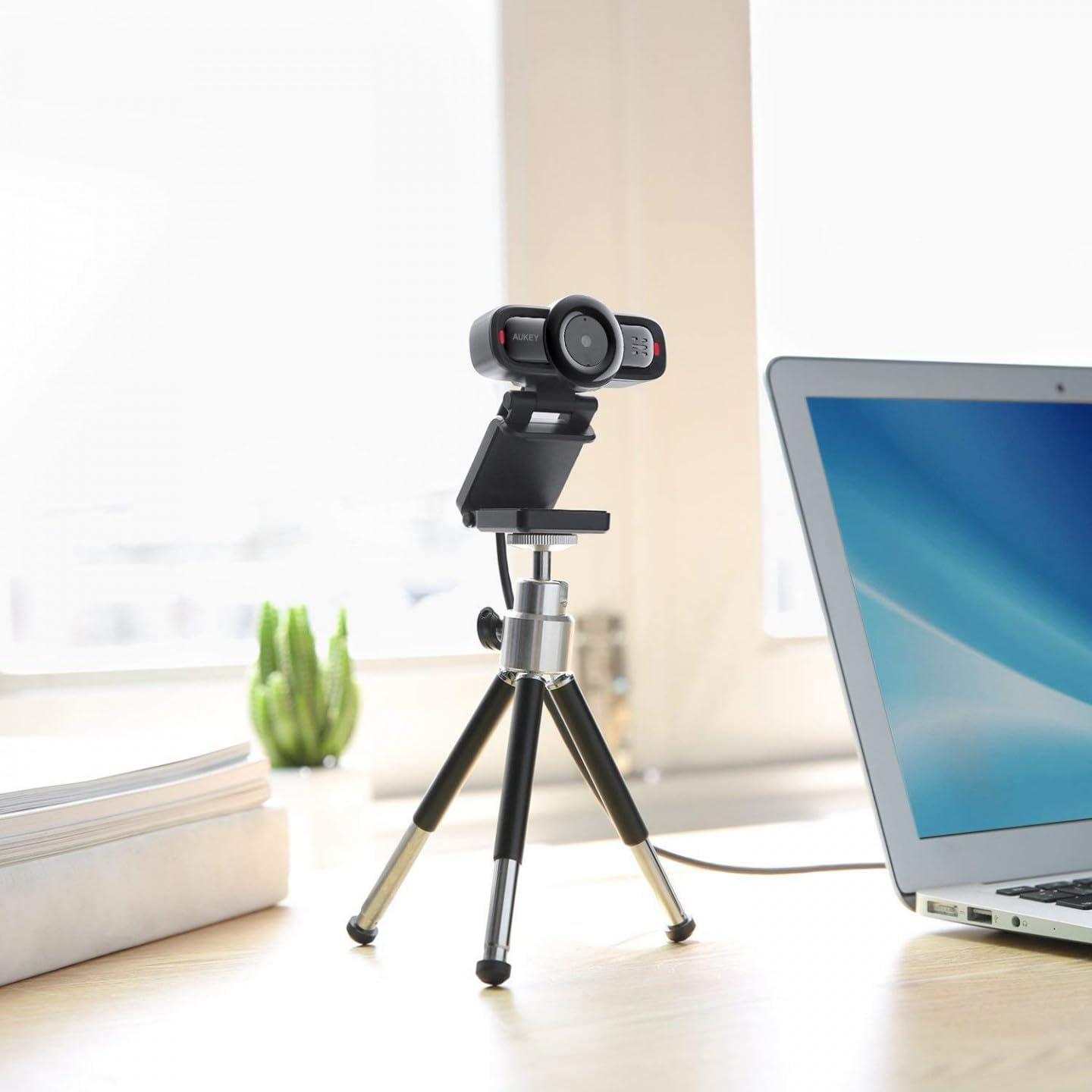
Image 2: AUKEY PC-LM3 Webcam in use, demonstrating its compact design and mounting flexibility on a tripod.
שליסל פֿעיִקייטן:
- Full HD 1080p video recording
- CMOS sensor for clear images
- USB 2.0 connectivity for universal compatibility
- 5x optical zoom for detailed framing
- Integrated microphone for audio capture
- Adjustable clip for versatile mounting options
5. סעטאַפּ
5.1 Placing the Webקאַם
- אויף אַ מאָניטאָר: Unfold the clip and place the webcam on top of your monitor or laptop screen. Adjust the clip to secure it firmly.
- אויף אַ דרייפוס: די webcam features a standard tripod thread. Mount it onto a compatible tripod for more flexible positioning.
- אויף אַ פלאַך ייבערפלאַך: בייגט דעם קלעמערל צו שאַפֿן אַ סטאַבילן שטאַנד און שטעלט דעם webקאַם אויף אַ טיש אָדער אַנדערער גלאַטער ייבערפלאַך.
5.2 פֿאַרבינדן זיך צו דיין קאָמפּיוטער
- צאַפּן די וסב קאַנעקטער פון די webקאַם אין אַ פאַראַן USB 2.0 אָדער 3.0 פּאָרט אויף דיין קאָמפּיוטער.
- אייער קאָמפּיוטער זאָל אויטאָמאַטיש דעטעקטירן און אינסטאַלירן די נויטיקע דרייווערס. דער פּראָצעס קען נעמען אַ פּאָר מינוט.
- אַמאָל אינסטאַלירן, די webcam will be ready for use with video conferencing software or recording applications.
באַמערקונג: No additional software or drivers are typically required for Windows, macOS, or Linux operating systems.
6. אַפּערייטינג די Webקאַם
6.1 ניצן מיט ווידעא קאנפערענץ ווייכווארג
To use the AUKEY PC-LM3 webcam with applications like Zoom, Skype, Microsoft Teams, or Google Meet:
- עפֿענען דיין בילכער ווידעא קאַנפראַנסינג אַפּלאַקיישאַן.
- Navigate to the application's settings or preferences (usually found under "Audio & Video" or "Devices").
- Select "AUKEY PC-LM3" as your video input device.
- Select "AUKEY PC-LM3 Microphone" (or similar) as your audio input device, if applicable.
- Adjust any video settings such as resolution or brightness within the application if available.
6.2 רעקאָרדינג ווידעא
To record video using the webcam, use your computer's built-in camera application (e.g., Camera app on Windows, Photo Booth on macOS) or third-party recording software. Ensure the AUKEY PC-LM3 is selected as the video source.
6.3 אָפּטישער זום
די webcam features 5x optical zoom. This function is typically controlled via software. Check your video conferencing or recording application for zoom controls. If not available, third-party webcam control software may offer this functionality.
7. וישאַלט
7.1 רייניקונג די Webקאַם
- פאַרזיכערן די webדי קאַמעראַ איז אָפּגעטיילט פֿון אייער קאָמפּיוטער איידער רייניקונג.
- Use a soft, lint-free cloth to gently wipe the lens and body of the webקאַם.
- For stubborn smudges on the lens, slightly dampen the cloth with water or a lens cleaning solution, then wipe gently. Avoid excessive moisture.
- ניצט נישט קיין שטרענגע כעמיקאלן, אברייסיוו רייניגער, אדער סאָלווענטן.
7.2 סטאָרידזש
ווען ניט אין נוצן, קראָם די webcam in a cool, dry place, away from direct sunlight and dust. Consider using a privacy cover (if included or purchased separately) to protect the lens and ensure privacy.
8. טראָובלעשאָאָטינג
| פּראָבלעם | לייזונג |
|---|---|
| Webקאַמעראַ נישט דעטעקטירט דורך קאָמפּיוטער. |
|
| קיין ווידעא רעזולטאַט. |
|
| נעבעך ווידעא קוואַליטעט. |
|
9. ספּעסאַפאַקיישאַנז
| שטריך | דעטאַל |
|---|---|
| מאָדעל | פּיסי-למ 3 |
| ווידעא האַכלאָטע | 1920 x 1080 בילדצעלן (1080 פּ) |
| סענסאָר טעכנאָלאָגיע | קמאָס |
| קאַנעקטיוויטי | וסב 2.0 |
| אָפּטיש פארגרעסער | 5x |
| ווידעא קאַפּטורע פֿאָרמאַט | MP4, AVI |
| שטיצט אַודיאָ פֿאָרמאַט | אַאַק, mp3 |
| דימענסיעס (L X W X H) | 7.7 X 7.2 X 4.6 סענטימעטער |
| וואָג | 130 גראַמז |
| קאָליר | שוואַרץ |
10. גאַראַנטיע און קונה שטיצע
AUKEY products are covered by a limited warranty from the date of purchase. For specific warranty terms and conditions, please refer to the warranty card included with your product or visit the official AUKEY webפּלאַץ.
If you encounter any issues or have questions regarding your AUKEY PC-LM3 Webcam, please contact AUKEY customer support for assistance. Contact information can typically be found on the official AUKEY webזייטל אדער אויף דער וואָראַנטי קאַרטל.