
הקדמה
This manual provides essential information for the safe and efficient operation of your Arafuna 10.5 Inch Dual Screen Portable DVD Player. Please read these instructions thoroughly before using the device and retain them for future reference. This system is designed for in-car entertainment, offering a main player and a secondary monitor for simultaneous viewing.
פּעקל אינהאַלט
באַשטעטיקט אַז אַלע זאכן וואָס זענען אויסגערעכנט אונטן זענען אַרייַנגערעכנט אין אייער פּעקל:
- 1x Main DVD Player (10.5 Inch)
- 1x Slave Monitor (10.5 Inch)
- 2 קס מאָונטינג בראַקאַץ
- 1x רימאָוט קאָנטראָל
- 2x Headrest Straps
- 1x מאַשין טשאַרדזשער
- 1x HDMI קאַבלע
- קסנומקסקס אַק אַדאַפּטער
- 1x DC Cable
- 1x RCA קאַבל

פיגורע 1: Included components in the Arafuna Dual Screen Portable DVD Player package.
סעטאַפּ
1. Mounting the Players
The players can be mounted using either the provided mounting brackets or headrest straps.
- Using Mounting Brackets:
- Attach the base of the mounting bracket to the headrest posts.
- Tighten the fixing screws to secure the base.
- Insert the DVD player or monitor onto the bracket until it clicks into place.
- Using Headrest Straps:
- Securely fasten the headrest straps around the headrest and the back of the player/monitor.
- Ensure the player/monitor is stable and does not obstruct the driver's view.

פיגורע 2: Step-by-step installation guide for the headrest mounting bracket.
2. Connecting the Players
To enable dual-screen playback, connect the main DVD player to the slave monitor.
- פֿאַרבינדט די צוגעשטעלטע דק קאַבלע from the DC OUT port on the main player to the DC IN port on the slave monitor.
- פֿאַרבינדט די צוגעשטעלטע HDMI קאַבלע from the HDMI OUT port on the main player to the HDMI IN port on the slave monitor. This ensures high-quality video and audio transmission to the secondary screen.
3. Powering the System
The system can be powered via the car charger, AC adapter, or its internal rechargeable battery.
- מאַשין טשאַרדזשער: Plug the car charger into your vehicle's cigarette lighter socket and connect the other end to the DC IN port on the main player.
- AC אַדאַפּטער: For home use, connect the AC adapter to a standard wall outlet and the DC IN port on the main player.
- אינערלעכער באַטערי: The main player features a 5000mAh rechargeable battery, providing extended playback time when external power is unavailable. Ensure the battery is charged before use.

פיגורע 3: Connection diagram for the dual screen system, showing power and signal flow.
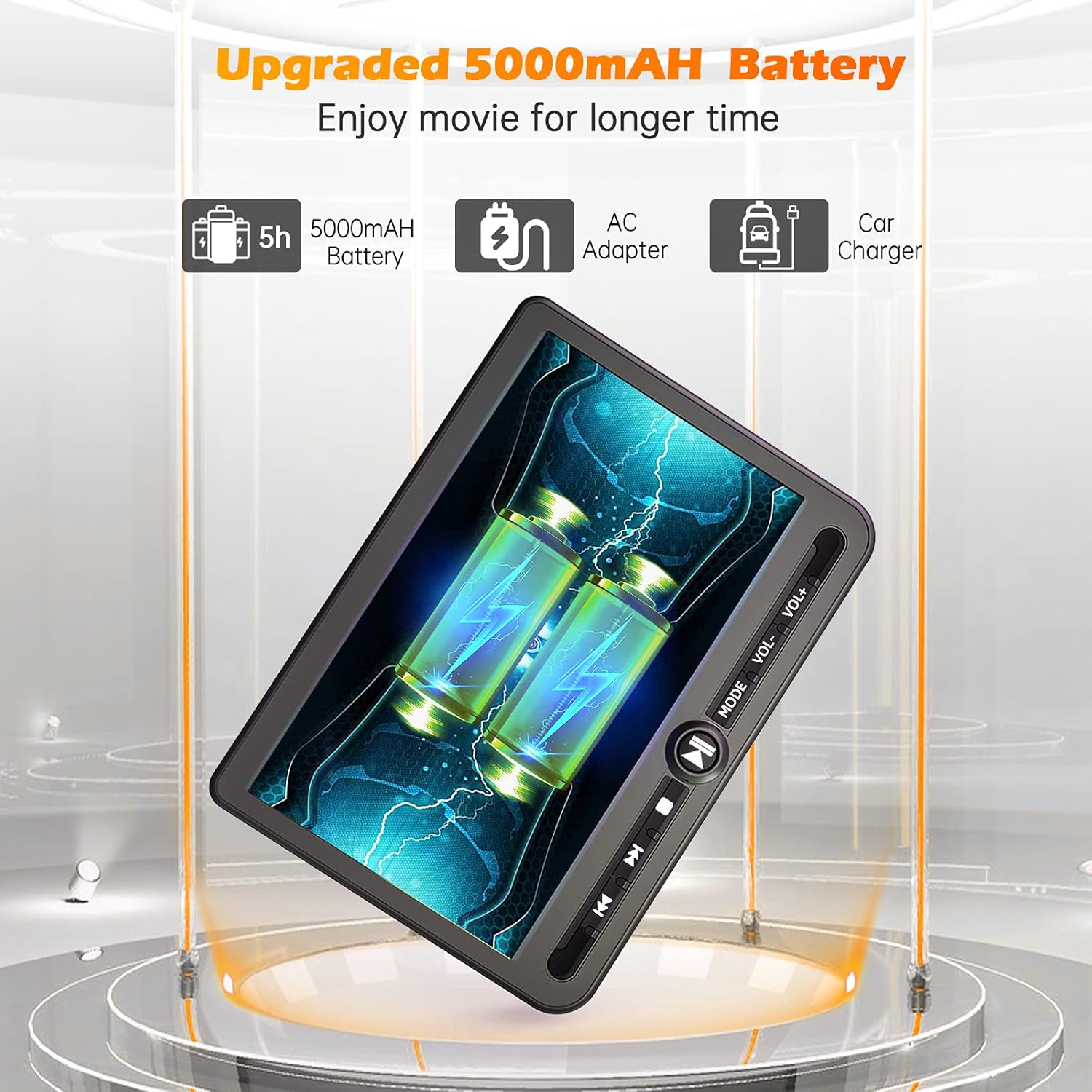
פיגורע 4: Power options including the 5000mAh battery, AC adapter, and car charger.
אַפּערייטינג ינסטראַקשאַנז
1. גרונטלעכע קאנטראלן
The main player features control buttons on the unit and can also be operated via the included remote control.
- מאַכט קנעפּל: דרוק צו קער די אַפּאַראַט אויף / אַוועק.
- שפּיל / פּויזע קנעפּל: סטאַרץ אָדער פּאָזאַז פּלייבאַק.
- האַלטן קנעפּל: סטאַפּס פּלייבאַק.
- פריערדיגע/נעקסטע קנעפּלעך: שפּרינגט צום פריערדיקן אָדער נעקסטן ליד/קאַפּיטל.
- באַנד +/- קנעפּלעך: אַדזשאַסץ די אַודיאָ באַנד.
- מאָדע קנעפּל: Switches between input sources (DVD, USB, SD).
2. Playing DVDs
- Insert a DVD disc into the main player's disc slot.
- The player will automatically detect the disc and begin playback. If not, press the 'Play' button or select 'DVD' mode.
- Use the control buttons or remote to navigate menus, play, pause, or stop.
3. USB/SD קאַרטל ווידערשפּיל
The player supports media playback from USB drives and SD cards.
- Insert a USB drive into the USB port or an SD card into the SD card slot.
- Press the 'Mode' button to select 'USB' or 'SD' input.
- נאַוויגירן דורך דיין files using the control buttons or remote and select the desired media to play.
4. Last Memory Function
The player features a last memory function, which allows it to resume playback from where it was last stopped, even after being powered off.
5. Region Free & Multi-Format Support
This DVD player is region-free, allowing playback of DVDs from any region. It also supports multiple media formats from USB and SD cards.

פיגורע 5: Features including USB/TF card support, region-free playback, and last memory function.
6. Sync Screen to TV
You can connect the main DVD player to a larger TV screen using the provided RCA cable for a home viewינג דערפאַרונג.
- Connect one end of the RCA cable to the AV OUT port on the main DVD player.
- Connect the other end of the RCA cable to the corresponding AV IN ports on your television.
- אויסקלייבן די ריכטיקע AV אינפוט מקור אויף אייער טעלעוויזיע.

פיגורע 6: Connecting the portable DVD player to a TV using the RCA cable.
וישאַלט
1. רייניקונג
- Use a soft, dry cloth to clean the exterior of the players.
- פֿאַר שווערע מאַרקן, אַ ביסל דampשווענק דעם שטאָף מיט וואַסער. פֿאַרמייַדט ניצן שטרענגע כעמיקאַלן אָדער אַברייסיוו רייניגער.
- Do not spray cleaning solutions directly onto the screen or into any openings.
- To clean the disc lens, use a specialized DVD lens cleaning disc.
2. באַטערי קער
- כדי צו פארלענגערן די לעבן פון די באַטעריע, זאָל מען נישט אָפט אויסלאָדן די באַטעריע גאָר.
- לאָדט די באַטאַרייע רעגולער, אפילו אויב די דעווייס איז נישט אין באַנוץ פֿאַר לאַנגע פּעריאָדן.
- האַלט דעם אַפּאַראַט אין אַ קיל, טרוקן אָרט אַוועק פון דירעקט זונשייַן און עקסטרעמע טעמפּעראַטורן.
טראָובלעשאָאָטינג
If you encounter issues with your Arafuna DVD player, refer to the following common problems and solutions:
| פּראָבלעם | מעגלעך סיבה | לייזונג |
|---|---|---|
| דער שפּילער גייט נישט אָן. | No power supply; discharged battery; faulty power adapter/cable. | Ensure power cable is securely connected. Charge the battery using the AC adapter or car charger. Test with a different power source if available. |
| No picture or sound on slave monitor. | Loose or incorrect HDMI/DC cable connection. | Check that the HDMI and DC cables are securely connected between the main player and the slave monitor. Ensure they are connected to the correct IN/OUT ports. |
| DVD disc does not play or skips. | Disc is dirty, scratched, or inserted incorrectly; lens is dirty; incompatible disc format. | Clean the disc with a soft cloth. Ensure the disc is inserted correctly with the label side up. Use a lens cleaning disc. Try a different, known-good disc. |
| No sound from player. | Volume is too low or muted; headphones not properly connected; faulty audio settings. | Increase the volume. Check headphone connection. Ensure no mute function is active. |
| USB/SD קאַרטל נישט דערקענט. | אומרעכט file format; card/drive not properly inserted; corrupted media. | ענסורע מידיאַ files are in a supported format. Reinsert the USB drive or SD card. Try a different USB drive or SD card. |
ספּעסאַפאַקיישאַנז
| שטריך | דעטאַל |
|---|---|
| סאָרט | Arafuna |
| מאָדעל נומער | DM-12 |
| פאַרשטעלן גרייס | 10.5 אינטשעס |
| ווייַז טיפּ | לקד |
| קאַנעקטיוויטי טעכנאָלאָגיע | HDMI, וסב |
| שטיצט מעדיע טייפּס | DVD, USB, SD Card |
| קריקאָנלאָדלעך באַטערי | Yes (5000mAh Lithium-polymer) |
| UPC | 730096858222 |
וואָראַנטי
This Arafuna product is covered by a 1-יאָר פאַבריקאַנט ס וואָראַנטי פֿון דעם קויפֿדאַטום. די וואָראַנטי דעקט חסרונות אין מאַטעריאַלן און אַרבעט אונטער נאָרמאַלן באַנוץ. עס דעקט נישט שאָדן פֿאַראורזאַכט דורך אומרעכטן באַנוץ, אַקסידענט, נישט-אָטעריזירטע מאָדיפֿיקאַציע, אָדער עקסטערנע סיבות.
שטיצן
For technical assistance, warranty claims, or further inquiries regarding your Arafuna 10.5 Inch Dual Screen Portable DVD Player, please refer to the contact information provided with your purchase or visit the official Arafuna support webפּלאַץ.