
1. הקדמה
This manual provides instructions for the proper use, setup, and maintenance of your MESTEK Short Power Bank Charging USB Data Cable. Please read this manual carefully before using the product to ensure optimal performance and longevity. This cable is designed for efficient charging and data transfer with compatible Apple iPhone models.
2. פּראָדוקט איבערview
The MESTEK Short Power Bank Charging USB Data Cable is engineered for convenience and durability. It features a braided nylon exterior for enhanced strength and tangle-free use, along with fast charging capabilities. The cable includes a standard USB-A connector on one end and a Lightning connector on the other, making it compatible with various Apple iPhone models.
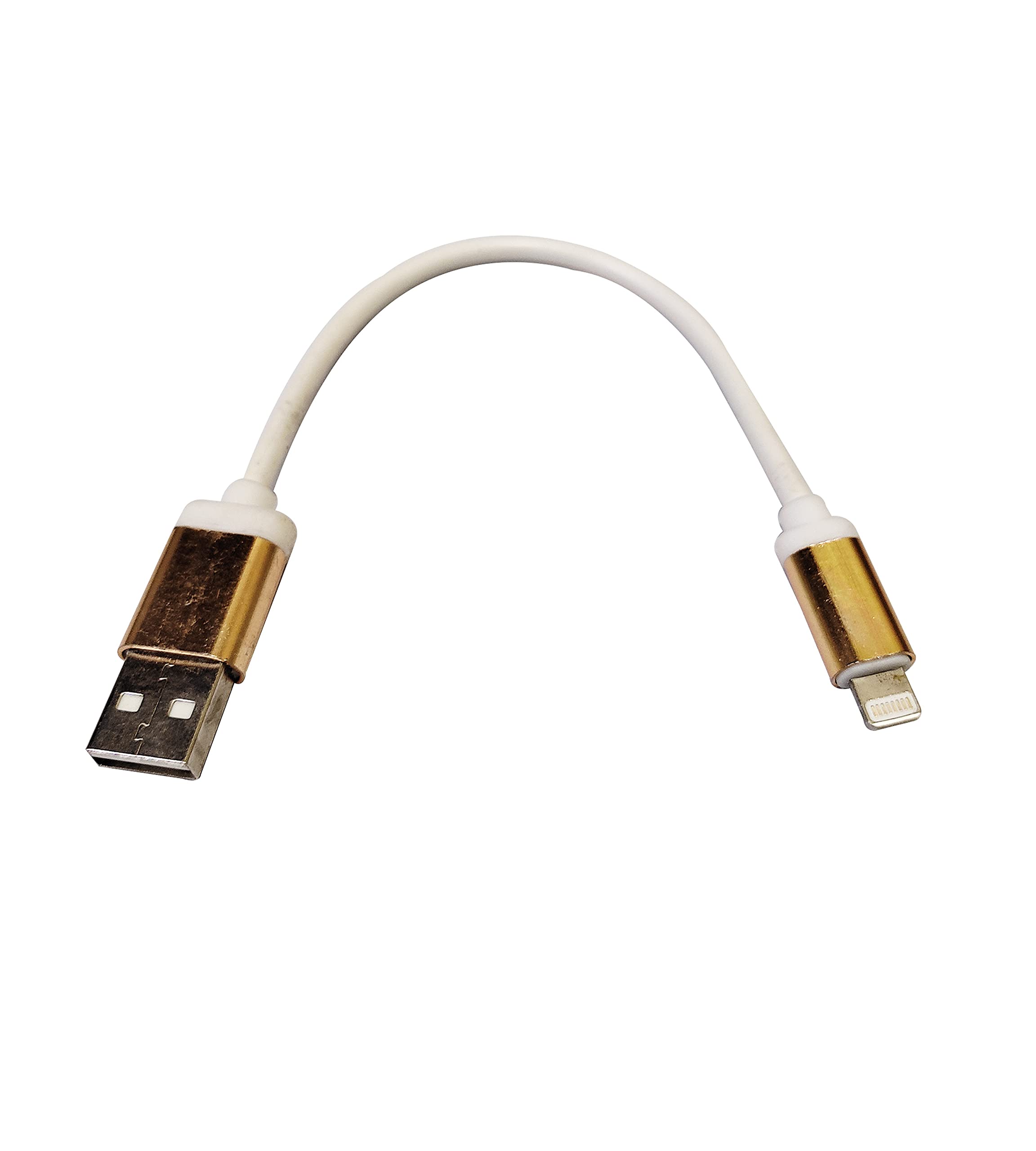
Image 1: MESTEK Short Power Bank Charging USB Data Cable. This image displays the white braided cable with gold-colored USB-A and Lightning connectors against a white background.
שליסל פֿעיִקייטן:
- שנעל טשאַרדזשינג: Supports rapid power delivery to compatible devices.
- Braided Nylon Exterior: Provides durability and resistance to wear and tear.
- פלעכט-פֿרײַער דיזײַן: Reduces knots and makes storage easier.
- Compact Length: Ideal for use with power banks or in situations requiring a short cable.
3. סעטאַפּ
Setting up your MESTEK USB Data Cable is straightforward. Follow these steps to begin charging or transferring data:
- פאַרבינדן צו מאַכט מקור: Insert the USB-A end of the cable into a compatible USB power adapter, power bank, or computer USB port.
- פאַרבינדן צו מיטל: Insert the Lightning connector end of the cable into the charging port of your Apple iPhone.
- באַשטעטיקן קשר: Ensure both ends are securely connected. Your iPhone should indicate that it is charging or connected for data transfer.
4. אַפּערייטינג ינסטרוקטיאָנס
4.1 טשאַרדזשינג דיין מיטל
- Once connected as described in the Setup section, your iPhone will begin charging automatically.
- For optimal fast charging, use a power adapter or power bank that supports fast charging protocols compatible with your iPhone.
- Monitor your device's battery indicator to confirm charging status.
4.2 דאַטאַ אַריבערפירן
- Connect the USB-A end to a computer's USB port and the Lightning end to your iPhone.
- Your computer should recognize the iPhone as a connected device.
- Follow your computer's operating system or iTunes/Finder instructions to transfer photos, videos, music, or other data.
5. וישאַלט
Proper care and maintenance will extend the life of your MESTEK USB Data Cable:
- רייניקונג: Gently wipe the cable and connectors with a dry, soft cloth. Avoid using harsh chemicals or abrasive materials.
- סטאָרידזש: האַלט דעם קאַבל אין אַ קיל, טרוקן אָרט אַוועק פון דירעקט זונשייַן און עקסטרעמע טעמפּעראַטורן. פֿאַרמייַדט שטאַרק צו בייגן אָדער צו קראַצן דעם קאַבל, ספּעציעל לעבן די קאַנעקטאָרן.
- האַנדלינג: Always grasp the connector head when plugging or unplugging the cable. Do not pull on the cable itself, as this can damage the internal wires.
- ויסמיידן וואַסער: Keep the cable away from water and other liquids to prevent damage.
6. טראָובלעשאָאָטינג
If you encounter issues with your MESTEK USB Data Cable, consider the following troubleshooting steps:
- מיטל ניט טשאַרדזשינג:
- מאַכן זיכער אַז ביידע ענדס פון די קאַבלע זענען סיקיורלי פארבונדן.
- פּרוּווט ניצן אַ אַנדערש מאַכט אַדאַפּטער אָדער וסב פּאָרט.
- Test the cable with another compatible device to rule out a device-specific issue.
- Check the charging port on your iPhone for any debris or damage.
- פּאַמעלעך טשאַרדזשינג:
- Ensure your power source (adapter/power bank) provides sufficient output for fast charging.
- Close unnecessary apps on your iPhone to reduce power consumption during charging.
- דאַטן אַריבערפירן ישוז:
- זייט זיכער אז אייער קאמפיוטער'ס דרייווערס זענען אפ טו דעיט.
- פּרוּווט אַ אַנדערש וסב פּאָרט אויף דיין קאָמפּיוטער.
- Restart both your iPhone and computer.
- Confirm that you have granted permission for the computer to access your iPhone's data if prompted.
If problems persist after attempting these steps, please contact MESTEK customer support.
7. ספּעסאַפאַקיישאַנז
| אַטריביוט | דעטאַל |
|---|---|
| סאָרט | MESTEK |
| ספּעציעלע פֿעיִקייטן | Braided, Fast Charging, Tangle Free |
| קאַמפּאַטאַבאַל טעלעפאָן מאָדעלס | Apple iPhone 5, 5S, 6, 6 Plus, 6S, 6S Plus, 7, 7 Plus, 8, 8 Plus, X, XS, XR |
| ויסווייניקסט מאַטעריאַל | ניילאָן |
| פּונקט וואָג | בעערעך 200 ג |
8. וואָראַנטי און שטיצן
For warranty information or technical support, please refer to the product packaging or contact MESTEK customer service directly. Keep your purchase receipt as proof of purchase for any warranty claims.
MESTEK Customer Support: Please visit the official MESTEK website or contact your retailer for support contact details.