
הקדמה
א דאנק פארן קויפןasing the AZATOM A2 Portable DAB/DAB+ Digital Radio. This compact and versatile device is designed to provide high-quality digital and FM radio reception, offering a superior listening experience on the go. Please read this manual carefully to understand the features and operation of your new radio.

The AZATOM A2 radio, showcasing its stylish and compact design, perfect for portability.
וואָס איז אין די קעסטל
- AZATOM A2 Portable DAB/DAB+ Digital Radio
- וסב- C קאַבלע
- ספורט ירפאָונז
- באַניצער מאַנואַל (דעם דאָקומענט)
- וואָראַנטי קאַרד
פּראָדוקט איבערview
Familiarize yourself with the buttons and ports on your AZATOM A2 radio:

פראָנט view of the AZATOM A2 radio, highlighting the display and control buttons.
- POWER קנעפּל: טורנס די ראַדיאָ אויף / אַוועק.
- MENU קנעפּל: אַקסעס די מעניו אָפּציעס.
- VOL+ / VOL- Buttons: אַדזשאַסץ די באַנד מדרגה.
- ENTER/SCAN Button: Confirms selections or initiates station scanning.
- PRESET Buttons (1/2, 3/4): Recalls stored preset stations.
- מאָדע קנעפּל: Switches between DAB/DAB+ and FM modes.
- עאַרפאָנע דזשאַק: Connects the included earphones, which also function as the antenna.
- וסב- C פּאָרט: פֿאַר טשאַרדזשינג די מיטל.
סעטאַפּ
1. טשאַרדזשינג די באַטערי
Before first use, fully charge the radio. Connect the supplied USB-C cable to the radio's USB-C port and the other end to a USB power adapter (not included) or a computer's USB port. The display will indicate charging status. A full charge provides up to 24 hours of playtime.

The AZATOM A2 features a long-lasting rechargeable battery for extended use.
2. Connecting Earphones (Antenna)
The included earphones serve as the radio's antenna for both DAB/DAB+ and FM reception. It is essential to connect the earphones to the 3.5mm jack before operating the radio to ensure proper signal reception.
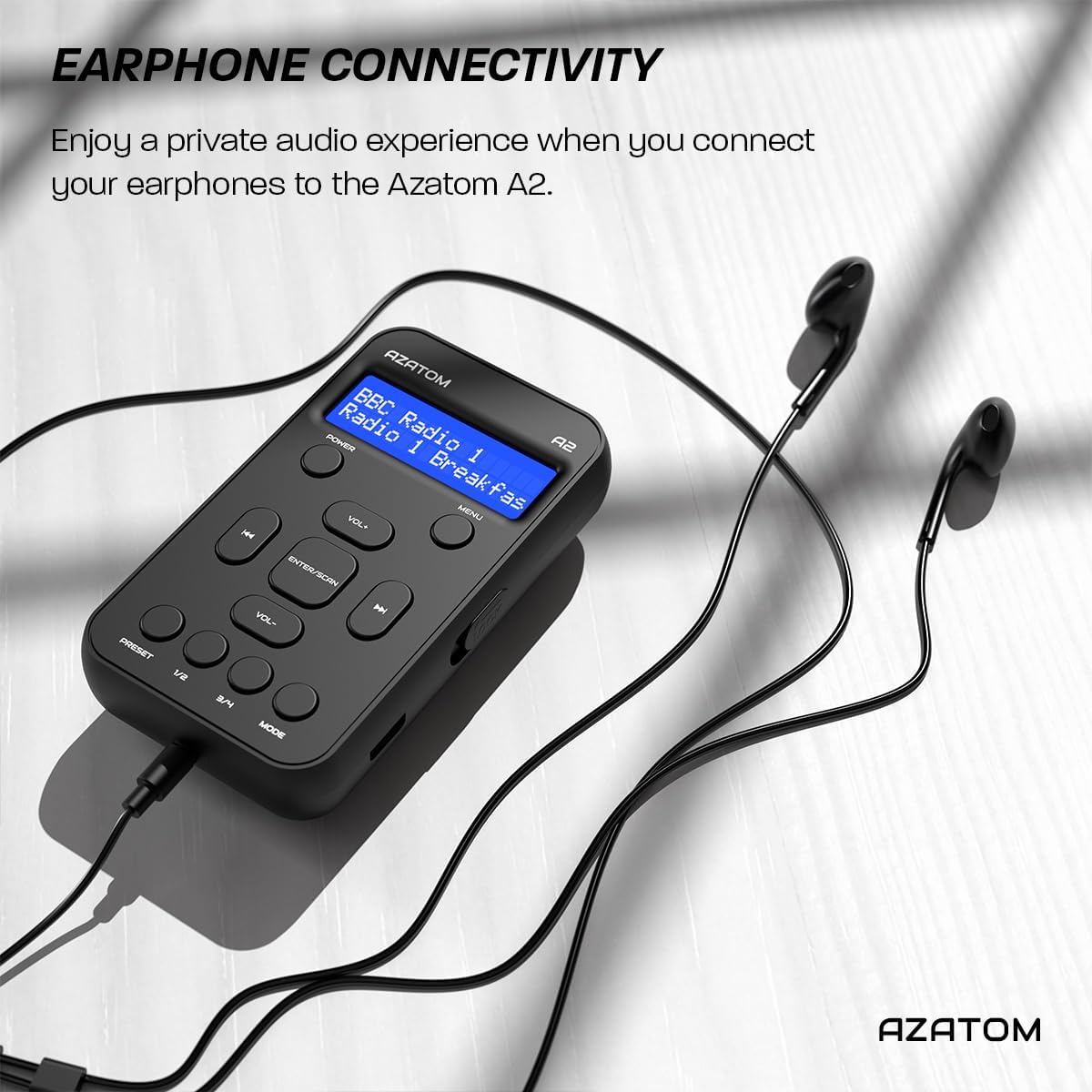
Connect the supplied earphones to the radio for optimal reception and a private listening experience.
אַפּערייטינג ינסטראַקשאַנז
מאַכט אויף / אַוועק
- דריקן און האַלטן די מאַכט קנעפּל צו דרייען דעם ראַדיאָ אָן אָדער אויס.
DAB / DAB + ראַדיאָ אָפּעראַציע

The AZATOM A2 supports both DAB/DAB+ and FM radio technologies.
- Ensure the earphones are connected.
- דרוק די מאָדע button until 'DAB' or 'DAB+' is displayed.
- The radio will automatically perform a full scan for available DAB/DAB+ stations upon first use or if no stations are found. To manually scan, press and hold the אַרייַן / יבערקוקן קנעפּל.
- ניצן די VOL+ or וואָל- קנעפּלעך צו נאַוויגירן דורך דער רשימה פון געפונענע סטאַנציעס.
- דרוק אַרייַן / יבערקוקן צו סעלעקטירן אַ סטאַנציע.
עפעם ראַדיאָ אָפּעראַציע
- Ensure the earphones are connected.
- דרוק די מאָדע קנעפל ביז 'FM' ווערט געוויזן.
- To auto-scan for FM stations, press and hold the אַרייַן / יבערקוקן קנעפּל. די ראַדיאָ וועט סקענען און ראַטעווען די פאַראַן סטאַנציעס.
- To manually tune, briefly press the VOL+ or וואָל- buttons to adjust the frequency in small increments.
באַשטעטיקן און צוריקרופן פּרעסעץ
The AZATOM A2 allows you to store up to 40 DAB+ and 40 FM favorite stations.

The AZATOM A2 allows for easy recall of your favorite preset stations.
צו שפּאָרן אַ פאָרסעט:
- ניגן צו דער געוואלט סטאַנציע.
- דריקן און האַלטן איינער פון די PRESET buttons (1/2 or 3/4) until the display shows 'Preset Store'.
- ניצן די VOL+ or וואָל- קנעפלעך צו אויסקלויבן די געוואונטשענע פארגעשטעלטע נומער (1-40).
- דרוק אַרייַן / יבערקוקן to confirm and save the station.
צו צוריקרופן אַ פּריסעט:
- בעקיצער דריקן איינער פון די PRESET buttons (1/2 or 3/4).
- ניצן די VOL+ or וואָל- buttons to navigate through your stored presets.
- דרוק אַרייַן / יבערקוקן to select and play the desired preset station.
באַנד קאָנטראָל
- דרוק VOL+ צו פאַרגרעסערן דעם באַנד.
- דרוק וואָל- צו פאַרמינערן די באַנד.
ווייַז ברייטנאַס
The XL digital display's brightness can be adjusted to your preference. Access this setting through the MENU options.

אַ נאָענט-אַרויף view of the AZATOM A2's clear digital display.
וישאַלט
- רייניקונג: ניצט אַ ווייכע, טרוקענע שטאָף צו רייניקן די ראַדיאָ'ס ייבערפלאַך. ניצט נישט קיין שרײַבנדיקע רייניגער אָדער סאָלווענטן.
- באַטערי זאָרגן: כדי צו פארלענגערן די לעבן פון די באַטעריע, זאָלט איר נישט אָפט אויסלאָדן די באַטעריע. לאָדט די ראַדיאָ רעגולער אויף, אפילו אויב זי ווערט נישט גענוצט פאר לענגערע צייטן.
- סטאָרידזש: האַלט דעם ראַדיאָ אין אַ קיל, טרוקן אָרט אַוועק פון דירעקט זונשייַן און עקסטרעמע טעמפּעראַטורן.
טראָובלעשאָאָטינג
| פּראָבלעם | מעגלעך סיבה | לייזונג |
|---|---|---|
| No power/Radio won't turn on. | באַטערי איז דיפּליטיד. | Charge the radio using the supplied USB-C cable. |
| שלעכטע ראַדיאָ אָפּנאַם (DAB/FM). | Earphones not connected or not fully inserted. Weak signal area. | Ensure earphones are securely connected. Try moving to an open area or near a window. Perform a new scan. |
| קיין געזונט. | Volume is too low or muted. Earphones not connected. | Increase the volume using VOL+. Ensure earphones are connected. |
| ראַדיאָ פֿריזט אָדער ווערט נישט-רעאַגירנדיק. | צייטווייליגע ווייכווארג פראבלעם. | Press and hold the POWER button to force a restart. If issue persists, allow battery to fully discharge then recharge. |
ספּעסאַפאַקיישאַנז

Dimensions of the AZATOM A2 radio.
| שטריך | דעטאַל |
|---|---|
| מאָדעל | A2 |
| דימענסיעס (L X W X H) | 9 x 4 x 11 ס״מ (אומגעפער 90 מ״מ x 50 מ״מ x 24 מ״מ) |
| וואָג | 90 ג |
| ראַדיאָ באַנדס געשטיצט | DAB, DAB+, FM |
| פּרעסעץ | 40 DAB+, 40 עפעם |
| באַטערי טיפּ | Rechargeable Lithium Ion (1800mAh) |
| פּלייַטימע | אַרויף צו 24 שעה |
| ווייַז טיפּ | לקד |
| קאַנעקטיוויטי | USB-C (for charging), 3.5mm Earphone Jack |
| מאַטעריאַל | פּלאַסטיק |
וואָראַנטי און שטיצן
AZATOM products are designed and engineered in the UK. The AZATOM A2 comes with a premium 3-year warranty (registration required). For any questions or support, please contact our dedicated customer service team. Lifetime customer support is provided to assist you with any queries.
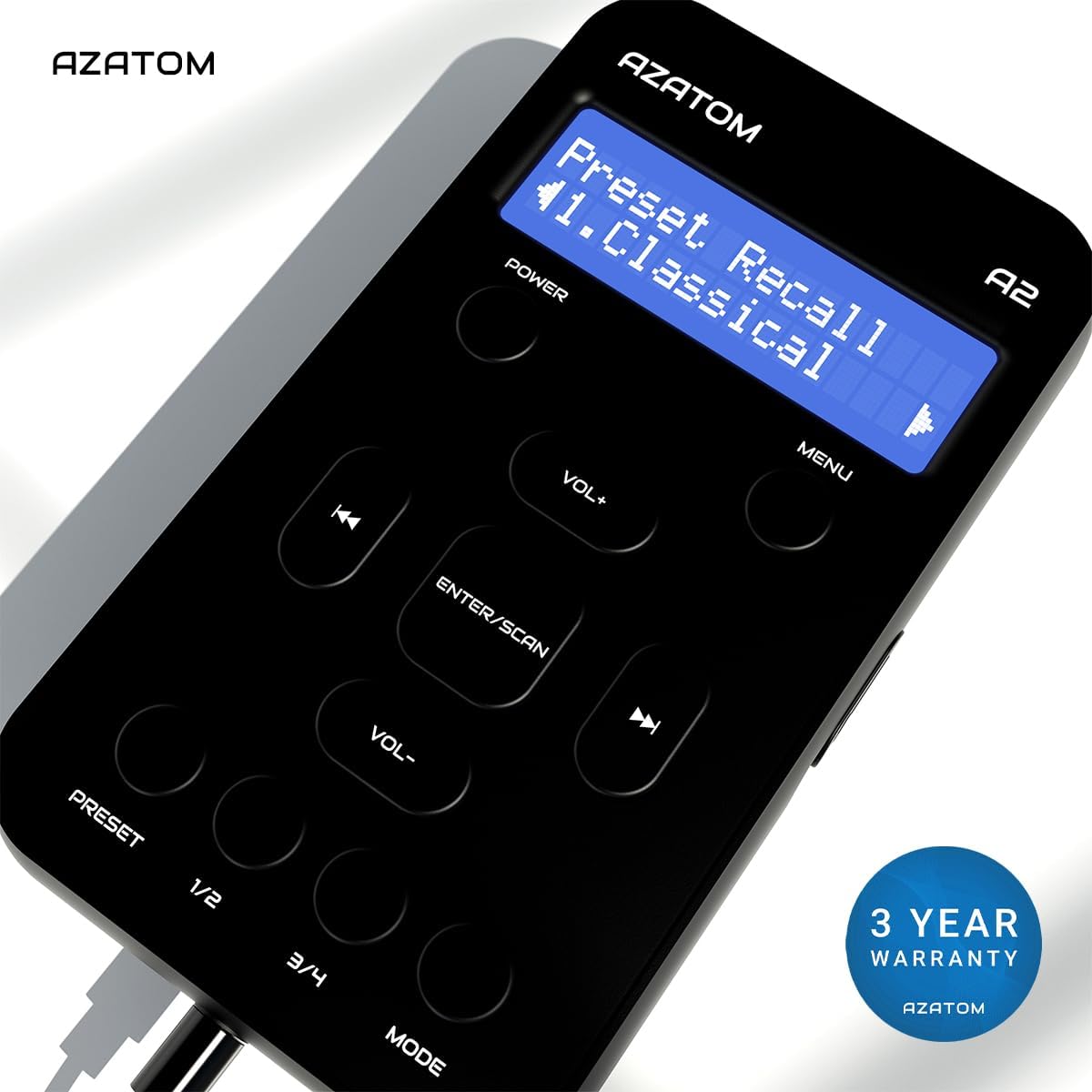
The AZATOM A2 is backed by a 3-year warranty.