
הקדמה
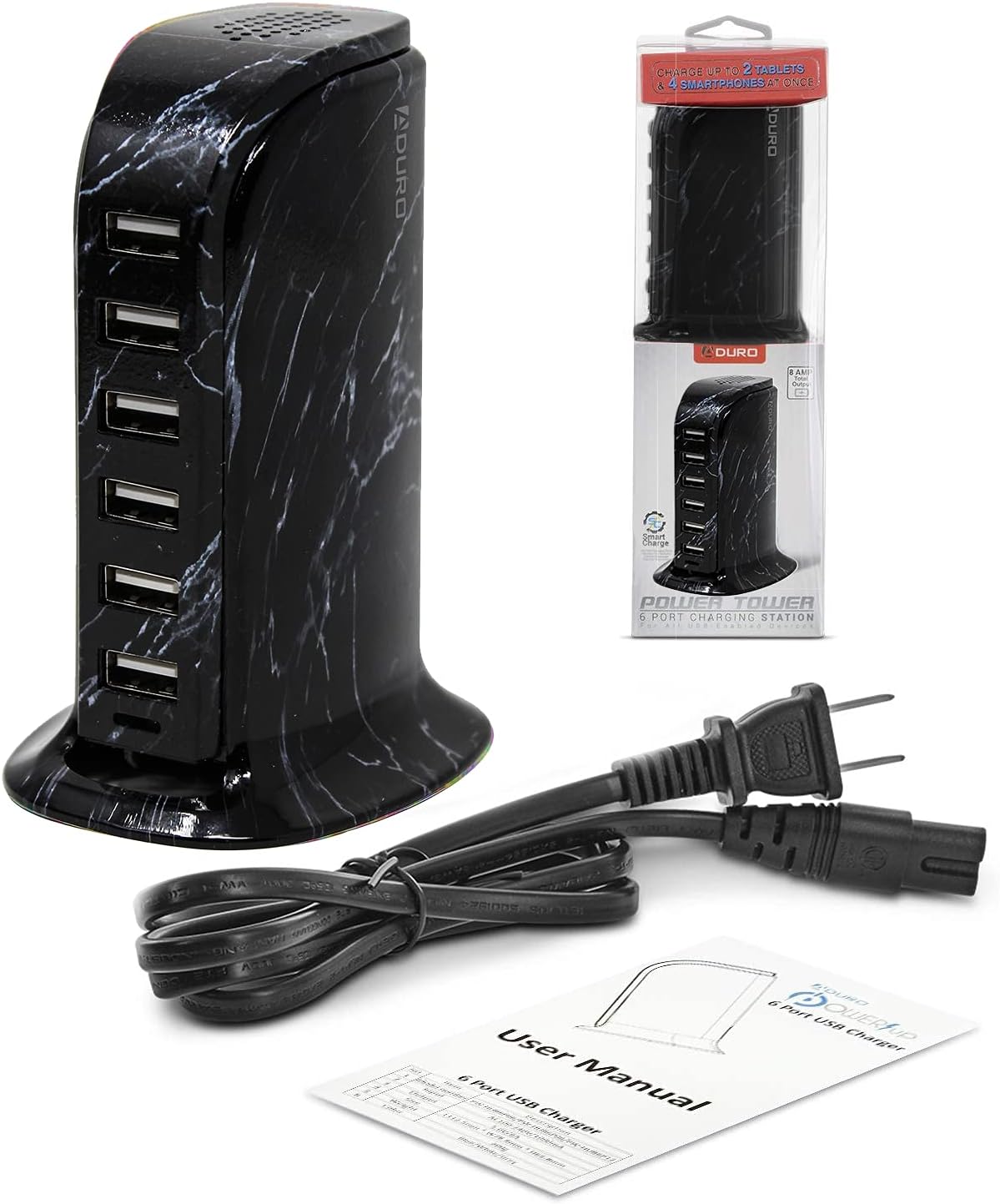
The Aduro 40W 6-Port USB Desktop Charging Station is designed to efficiently charge multiple USB-powered devices simultaneously. Featuring Smart Flow technology, it automatically adjusts power output for optimal charging speed for various devices, including smartphones, tablets, wireless speakers, headsets, and cameras. This compact and powerful charging hub provides a convenient solution for managing your charging needs.
פּעקל אינהאַלט
- Aduro 40W 6-Port USB Desktop Charging Station
- מאַכט קאַבלע
- באַניצער מאַנואַל (דעם דאָקומענט)
פּראָדוקט איבערview
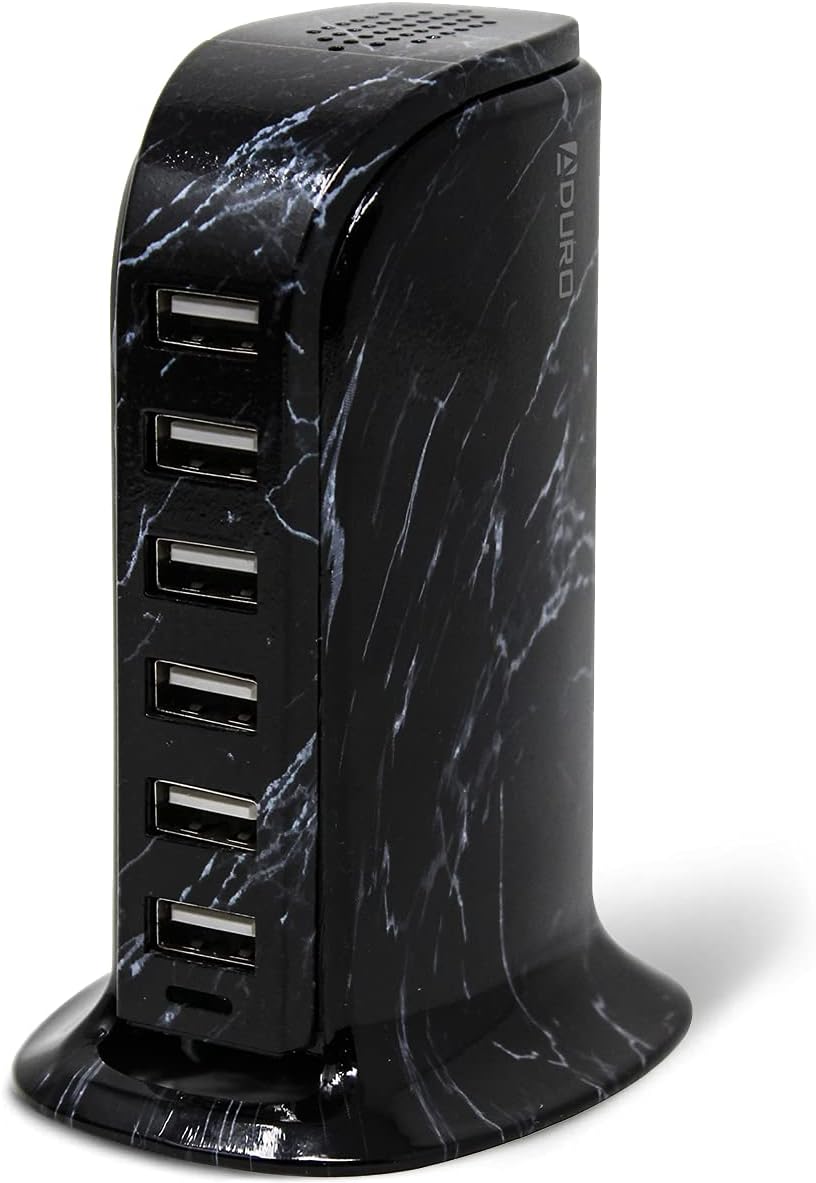
The Aduro 6-Port USB Desktop Charging Station features six USB-A ports, each equipped with Smart IC technology to detect and deliver the optimal charging current for connected devices. The unit has a total power output of 40 Watts and 8 Amps, ensuring efficient charging even when multiple devices are connected.

סעטאַפּ אינסטרוקציעס
- Unpack the Aduro 6-Port USB Desktop Charging Station and its power cable from the packaging.
- Connect the provided power cable to the power input port located on the back of the charging station.
- Plug the other end of the power cable into a standard wall outlet (100-240V AC).
- The blue LED indicator light on the front of the charging station will illuminate, indicating that the device is powered on and ready for use.
אַפּערייטינג ינסטראַקשאַנז
- קאַנעקטינג דעוויסעס: Use your device's USB charging cable to connect it to any of the six available USB-A ports on the charging station.
- קלוגע טשאַרדזש טעכנאָלאָגיע: The integrated Smart IC technology will automatically detect the connected device and deliver the most efficient charging rate, optimizing charging speed and protecting your device.
- סימולטאַנעאָוס טשאַרדזשינג: You can charge up to six devices concurrently. The 40W total power output ensures sufficient power distribution for all connected devices.
וישאַלט
- רייניקונג: טרענט אָפּ די טשאַרדזשינג סטאַנציע פֿון דער עלעקטרישער אַוטלעט איידער איר רייניקט. ניצט אַ ווייכע, טרוקענע שטאָף צו ווישן די ייבערפלאַך. ניצט נישט קיין פֿליסיקע רייניגער אָדער אַעראָזאָל שפּריץ.
- סטאָרידזש: When not in use, store the charging station in a cool, dry place away from direct sunlight and moisture.
- קאַבלע פאַרוואַלטונג: Ensure charging cables are not tangled or excessively bent to prevent damage.
טראָובלעשאָאָטינג
- מיטל ניט טשאַרדזשינג:
- Ensure the charging station is properly plugged into a live power outlet and the blue LED indicator is on.
- Check if the USB cable is securely connected to both the charging station and your device.
- Try a different USB port on the charging station.
- Test with a different USB cable to rule out cable malfunction.
- באַשטעטיקן אַז אייער דעווייס'ס טשאַרדזשינג פּאָרט איז ריין און נישט געשעדיגט.
- פּאַמעלעך טשאַרדזשינג:
- The Smart IC technology optimizes charging, but very power-intensive devices might charge slower if many devices are connected simultaneously.
- Ensure your device's original or high-quality charging cable is used.
- Check if the device itself supports faster charging.
- איבערהייצונג:
- If the charging station feels excessively hot, disconnect it immediately from the power source and all devices. Allow it to cool down.
- Ensure adequate ventilation around the unit. Do not cover it.
- אויב איבערהיצונג בלייבט, שטעלט אפ דעם באניץ און קאנטאקטירט קאסטומער שטיצע.
ספּעסאַפאַקיישאַנז
| שטריך | דעטאַל |
|---|---|
| סאָרט | Aduro |
| מאָדעל נומער | PW-HUB6P-MB1 |
| גאַנץ וסב פּאָרץ | 6 |
| וואָסtage | 40 וואטס |
| Ampעראַגע | 8 Amps |
| אַרייַנשרייַב וואָלtage | 240 וואלטס |
| רעזולטאַט חלקtage | 5 וואלטס (דק) |
| פּונקט וואָג | 0.3 קילאָגראַמס |
| פאָרם פאַקטאָר | דעסקטאָפּ |
| קאַנעקטיוויטי טעכנאָלאָגיע | וסב, ווירעלעסס |
| קאַמפּאַטאַבאַל דעוויסעס | Cellular Phones, Speakers |
| ספּעציעלע שטריך | ווירעלעסס טשאַרדזשינג |
וואָראַנטי און שטיצן
The Aduro 40W 6-Port USB Desktop Charging Station comes with an Aduro lifetime warranty. For any product inquiries, technical support, or warranty claims, please contact Aduro customer service. Refer to the official Aduro webפּלאַץ פֿאַר קאָנטאַקט אינפֿאָרמאַציע.