
1. הקדמה
Thank you for choosing the Pixio PX259 Prime Gaming Monitor. This manual provides essential information for setting up, operating, and maintaining your monitor to ensure optimal performance and longevity. Please read this manual thoroughly before using the product and retain it for future reference.
The Pixio PX259 Prime is a high-performance 24.5-inch gaming monitor featuring a 280Hz refresh rate, 1ms GTG response time, and a Fast Nano IPS panel, designed to deliver a smooth and immersive gaming experience.
2. פּעקל אינהאַלט
באַשטעטיקן אַז אַלע זאכן זענען פאַראַן אין דיין פּעקל:
- פּיקסיאָ PX259 פּריים מאָניטאָר
- מאָניטאָר שטאַנד (באַזע און האַלדז)
- DisplayPort קאַבלע
- מאַכט אַק אַדאַפּטער
- מאַכט קאַבלע
- באַניצער מאַנואַל (דעם דאָקומענט)

Image: The Pixio PX259 Prime monitor showcasing its 24.5-inch screen, 280Hz refresh rate, 1080p FHD resolution, and Fast IPS panel technology.
3. פֿאַרזאַמלונג
גיי די סטעפּס צו אַסעמבאַל דיין מאָניטאָר:
- נעמט פֿאָרזיכטיק אַרויס דעם מאָניטאָר און שטאַנד קאָמפּאָנענטן פֿון דער פּאַקאַדזשינג.
- באַפעסטיקט דעם שטאַנד האַלדז צום מאָניטאָר פּאַנעל. מאַכט זיכער אַז עס קליקט זיכער אין פּלאַץ אָדער איז באַפעסטיקט מיט שרויפן אויב עס איז צוגעשטעלט.
- Attach the stand base to the stand neck. Tighten the thumb screw or screws from the bottom of the base to secure it.
- שטעלט דעם צוזאַמענגעשטעלטן מאָניטאָר אויף אַ סטאַבילער, גלאַטער ייבערפלאַך.
4. קאַנעקטיוויטי
The Pixio PX259 Prime offers versatile connectivity options. Refer to the image below for port locations.

בילד: הינטערשטע view of the monitor displaying the DC power input, two DisplayPort 1.2 inputs (280Hz), two HDMI 2.0 inputs (240Hz), and an earphone jack.
קאַנעקטינג צו אַ מיטל:
- מאַכט: Connect the power cable to the AC adapter, then plug the adapter into the monitor's DC IN port and a power outlet.
- DisplayPort: For optimal performance (280Hz refresh rate), connect your PC's graphics card to one of the monitor's DisplayPort 1.2 inputs using the provided DisplayPort cable.
- הדמי: Connect your device (e.g., gaming console, PC) to one of the monitor's HDMI 2.0 inputs. Note that HDMI 2.0 supports up to 240Hz.
- אַודיאָ רעזולטאַט: Connect headphones or external speakers to the earphone jack for audio.
5. אַפּערייטינג ינסטרוקטיאָנס
מאַכט אויף / אַוועק:
דריק דעם מאַכט קנעפּל וואָס געפינט זיך אויפן מאָניטאָר צו עס אנצינדן אָדער אויסלעשן.
On-Screen Display (OSD) Navigation:
The monitor features a joystick-style button for navigating the OSD menu. Push the joystick in to access the main menu, then move it up, down, left, or right to select and adjust settings.
שליסל סעטטינגס:
- דערפרישן קורס: Ensure your graphics card settings are configured to output at 280Hz (via DisplayPort) or 240Hz (via HDMI) for the smoothest experience.
- ענטפער צייט: The 1ms GTG response time is automatically enabled by the Fast IPS panel.
- AMD FreeSync Premium: Enable FreeSync in your monitor's OSD and your graphics card control panel for tear-free gaming.
- קאָליר סעטטינגס: Adjust brightness, contrast, and color temperature to your preference. The monitor supports 101.34% sRGB for vibrant colors.
- גיימינג פֿעיִקייטן: Access built-in crosshairs and other game-specific enhancements through the OSD.
- אויג סאַווער מאָדע: Activate this mode to reduce blue light emission for comfortable extended viewing.
6. פֿעיִקייטן איבערview
The Pixio PX259 Prime is engineered with features to enhance your gaming and viewדערפאַרונג:
- 280Hz דערפרישן קורס: Provides ultra-smooth motion and reduced input lag, crucial for competitive gaming.
- 1ms GTG רעאַקציע צייט: Minimizes motion blur and ghosting, ensuring crisp visuals during fast-paced action.
- Fast Nano IPS Panel: Combines the wide viewing angles and color accuracy of IPS technology with the rapid response times typically found in TN panels.
- AMD FreeSync Premium: Synchronizes the monitor's refresh rate with your GPU's frame rate, eliminating screen tearing and stuttering.
- וויבראַנט קאָלאָרס: With 101.34% sRGB coverage, experience rich, accurate, and lifelike colors.
- צווייענדיק ספּיקערז: Equipped with integrated speakers for audio output.
- אויג סאַווער מאָדע: Reduces blue light to minimize eye strain during prolonged use.
- Gaming Ready: Features like customizable crosshairs are available to assist in gameplay.

Image: Monitor displaying a dynamic game scene, highlighting 280Hz Refresh Rate, 1ms (GTG) Response Time, Fast IPS Panel, and AMD FreeSync Premium.

Image: Visual comparison demonstrating the smoothness of 280Hz refresh rate versus a conventional 60Hz display in a gaming context.

Image: Visual comparison illustrating the difference between 4ms and 1ms GTG response time, showing reduced motion blur with 1ms.
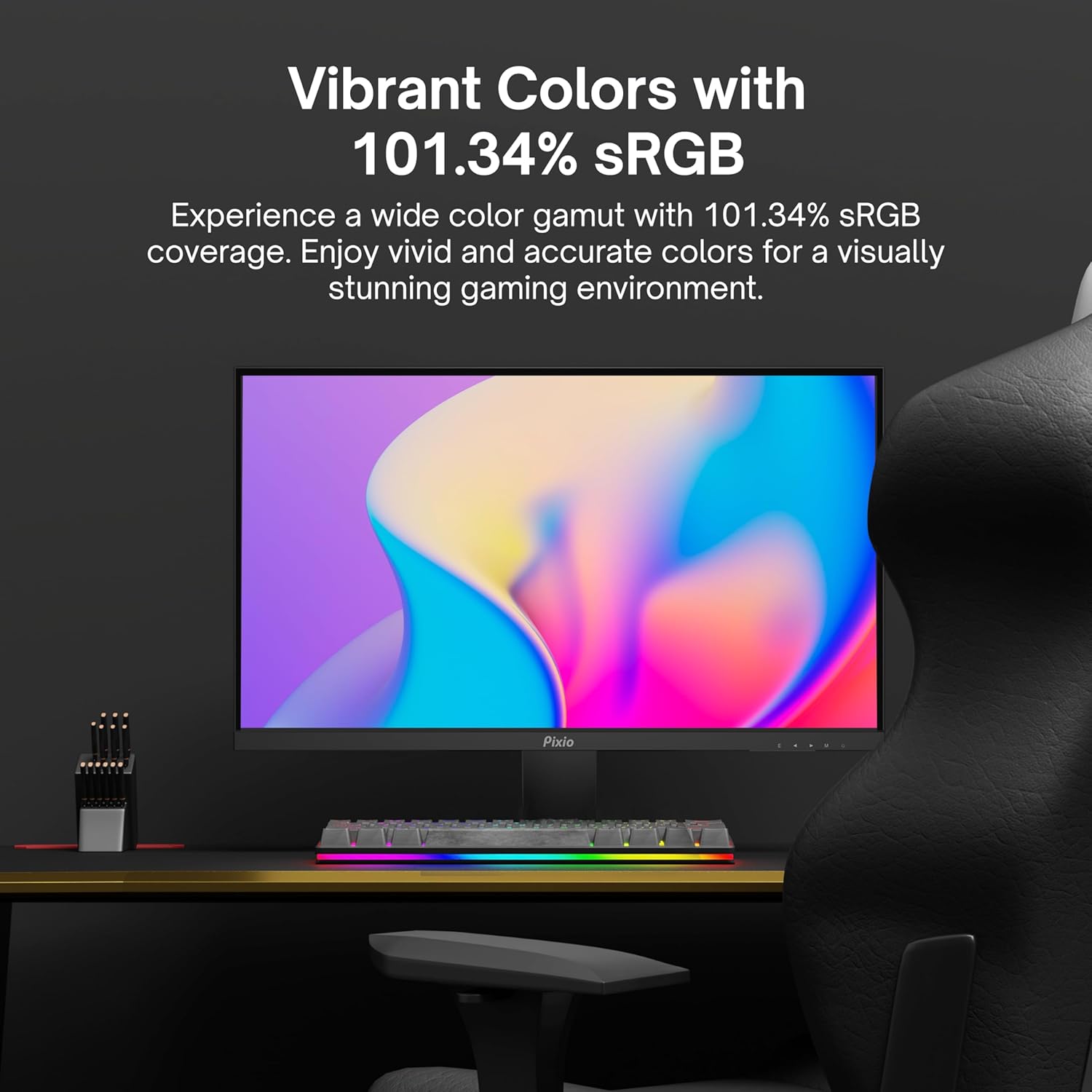
Image: Monitor displaying a colorful game environment, emphasizing the vibrant color reproduction with 101.34% sRGB.
פּראָדוקט ווידעאָ איבערview:
Video: An official product video from Pixio showcasing the PX259 Prime 25-inch 1080p 280Hz Fast IPS 1ms Gaming Monitor, highlighting its features and performance.
7. וישאַלט
- רייניקונג די פאַרשטעלן: ווישט אָפּ דעם עקראַן מיט אַ ווייכן, לינט-פֿרײַעם שטאָף. פֿאַר שווערע פֿלעקן, דampen the cloth with a small amount of screen cleaner (non-ammonia based) and wipe carefully.
- רייניקונג פון די Casing: ניצט אַ ווייכע, טרוקענע שטאָף צו ווישן די מאָניטאָר'ס קasinז. פֿאַרמײַדן ניצן אַברייסיוו רייניגער אָדער סאָלווענטן.
- ווענטילאַטיאָן: זיכערט זיך אז די מאָניטאָר'ס ווענטילאַציע עפענונגען זענען נישט פארשטאפט צו פארמיידן איבערהיצונג.
- סטאָרידזש: אויב איר לייגט אפ דעם מאָניטאָר פאר א לענגערע צייט, זאָלט איר עס אָפּשטעקן פון עלעקטריע און עס אַוועקלייגן אין א קילן, טרוקענעם אָרט, בעסער אין זיין אָריגינעלער פּאַקעט.
8. טראָובלעשאָאָטינג
- קיין מאַכט:
- זיכער מאַכן אַז דער מאַכט קאַבל איז זיכער פארבונדן צום מאָניטאָר און אַ אַרבעטנדיקן מאַכט ווענטיל.
- קוק אויב די מאַכט אַדאַפּטער איז פאַנגקשאַנינג ריכטיק.
- קיין סיגנאַל:
- Verify that the video cable (DisplayPort or HDMI) is securely connected to both the monitor and your device.
- זיכער מאַכן אַז די ריכטיקע אַרייַנגאַנג מקור איז אויסגעקליבן אין דעם מאָניטאָר'ס OSD מעניו.
- פּרובירט מיט אַן אַנדער ווידעאָ קאַבל אָדער פּאָרט אויב פֿאַראַן.
- סקרין רייסט/שטאַטערט:
- Enable AMD FreeSync Premium in both the monitor's OSD and your graphics card settings.
- זייט זיכער אז אייערע גראַפיקס דרייווערס זענען אַרויף צו דאַטע.
- Incorrect Refresh Rate:
- Check your operating system's display settings and your graphics card control panel to set the refresh rate to 280Hz (DisplayPort) or 240Hz (HDMI).
- Ensure you are using a DisplayPort cable for 280Hz.
- Poor Picture Quality/Colors:
- סטרויערן העלקייט, קאנטראסט און קאליר סעטינגס אין די OSD מעניו.
- זיכער מאַכן אַז דער ווידעאָ קאַבל איז נישט געשעדיגט.
9. ספּעסאַפאַקיישאַנז
Detailed technical specifications for the Pixio PX259 Prime monitor:
| שטריך | באַשרייַבונג |
|---|---|
| מאָדעל נומער | PX259 פּריים |
| פאַרשטעלן גרייס | 24.5 Inches (25 Inches equivalent) |
| טאַפליע טיפּ | שנעלע נאַנאָ IPS |
| האַכלאָטע | FHD 1080p (1920 x 1080 פּיקסעלס) |
| דערפרישן קורס | 280Hz (144Hz Supported) |
| ענטפער צייט | 1ms GTG |
| אַספּעקט פאַרהעלטעניש | 16:9 |
| בילד ברייטנאַס | 350 קאַנדעלאַ |
| אַדאַפּטיוו סינק | אַמד פרעעסינק פּרעמיום |
| קאַנעקטיוויטי | 2x DisplayPort 1.2, 2x HDMI 2.0, Earphone Jack, DC In |
| פּראָדוקט דימענשאַנז | 7.09 X 21.98 X 16.52 אינטשעס |
| פּונקט וואָג | 12.42 פונט |
| VESA קאַמפּאַטאַבילאַטי | 75x75mm (VESA Ready) |

Image: Diagram showing the dimensions of the Pixio PX259 Prime monitor, including width (21.98 inches), height (16.52 inches), and depth (7.09 inches).
10. וואָראַנטי און שטיצן
Pixio products are designed for reliability and performance. For specific warranty details, please refer to the warranty card included with your product or visit the official Pixio website. For technical support, troubleshooting assistance, or service inquiries, please contact Pixio customer support through their official channels.
אָנליין רעסורסן: For additional information, FAQs, and driver downloads, please visit the פּיקסיאָ קראָם אויף אַמאַזאָן.