
1. פּראָדוקט איבערview
The ELRO DV477W-M is an additional indoor monitor designed to expand your existing ELRO DV477W or DV477IP series video intercom system. This 7-inch color monitor allows for clear two-way communication with visitors at your door and provides convenient door opening functionality.
שליסל פֿעיִקייטן:
- 7-inch (18 cm) color display for clear video.
- High-quality microphone and speaker for two-way audio communication.
- Door opening function for convenient access control.
- Modern design with brushed aluminum finish.
- Compatible with ELRO DV477W and DV477IP series video intercoms.
פּעקל אינהאַלט:
- ELRO DV477W-M 7-inch Indoor Monitor
- מאָונטינג קלאַמער
- 15m 4-wire Electrical Cable
- מאַכט אַדאַפּטער
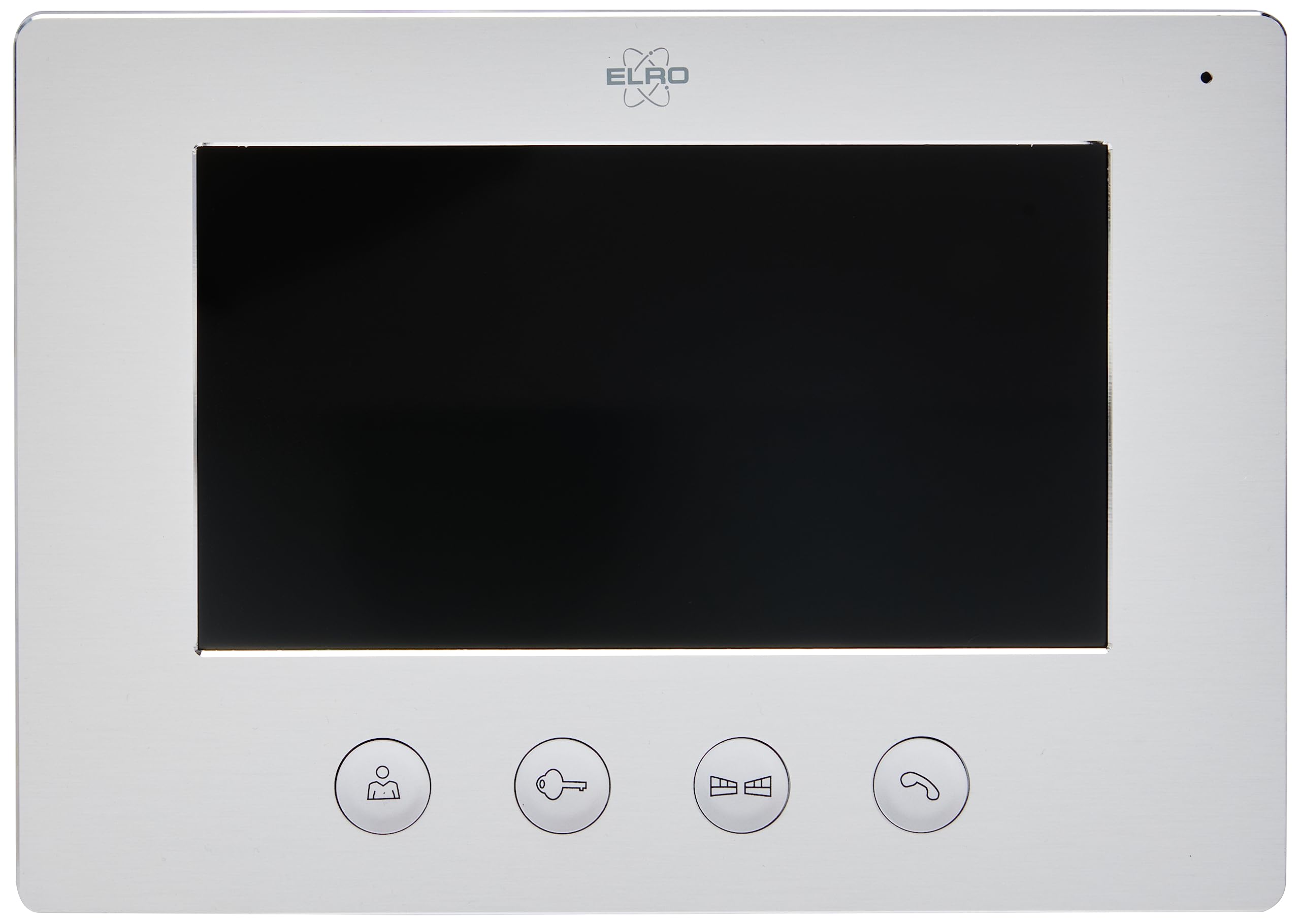
Image 1.1: The ELRO DV477W-M 7-inch indoor monitor, featuring a sleek design and control buttons.
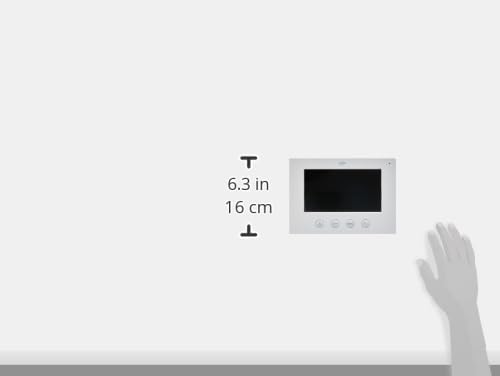
Image 1.2: Diagram showing the dimensions of the ELRO DV477W-M monitor, approximately 6.3 inches (16 cm) in height.
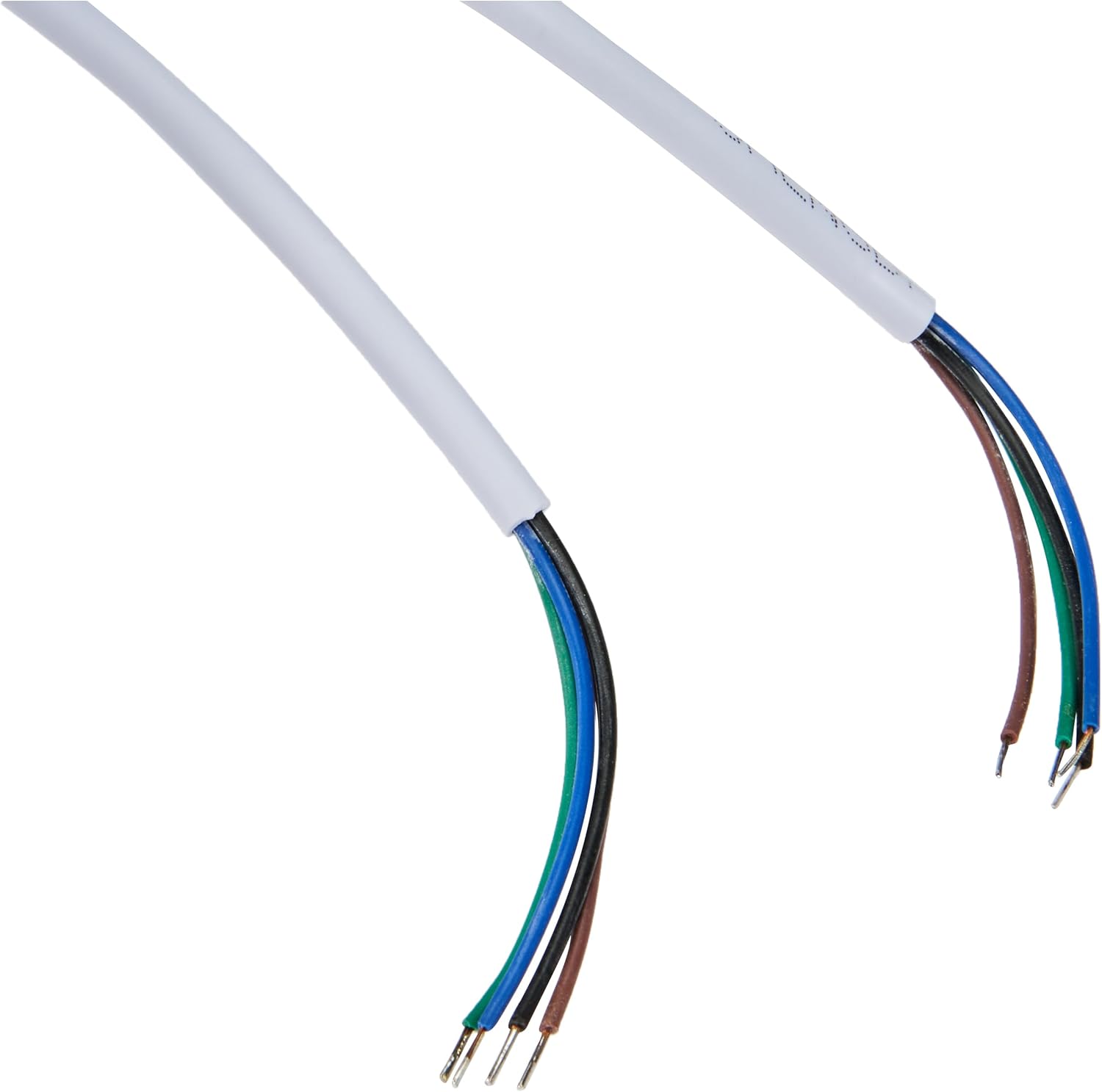
Image 1.3: The included 15-meter 4-wire electrical cable for connecting the monitor to the intercom system.
2. סעטאַפּ און ייַנמאָנטירונג
This section provides instructions for installing your ELRO DV477W-M additional indoor monitor. Ensure all power is disconnected from your existing intercom system before beginning installation.
2.1 זיכערקייַט פּריקאָשאַנז:
- שטענדיק דיסקאַנעקט מאַכט איידער ינסטאַלירונג אָדער וישאַלט.
- באַראַטן זיך מיט אַ קוואַליפֿיצירטן עלעקטריקער אויב איר זענט נישט זיכער וועגן קיין וויירינג פּראָצעדורן.
- Do not expose the monitor to moisture or extreme temperatures.
2.2 Mounting the Monitor:
- Choose a suitable indoor location for the monitor, ensuring it is within reach of the 15m cable and a power outlet.
- Use the provided mounting bracket as a template to mark drilling points on the wall.
- באָערט לעכער און אַרײַנשטעקט וואַנט פּלאַגז אויב נייטיק.
- באַוואָרענען די מאַונטינג קאַנטיקער צו די וואַנט מיט צונעמען סקרוז.
2.3 וויירינג קאַנעקשאַנז:
- Connect the 4-wire electrical cable from your existing ELRO DV477W or DV477IP outdoor unit/main monitor to the corresponding terminals on the back of the DV477W-M additional monitor. Ensure correct polarity for each wire (e.g., power, ground, audio, video). Refer to your main intercom system's manual for specific wiring diagrams.
- Connect the power adapter to the monitor's power input and then plug it into a wall outlet.
- Carefully attach the monitor to the mounted bracket.
באַמערקונג: The 4-wire cable typically carries power, ground, audio, and video signals. Incorrect wiring can damage the device or prevent proper operation.
3. אַפּערייטינג ינסטרוקטיאָנס
Once installed and powered on, the ELRO DV477W-M monitor is ready for use. It functions as an extension of your main intercom system.
3.1 באַקומען אַ רוף:
- When a visitor presses the doorbell button on the outdoor unit, the monitor will ring and display the visitor's image.
- דרוק די ענטפער button (usually indicated by a telephone icon) to initiate two-way audio communication.
- צו ענדיקן דעם שמועס, דריקן די סוף רופן קנעפּל.
3.2 Opening the Door:
- בעת א רוף, אדער ווען viewing the visitor, press the טיר ופשליסן button (often depicted as a key or unlock icon) to activate the electronic door lock connected to your main intercom system.
- The door will unlock for a short period, allowing the visitor to enter.
3.3 מאָניטאָרינג:
- Some systems allow you to manually activate the camera on the outdoor unit to view the entrance area without a visitor pressing the doorbell. Refer to your main intercom system's manual for this feature.
4. וישאַלט
Proper maintenance ensures the longevity and optimal performance of your ELRO DV477W-M monitor.
4.1 רייניקונג:
- Wipe the monitor screen and casinג מיט אַ ווייכן, טרוקענעם, לינט-פֿרייע שטאָף.
- פֿאַר שווערע מאַרקן, אַ ביסל דampen the cloth with water. Avoid using harsh chemicals, abrasive cleaners, or solvents, as these can damage the finish.
- Do not spray cleaning liquids directly onto the monitor.
4.2 אַלגעמיינע זאָרג:
- Keep the monitor away from direct sunlight, heat sources, and areas with high humidity.
- Ensure ventilation openings (if any) are not blocked.
- פֿאַרמײַדט צו לאָזן פאַלן אָדער אויסשטעלן דעם מאָניטאָר צו שטאַרקע קלאַפּן.
5. טראָובלעשאָאָטינג
If you encounter issues with your ELRO DV477W-M monitor, refer to the following common problems and solutions.
| פּראָבלעם | מעגלעך סיבה | לייזונג |
|---|---|---|
| No image or sound on the monitor. |
|
|
| Image is distorted or unclear. |
|
|
| קיין אודיאָ בעת קאָמוניקאַציע. |
|
|
| Door unlock function does not work. |
|
|
If these solutions do not resolve the issue, please contact ELRO customer support.
6. ספּעסאַפאַקיישאַנז
| שטריך | דעטאַל |
|---|---|
| מאָדעל נומער | DV477W-M |
| פאַבריקאַנט | עלראָ |
| ווייַז גרייס | 7 אינטשעס (18 סענטימעטער) |
| פּראָדוקט דימענשאַנז (L x W x H) | 21.5 X 2.5 X 15 סענטימעטער |
| וואָג | 386 גראַמז |
| מאַטעריאַל | אַלומינום |
| אַרייַנגערעכנט קאַמפּאָונאַנץ | Monitor, Mounting Bracket, 15m 4-wire Electrical Cable, Power Adapter |
| באַטעריז פארלאנגט | ניין |
| קאַמפּאַטאַבילאַטי | ELRO DV477W and DV477IP series video intercom systems |
7. וואָראַנטי און שטיצן
ELRO products are designed for reliability and performance. For specific warranty information, please refer to the documentation included with your original ELRO video intercom system or visit the official ELRO webפּלאַץ.
If you require technical assistance, have questions about installation, or need to report a fault, please contact ELRO customer support. Contact details can typically be found on the ELRO webזייטל אדער אין אייער פּראָדוקט פּאַקאַדזשינג.
באַמערקונג: אינפֿאָרמאַציע וועגן די פֿאַרפֿיגבאַרקייט פֿון רעזערוו טיילן איז דערווײַל נישט פֿאַרפֿיגבאר.