
1. פּראָדוקט איבערview
The Rocketek 65W Dell Laptop Charger is designed to provide reliable power to compatible Dell laptops. It features an input voltage range of 100-240V and an output of 19.5V at 3.34A, delivering 65W of power. The charger is also compatible with devices requiring 45W (19V, 2.31A). The connector size is 4.5mm outer diameter with a 3.0mm inner diameter.
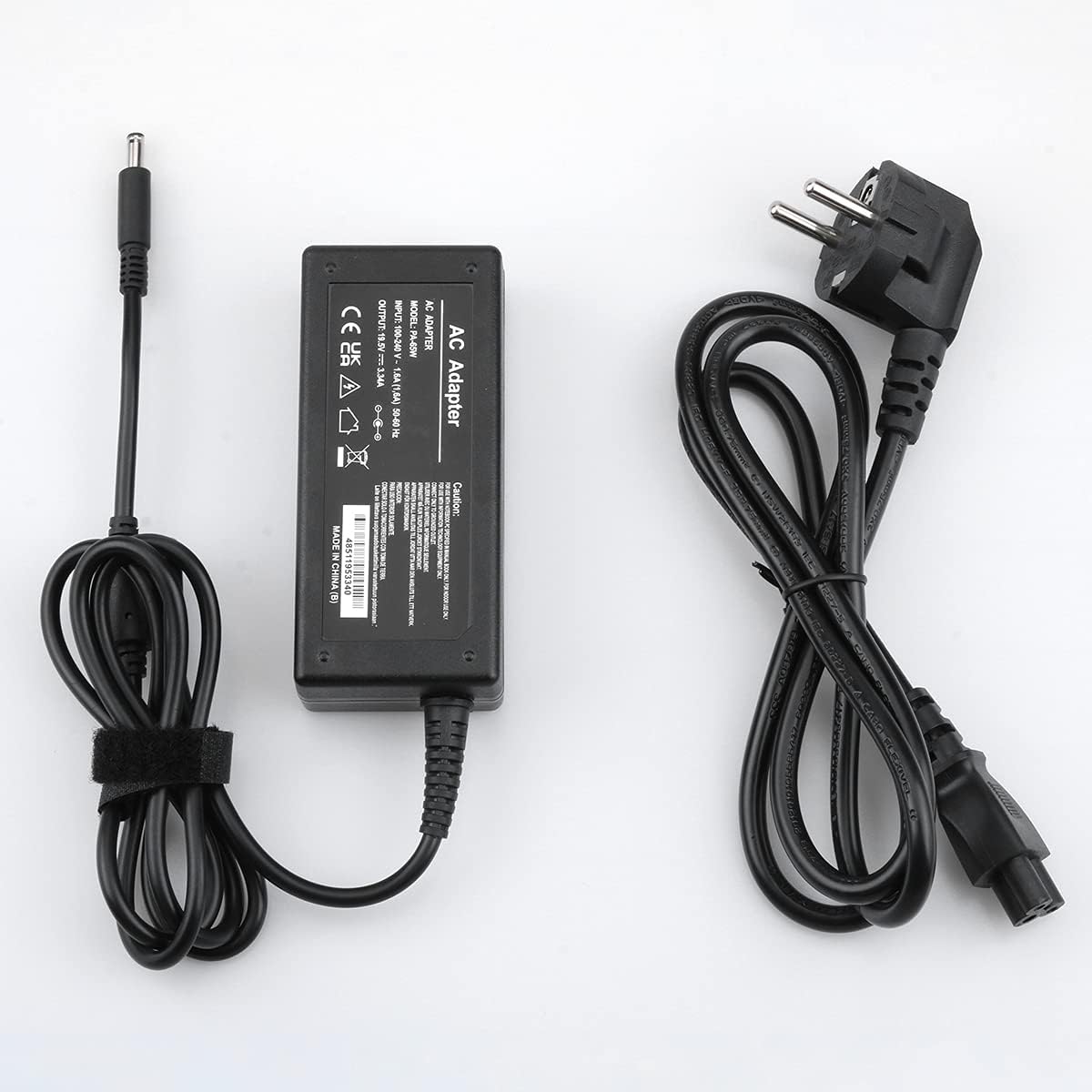
Image 1.1: The Rocketek 65W Dell Laptop Charger includes the AC adapter unit and a detachable power cable.
2. סעטאַפּ אינסטרוקציעס
Follow these steps to set up your Rocketek laptop charger:
- פֿאַרבינדט דעם AC מאַכט קאַבל: Insert the AC power cable into the adapter unit. Ensure it is firmly seated.
- צאַפּן אין די מאַכט אָוטלעט: Connect the other end of the AC power cable into a standard wall power outlet (100-240V).
- פאַרבינדן צו לאַפּטאָפּ: Insert the DC connector (the round plug) from the adapter into the power input port on your Dell laptop. Ensure the connection is secure.
- באַשטעטיקן טשאַרדזשינג: Confirm that your laptop indicates it is receiving power and charging.
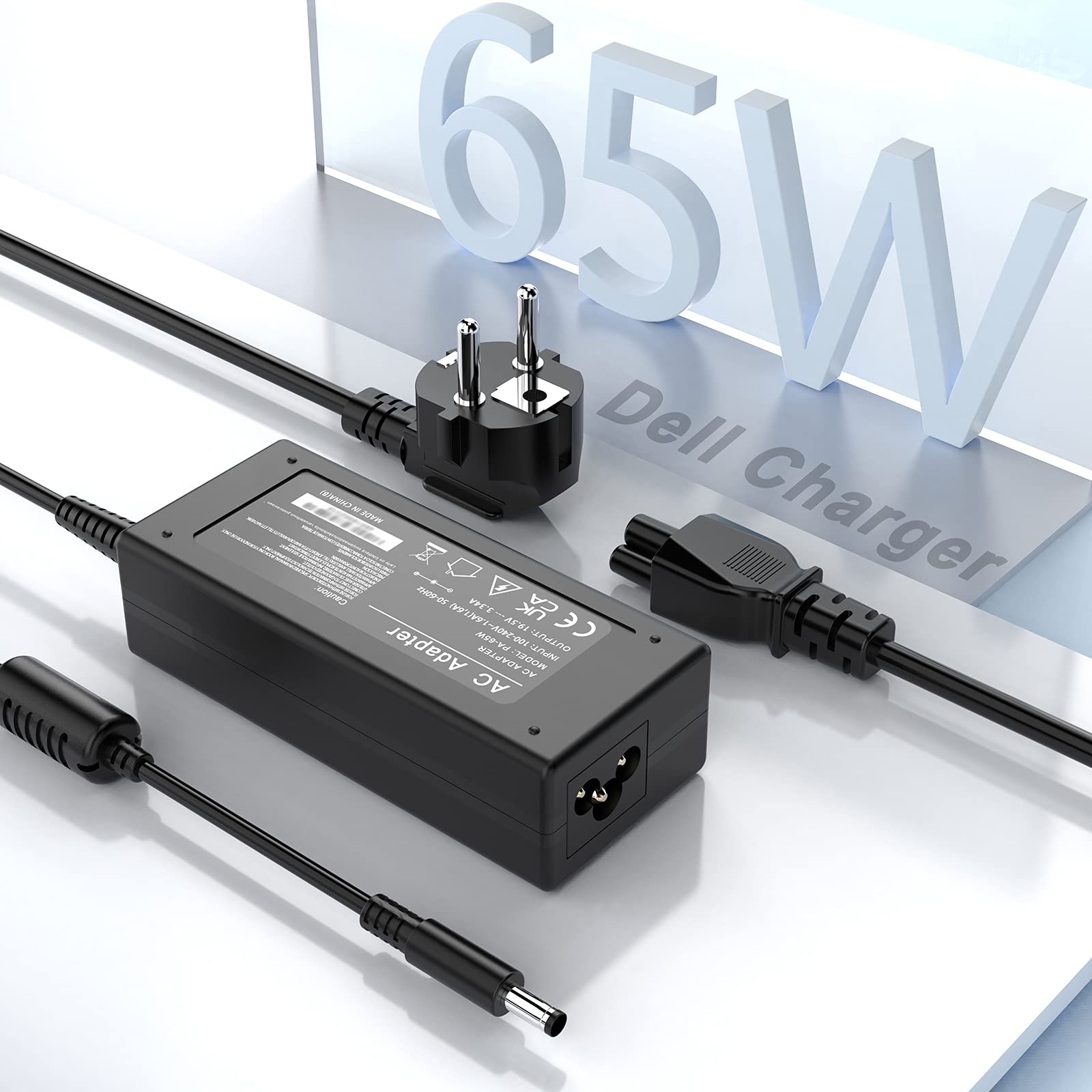
Image 2.1: The charger connected to a Dell laptop and a power strip, illustrating a typical setup.
וויכטיק באַמערקונג: Before connecting, always verify that your laptop's power requirements (voltage, ampעראַגע, און וואַטtage) and the DC connector size match the specifications of this charger. This charger is designed for Dell laptops requiring 19.5V, 3.34A (65W) or 19V, 2.31A (45W) with a 4.5mm x 3.0mm connector.
3. אַפּערייטינג ינסטרוקטיאָנס
Once connected, the charger will automatically begin supplying power to your laptop and charging its battery. The charger is equipped with multiple safety features to protect your device:
- אָווערטשאַרדזש שוץ: פאַרהיט באַטעריע שעדיקן פון יבעריק טשאַרדזשינג.
- אָווערקוררענט שוץ: Safeguards against damage from current surges.
- אָווערוואָלtagE שוץ: Protects against damage from voltage פלאַקטשויישאַנז.
- Short-circuiting Protection: אויטאָמאַטיש שניידט אפ די עלעקטריע אין פאַל פון אַ קורץ קרייַז.
- Over-Power Protection: Ensures the charger operates within safe wattagE לימאַץ.
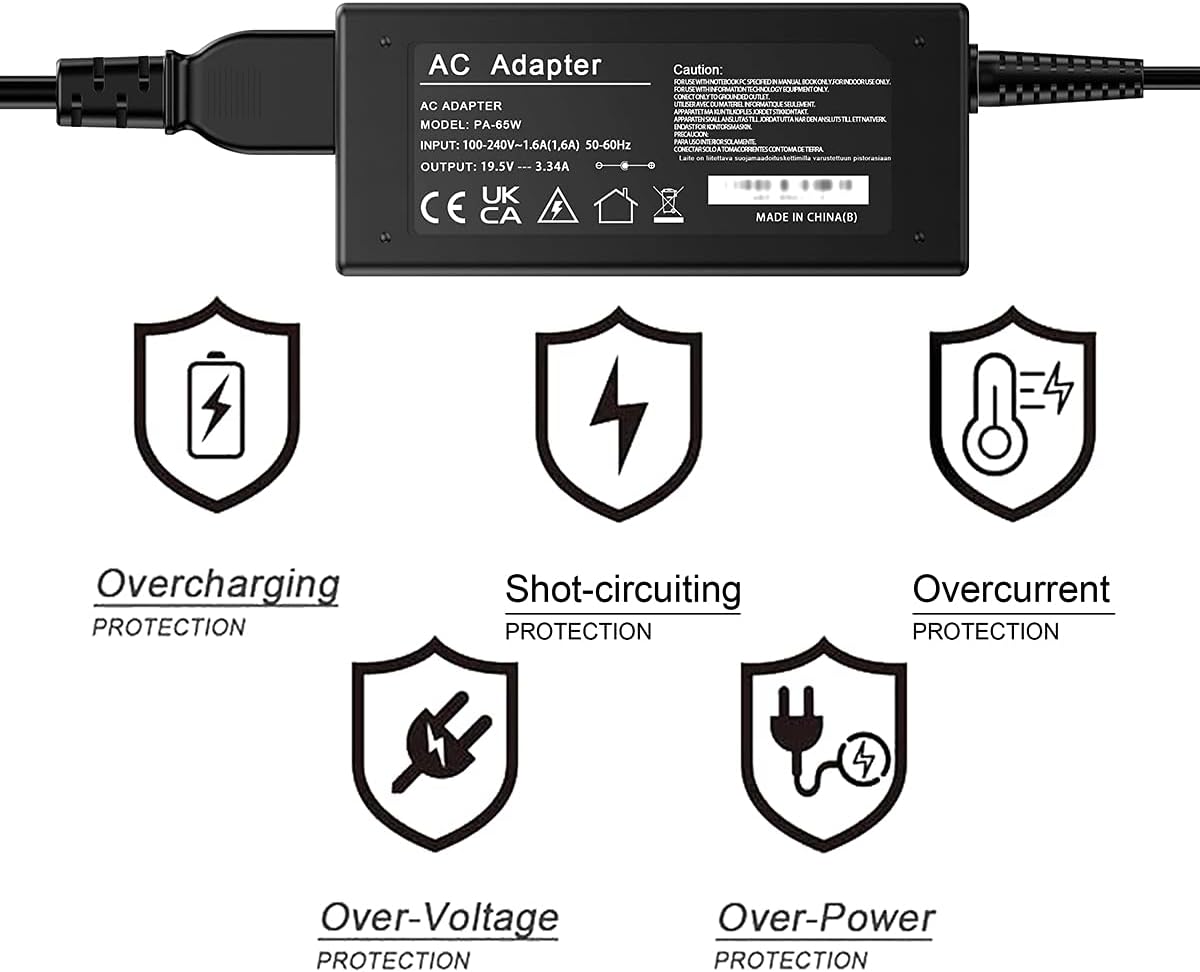
Image 3.1: Visual representation of the multi-protection features integrated into the charger.
4. וישאַלט
To ensure the longevity and optimal performance of your Rocketek charger, follow these maintenance guidelines:
- האַלטן ריין: Regularly wipe the charger and cables with a dry, soft cloth to remove dust and dirt.
- ויסמיידן עקסטרעמע טנאָים: Do not expose the charger to extreme temperatures, high humidity, or direct sunlight.
- שעפּן קאַבלע קערפאַלי: Avoid bending or twisting the cables sharply, especially near the connectors, to prevent internal wire damage.
- סטאָר רעכט: When not in use, store the charger in a cool, dry place. Avoid wrapping cables too tightly around the adapter.
5. טראָובלעשאָאָטינג
If you encounter issues with your charger, refer to the following troubleshooting tips:
- טשאַרדזשער גיט נישט קיין מאַכט:
- Ensure all cable connections are secure at both the wall outlet and the laptop.
- Try plugging the charger into a different wall outlet to rule out a faulty socket.
- Check if the power indicator light (if present) on the adapter is on.
- לאַפּטאָפּ לאָדט זיך נישט אויף:
- Verify that the charger's specifications (voltage, ampעראַגע, וואָסtage) and connector size (4.5mm x 3.0mm) precisely match your laptop's requirements. An incorrect connector size or power rating will prevent charging.
- ריסטאַרט דיין לאַפּטאַפּ.
- Inspect the DC connector for any physical damage or debris.
- איבערהייצונג:
- Ensure the charger is placed in a well-ventilated area and not covered by objects that could trap heat.
- אויב איבערהיצונג בלייבט, שטעלט אפ דעם באניץ און קאנטאקטירט שטיצע.

Image 5.1: Illustration of correct (4.5mm x 3.0mm) versus incorrect (7.4mm x 5.0mm) DC connector types. Always ensure your laptop's connector matches the charger.
6. ספּעסאַפאַקיישאַנז
| שטריך | באַשרייַבונג |
|---|---|
| אַרייַנשרייַב וואָלtage | אַק 100-240 וו, 1.6 אַ, 50-60 הז |
| רעזולטאַט חלקtagE/קראַנט | דק קסנומקסוו, קסנומקסאַ |
| מאַכט רעזולטאַט | 65W (Compatible with 45W, 19V, 2.31A) |
| DC Connector Size | Outer Diameter: 4.5mm; Inner Diameter: 3.0mm |
| דק קאַבלע לענג | 120 סענטימעטער (47.2 אינטשעס) |
| אַק קאַבלע לענג | 120 סענטימעטער (47.2 אינטשעס) |
| סערטיפיקאַטיאָנס | סע, פקק, ראָהס |
| דימענסיעס (אַדאַפּטער) | אומגעפער 10.6 ס״מ x 4.7 ס״מ x 3 ס״מ (4.2 אינטש x 1.8 אינטש x 1.2 אינטש) |

Image 6.1: Detailed dimensions of the adapter unit and lengths of the DC and AC cables.
Compatible Dell Laptop Series (Partial List):
- Dell XPS 12, XPS 13, XPS 15
- Dell Inspiron 11, 12, 13, 14, 15, 17 series (e.g., 3000, 5000, 7000 series)
- Dell Vostro 14, 15 series
- Dell Latitude 3490, 3590
- Dell Chromebook 13 7310
באַמערקונג: This list is illustrative. Always confirm your specific laptop model's power requirements and connector type against the charger's specifications.
7. וואָראַנטי און שטיצן
Rocketek provides the following warranty and support for this product:
- Replacement or Refund: Free replacement or refund within 3 months of purchase for quality issues.
- פאַבריקאַנט ס וואָראַנטי: 12-month manufacturer's warranty from the date of purchase.
For any quality issues or support inquiries, please contact Rocketek customer service through your purchase platform. Provide your order number and a detailed description of the issue for prompt assistance.