
1. הקדמה
This manual provides detailed instructions for the safe and efficient operation of your TOTAL Digital Sound Level Meter, model Tetsl01. Please read this manual thoroughly before using the device and keep it for future reference. This device is designed for measuring sound levels in various environments.
2. זיכערקייַט אינפֿאָרמאַציע
שטענדיק אָבסערווירן די פאלגענדע זיכערהייט מיטלען צו פאַרמייַדן שאָדן אָדער שעדיקן צו די מיטל:
- Do not attempt to open or modify the device. Internal repairs should only be performed by qualified personnel.
- ויסמיידן יקספּאָוזינג די מיטל צו עקסטרעם טעמפּעראַטורעס, הומידיטי אָדער דירעקט זונשייַן.
- האַלטן די מיטל אַוועק פון שטאַרק מאַגנעטיק פעלדער.
- Ensure batteries are inserted correctly according to polarity markings. Remove batteries if the device will not be used for an extended period.
- רייניקט דעם אַפּאַראַט מיט אַ ווייכן, טרוקענעם שטאָף. ניצט נישט קיין שרײַבנדיקע רייניגערס אדער סאָלווענטן.
- די דעווייס איז נישט וואַסערפּרוף. פֿאַרמייַדט קאָנטאַקט מיט פֿליסיקייטן.
3. פּראָדוקט קאַמפּאָונאַנץ
Familiarize yourself with the main components of your sound level meter:

פיגורע 3.1: פראָנט View of the Sound Level Meter. This image displays the front of the TOTAL Digital Sound Level Meter Tetsl01, showing the display screen, microphone with foam windscreen, and control buttons including Power, F/S (Fast/Slow), REC (Record), RAN (Range), and UNIT. The brand "TOTAL" is visible above the screen, and "TETSL01 Digital Sound Level Meter" is printed below the buttons.

פיגורע 3.2: צוריק View of the Sound Level Meter. This image shows the back of the TOTAL Digital Sound Level Meter Tetsl01. A red battery compartment cover is visible, with a "CAUTION" label and text indicating compliance standards (EN61010-1, EN61326-1) and battery type (DC1.5V x 3 AAA). A CE mark and a crossed-out wheeled bin symbol are also present, along with a serial number "H12B-Q098922".
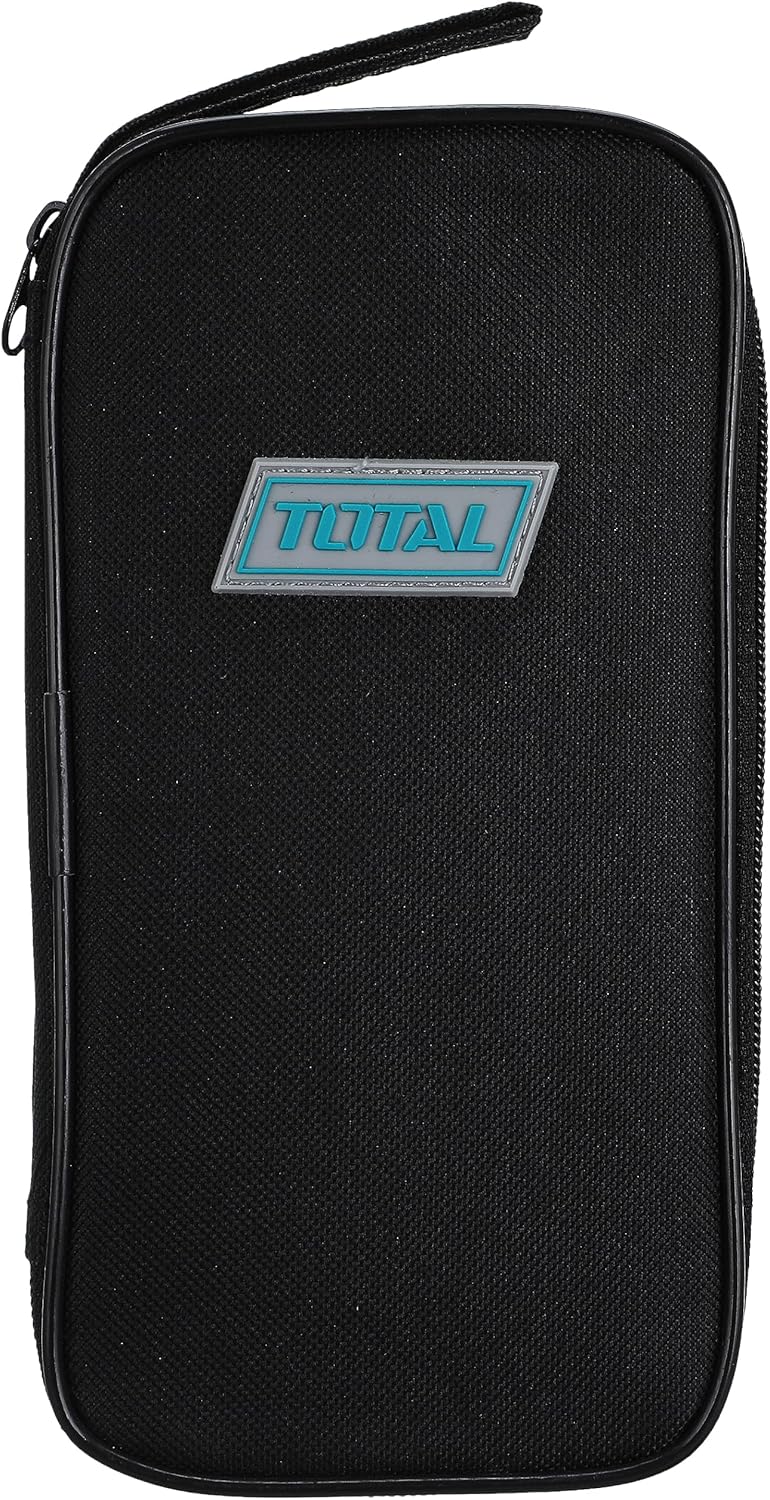
Figure 3.3: Carrying Case. This image features a black zippered carrying case for the TOTAL Digital Sound Level Meter. The case has a rectangular shape with rounded corners and a prominent "TOTAL" logo badge in blue and white on the front.

Figure 3.4: Device Dimensions. This image illustrates the approximate dimensions of the TOTAL Digital Sound Level Meter Tetsl01 in relation to a hand. The device measures approximately 4.7 inches (11 cm) in length.
4. סעטאַפּ
4.1. באַטאַרייע ייַנמאָנטירונג
- געפינט די באַטעריע אָפּטייל אויף דער צוריקזייט פון דעם אַפּאַראַט (זעט בילד 3.2).
- Carefully slide or unscrew the battery compartment cover to open it.
- Insert three (3) AAA batteries, ensuring correct polarity (+/-) as indicated inside the compartment.
- פאַרבייַטן די באַטאַרייע אָפּטייל דעקן סיקיורלי.
4.2. ערשטע איינשאַלטונג
דרוק די מאַכט button (usually marked with an 'I/O' symbol) to turn on the device. The display should illuminate, showing current sound level readings or a standby screen.
5. אַפּערייטינג ינסטרוקטיאָנס
5.1. גרונטלעכע מעסטונג
- צינדט אָן דעם אַפּאַראַט מיטן הילף מאַכט קנעפּל.
- האַלט דעם מעטער מיטן מיקראָפאָן געצילט צו דער געזונט-קוואַל.
- The display will show the current sound level in decibels (dB).
5.2. Fast/Slow Response Time
דרוק די F/S button to switch between Fast and Slow response times. Fast response is suitable for capturing sudden noise peaks, while Slow response provides an average reading for more stable measurements.
5.3. Recording Data (REC)
דרוק די REC button to activate data recording. The device may store minimum and maximum readings or a series of measurements, depending on the model's capabilities. Refer to the on-screen indicators for recording status.
5.4. Range Selection (RAN)
ניצן די געלאפן button to adjust the measurement range. Selecting an appropriate range ensures accuracy. If the reading is outside the current range, an "OVER" or "UNDER" indicator may appear.
5.5. Unit Selection (UNIT)
די UNIT button allows you to cycle through different measurement units or weighting functions (e.g., dBA, dBC), if supported by the device. dBA is commonly used for environmental noise measurements.
6. וישאַלט
6.1. רייניקונג
Wipe the device exterior with a soft, dry, lint-free cloth. Do not use liquid cleaners, aerosols, or solvents, as these can damage the casing or internal components. Ensure the microphone foam windscreen is free of dust and debris for accurate readings.
6.2. סטאָרידזש
When not in use, store the sound level meter in its protective carrying case (refer to Figure 3.3) in a cool, dry place, away from direct sunlight and extreme temperatures. Remove batteries if storing for extended periods to prevent leakage.
6.3. קאַלאַבריישאַן
For professional applications requiring high accuracy, periodic calibration by a certified laboratory is recommended. Consult the manufacturer's website or contact support for calibration services.
7. טראָובלעשאָאָטינג
| פּראָבלעם | מעגלעך סיבה | לייזונג |
|---|---|---|
| די מיטל טוט נישט מאַכט אויף. | טויטע אדער נישט ריכטיק אינסטאלירטע באַטעריעס. | קאָנטראָלירט די פּאָלאַריטעט פון די באַטעריעס. פאַרבייטן מיט נייע AAA באַטעריעס. |
| ומפּינקטלעך רידינגז. | Microphone obstructed, incorrect range, or device needs calibration. | Ensure microphone is clear. Adjust measurement range. Consider professional calibration. |
| Display shows "OVER" or "UNDER". | Sound level is outside the current measurement range. | דרוק די געלאפן button to select a different measurement range. |
| די קנעפּלעך זענען נישט ריספּאַנדינג. | צייטווייליגע ווייכווארג פראבלעם אדער נידריגע באטעריע. | Turn the device off and on again. Replace batteries. |
8. ספּעסאַפאַקיישאַנז
| שטריך | דעטאַל |
|---|---|
| סאָרט | TOTAL |
| מאָדעל נומער | Tetsl01 |
| פּונקט וואָג | 5 גראַמז |
| פּראָדוקט דימענשאַנז | 12 X 6.1 X 4.6 סענטימעטער |
| קאָליר | מולטי-קאָליר |
| באַטעריז פארלאנגט | יא (3 x AAA) |
| ערשטער בנימצא טאָג | 8 אפריל 2021 |
| העסקעם | EN61010-1, EN61326-1 (as per device marking) |
9. וואָראַנטי & שטיצן
9.1. וואָראַנטי אינפֿאָרמאַציע
This product comes with a standard manufacturer's warranty. For specific warranty terms and conditions, please refer to the warranty card included with your purchase or visit the official TOTAL webזייטל. האַלט דיין קויפן באַווייַז פֿאַר וואָראַנטי קליימז.
9.2. קונה שטיצן
If you encounter any issues not covered in the troubleshooting section or require further assistance, please contact TOTAL customer support. Contact details can typically be found on the product packaging or the official TOTAL webפּלאַץ.
פֿאַר אָנליין רעסורסן און אָפֿט געשטעלטע פֿראַגעס, באַזוכט: www.totaltools.com (This is a placeholder link, replace with actual support link if available).