
הקדמה
This manual provides instructions for the proper setup, operation, maintenance, and troubleshooting of your Lazmin112 USB Wired Stereo Soundbar. Please read this manual thoroughly before using the product to ensure optimal performance and longevity.
בילד: פראָנט view of the Lazmin112 USB Wired Stereo Soundbar.
פּראָדוקט פֿעיִקייטן
- 3D Stereo Sound: Equipped with two speakers and DSP bass sound technology for clear audio output.
- ברייט קאַמפּאַטאַבילאַטי: Connects to various devices including desktops, laptops, smartphones, tablets, MP3, and MP4 players via a 3.5mm audio port. Powered by USB.
- דוראַבאַל און פּאָרטאַטיוו פּלאַן: Constructed from high-quality plastic, making it lightweight and suitable for various indoor settings.
- Integrated Volume Control: Features a volume knob on the cable for easy sound adjustment.
- בלוי געפירט לייטינג: Incorporates a blue LED breathing light for visual indication.

Image: Soundbar displaying the blue LED breathing light.

Image: Illustration of the soundbar's 3D stereo sound capability with two speakers.
פּעקל אינהאַלט
באַשטעטיקן אַז אַלע זאכן זענען פאַראַן אין פּעקל:
- Lazmin112 USB Wired Stereo Soundbar
- יו-עס-בי קאַבל (אינטעגרירט)
סעטאַפּ גייד
- פאַרבינדן וסב מאַכט: Insert the USB plug into an available USB port on your computer, laptop, or a compatible USB power adapter. This provides power to the soundbar.
- פאַרבינדן אַודיאָ: Insert the 3.5mm audio plug into the audio output jack (headphone jack) of your device (PC, laptop, smartphone, tablet, etc.).
- Position the Soundbar: Place the soundbar on a stable surface, such as a desk or shelf, ensuring it is not obstructed for optimal sound projection.
- באַשטעטיקן קשר: Ensure both the USB and 3.5mm audio plugs are securely connected.

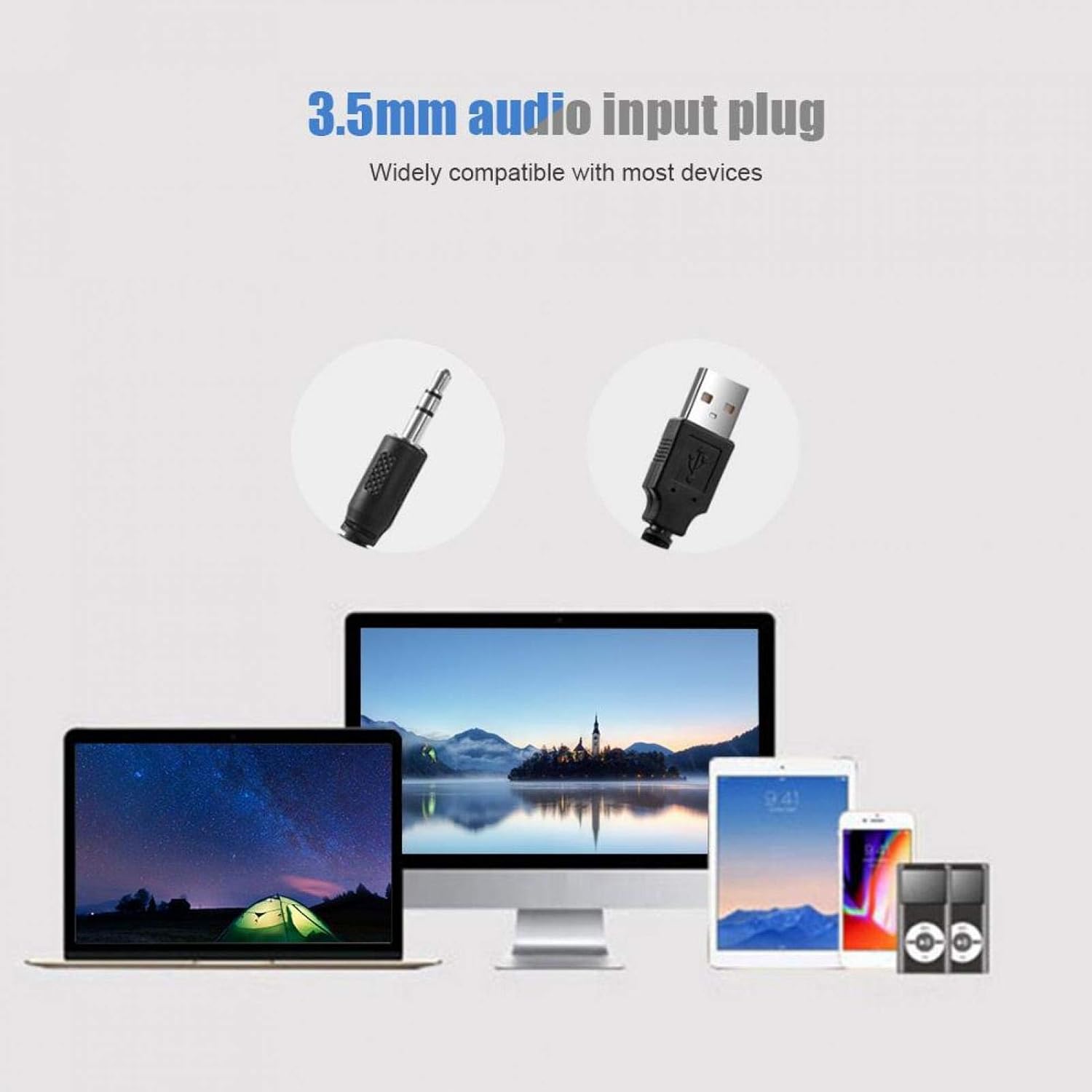
Image: Illustration of connecting the 3.5mm audio input plug and USB power plug to various devices.
אַפּערייטינג ינסטראַקשאַנז
- מאַכט אויף: Once the USB cable is connected to a power source, the soundbar will power on automatically, indicated by the blue LED light.
- סטרויערן באַנד: Use the inline volume knob located on the cable to increase or decrease the sound output. Rotate clockwise to increase volume and counter-clockwise to decrease.
- שפּיל אַודיאָ: Begin playing audio from your connected device. The sound will be routed through the soundbar.
- מאַכט אַוועק: Disconnect the USB cable from the power source to turn off the soundbar.

Image: A hand adjusting the inline volume knob on the soundbar's cable.
וישאַלט
- רייניקונג: Use a soft, dry cloth to clean the exterior of the soundbar. Avoid using liquid cleaners or abrasive materials.
- סטאָרידזש: ווען נישט אין באַנוץ פֿאַר לענגערע פּעריאָדן, זאָל מען האַלטן די סאַונדבאַר אין אַ קיל, טרוקן אָרט, אַוועק פֿון דירעקטער זון און עקסטרעמע טעמפּעראַטורן.
- קאַבלע זאָרגן: Avoid bending or twisting the cables excessively to prevent damage.
טראָובלעשאָאָטינג
| פּראָבלעם | מעגלעך סיבה | לייזונג |
|---|---|---|
| קיין געזונט רעזולטאַט |
|
|
| פאַרקרימט געזונט |
|
|
| בלוי געפירט נישט ליט | USB power not connected or faulty. | Ensure the USB cable is securely connected to a functional USB port. Try a different USB port or power adapter. |
ספּעסאַפאַקיישאַנז
| שטריך | דעטאַל |
|---|---|
| סאָרט | Lazmin112 |
| מאָדעל נאָמען | Lazmin112o71kzmndxi6060-01 |
| רעדנער טיפּ | סאָונדבאַר |
| קאַנעקטיוויטי טעכנאָלאָגיע | USB (for power), 3.5mm Audio Jack (for signal) |
| אַודיאָ רעזולטאַט מאָדע | סטערעאָ, סוראַונד |
| רעדנער מאַקסימום רעזולטאַט מאַכט | 3 וואטס |
| מאַטעריאַל | פּלאַסטיק |
| קאָליר | ווייַס |
| פּראָדוקט דימענשאַנז (L x W x H) | 12.6" x 2.5" x 2.7" (32 ס״מ x 6.4 ס״מ x 6.8 ס״מ) |
| פּונקט וואָג | 1.32 פונט |
| קאָנטראָל מעטאָד | Volume Knob (inline) |
| קאַמפּאַטאַבאַל דעוויסעס | Smartphone, Tablet, MP3 Player, Desktop, Laptop |

Image: Diagram illustrating the physical dimensions of the soundbar.
וואָראַנטי און שטיצן
This product comes with a limited warranty. For detailed warranty information or technical support, please refer to the product packaging or contact Lazmin112 customer service through the retailer where the product was purchased.