
1. הקדמה
This manual provides essential information for the proper setup, operation, and maintenance of your Cuifati USB PC Camera 4K Webcam. Please read this guide thoroughly to ensure optimal performance and longevity of your device.
The Cuifati USB PC Camera is designed for various applications including network teaching, video conferencing, remote work, and live streaming. It features a 4K pixel sensor with 2560 x 1440 resolution, a built-in microphone, and auto-focus capabilities for clear and smooth video communication.
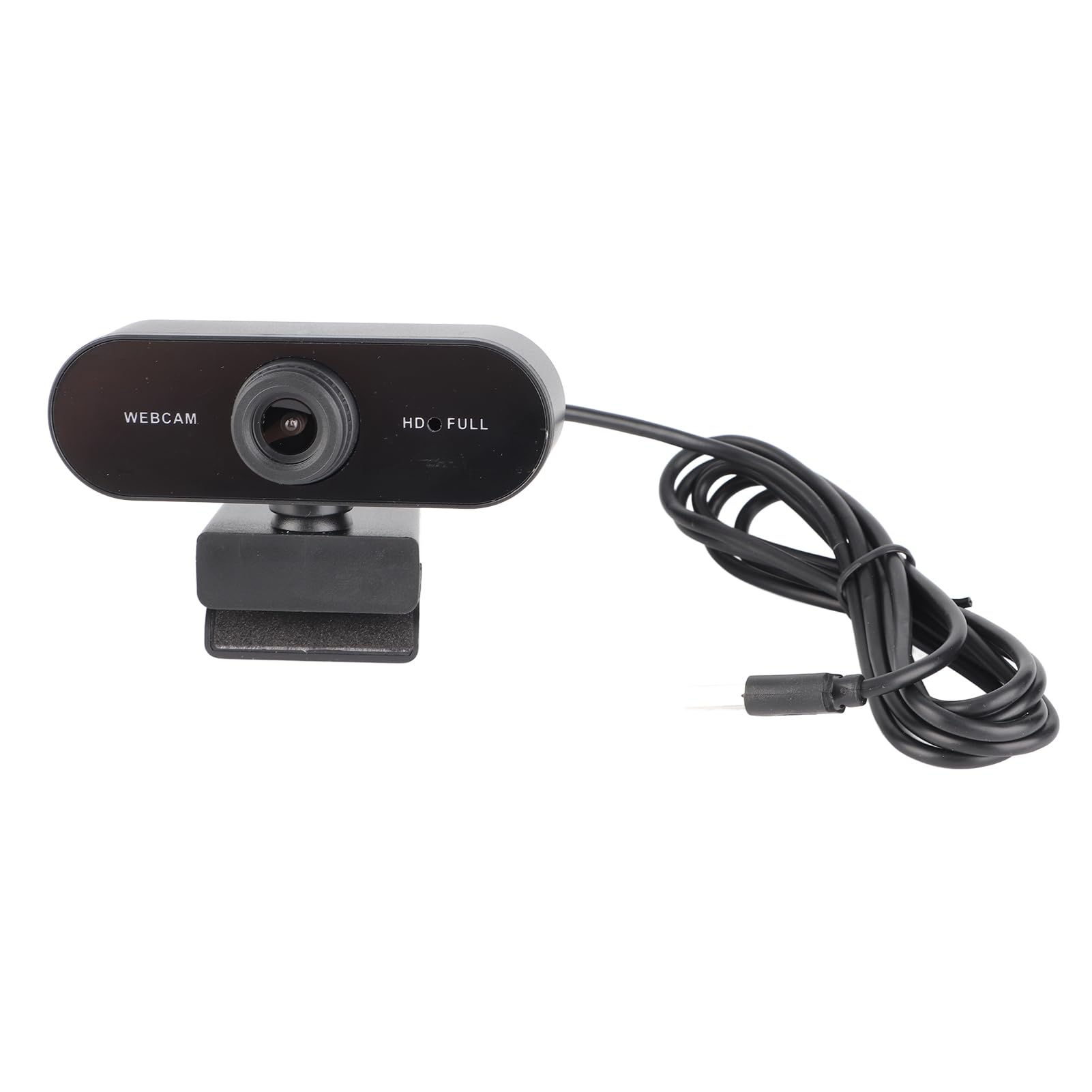
פיגורע 1: פראָנט view of the Cuifati USB PC Camera 4K Webקאַם.
2. סעטאַפּ
The Cuifati USB PC Camera is a plug-and-play device, requiring no driver installation for most operating systems. Follow these simple steps to set up your webקאַם:
- פּאַזישאַנינג די Webקאַם: שטעלן די webקאַם אויף שפּיץ פון דיין מאָניטאָר, לאַפּטאָפּ פאַרשטעלן, אָדער אַ פלאַך ייבערפלאַך. די אַדזשאַסטאַבאַל קלעמערל אַלאַוז פֿאַר זיכער מאָנטירונג.
- פֿאַרבינדן צו דיין קאָמפּיוטער: Connect the integrated USB 2.0 cable from the webcam to an available USB port on your desktop or laptop. The device will be automatically recognized by your operating system.
- Optional Tripod Mount: For alternative positioning, the webcam features a standard tripod mounting thread on its base.

פיגורע 2: Webcam securely mounted on a laptop screen.

Figure 3: USB cable connection to a computer.
3. אַפּערייטינג ינסטרוקטיאָנס
Once connected, your Cuifati USB PC Camera is ready for use with most video conferencing and streaming applications.
- אַוטאָ פאָקוס: די webcam features an auto-focus function, ensuring your image remains clear and sharp without manual adjustment within its focusing range of 90cm.
- געבויט-אין מיקראָפאָן: The integrated microphone provides clear audio capture for your calls and recordings.
- 360-גראַד ראָוטיישאַן: די webcam's clip allows for 360-degree rotation, providing flexibility to adjust your viewינג ווינקל ווי דארף.
- Low Light Correction: The camera is equipped with automatic low-light correction to optimize video quality in dimly lit environments.
פיגורע 4: Webcam demonstrating 360-degree rotation.
4. וישאַלט
צו ענשור די לאָנדזשעוואַטי און אָפּטימאַל פאָרשטעלונג פון דיין webקאַם, פֿאָלגן די אויפֿהאַלטונג גיידליינז:
- רייניקונג: Gently wipe the lens with a soft, lint-free cloth. Avoid using harsh chemicals or abrasive materials that could scratch the lens.
- קאַבלע זאָרגן: The USB cable is non-removable. Handle it with care to prevent damage. Avoid sharp bends or excessive pulling.
- סטאָרידזש: ווען ניט אין נוצן, קראָם די webקאַם אין אַ ריינעם, טרוקענעם אָרט אַוועק פון עקסטרעמע טעמפּעראַטורן און דירעקטער זון.
5. טראָובלעשאָאָטינג
If you encounter any issues with your Cuifati USB PC Camera, refer to the following troubleshooting tips:
- Poor Picture Quality / Greenish Tinge: Ensure adequate lighting in your environment. While the camera has low-light correction, sufficient ambient light is crucial for best results. Check your software settings for any color balance or exposure adjustments.
- Focus Issues / Zoomed-in Image: The camera features auto-focus. Ensure you are within the optimal focusing range (90cm). If using third-party software, check if there are any digital zoom settings enabled that might be causing the image to appear too close or distorted.
- Unstable Mount / Loose Swivel: פאַרזיכערן די webcam is securely clipped to your monitor or laptop. If using a tripod, confirm it is stable. If the swivel mechanism feels loose after extended use, ensure it is properly tightened if adjustable, or consider alternative mounting solutions.
- Webקאַם נישט דעטעקטירט: Try plugging the USB cable into a different USB port on your computer. Restart your computer. Ensure your operating system is up to date.
- מיקראָפאָן איז נישט ארבעטן: קאָנטראָלירט אייער קאָמפּיוטער'ס געזונט סעטטינגס צו זיכער מאַכן אַז webcam's microphone is selected as the input device. Verify that the microphone is not muted in your operating system or video conferencing application.
6. ספּעסאַפאַקיישאַנז
| שטריך | באַשרייַבונג |
|---|---|
| סאָרט | Cuifati |
| מאָדעל נאָמען | USB PC Camera |
| טייל נומער | Cuifatixf34cvewom-11 |
| פּיקסעלס | 4K |
| האַכלאָטע | 2560 x 1440 (2K Full HD) |
| לענס טיפּ | הד אָביעקטיוו |
| סענסאָר טיפּ | קמאָס |
| ווידעא פֿאָרמאַט | AVI, MJPG, YUY2, H264 |
| ראַם קורס | 30FPS |
| דרייוו טיפּ | Plug-and-play drive (no driver required) |
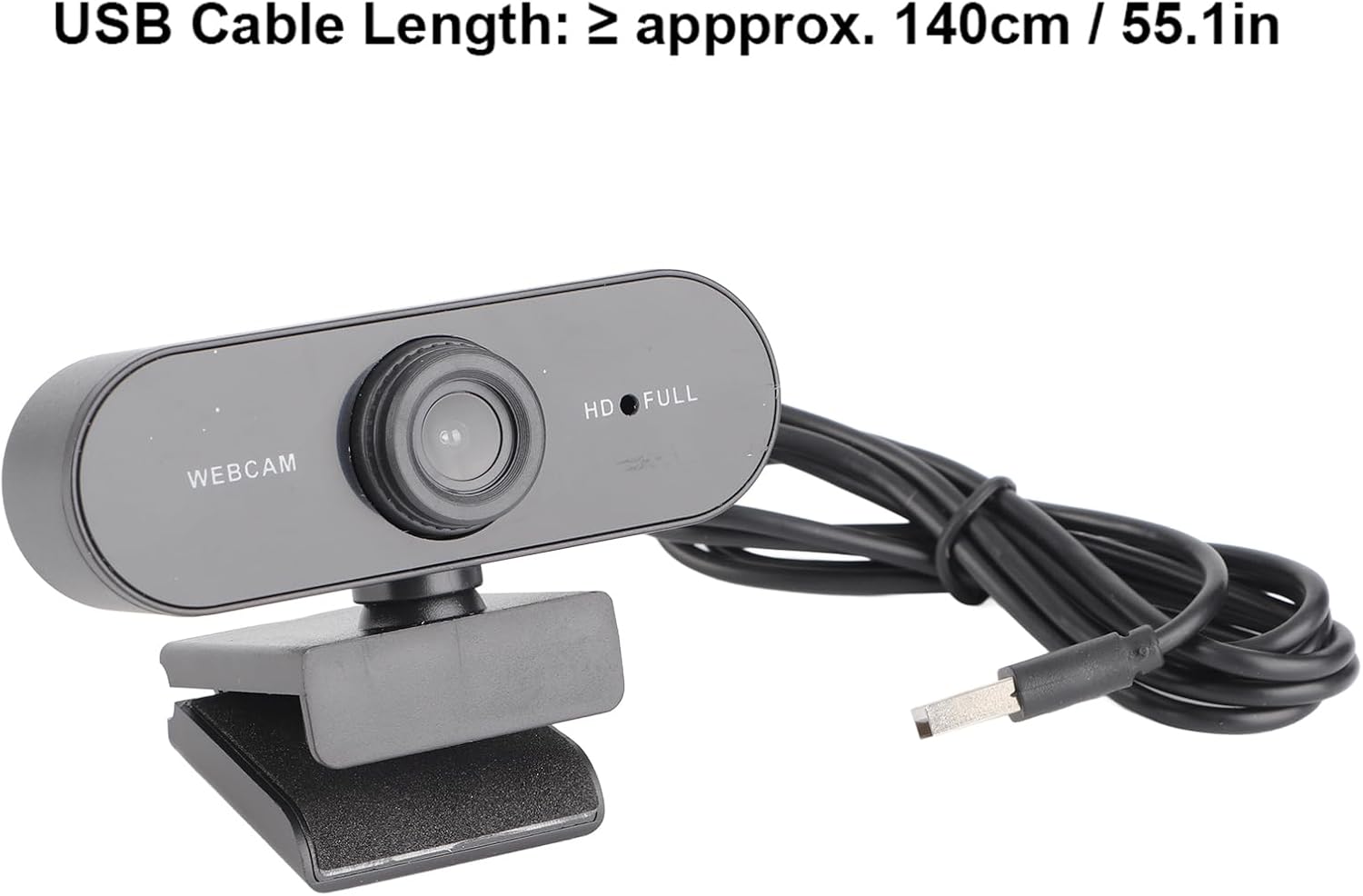
| וסב קאַבלע לענג | ≥ approx. 140cm / 55.1in |
| מיקראָפאָן | געבויט-אין מיקראָפאָן |
| פאָטאָ פֿאָרמאַט | במפּ, דזשפּג |
| צובינד טיפּ | USB2.0 |
| פאָקוסינג קייט | 90 סענטימעטער |
| Flashing Control | 50 הז |
| קאַמפּאַטאַבאַל דעוויסעס | לאַפּטאַפּ, פערזענלעכע קאָמפּיוטער |
| שטיצט אַס | For 2000 / XP / XP2 / Vista / / / / OS X / Linux and other operating systems. |
7. וואָראַנטי און שטיצן
This product comes with a standard manufacturer's warranty. Please refer to the warranty card included in your package for specific terms and conditions. For technical support or further assistance, please contact Cuifati customer service through your retailer or the official brand webפּלאַץ.