
Bluedio Ei
בלודיאָ איי וויירלעס אויערקנעפּלעך באַניצער מאַנואַל
Model: Ei
הקדמה
Thank you for choosing the Bluedio Ei Wireless Earbuds. These in-ear earphones are designed to provide a seamless audio experience with advanced features like wireless charging compatibility, quick Bluetooth connection, extended playtime, and environmental noise-cancelling microphones. This manual will guide you through the setup, operation, and maintenance of your new earbuds.
וואָס איז אין די קעסטל
Upon unboxing your Bluedio Ei Wireless Earbuds, please ensure all the following components are present:
- Bluedio Ei Wireless Earbuds
- טשאַרדזשינג קאַסע
- טשאַרדזשינג קאַבלע
- באַניצער מאַנואַל

Image: The Bluedio Ei Wireless Earbuds, charging case, charging cable, and user manual laid out, showing all included items.
סעטאַפּ
ערשט טשאַרדזשינג
Before first use, it is recommended to fully charge your Bluedio Ei earbuds and charging case. The earbuds provide 8 hours of playtime on a single charge, and the charging case offers 5 additional full charges, totaling up to 40 hours of playtime.
- שטעלן ביידע עאַרבודז אין די טשאַרדזשינג פאַל.
- Connect the charging cable to the charging case and a power source, or place the charging case on a compatible wireless charging pad.
- די אינדיקאַטאָר ליכט אויף דער טשאַרדזשינג קעסטל וועט ווייַזן די טשאַרדזשינג סטאַטוס.
Note: A wireless charger is not included with the Bluedio Ei earbuds.

Image: The Bluedio Ei charging case being charged wirelessly on a charging pad, illustrating its wireless charging capability.

Image: A visual representation highlighting the ultra-long 40 hours of total playtime, combining 8 hours from the earphones and 32 hours from the charging case.
בלועטאָאָטה פּערינג
The Bluedio Ei earbuds feature a quick and efficient Bluetooth connection process.
- עפֿנט דעם טשאַרדזשינג קעסטל. די אויערקנעפּלעך וועלן אויטאָמאַטיש אַרײַן אין פּערינג מאָדע.
- On your device (e.g., smartphone, tablet), navigate to the Bluetooth settings.
- Select "Ei" from the list of available devices to connect.
- אַמאָל פארבונדן, וועט איר הערן אַן אַודיאָ פּראָמפּט, און די אויערקנעפּלעך זענען גרייט פֿאַר נוצן.

Image: A demonstration of the "Super Easy Pair" process, showing earbuds being removed from the case and the corresponding Bluetooth connection on a smartphone.
אַפּערייטינג ינסטראַקשאַנז
ריר קאָנטראָלס
The Bluedio Ei earbuds are equipped with intuitive touch controls for managing your audio and calls. Specific touch gestures for functions like play/pause, skip track, answer/end call, and voice assistant activation are typically detailed in the included quick start guide. Please refer to that guide for a comprehensive list of touch commands.
Face Recognition Technology
These wireless headsets feature a built-in touch sensor chip that intelligently detects wearing status. This allows for automatic pause and resume functionality:
- When you remove only the RIGHT earbud from your ear, the music will automatically pause to conserve power.
- When you wear the earbud again, the music will automatically resume playing.
Environmental Noise Cancelling (ENC) Microphone
The Bluedio Ei Earbuds are equipped with an upgraded microphone featuring ENC technology. This feature effectively reduces environmental noise, ensuring clear audio for both your music and phone calls, especially during business communications.
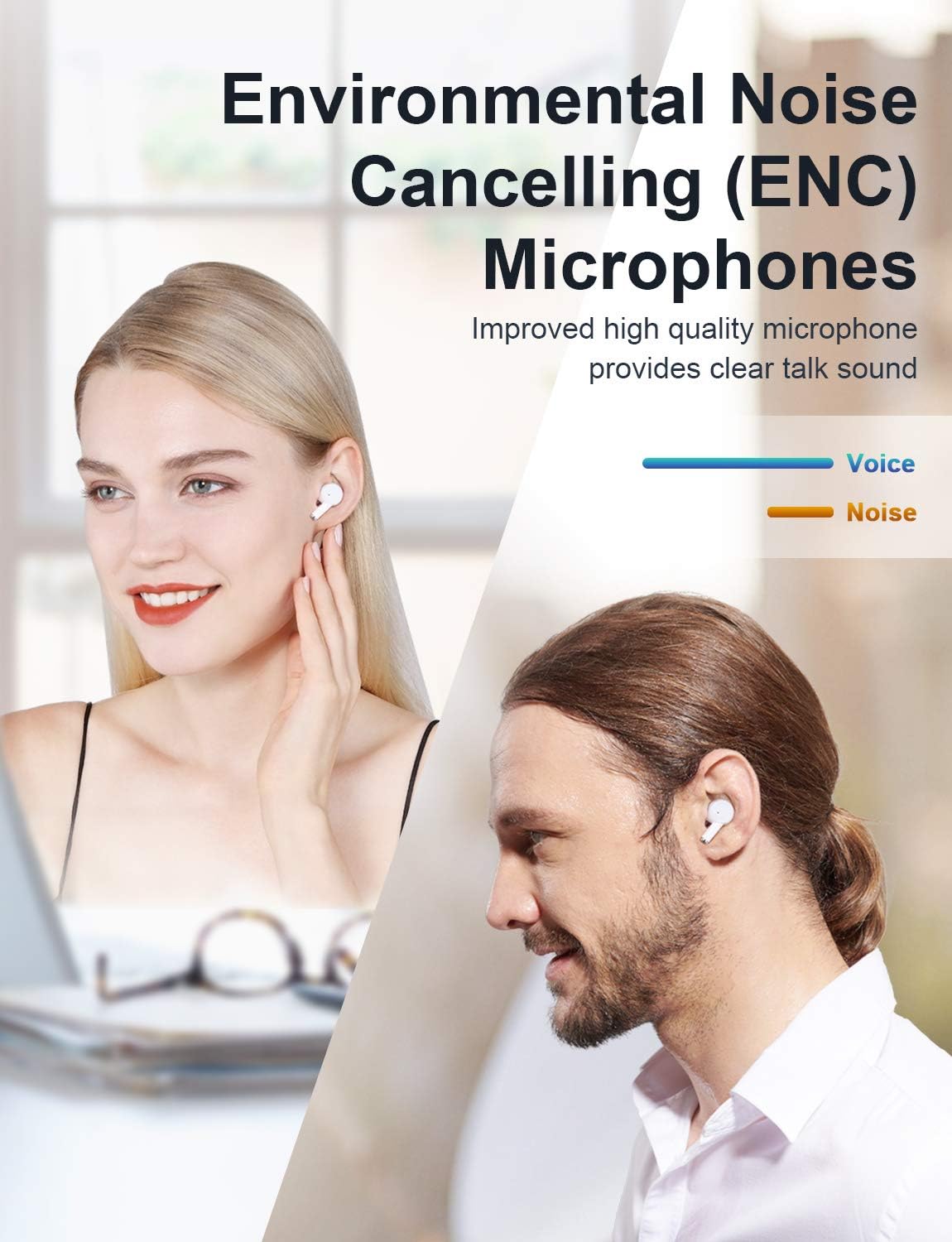
Image: A visual demonstrating the Environmental Noise Cancelling (ENC) Microphones, showing individuals enjoying clear audio.
וישאַלט
רייניקונג
Regular cleaning helps maintain the performance and longevity of your earbuds. Use a soft, dry, lint-free cloth to wipe the earbuds and charging case. Avoid using abrasive materials or harsh chemicals.
באַטערי קער
To maximize battery life, avoid fully depleting the battery frequently. Store the earbuds and case in a cool, dry place when not in use for extended periods. Recharge the case periodically if it's stored for a long time.
טראָובלעשאָאָטינג
If you encounter any issues with your Bluedio Ei Wireless Earbuds, please refer to the following common solutions:
- קיין קול: Ensure earbuds are charged and properly connected to your device. Check your device's volume settings.
- פּאָרינג ישוז: Make sure Bluetooth is enabled on your device. Try forgetting "Ei" from your device's Bluetooth list and re-pairing. Ensure earbuds are in pairing mode (open case).
- טשאַרדזשינג פּראָבלעמס: Verify the charging cable is securely connected. If using wireless charging, ensure the case is correctly placed on the charging pad. Check for debris in the charging port.
- ינטערמיטאַנט קשר: Ensure there are no significant obstructions between the earbuds and your device. Keep the device within the Bluetooth range (10 meters).
- אויערקנעפּלעך רעאַגירן נישט: Place both earbuds back into the charging case, close the lid, wait a few seconds, then open it again to reset.
If the problem persists, please contact Bluedio customer support for further assistance.
ספּעסאַפאַקיישאַנז
| שטריך | דעטאַל |
|---|---|
| מאָדעל נאָמען | Ei |
| קאַנעקטיוויטי טעכנאָלאָגיע | ווירעלעסס |
| ווירעלעסס קאָמוניקאַציע טעכנאָלאָגיע | בלועטאָאָטה |
| אַרייַנגערעכנט קאַמפּאָונאַנץ | Bluedio Ei Wireless Earbuds, Cable, Charging Case, User Manual |
| מאַטעריאַל | פּלאַסטיק |
| ספּעציפיש ניצט פֿאַר פּראָדוקט | Communication, Sports and Exercise |
| טשאַרדזשינג צייט | 8 Hours (Earbuds playtime per charge) |
| רעקאָממענדעד ניצט פֿאַר פּראָדוקט | Exercising, Running |
| קאַמפּאַטאַבאַל דעוויסעס | בלועטאָאָטה-ענייבאַלד דעוויסעס |
| קאָנטראָל טיפּ | ריר קאָנטראָל |
| קאַבלע שטריך | אָן קאַבלע |
| וואַסער קעגנשטעל מדרגה | וואָטערפּרוף |
| אָפטקייַט ראַנגע | 2.4 גהז-2.48 גהז |
| יוניט גראף | 1.0 גראף |
| קאָנטראָל מעטאָד | ריר |
| נומער פון זאכן | 1 |
| באַטערי לעבן | 8 שעה (עאַרבודז) |
| אַודיאָ דרייווער טיפּ | דינאַמיש דרייווער |
| בלועטאָאָטה קייט | 10 מעטער |
| בלועטאָאָטה ווערסיע | 5.0 |
| טראָגן קעסטל מאַטעריאַל | פּלאַסטיק |
| טראָגן קעסטל קאָליר | ווייַס |
| עאַרפּיעסע פאָרעם | Rounded Tips |
| UPC | 787875805052 |
| ספּעציעלע שטריך | 40 Hours Playtime; Touch Control, ENC Microphone; Face Recognition Technology |
| פאַבריקאַנט | Bluedio |
| פּראָדוקט דימענשאַנז | 1.4 X 2.6 X 1.49 אינטשעס |
| פּונקט וואָג | 3.52 אונסעס |
| באַטעריז | 3 ליטהיום פּאָלימער באַטעריז פארלאנגט. (אַרייַנגערעכנט) |
| ערשטער דאַטע בנימצא | 27 אויגוסט 2020 |
| קאָליר | ווייַס |
| אויער פּלייסמאַנט | אין אויער |
| פאָרם פאַקטאָר | אין אויער |
| ראַש קאָנטראָל | Active Noise Cancellation (ENC Microphone) |
וואָראַנטי און שטיצן
For warranty information and customer support, please refer to the warranty card included in your product packaging or visit the official Bluedio webזייטל. האַלט אייער קויף קוויטל פֿאַר קיין וואָראַנטי קליימז.
Ask a question about this manual
Ask about setup, troubleshooting, compatibility, parts, safety, or missing instructions. Manuals+ will review the question and use this page’s manual context to help answer it.