
הקדמה
The HONOR Smart Digital Body Composition Scale LUP-B19 is designed to provide a comprehensive analysis of your body's health. Utilizing advanced technology, it measures 14 key body indicators and synchronizes data with the Huawei Health App for detailed tracking and insights. This manual provides instructions for setup, operation, maintenance, and troubleshooting to ensure optimal use of your smart scale.
פּעקל אינהאַלט
- HONOR Smart Digital Body Composition Scale (LUP-B19)
- שנעל אָנהייב גייד
- AAA Batteries (quantity may vary)
סעטאַפּ
- ינסטאַלירן באַטעריז: Open the battery compartment on the underside of the scale and insert the required AAA batteries, ensuring correct polarity.
- שטעלט די וואָג: Position the scale on a hard, flat surface for accurate measurements. Avoid carpets or uneven flooring.
- אראפקאפיע די אַפּ: Download and install the Huawei Health App on your smartphone (Android 4.4+ or iOS 9.0+ required).
- פאַרבינדן מיט בלועטאָאָטה:
- געבן בלועטאָאָטה אויף דיין סמאַרטפאָנע.
- Open the Huawei Health App and follow the on-screen instructions to add the HONOR Smart Scale.
- Step onto the scale to activate it and initiate the pairing process.
- שאַפֿן באַניצער פּראָfile: Within the app, create your user profile by entering your age, height, and gender. This information is crucial for accurate body composition analysis.

אַפּערייטינג ינסטראַקשאַנז
- נעמען אַ מעזשערמאַנט:
- זיכער מאַכן אַז אייערע פֿיס זענען ריין און טרוקן.
- Step onto the scale barefoot, placing your feet on the electrode areas.
- Stand still until the measurement is complete and your weight is displayed on the LED screen.
- דאַטאַ סינגקראַנאַזיישאַן:
- If your smartphone with the Huawei Health App is nearby and Bluetooth is enabled, the data will automatically synchronize.
- If your phone is not available, the scale can store up to 200 historical data records, which will sync automatically once the Bluetooth connection is re-established.
- האַרץ קורס מעזשערמאַנט: The scale measures your heart rate while weighing and records changes in your resting heart rate.


Body Composition Metrics
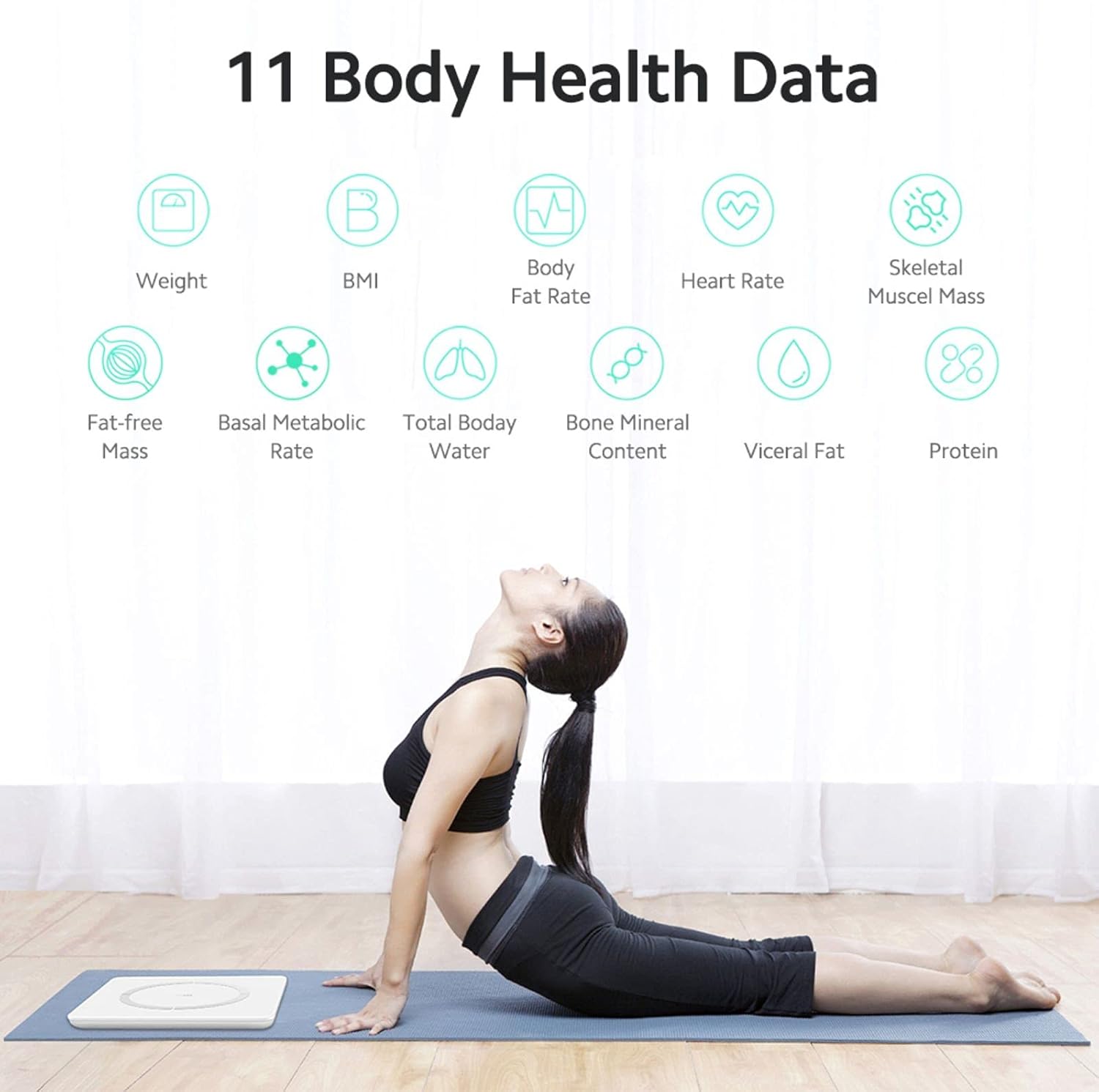
The HONOR Smart Scale provides 14 key body indicators using the Huawei TruFit algorithm, which combines bio-impedance analysis with extensive data verification and AI technology. These indicators help you understand your fitness levels and body composition:
- וואָג: דיין גאַנצע קערפּער מאַסע.
- BMI (Body Mass Index): א מאָס פון קערפּער פעט באַזירט אויף הייך און וואָג.
- Body Fat Rate: די פּראָצענטtagפון פעט אין דיין קערפער.
- מוסקל מאַסע: The total weight of muscles in your body.
- סקעלעטאַל מוסקל מאַסע: The weight of muscles attached to bones.
- גוף טיפּ: Classification based on body composition.
- Basal Metabolic Rate (BMR): The number of calories your body needs to perform basic, life-sustaining functions.
- Total Body Water (TBW): The total amount of fluid in your body.
- וויסעראַל פעט: Fat stored around your internal organs.
- פּראָטעין: די פּראָצענטtage פון פּראָטעין אין דיין קערפּער.
- Bone Mineral Content: The amount of mineral in your bones.
- Fat-free Mass: The total weight of your body excluding fat.
- גוף סקאָר: An overall assessment of your body composition.
- גוף עלטער: א שאצונג פון דיין קערפער'ס ביאלאגישן עלטער.
- הארץ ראטע: Your heart rate at rest.
סמאַרט פֿעיִקייטן
The HONOR Smart Scale offers intelligent features for family use and personalized tracking:
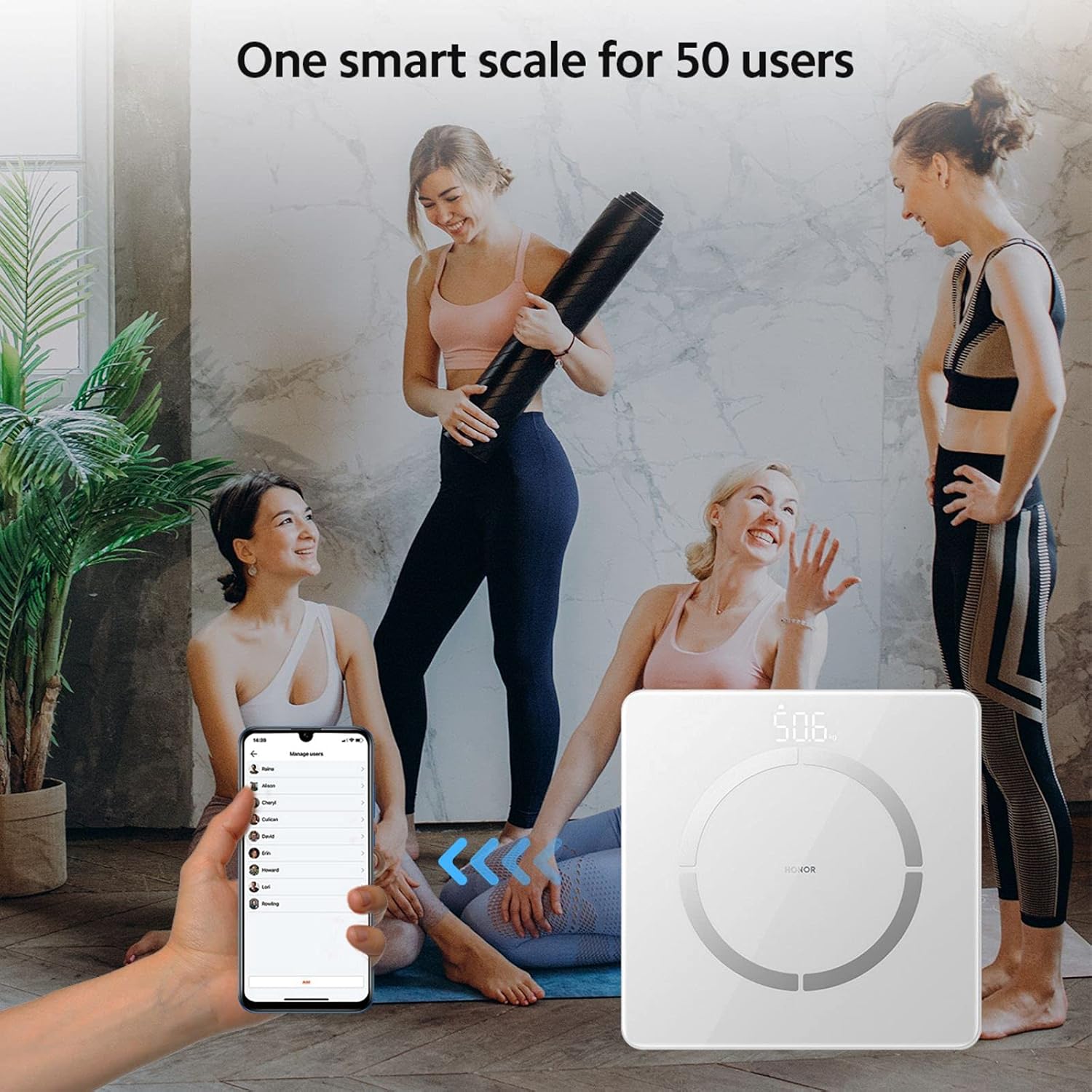
- Multi-User Recognition: The scale supports up to 5 mobile accounts, with each account connecting to up to 10 users, totaling 50 users.
- Automatic User Identification: Based on historical data, the scale intelligently identifies family members and pushes their data to the corresponding account. If a user is not automatically recognized, they can still log in via the app.
- היסטארישע דאטן טראַקינג: Detailed index data records historical changes, providing a basis for fine-tuning training and fat reduction plans.
וישאַלט
- רייניקונג: ווישט די וואָג ייבערפלאַך מיט אַ ווייכן, דamp טוך. ניצט נישט קיין שרײַבנדיקע רייניגער און טונקט נישט אײַן די וואָג אין וואַסער.
- סטאָרידזש: האַלט די וואָג אין אַ קיל, טרוקן אָרט. פֿאַרמייַדט עקסטרעמע טעמפּעראַטורן און דירעקט זונשייַן.
- באַטערי פאַרבייַט: Replace batteries when the low battery indicator appears on the display or in the app. Ensure to use new AAA batteries.
- קאליבראציע: If the scale is moved, step on it briefly to turn it on, then step off and wait for it to display '0.0' before taking a measurement to ensure proper calibration.
טראָובלעשאָאָטינג
- וואָג איז נישט קער אויף:
- קאָנטראָלירט צי די באַטעריעס זענען ריכטיק אינסטאַלירט און זענען נישט אויסגעשעפּט. טוישט זיי אויב נייטיק.
- פּראָבלעמען מיט בלוטוט פֿאַרבינדונג:
- Ensure Bluetooth is enabled on your phone and the scale is within range. Restart the app and the scale. Re-pair the device if needed.
- נישט פּינקטלעכע לייענונגען:
- Ensure the scale is on a hard, flat surface. Take measurements barefoot with clean, dry feet. Avoid moving during measurement. Calibrate the scale by stepping on and off before use.
- דאַטן נישט סינקראָניזירט צו אַפּ:
- Verify Bluetooth connection. Ensure the Huawei Health App is open or running in the background. Check app permissions for Bluetooth access.
ספּעסאַפאַקיישאַנז
| מאָדעל נומער | LUP-B19 |
| דימענשאַנז | 260 X 260 X 21.5 מם (10.2 X 10.2 X 0.85 אינטשעס) |
| פּונקט וואָג | 1.2 קג (2.6 לבס) |
| מאַקסימום וואָג קאַפּאַציטעט | 150 קג (330 לבס) |
| לייענען די אַקיעראַסי | 100 ג (0.1 קג) |
| ווייַז טיפּ | Hidden LED Display |
| מאַכט מקור | 1 X AAA באַטערי |
| קאַנעקטיוויטי | בלועטאָאָטה 4.0+ |
| אַפּ קאַמפּאַטאַבילאַטי | אַנדרויד 4.4+ / יאָס 9.0+ |
| מאַטעריאַל | Stainless Steel (electrodes), Glass (surface) |


וואָראַנטי און שטיצן
For warranty information and technical support, please refer to the warranty card included with your product or visit the official HONOR website. You can also contact HONOR customer service for assistance with product inquiries, troubleshooting, and service requests.