
הקדמה
The Picun Elite P80S Wireless Headset provides a high-definition audio experience with multidimensional surround sound, extra bass, and noise reduction. Designed for comfort and versatility, it features both wireless and wired connectivity options, a detachable microphone, and intuitive controls. This manual provides detailed instructions for setup, operation, maintenance, and troubleshooting to ensure optimal performance of your headset.
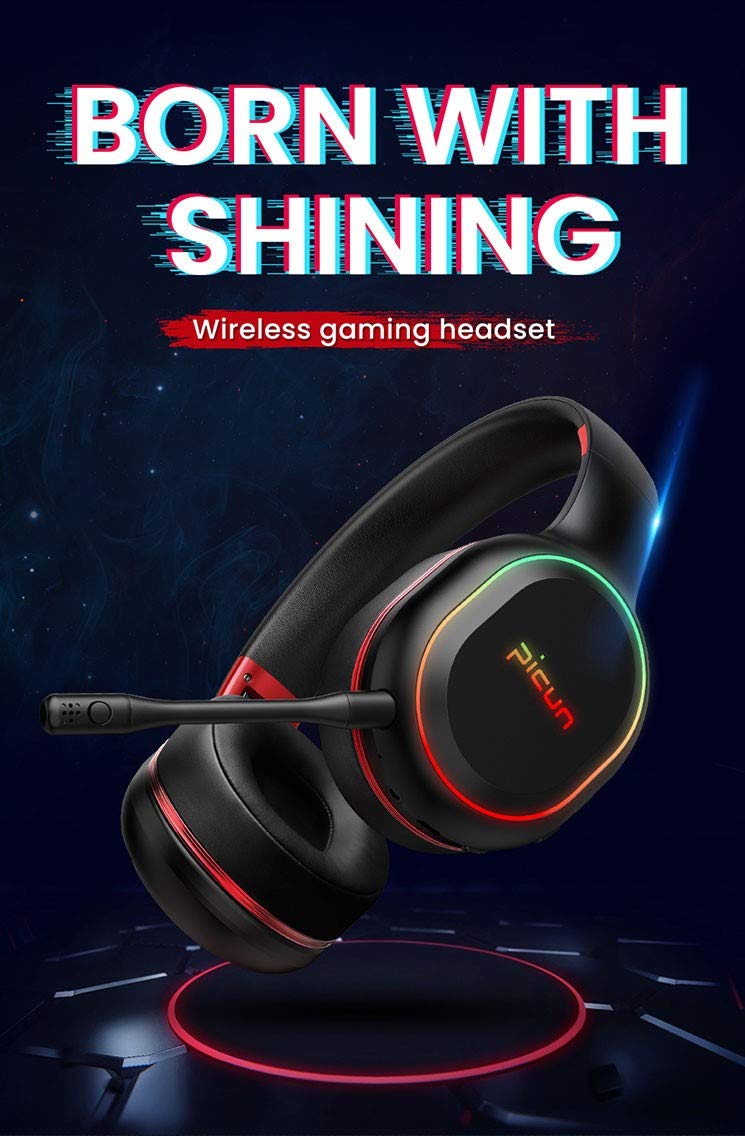
Image: The Picun Elite P80S Wireless Headset, showcasing its design and integrated microphone.
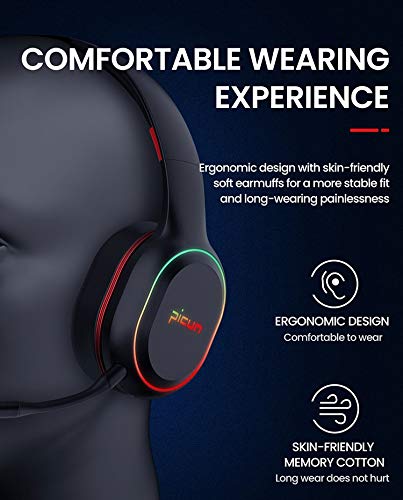
Image: The Picun Elite P80S Headset demonstrating its ergonomic design and comfortable earcups made from skin-friendly memory cotton.
וואָס איז אין די קעסטל
ביטע באַשטעטיקן אַז אַלע זאכן זענען פאַראַן אין דעם פּעקל:
- Picun Elite P80S Wireless Headset
- דעטאַטשאַבלע מיקראָפאָן
- וסב טשאַרדזשינג קאַבלע
- 3.5 מם AUX אַודיאָ קאַבלע
- באַניצער מאַנואַל (דעם דאָקומענט)
סעטאַפּ
1. טשאַרדזשינג די העאַדסעט
Before initial use, fully charge the headset. Connect the provided USB charging cable to the headset's charging port and to a compatible USB power source (e.g., computer USB port, USB wall adapter). The LED indicator will show charging status and turn off or change color when fully charged.
A full charge provides approximately 40 hours of game time or 60 hours of music/media playback in wireless mode.
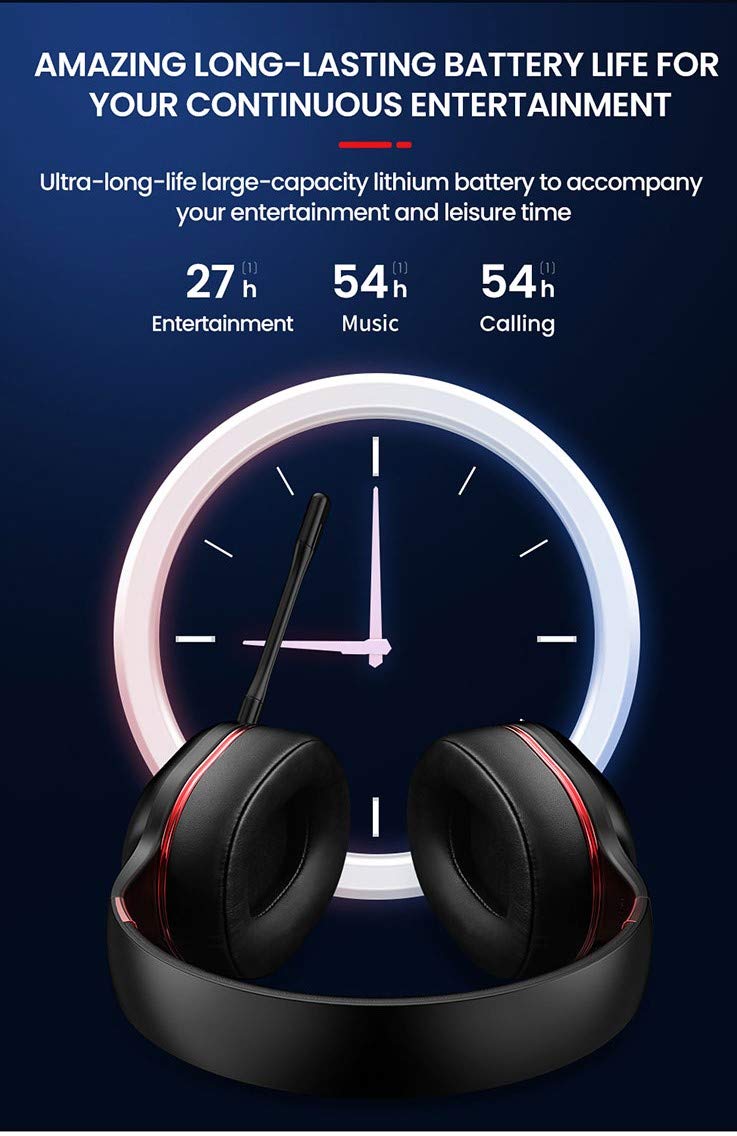
Image: Picun Elite P80S Headset illustrating long battery life for entertainment, music, and calls.
2. אנשטעלן דעם מיקראָפאָן
The professional detachable microphone can be inserted into the designated port on the left earcup. Ensure it is securely connected for clear voice communication. The microphone can be rotated 360 degrees for optimal positioning.
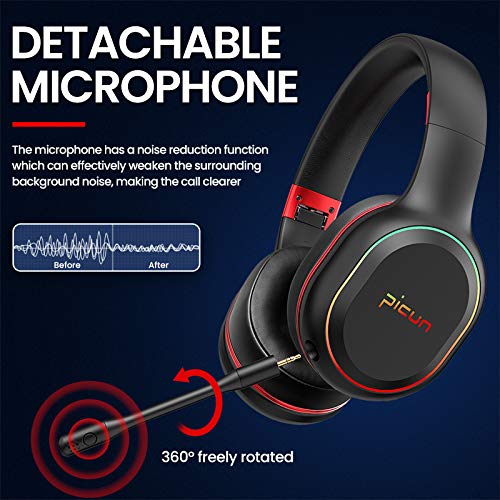
Image: Picun Elite P80S Headset showing the detachable microphone and its 360-degree rotation capability.
אַפּערייטינג ינסטראַקשאַנז
1. מאַכט אויף / אויסגעלאשן
- מאַכט אויף: דריק און האלט דעם פּאַוער קנעפּל פֿאַר אַרום 3 סעקונדעס ביז דער LED אינדיקאַטאָר צינדט זיך אָן.
- מאַכט אַוועק: דריק און האלט דעם פּאַוער קנעפּל פֿאַר אַרום 3 סעקונדעס ביז דער LED אינדיקאַטאָר גייט אויס.
2. בלועטוט פארבינדונג (ווירעלעס מאָדע)
After powering on, the headset will automatically enter pairing mode (LED indicator will flash). On your device (smartphone, PC, console), enable Bluetooth and search for "Picun Elite P80S". Select it to connect. A voice prompt will confirm successful pairing. The headset maintains a stable connection up to 10 meters.

Image: Diagram illustrating the stable and instant connection features of the Picun Elite P80S headset, highlighting 10-meter transmission, audio/video synchronization, call stability, and no in-game delay.
3. Wired Mode (AUX Connection)
To use the headset in wired mode, connect the provided 3.5mm AUX audio cable to the headset's AUX port and to your audio source. Wired mode allows for indefinite playback regardless of battery charge. The headset functions as a passive headphone in wired mode.
4. מיקראָפאָן באַניץ
- Detachable Pro Microphone: Provides high-definition vocals and effectively reduces ambient noise for clear communication during gaming or calls.
- Inbuilt Microphone: An additional microphone is integrated for general use, ensuring seamless communication even without the detachable mic.
5. אַודיאָ פֿעיִטשערז
The Picun Elite P80S provides omnidirectional stereo sound, allowing for an immersive audio experience, especially beneficial for gaming to detect subtle sound cues.
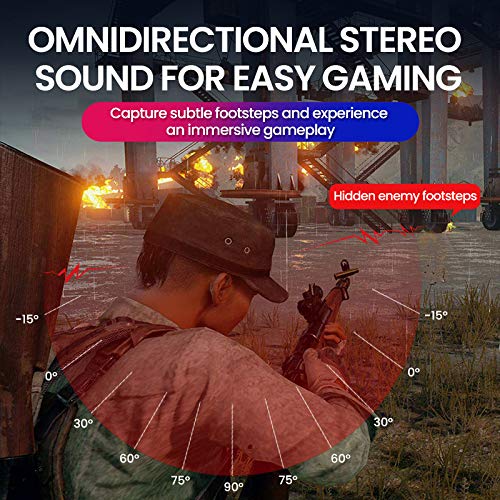
Image: A gaming scenario demonstrating the omnidirectional stereo sound capability, helping users identify sound sources like footsteps from various directions.
6. מעדיע קאָנטראָלס
The headset features integrated buttons for easy control:
- שפּיל / פּויזע: Press the Multi-function button once to play or pause music/videos.
- ענטפֿערן / סוף רופן: Press the Multi-function button once to answer an incoming call, and again to end it.
- באַנד קאָנטראָל: Use the Volume Up (+) and Volume Down (-) buttons to adjust the audio level.
- ווייַטער / פרייַערדיק שפּור: Long press Volume Up (+) for next track, Long press Volume Down (-) for previous track.
7. Dual Shock / Vibration Mode
Activate the Dual Shock / Vibration Mode for an enhanced immersive experience, particularly for deep bass in music and movies, or realistic vibrations during gaming. This mode can be toggled on or off using the dedicated switch on the headset.
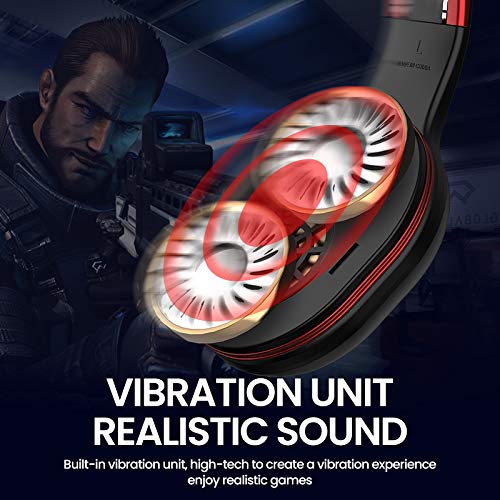
Image: Close-up of the Picun Elite P80S earcup highlighting the built-in vibration unit for realistic sound and gaming experience.
8. LED Light Display
The headset features a gradient colorful breathing light display. To turn the LED lights on or off, press and hold both the Volume Up (+) and Volume Down (-) buttons simultaneously for approximately 3 seconds.

Image: Picun Elite P80S Headset showcasing its gradient colorful breathing light effect, with instructions on how to activate/deactivate it.
וישאַלט
- רייניקונג: ניצט אַ ווייכע, טרוקענע שטאָף צו רייניקן די כעדסעט. ניצט נישט קיין שרײַבנדיקע רייניגערס אדער סאָלווענטן.
- סטאָרידזש: האַלט די כעדסעט אין אַ קיל, טרוקן אָרט אַוועק פון דירעקט זונשייַן און עקסטרעמע טעמפּעראַטורן. דער צוזאַמענפאַלטבאַרער פּלאַן ערמעגליכט קאָמפּאַקט סטאָרידזש.
- באַטערי זאָרגן: כדי צו פארלענגערן די לעבן פון די באַטעריע, זאָלט איר נישט אָפט אויסלאָדן דעם כעדסעט. לאָדט עס אָפט אויף, אפילו אויב עס ווערט נישט גענוצט פאר לענגערע צייטן.
- קאַבלע זאָרגן: באַהאַנדלט די קאַבלען מיט זאָרג. פֿאַרמייַדט שאַרפֿע בייגן אָדער איבערגעטריבענעם ציען כּדי צו פֿאַרמייַדן שאָדן.
טראָובלעשאָאָטינג
No Power / Headset Not Turning On
- Ensure the headset is fully charged. Connect it to a power source using the USB charging cable.
- Verify that the power button is pressed and held for the correct duration (approx. 3 seconds).
קען נישט פארבינדן דורך בלוטוט
- Make sure the headset is in pairing mode (LED flashing). If not, power it off and on again.
- Ensure Bluetooth is enabled on your device and it is within 10 meters of the headset.
- Remove "Picun Elite P80S" from your device's Bluetooth list and attempt to pair again.
- פרובירט צו פאַרבינדן זיך מיט אַן אַנדער מיטל צו אויסשליסן מיטל-ספּעציפֿישע פּראָבלעמען.
קיין סאָונד / נידעריק באַנד
- קאָנטראָלירט די וואָלומען לעוועלס אויף ביידע די כעדסעט און אייער פֿאַרבונדענע מיטל.
- If in wired mode, ensure the 3.5mm AUX cable is fully inserted into both the headset and the audio source.
- If in wireless mode, ensure the headset is properly paired and connected.
- פּרובירט מיט פֿאַרשידענע אַודיאָ קוועלער אָדער אַפּליקאַציעס.
מיקראָפאָן איז נישט ארבעטן
- זיכער מאַכן אַז דער אָפּנעמבאַרער מיקראָפאָן איז זיכער אַרייַנגעשטעקט אין די כעדסעט.
- Check microphone settings on your connected device (e.g., input device selection, volume levels).
- Test the microphone in different applications or communication platforms.
One Earpiece Not Working
- Check audio balance settings on your connected device.
- If using the AUX cable, ensure it is fully inserted and try a different cable if available.
- Restart the headset and your connected device.
ספּעסאַפאַקיישאַנז
| סאָרט | פּיקון |
| מאָדעל נאָמען | Elite P80S |
| קאָליר | שוואַרץ |
| פאָרם פאַקטאָר | איבער אויער |
| ראַש קאָנטראָל | אַקטיוו ראַש קאַנסאַליישאַן |
| כעדפאָונז דזשאַק | 3.5 מם דזשאַק |
| אָפּצוימונג מאַטעריאַל | פאָקס לעדער |
| קאַמפּאַטאַבאַל דעוויסעס | Personal Computers/Laptops, Playstations/ X-box/ Nintendo Switch, Smartphones/Pads |
| קאַבלע פֿעיִקייטן | דעטאַטשאַבלע |
| ווירעלעסס טעכנאָלאָגיע טיפּ | בלועטאָאָטה |
| קאָנטראָל טיפּ | באַנד קאָנטראָל |
| קאָנטראָל מעטאָד | Touch (for some functions, e.g., Play/Pause, Answer/End Call via Multi-function button) |
וואָראַנטי און שטיצן
For warranty information and technical support, please refer to the warranty card included with your product or contact Picun customer service through their official webזייטל. ביטע באַהאַלטן אייער קויפן באַווייַז פֿאַר קיין וואָראַנטי קליימז.
For further assistance, please visit the official Picun support page or contact their customer service directly.