
הקדמה
This manual provides detailed instructions for the ECHTPower Wireless Pro Controller, designed for use with Nintendo Switch and Switch OLED consoles. It covers setup, operation, maintenance, and troubleshooting to ensure an optimal gaming experience. Please read this manual carefully before using the product.
פּראָדוקט איבערview
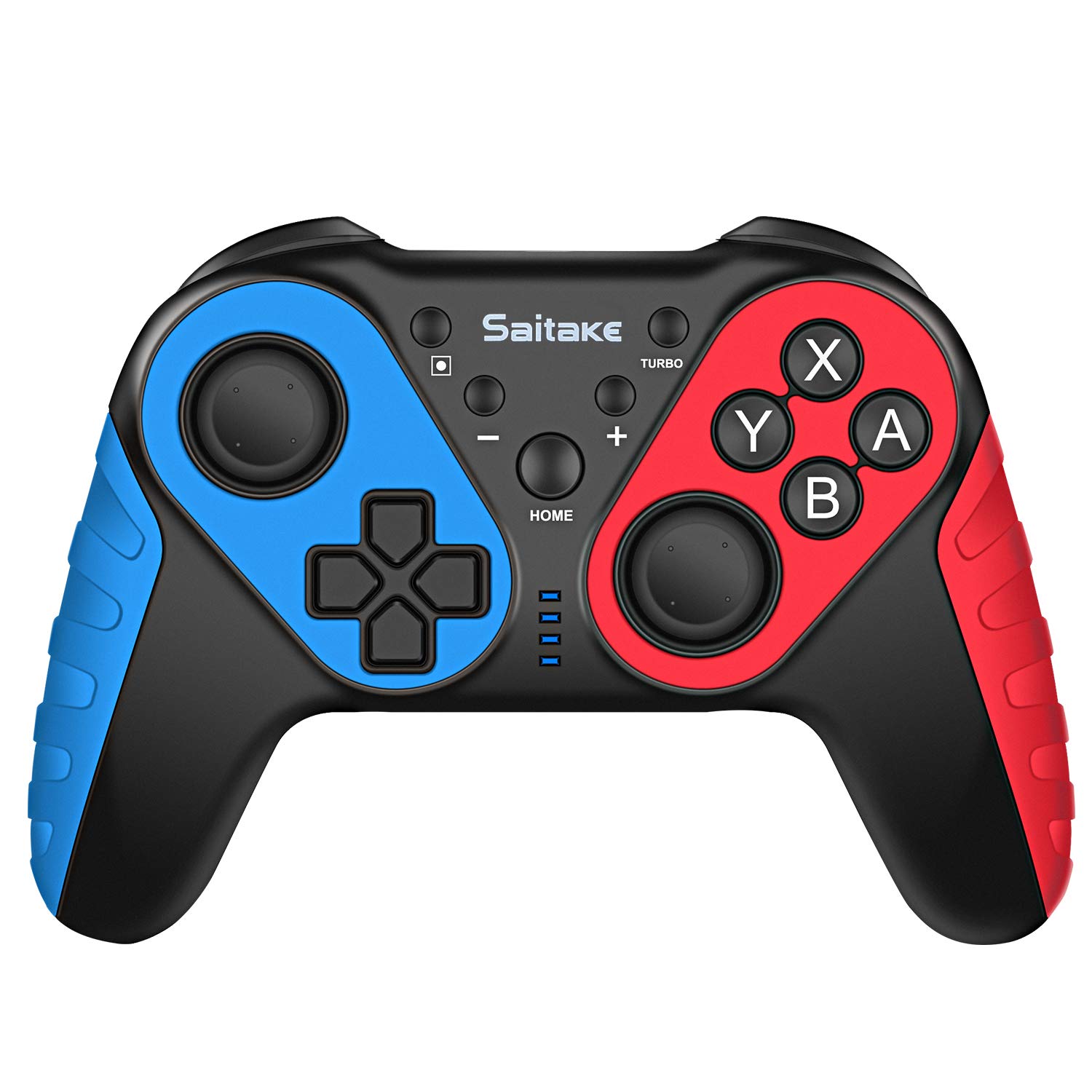
Familiarize yourself with the controller's buttons and ports.

בילד: פראָנט און שפּיץ view of the ECHTPower Wireless Pro Controller, highlighting the D-Pad, Home button, Left and Right Joysticks, A/B/X/Y buttons, Capture button, Turbo button, Plus and Minus buttons, R/L/RZ/LZ triggers, Type-C Charging Port, and Skid-Proof Design.
- ד-פּאַד: Directional Pad for movement and menu navigation.
- לינקס דזשויסטיק: Analog stick for precise movement.
- רעכט דזשויסטיק: Analog stick for camera control and aiming.
- A/B/X/Y קנעפּלעך: Action buttons for in-game commands.
- HOME קנעפּל: Returns to the Nintendo Switch Home menu.
- כאַפּן קנעפּל: Takes screenshots or video clips.
- טורבאָ קנעפּל: Activates/deactivates turbo function for rapid button presses.
- + / - קנעפּלעך: Plus and Minus buttons for in-game functions and menu navigation.
- R / L / RZ / LZ Buttons: Shoulder and trigger buttons for various in-game actions.
- טיפּ C טשאַרדזשינג פּאָרט: Used for charging the controller.
- NFC שטח: Located near the HOME button, used for Amiibo functionality.
סעטאַפּ
1. Pairing with Nintendo Switch/OLED
- Ensure your Nintendo Switch/OLED console is powered on and updated to the latest system version.
- פֿון די היים מעניו, אויסקלײַבן "קאָנטראָלערס" > "ענדערן גריפּ/אָרדער".
- On the ECHTPower controller, press and hold the HOME קנעפּל און די Y קנעפּל simultaneously for 3-5 seconds until the LED indicators start flashing rapidly.
- The controller will automatically pair with the Switch. Once connected, the corresponding player LED(s) on the controller will light up solid.
2. קאַנעקטינג צו פּיסי
The controller can also be connected to a Desktop PC or Notebook PC. Connection methods may vary depending on the PC's Bluetooth capabilities. For wired connection, use a USB-C cable.

בילד: Illustration showing the ECHTPower Wireless Pro Controller compatible with Nintendo Switch, Desktop PC, and Notebook PC, allowing for multiplayer gaming.
אַפּערייטינג ינסטראַקשאַנז
1. טורבאָ פונקציע
The Turbo function allows for continuous rapid pressing of a button. This can be useful in games requiring quick, repeated inputs.
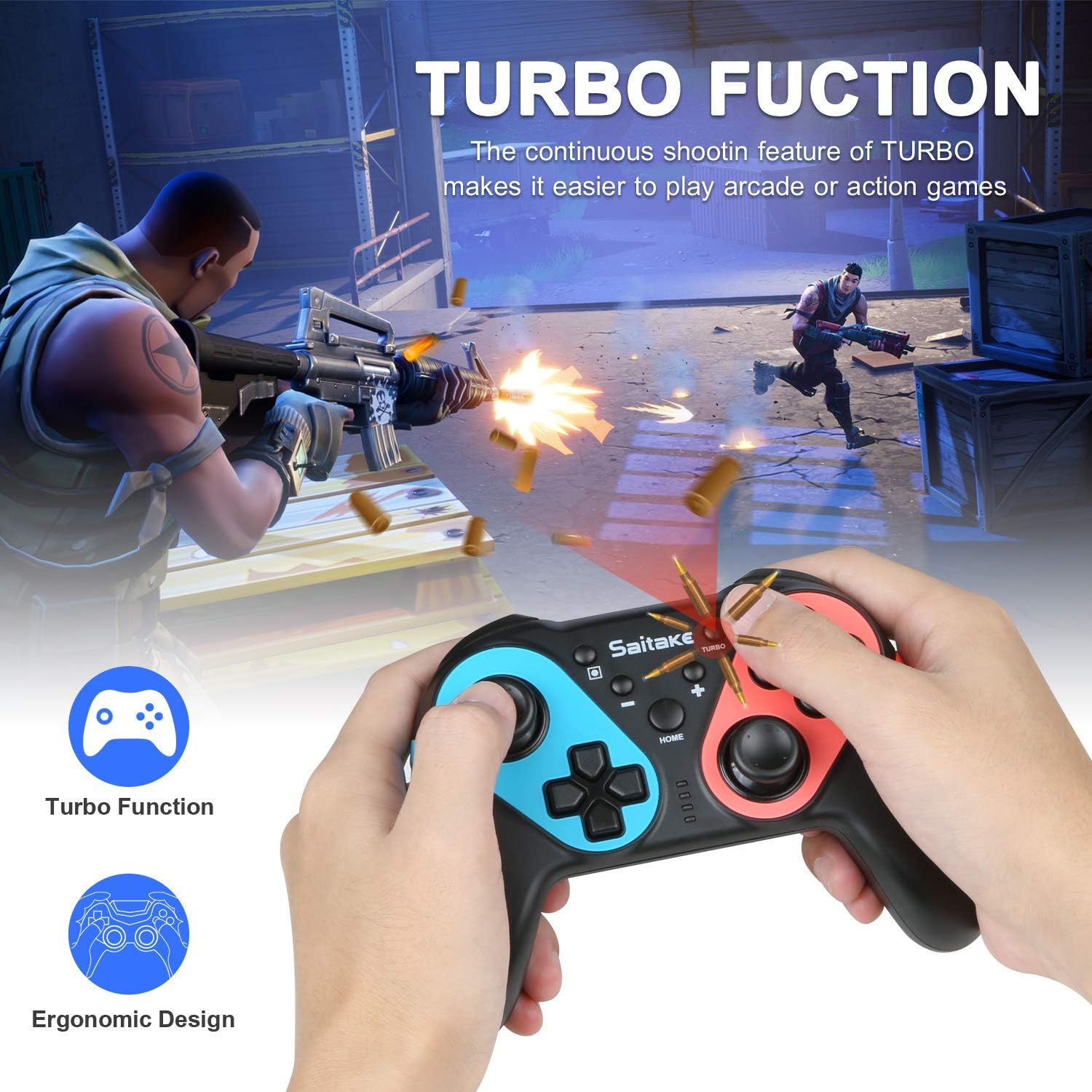
בילד: Depiction of the Turbo function in action, showing rapid firing in a game, alongside an ergonomic design.
- To Activate Turbo: דריקן און האַלטן די טורבאָ קנעפּל, then press the desired action button (A/B/X/Y/L/R/ZL/ZR). The button will now continuously input when held down.
- To Deactivate Turbo: Repeat the activation steps (hold Turbo, then press the action button again).
2. אַדזשאַסטאַבאַל ווייבריישאַן
The controller features dual motors with three levels of vibration feedback (Weak, Moderate, Strong) to enhance your gaming experience.

בילד: Diagram illustrating the three adjustable vibration levels: Weak, Moderate, and Strong, with internal motor representation.
Specific instructions for adjusting vibration levels are typically found in the console's controller settings or through a button combination (refer to the product packaging or manufacturer's website if not detailed here).
3. NFC Function (Amiibo Support)
The controller includes built-in NFC functionality, allowing you to use Amiibo figures for in-game bonuses and features.
בילד: The ECHTPower Wireless Pro Controller with an NFC icon, surrounded by various Amiibo figures (Pikachu, Ryu, Mario, Link, Rathalos), demonstrating quick induction for equipment.
- To use an Amiibo, place the Amiibo figure on the NFC area of the controller (typically near the HOME button) when prompted by a compatible game.
4. 6-Axis Gyroscope and High Precise Joysticks
The controller features a sensitive 6-axis gyroscope for motion control and high-precision joysticks for accurate input, enhancing gameplay in titles that utilize these features.
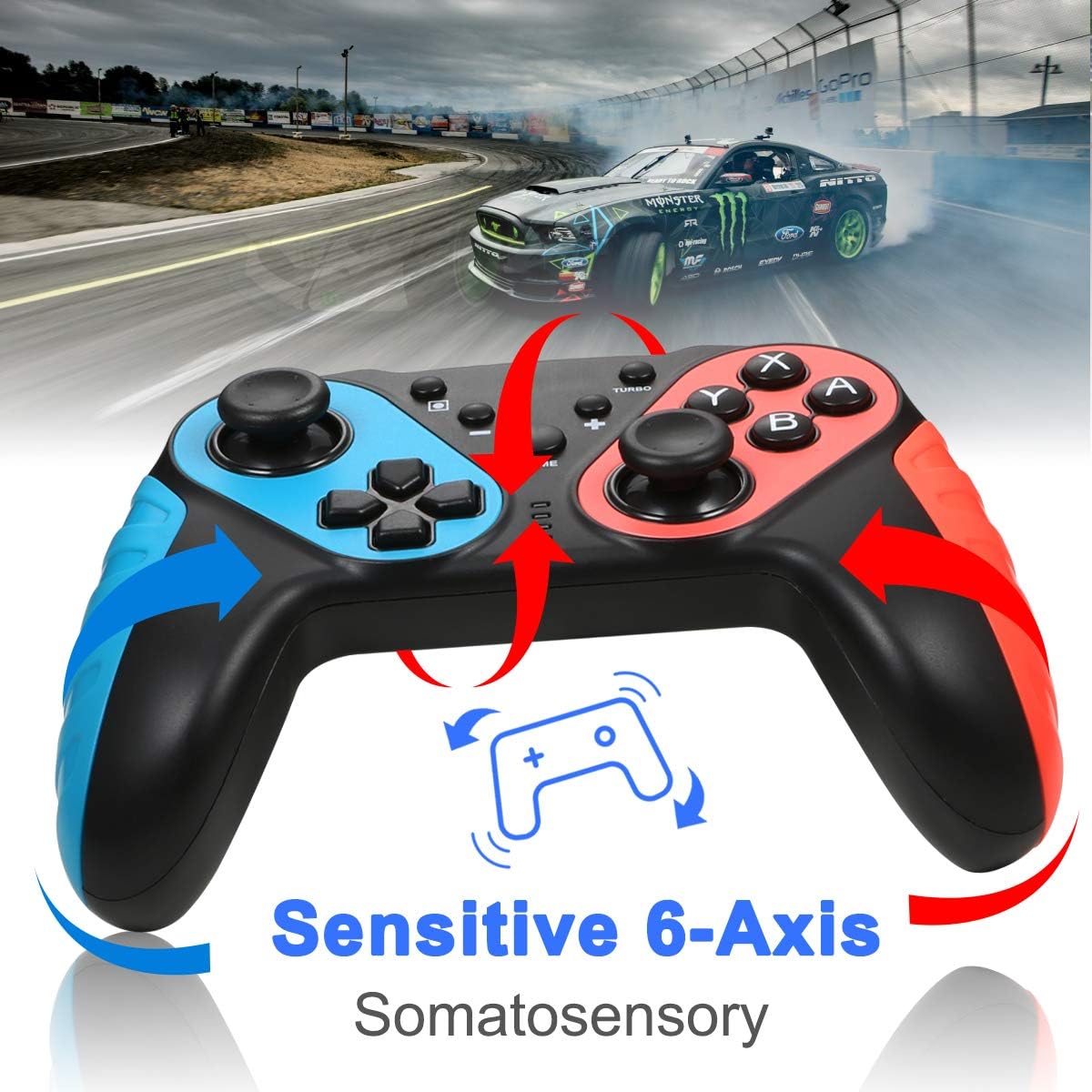
בילד: The ECHTPower Wireless Pro Controller with arrows indicating sensitive 6-axis somatosensory movement, suggesting motion control capabilities.

בילד: Close-up of the ECHTPower Wireless Pro Controller's joystick, highlighting its high precision with glowing effects.
5. אויפלאָדן דעם קאָנטראָללער
- Connect the provided USB Type-C cable to the controller's charging port and the other end to a USB power source (e.g., Nintendo Switch dock, PC, USB wall adapter).
- The LED indicators on the controller will show charging status and turn off or change color when fully charged.
וישאַלט
- האַלט דעם קאָנטראָללער טרוקן און אַוועק פון עקסטרעמע טעמפּעראַטורן.
- רייניקט דעם קאָנטראָללער מיט אַ ווייכן, טרוקענעם שטאָף. ניצט נישט קיין שאַרפע כעמיקאַלן אדער שאַרפע מאַטעריאַלן.
- פֿאַרמײַדט צו לאָזן פאַלן אָדער אויסשטעלן דעם קאָנטראָללער צו שטאַרקע קלאַפּן.
- האַלט דעם קאָנטראָללער אין אַ זיכערן אָרט ווען עס איז נישט אין באַנוץ, כּדי צו פאַרמייַדן שאָדן.
טראָובלעשאָאָטינג
- Controller does not connect:
- מאַכן זיכער אַז די קאָנטראָללער איז טשאַרדזשינג.
- Repeat the pairing process (HOME + Y).
- Check if the Switch console's system software is up to date.
- Move closer to the Switch console to ensure a strong Bluetooth signal.
- Buttons or joysticks are unresponsive:
- Restart the controller by holding the HOME button for 10 seconds, then re-pair.
- Ensure no physical obstructions are affecting button presses.
- Vibration is not working:
- Check in-game settings and Switch console settings to ensure vibration is enabled.
- Adjust vibration intensity if applicable.
- NFC (Amiibo) not detected:
- Ensure the Amiibo is placed correctly on the NFC area.
- Verify the game supports Amiibo functionality.
ספּעסאַפאַקיישאַנז
| קאַנעקטיוויטי | Wireless (Bluetooth) / Wired (USB Type-C) |
| קאַמפּאַטאַבילאַטי | Nintendo Switch, Nintendo Switch OLED, Desktop PC, Notebook PC |
| ספּעציעלע פֿעיִקייטן | Turbo Function, 6-Axis Gyroscope, Dual Motor Vibration (3 levels), NFC (Amiibo Support), High Precise Joysticks, Ergonomic Design |
| טשאַרדזשינג פּאָרט | וסב טיפּ-C |
וואָראַנטי און שטיצן
For warranty information or technical support, please refer to the contact details provided on the product packaging or visit the official ECHTPower webפּלאַץ. האַלטן דיין קויפן קאַבאָלע פֿאַר וואָראַנטי קליימז.