
הקדמה
The Razer Viper Ultimate is a high-performance lightweight wireless gaming mouse designed for professional-grade performance. It features an ultra-fast wireless technology, a 20,000 DPI optical sensor for precise tracking, optical mouse switches for rapid actuation, and an ambidextrous design with programmable buttons. This manual provides essential information for setting up, operating, maintaining, and troubleshooting your device.
סעטאַפּ
To begin using your Razer Viper Ultimate mouse, follow these steps for initial connection and charging.
1. ערשטע פֿאַרבינדונג
Your Razer Viper Ultimate mouse can be connected wirelessly via its USB dongle or wired using the included Speedflex cable.
- ווירעלעסס מאָדע: Insert the USB wireless dongle into an available USB port on your computer. The mouse will automatically connect.
- ווייערד מאָדע: Connect the Razer Speedflex cable to the micro-USB port on the front of the mouse and to a USB port on your computer. The mouse will function as a wired device and charge simultaneously.
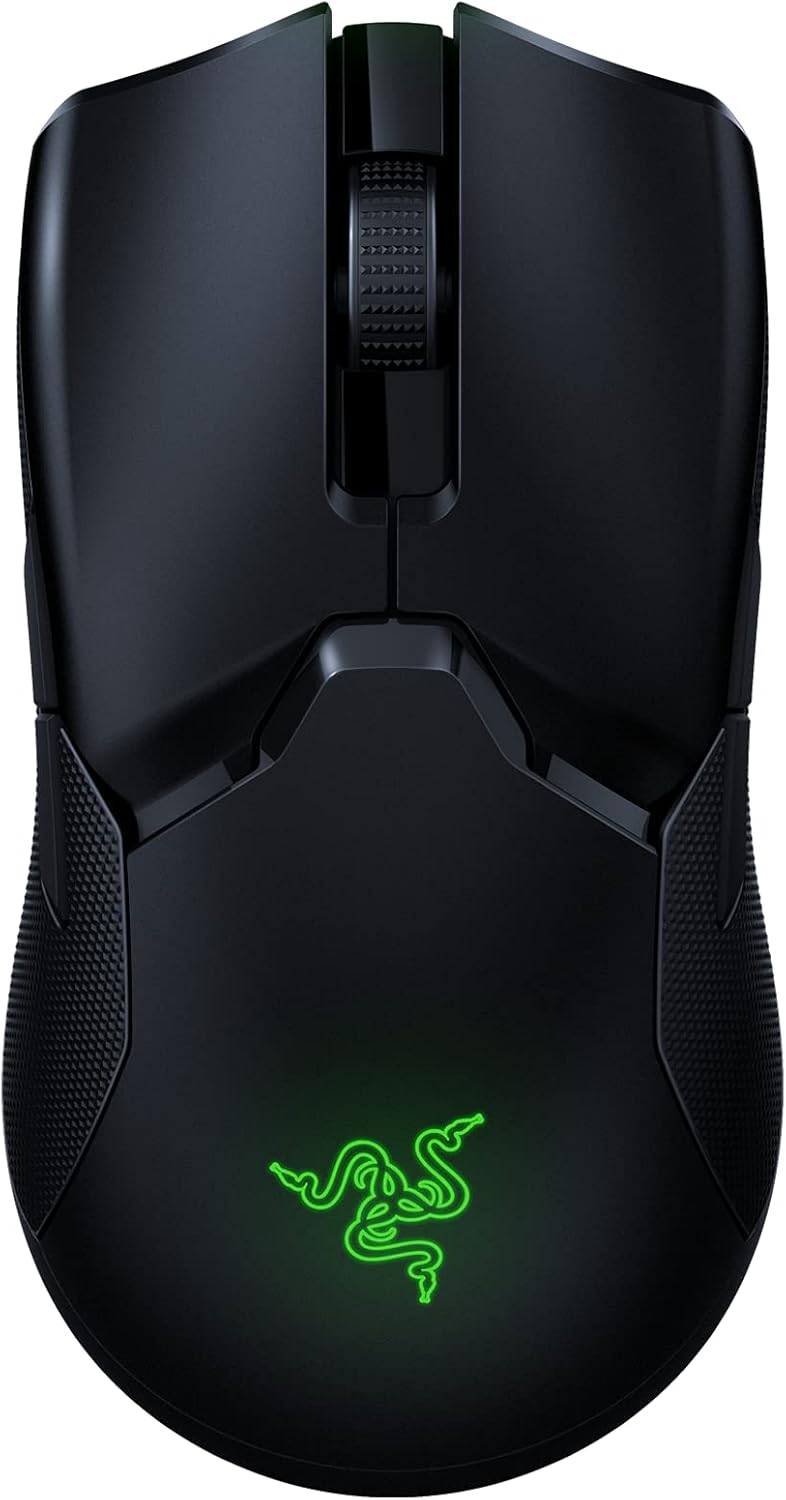
Image: Razer Viper Ultimate Lightweight Wireless Gaming Mouse in Classic Black. This image displays the sleek, ambidextrous design of the mouse.
2. אויפלאָדן די מויז
The mouse can be charged via the Speedflex cable or an optional charging dock (if purchased separately).
- דורך וסב קאַבלע: Connect the Speedflex cable to the mouse and your computer. The mouse will charge while in use or standby.
- דורך טשאַרדזשינג דאָק: Place the mouse onto the Razer charging dock, ensuring the charging contacts align. The dock will indicate charging status.
Video: An unboxing and setup guide for the Razer Viper Ultimate. This video demonstrates how to connect the wireless dongle and charge the mouse.
ווידעא: א רעview highlighting the features and setup of the Razer Viper Ultimate. This video shows the mouse components and initial connection process.
3. Razer Synapse 3 Software
For full customization of your mouse's settings, including DPI, button assignments, and Chroma lighting, download and install Razer Synapse 3 from the official Razer website. This software is compatible with Windows operating systems.
אפערירן די מויז
The Razer Viper Ultimate is engineered for high-performance gaming with several key features.
1. שליסל פֿעיִקייטן
- לייטווייט פּלאַן: Weighing only 74g, the mouse offers effortless control and swift movements.
- Razer HyperSpeed Wireless: Experience ultra-low latency and interference reduction for true wireless freedom.
- 20K DPI Optical Sensor: The Focus+ optical sensor provides industry-leading 99.6% resolution accuracy for precise tracking.
- Optical Mouse Switches: Actuate button presses at the speed of light for rapid response and enhanced durability.
- 8 פּראָגראַממאַבלע קנעפּלעך: Customize buttons for complex macro functions via Razer Synapse 3.
- אַמבידעקסטראָוס פּלאַן: Suitable for both left and right-handed users with accessible buttons on both sides.
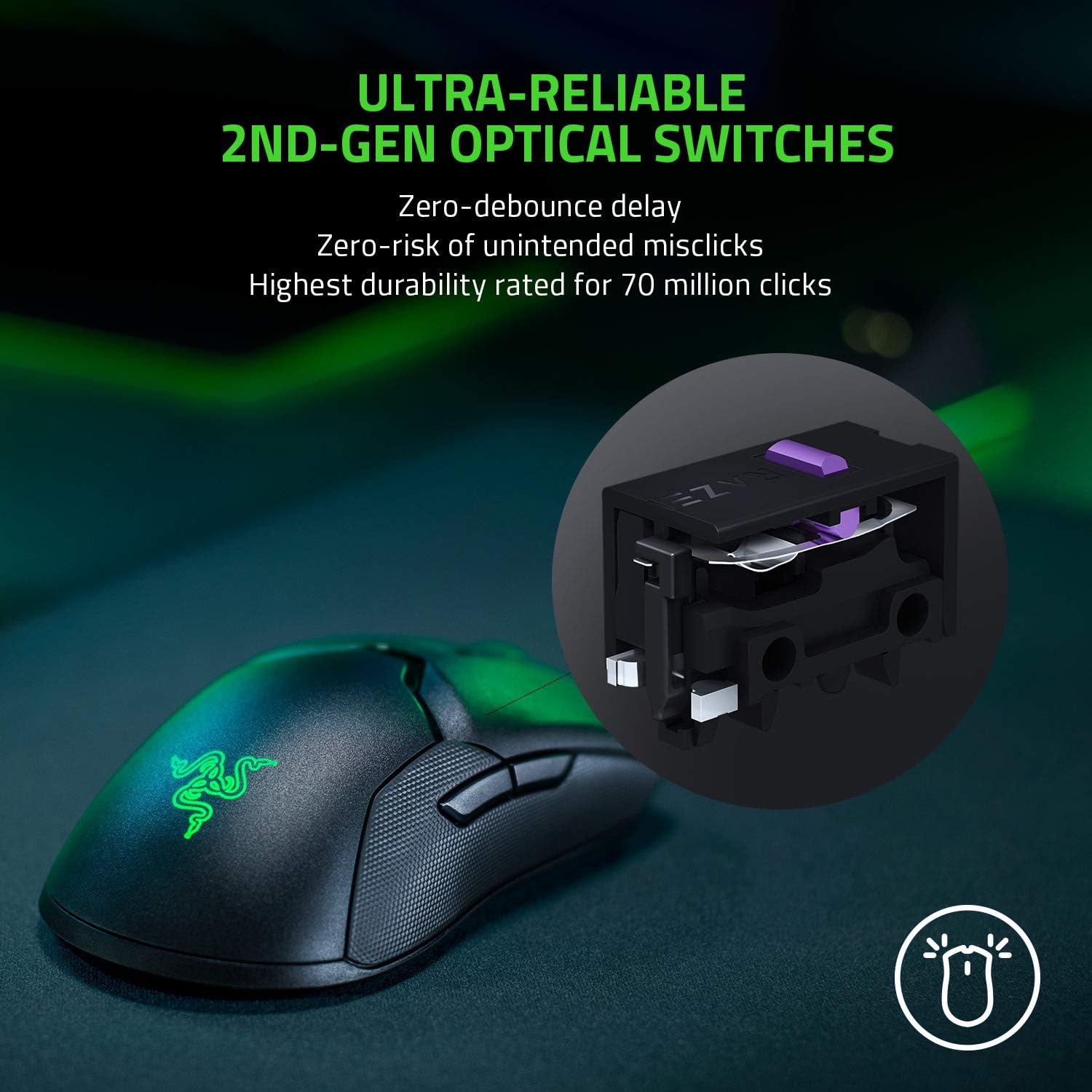
Image: Ultra-Reliable 2nd-Gen Optical Switches. This image illustrates the internal optical switch mechanism, emphasizing zero-debounce delay and high durability.

Image: Fastest Wireless Technology. This image highlights the mouse's wireless capabilities, noting it's 3x faster than competitors with up to 70 hours of gameplay.

Image: Ultra-Responsive Intelligent Sensor. This image shows the optical sensor's precision, with 99.6% resolution accuracy and customizable lift-off distance.
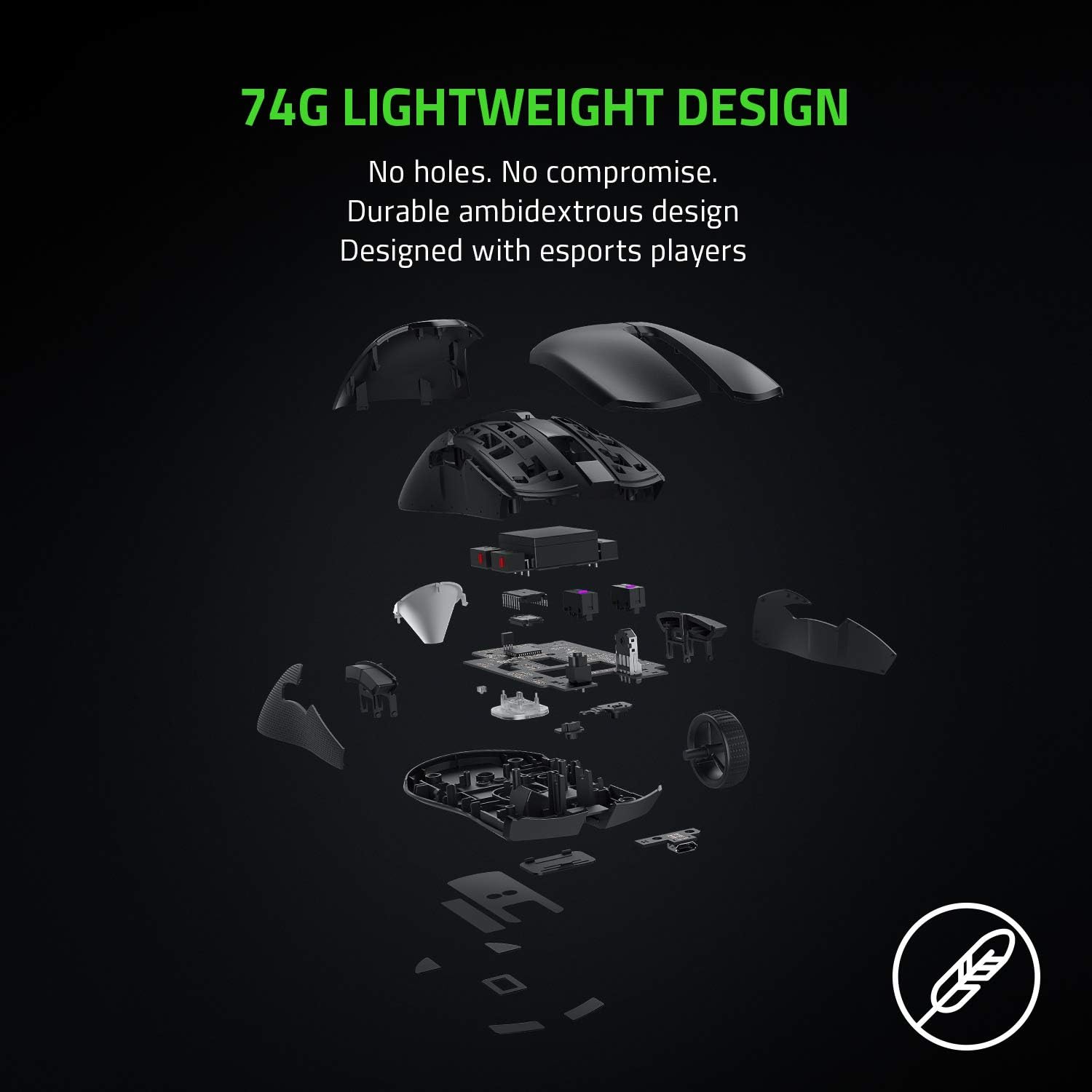
Image: 74g Lightweight Design. An exploded view of the mouse components demonstrates its lightweight and durable ambidextrous design without drilled holes.
2. דפּי אַדזשאַסטמאַנט
The DPI (Dots Per Inch) sensitivity can be adjusted using the dedicated button located on the underside of the mouse. You can cycle through pre-set DPI stages or customize them further using Razer Synapse 3.
ווידעא: א דעטאלירטע רעקארדירונגview of the Razer Viper Ultimate, showcasing its features and performance during gameplay. This video provides insights into the mouse's responsiveness and design.
וישאַלט
To ensure the longevity and optimal performance of your Razer Viper Ultimate mouse, follow these maintenance guidelines:
- רייניקונג: ניצן אַ ווייך, לינט-פֿרייַ שטאָף אַ ביסל דampשווענקט מיט וואַסער צו רייניקן די מויז ייבערפלאַך. פֿאַרמייַדט שטרענגע כעמיקאַלן אָדער אַברייסיוו מאַטעריאַלן.
- סענסאָר זאָרגן: Keep the optical sensor on the underside of the mouse clean and free from dust or debris. Use a cotton swab with a small amount of rubbing alcohol if necessary.
- באַטאַרייע לאָנדזשעוואַטי: Avoid fully discharging the battery frequently. For best results, charge the mouse regularly, especially after long gaming sessions.
טראָובלעשאָאָטינג
If you encounter any issues with your Razer Viper Ultimate mouse, try the following steps:
- קיין קשר: Ensure the USB wireless dongle is securely plugged into your computer. If using wired mode, check the micro-USB cable connection. Try a different USB port.
- Lag or Disconnects: Ensure the mouse is fully charged. Move the USB wireless dongle closer to the mouse or away from other wireless devices to reduce interference.
- DPI פראבלעמען: Verify that Razer Synapse 3 is installed and updated. Check your custom DPI settings within the software.
- Software Not Recognizing Mouse: אינסטאליר ווידער Razer Synapse 3. זיכערט זיך אז אייער אפערירן סיסטעם איז אפ טו דעיט.
ספּעסאַפאַקיישאַנז
| שטריך | דעטאַל |
|---|---|
| סאָרט | ראזער |
| מאָדעל נאָמען | Viper Ultimate |
| מאָדעל נומער | רז01-03050200-ר3ו1 |
| קאָליר | קלאַסיש שווארצע |
| קאַנעקטיוויטי טעכנאָלאָגיע | 2.4 GHz Wireless, USB |
| באַוועגונג דעטעקשאַן טעכנאָלאָגיע | אָפּטיש |
| Mouse Maximum Sensitivity | 20000 Dots per Inch (DPI) |
| קנעפּל קוואַנטיטעט | 8 |
| האַנט אָריענטירונג | אַמבידעקסטראַס |
| באַטערי דורכשניטלעך לעבן | 70 שעה |
| פּונקט וואָג | 0.17 פונט |
| נומער דימענשאַנז ל x וו | 4.98"ל x 2.61"ברייט |
| ייַזנוואַרג פּלאַטפאָרמע | PC |
וואָראַנטי אינפֿאָרמאַציע
The Razer Viper Ultimate Lightweight Wireless Gaming Mouse comes with a 2-יאָר פאַבריקאַנט ס וואָראַנטי. Please retain your proof of purchase for warranty claims. For detailed terms and conditions, refer to the official Razer warranty policy.
שטיצן
For further assistance, technical support, or to download the latest drivers and software (Razer Synapse 3), please visit the official Razer support webזייטל. איר קענט אויך געפֿינען אָפֿט געשטעלטע פֿראַגעס און קהילה פֿאָרומס פֿאַר נאָך הילף.
אפיציעלע ראַזער שטיצע: www.razer.com/support