
XElectron M2
XElectron Techno Plus M2 Grand FHD Miracast Projector User Manual
מאָדעל: M2
1. הקדמה
Thank you for choosing the XElectron Techno Plus M2 Grand FHD Miracast Projector. This manual provides essential information for the safe and efficient operation of your device. Please read it thoroughly before use and retain it for future reference.
This projector features a native 1080P resolution with 4K support, Android 13 operating system, auto-focus, auto-keystone correction, dual-band WiFi 6, and Bluetooth 5.0 connectivity, offering a versatile and immersive viewינג דערפאַרונג.
2. זיכערקייַט אינפֿאָרמאַציע
- קוק נישט גלייך אריין אין די פּראָיעקטאָר לינז ווען די לamp איז אויף.
- פאַרזיכערן געהעריק ווענאַליישאַן אַרום די פּראַדזשעקטער צו פאַרמייַדן אָוווערכיטינג.
- ניצן בלויז די מאַכט אַדאַפּטער סאַפּלייד מיט די מיטל.
- האַלט דעם פּראָיעקטאָר ווײַט פֿון וואַסער אָדער אַנדערע פֿליסיקייטן.
- ויסמיידן פּלייסינג די פּראַדזשעקטער אויף אַנסטייבאַל סערפאַסיז.
- פרובירט נישט צו צענעמען אדער פאררעכטן דעם פראיעקטאר אליין. קאנטאקטירט קאסטומער סופארט פאר הילף.
3. פּעקל אינהאַלט
באַשטעטיקן אַז אַלע זאכן זענען פאַראַן אין דיין פּעקל:
- פּראַדזשעקטער
- מאַכט שנור
- ווייַט קאָנטראָל
- באַניצער מאַנואַל (דעם דאָקומענט)
- וואָראַנטי קאַרד
4. פּראָדוקט איבערview
Familiarize yourself with the projector's components and features.

פיגורע 4.1: פראָנט view of the XElectron Techno Plus M2 Projector, showcasinג זײַן קאָמפּאַקטן דיזײַן און לינז.
פיגורע 4.2: דערציען view of the projector, illustrating the various input and output ports for connectivity.

פיגורע 4.3: איבערview of the projector highlighting features such as Android 13, 1080P Native resolution, 210° rotation, automatic keystone, 50,000 hours lamp life, built-in speaker, 4D+4P correction, and various connectivity options (HDMI, USB, AUX).
5. סעטאַפּ
5.1 ערשטע פּלאַצירונג
Place the projector on a stable, flat surface. The rotatable design allows for flexible positioning, including ceiling projection. Ensure there is adequate space for ventilation around the device.
5.2 מאַכט קאַנעקשאַן
- פֿאַרבינדט דעם מאַכט שנור צום פּראָיעקטאָר'ס מאַכט אַרייַנגאַנג.
- שטעקט אריין דעם אנדערן עק פונעם עלעקטרישן שנור אין א פאסיגע עלעקטרישע ווענטיל.
- דרוק די מאַכט קנעפּל אויף די פּראַדזשעקטער אָדער ווייַט קאָנטראָל צו קער אויף די מיטל.
5.3 Adjusting Projection
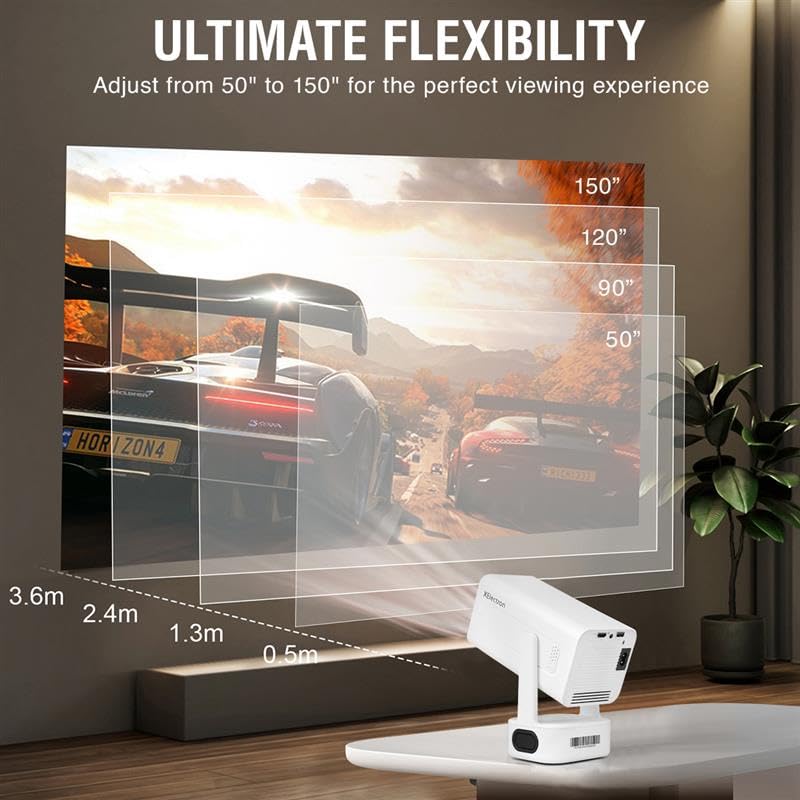
The projector features auto-focus and auto-keystone correction for a clear and rectangular image. Minor adjustments can be made manually if needed.

Figure 5.1: The projector offers ultimate flexibility, allowing adjustment of projection size from 50 to 150 inches for an optimal viewינג דערפאַרונג.

Figure 5.2: The projector automatically corrects image distortion (keystone) and focuses for a sharp, straight, and seamless picture from various angles.
6. אַפּערייטינג ינסטרוקטיאָנס
6.1 אַנדרויד 13 אָפּערייטינג סיסטעם
The projector runs on Android 13, providing access to various streaming applications and content directly. Navigate the interface using the remote control.
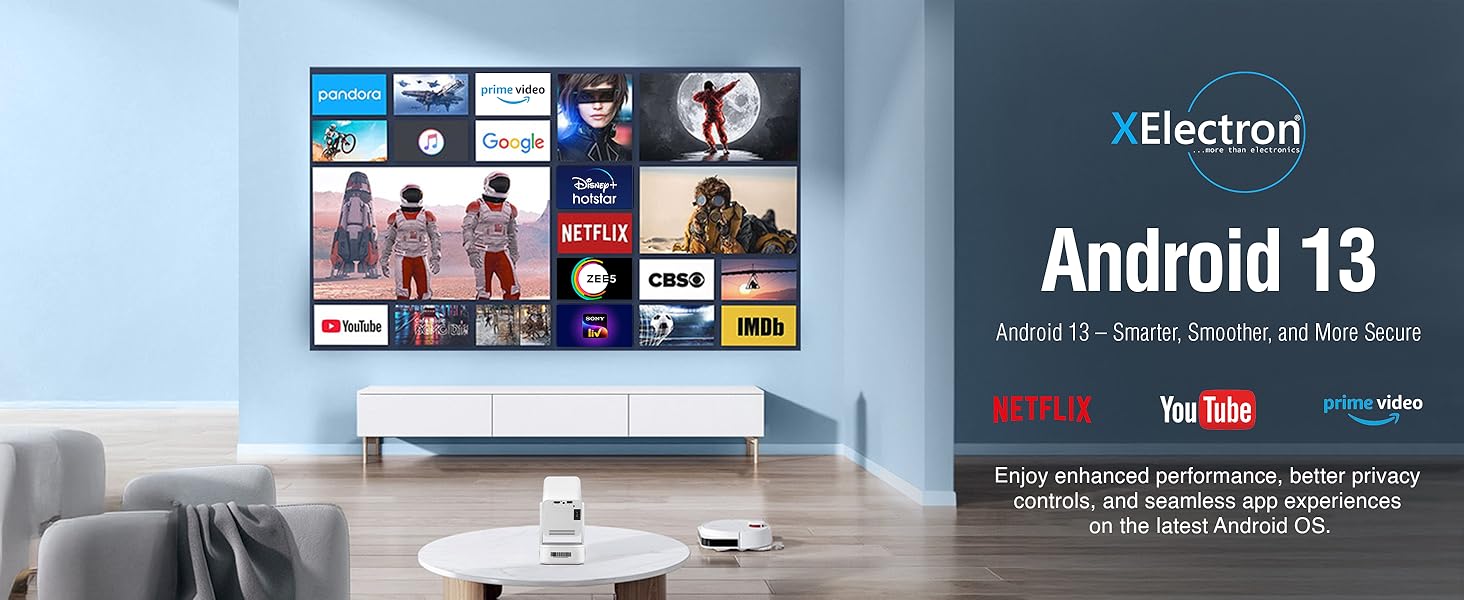
Figure 6.1: The Android 13 interface offers a smart, smooth, and secure experience with pre-installed apps like Netflix, YouTube, and Prime Video.
6.2 Network Connectivity (WiFi 6)
צו פאַרבינדן צו אַ וויירליס נעץ:
- גיין צו סעטטינגס אויף דעם פּראָיעקטאָר'ס היים־עקראַן.
- אויסקלייַבן נעץ & אינטערנעט.
- קער אויף ווי-פי און אויסקלייבן אייער געוואונטשענע נעץ פון דער ליסטע.
- אַרייַן די פּאַראָל אויב געבעטן און פאַרבינדן.
The dual-band 2.4/5G WiFi 6 ensures reduced latency and enhanced responsiveness for streaming and online applications.
6.3 Bluetooth 5.0 Audio
The projector supports two-way Bluetooth 5.0, allowing connection to external speakers, headphones, or soundbars for enhanced audio. It can also function as a standalone Bluetooth speaker.

Figure 6.2: Two-way Bluetooth 5.0 allows seamless connection to various audio devices, enhancing the sound experience.
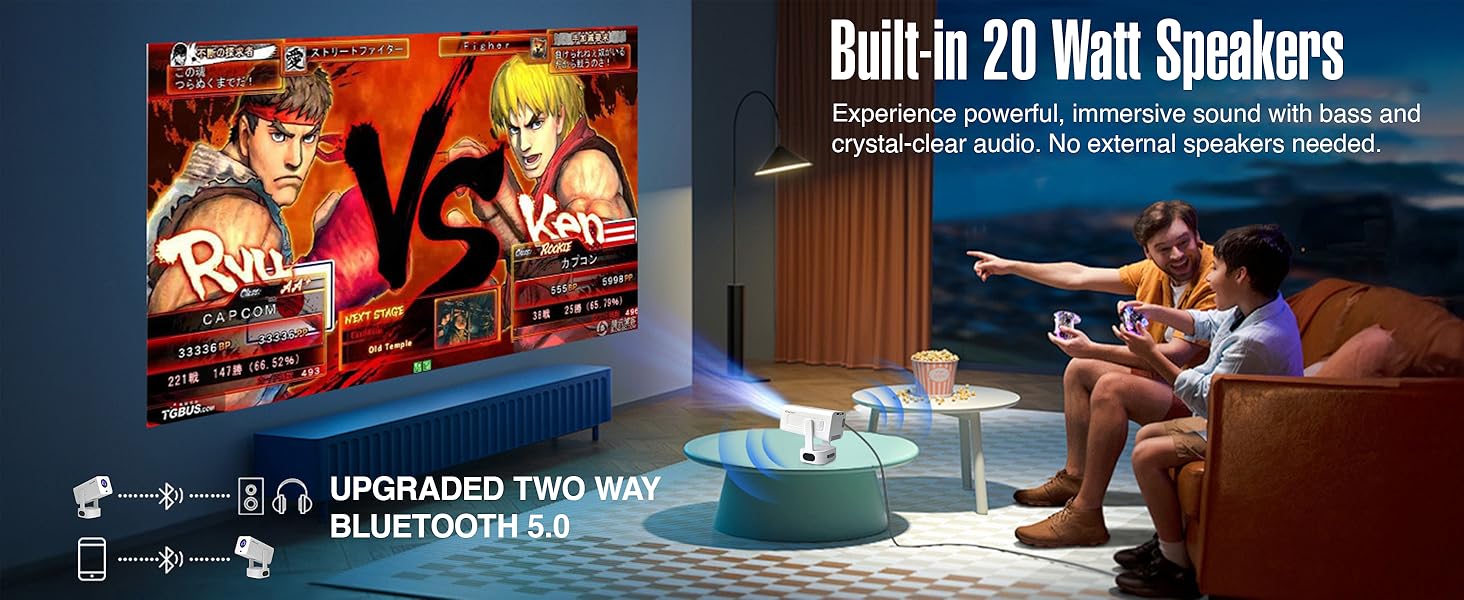
Figure 6.3: The projector features built-in 20-watt speakers for powerful, immersive sound, and supports upgraded two-way Bluetooth 5.0 for external audio.
6.4 Screen Mirroring (Miracast)
The projector supports Miracast for wireless screen mirroring from compatible devices. Refer to your device's instructions for initiating screen mirroring and select the projector from the available devices.
6.5 קאַנעקטינג פונדרויסנדיק דעוויסעס
Use the HDMI and USB ports to connect external devices such as laptops, gaming consoles, USB drives, or other media players.
- הדמי: Connect an HDMI cable from your device to the projector's HDMI port. Select the HDMI input source from the projector's menu.
- וסב: Insert a USB drive into the USB port. The projector's media player will typically detect the drive, allowing you to browse and play media files.
6.6 בילד קוואַליטעט
The projector delivers native 1080P resolution with 4K support, 3X brightness, and a 5000:1 contrast ratio for vivid and detailed projections.
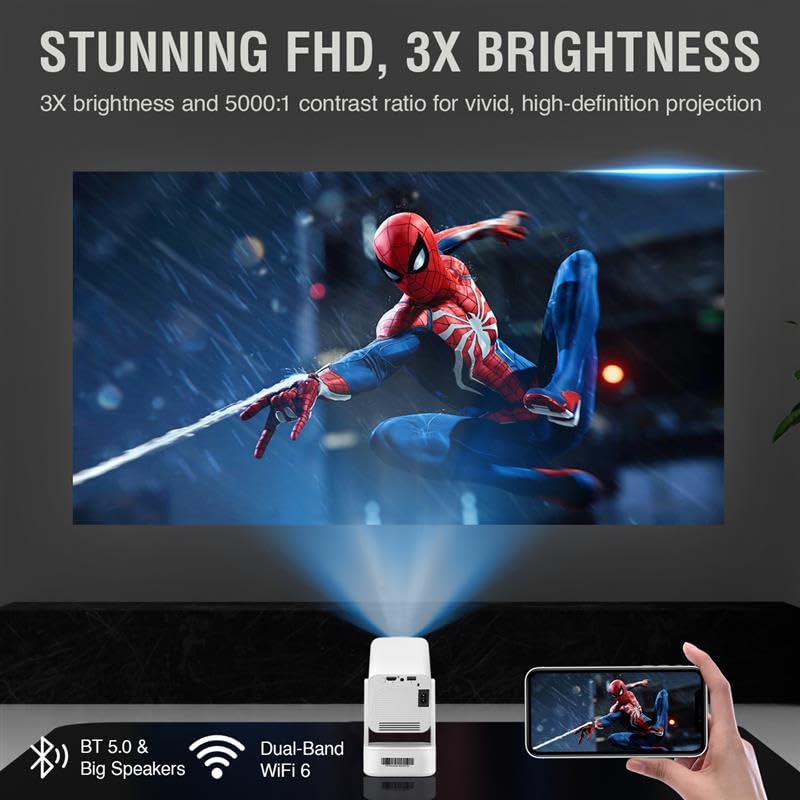
Figure 6.4: The projector provides stunning Full HD visuals with 3X brightness and a 5000:1 contrast ratio for a high-definition projection.
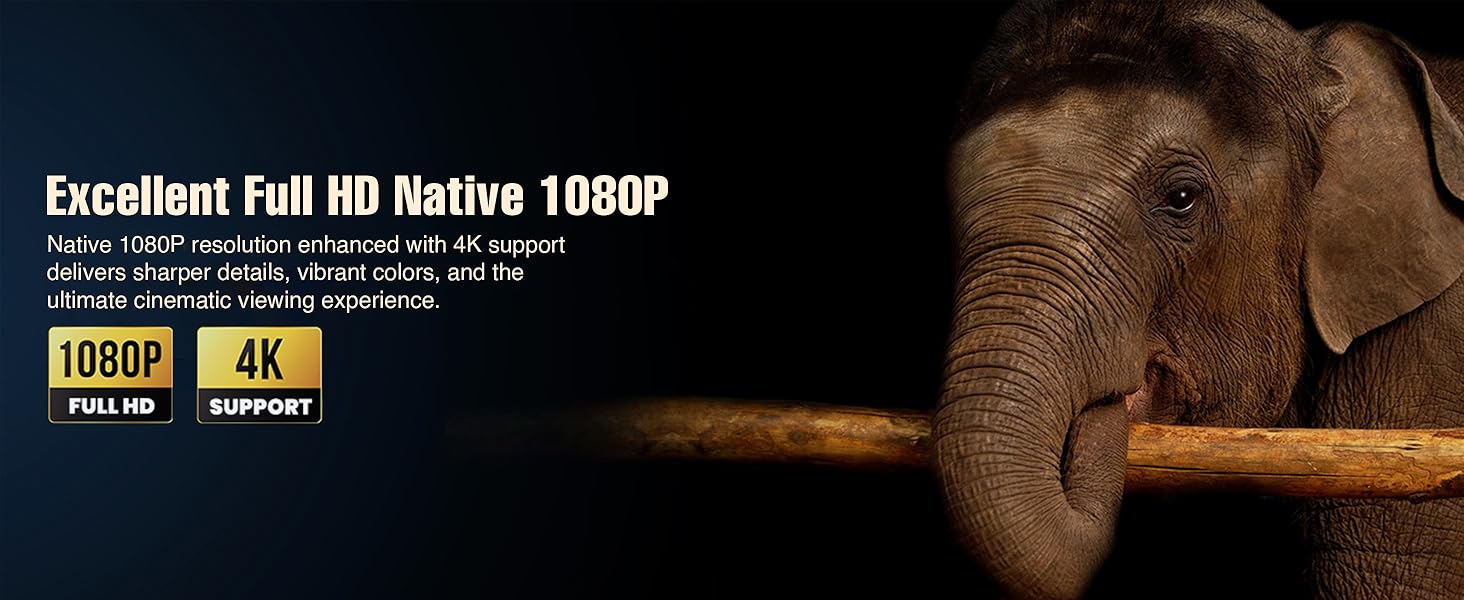
Figure 6.5: Experience excellent Full HD Native 1080P resolution, enhanced with 4K support, for sharper details, vibrant colors, and an ultimate cinematic viewינג דערפאַרונג.
7. וישאַלט
7.1 רייניקן דעם פּראָיעקטאָר
The XElectron Techno Plus M2 features advanced dust-resistant technology to minimize dust accumulation and extend lamp life. However, regular cleaning is recommended.

Figure 7.1: The advanced dust-resistant technology helps prevent black spots and extends the projector's lifespan by 60% compared to non-dust-resistant models.
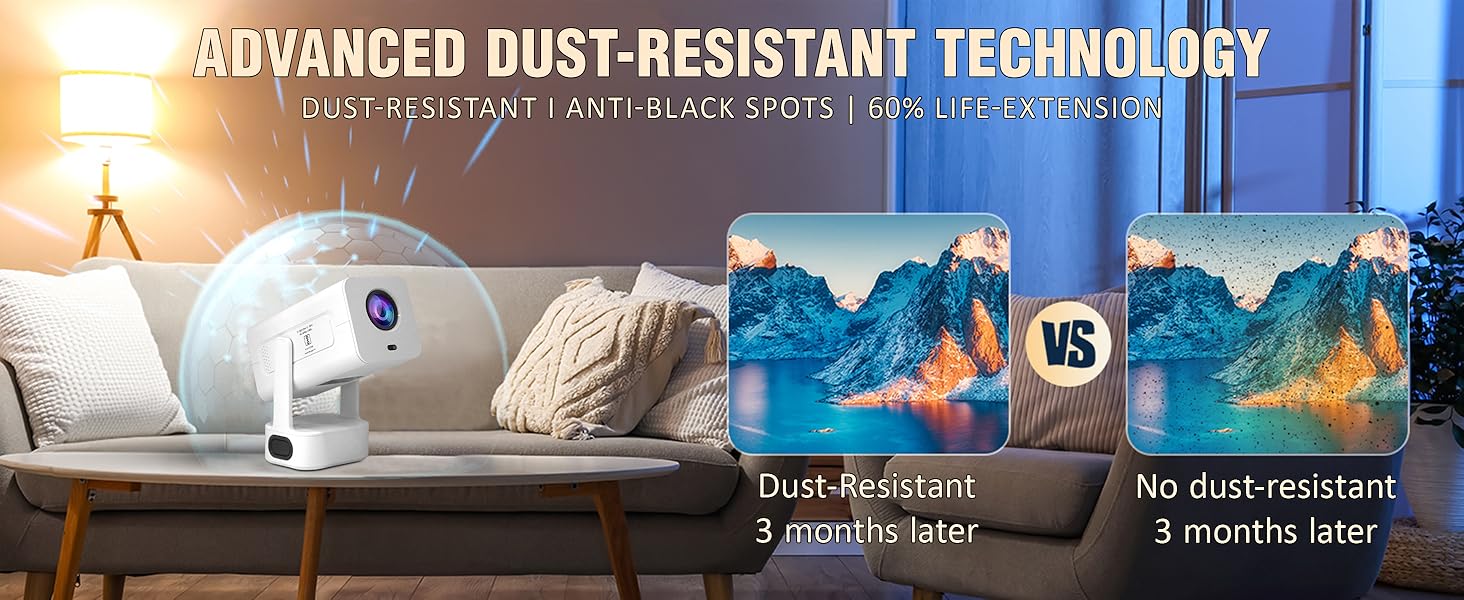
Figure 7.2: The advanced dust-resistant technology ensures a clearer image and longer product life by preventing dust accumulation on internal components.
- לענס: ניצט אַ ווייכע, לינט-פֿרייע שטאָף ספּעציעל דיזיינד פֿאַר אָפּטישע לענסעס. ניצט נישט קיין שרײַבנדיקע רייניגער.
- Casing: ווישט אָפּ די אויסערלעכע זייט מיט אַ ווייכן, טרוקענעם שטאָף. פֿאַר שווערע פֿלעקן, ניצט אַ ביסלamp מען קען ניצן אַ שטאָף, און דערנאָך אַ טרוקענעם.
- ווענטילאַציע פּאָרץ: Periodically check and gently clean the ventilation ports to ensure unobstructed airflow.
7.2 לamp לעבן
די געפירט לamp has a lifespan of up to 50,000 hours, providing long-term usage without frequent lamp פאַרבייַט.
8. טראָובלעשאָאָטינג
אויב איר טרעפט פּראָבלעמען מיט אייער פּראָיעקטאָר, זעט די פאלגענדע געוויינטלעכע פּראָבלעמען און לייזונגען:
| פּראָבלעם | מעגלעך סיבה | לייזונג |
|---|---|---|
| קיין בילד אויף פאַרשטעלן | שטראָם נישט פארבונדן, נישט ריכטיגע אינפוט מקור, לינז דעקל אויף. | Check power connection, select correct input source (HDMI/USB), remove lens cap. |
| בילד פארשוואומען אדער פארדרייט | Focus or keystone not adjusted. | Allow auto-focus/auto-keystone to complete. Manually adjust if needed via settings. |
| קיין געזונט | Volume too low, external audio device not connected/paired, incorrect audio output selected. | Increase volume. Check Bluetooth connection for external speakers. Ensure internal speakers are selected or external device is properly connected. |
| Projector unresponsive/freezes | Software issue, unsupported media file. | Restart the projector. If playing media from USB, ensure file format is supported. Wait for a few moments if it's processing an unsupported file. |
| ווייַט קאָנטראָל נישט ארבעטן | באַטעריעס נידעריק/טויט, שטערונג, ווײַטקאָנטראָל נישט געפּאָרט. | Replace batteries. Ensure no obstruction between remote and projector. Re-pair if necessary. |
9. ספּעסאַפאַקיישאַנז
Detailed technical specifications for the XElectron Techno Plus M2 Projector:
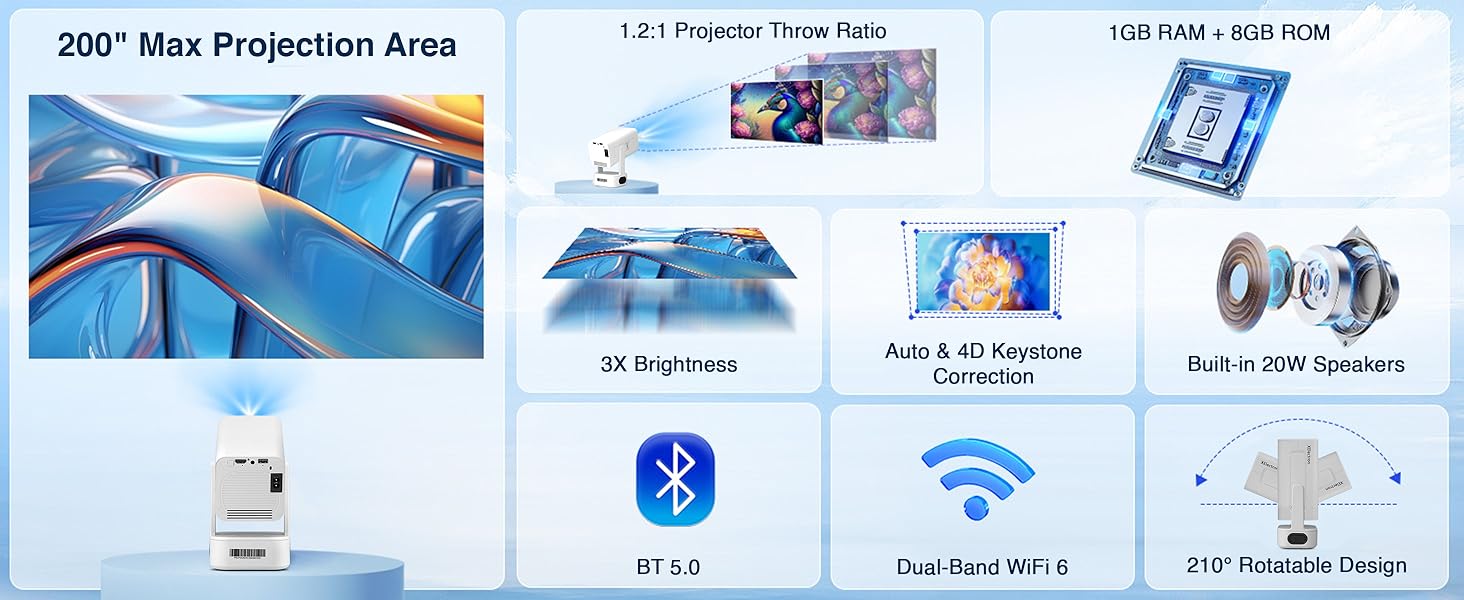
Figure 9.1: Key specifications of the XElectron Techno Plus M2 Projector, including 200" max projection, 1GB RAM + 8GB ROM, 3X brightness, auto & 4D keystone, 20W speakers, BT 5.0, WiFi 6, and 210° rotatable design.
| שטריך | באַשרייַבונג |
|---|---|
| סאָרט | XElectron |
| מאָדעל | M2 (Techno Plus Series) |
| געבוירן האַכלאָטע | 1920 רענטגענ 1080 (פול הד) |
| שטיצט רעסאָלוטיאָן | ביז 3840 x 2160 (4K) |
| קאַנטראַסט פאַרהעלטעניש | 5000:1 |
| אָפּערייטינג סיסטעם | אַנדרויד 13 |
| קאַנעקטיוויטי | Bluetooth 5.0 (Two-way), Miracast, Wi-Fi 6 (Dual-Band 2.4/5G), HDMI, USB, 3.5mm Jack |
| ספּעציעלע פֿעיִקייטן | Auto Focus, Auto Keystone Correction (4D), Built-In Speaker, Dust-Proof, 210° Rotatable Design |
| Lamp לעבן | אַרויף צו 50,000 שעה |
| געבויט-אין רעדנער | Yes (20 Watts) |
| דימענשאַנז (LxWxH) | 22 X 19.4 X 11.6 סענטימעטער |
| פּונקט וואָג | 720 ג |
| מאַכט מקור | AC |
| וואָסtage | 60 וואטס |
10. וואָראַנטי און שטיצן
10.1 וואָראַנטי אינפֿאָרמאַציע
The XElectron Techno Plus M2 Projector comes with a 1-יאָר מאַנופאַקטורער וואָראַנטי. Please retain your purchase receipt and warranty card for any claims.
10.2 קונה שטיצן
For technical assistance, warranty claims, or any other inquiries, please contact XElectron customer support:
- טעלעפֿאָן: 0120-4134583 , 8527312304
- אַפּערייטינג שעה: Monday to Saturday, 10:30 AM to 6:00 PM
Ask a question about this manual
Ask about setup, troubleshooting, compatibility, parts, safety, or missing instructions. Manuals+ will review the question and use this page’s manual context to help answer it.