
הקדמה
This manual provides detailed instructions for the Dr Trust 505 Smart Fitness Body Fat Composition Analyzer Weighing Scale. This device is designed to accurately measure body weight and various body composition metrics, syncing data with a mobile application for comprehensive fitness tracking and health management. Please read this manual thoroughly before using the device.

Image: Dr Trust 505 Smart Fitness Body Fat Composition Analyzer Weighing Scale, showcasinזײַן גלאַטן דיזײַן און דיגיטאַלן אַרויסווײַז.
פּעקל אינהאַלט
באַשטעטיקן אַז אַלע זאכן זענען פאַראַן אין פּעקל:
- 1 x Dr Trust 505 Rechargeable Smart Scale
- 1 x USB Charging Cable (Micro USB)
- 1 x באַניצער מאַנואַל

Image: Contents of the Dr Trust 505 Smart Scale package, including the scale, USB cable, and user manual.
סעטאַפּ
1. ערשטע אויפלאָדונג
The Dr Trust 505 scale is equipped with a rechargeable battery. Before first use, ensure the scale is fully charged.
- Locate the Micro USB charging port on the side of the scale.
- Connect the provided USB charging cable to the scale and to any standard USB power source (e.g., mobile charger, power bank, computer USB port).
- Allow the scale to charge until the battery indicator on the display shows full. A full charge can last for months under standard home use.
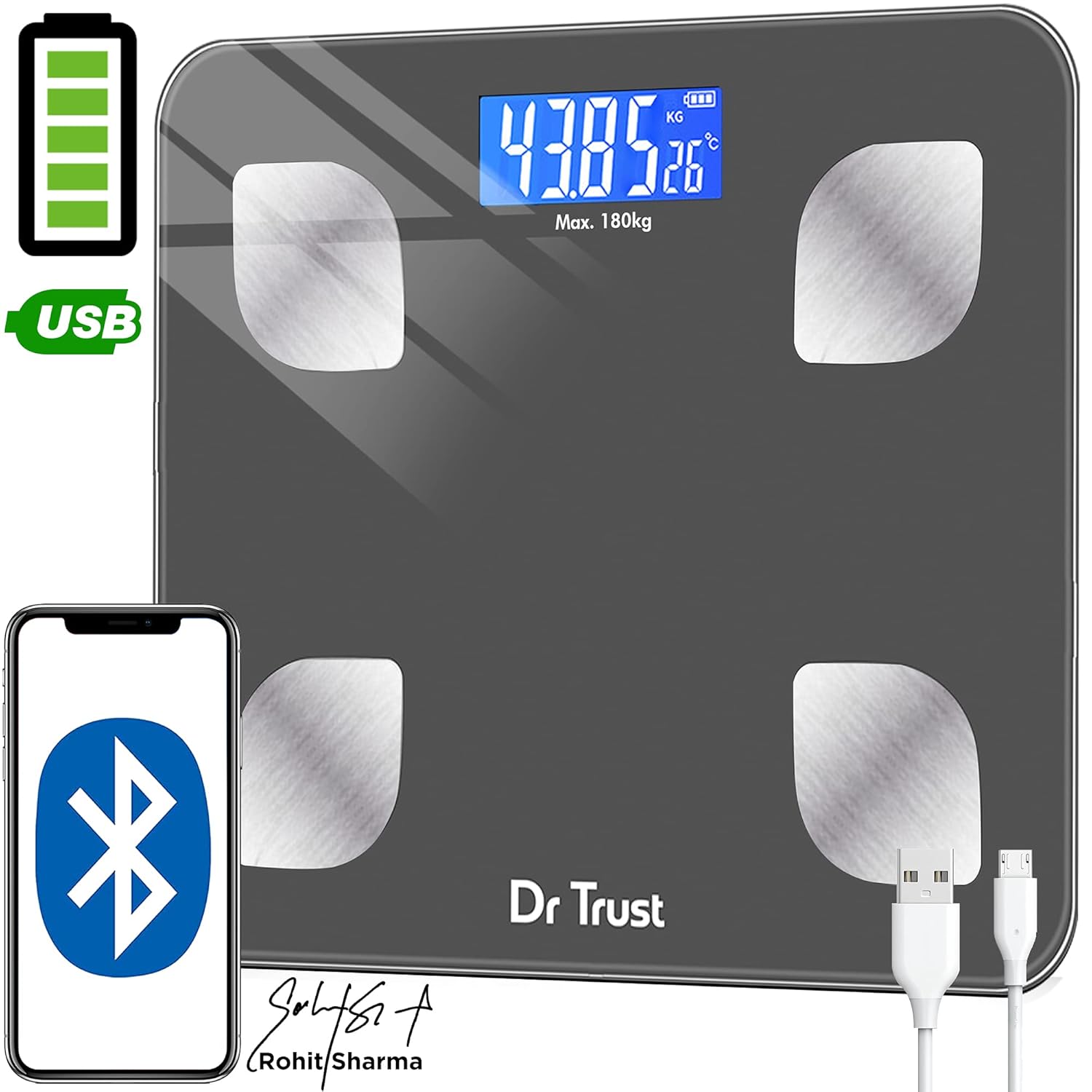
Image: Dr Trust 505 Smart Scale connected via USB cable for charging, highlighting its rechargeable feature.
2. אַפּ אינסטאַלאַציע און פּערינג
To utilize the full features of the Dr Trust 505 scale, including body composition analysis and data tracking, download the companion mobile application.
- אָפּלאָדירן די Dr Trust 360 אַפּ פון די Google פּלייַ סטאָר (for Android devices) or the עפּל אַפּ סטאָר (for iOS devices).
- מאַכן זיכער אַז בלועטאָאָטה איז ענייבאַלד אויף דיין סמאַרטפאָנע.
- Open the Dr Trust 360 app and create your user profile.
- טרעט אויף דער וואָג צו אַקטיוויזירן עס. דער עקראַן וועט ווייַזן דיין וואָג.
- Follow the in-app instructions to pair your scale with the application via Bluetooth. The app will automatically detect the scale.
- Once paired, your measurements will sync automatically to your profile in the app. The app also supports integration with Apple Health and Google Fit.

Image: Screenshot of the Dr Trust 360 app interface, showing connectivity options with Google Play, Apple App Store, Apple Health, and Google Fit.
אַפּערייטינג ינסטראַקשאַנז
1. גענומען אַ מעזשערמאַנט
- Place the scale on a hard, flat surface. Avoid carpets or uneven flooring for accurate readings.
- Step onto the scale barefoot. Ensure your feet are placed on the four metal electrodes for body composition analysis.
- The scale will automatically power on and display your weight. Remain still until the reading stabilizes.
- If connected to the Dr Trust 360 app, your weight and other body composition metrics will automatically sync to your profile.
2. Understanding Body Composition Metrics
The Dr Trust 505 scale, in conjunction with the Dr Trust 360 app, measures up to 16 essential body metrics:
- גוף וואָג
- BMI (Body Mass Index)
- גוף פעט פּראָצענטtage
- מוסקל מאַסע
- ביין מאַס
- גוף וואַסער פּערסענטtage
- וויסעראַל פעט
- סובקוטאַנעאָוס פעט
- פּראָטעין קורס
- בייסאַל מעטאַבאַליק קורס (BMR)
- BFR (Body Fat Rate)
- Fat-Free Weight
- סקעלעטאַל מוסקל
- גוף אַגע
- מעטאַבאַליק אַגע
- אַביסאַטי מדרגה

Image: Visual representation of the 16 essential body metrics measured by the Dr Trust 505 Smart Scale and tracked in the app.
3. Multiple User Support
The Dr Trust 360 app supports up to 8 user profiles, allowing multiple family members or individuals to track their data separately on the same scale.
- Each user creates their own profile אין די אַפּ.
- The app intelligently recognizes users based on their weight and previous measurements.
- Data is synced to the respective user's profile, ensuring personalized tracking.

Image: Illustration showing how one Dr Trust 505 Smart Scale can be used by multiple users, with data shared via the app.
4. טוישן מעסטונג איינהייטן
The scale allows you to switch between different weight units (e.g., kilograms, pounds). Look for a "Unit" button, usually on the underside or side of the scale, to toggle between units.

בילד: נאָענט-אַרויף view of the Dr Trust 505 Smart Scale showing the unit button, micro USB charging port, and display indicators.
וישאַלט
1. רייניקונג פון די וואָג
- ווישט די וואָג ייבערפלאַך מיט אַ ווייכן, דamp שטאָף.
- Do not use abrasive cleaners, harsh chemicals, or immerse the scale in water.
- זיכער מאַכן אַז די וואָג איז טרוקן איידער סטאָרידזש אָדער ווייַטער נוצן.
2. סטאָרידזש
- סטאָר די וואָג אין אַ קיל, טרוקן אָרט.
- פֿאַרמײַדן עקסטרעמע טעמפּעראַטורן אָדער דירעקטע זונשײַן.
- Do not place heavy objects on the scale when not in use.
טראָובלעשאָאָטינג
| פּראָבלעם | מעגלעך סיבה | לייזונג |
|---|---|---|
| "Lo" געוויזן אויף פאַרשטעלן | נידעריק באַטאַרייע. | Recharge the scale using the provided USB cable. |
| "ערר" געוויזן אויף פאַרשטעלן | Overload or measurement error. | The weight exceeds the maximum capacity (180 kg). Step off the scale. If the error persists, ensure the scale is on a flat, stable surface. |
| אומגענויע אדער פלוקטואירנדע לייענונגען |
|
|
| Scale does not connect to app |
|
|
ספּעסאַפאַקיישאַנז
- מאָדעל: 505 (IHJ00004)
- סאָרט: דר טראַסט
- פּראָדוקט דימענשאַנז: 32 X 28 X 4 סענטימעטער
- נומער וואָג: 1.5 ק״ג (1500 גראַם)
- מאַטעריאַל: טעמפּערד גלאז
- ווייַז טיפּ: לקד
- וואָג קאַפּאַציטעט: Maximum 180 Kilograms
- לייענען די אַקיעראַסי: 0.01 קג
- מאַכט מקור: Rechargeable Battery (USB Micro-B)
- קאַנעקטיוויטי: בלועטאָאָטה
- סענסאָרס: 4 High Precision Sensors
- לאַנד פון אָריגין: אינדיע
וואָראַנטי און שטיצן
For warranty information, technical support, or service inquiries, please contact the manufacturer directly.
- פאַבריקאַנט: נורעקאַ לימיטעד
- אַדרעס: B2-166, Time Square, 7th and 8th Floor, CTS No 349 and 349-1, Western Express Highway, Andheri East, Mumbai, Mumbai City, Maharashtra, 400069, India
- קאָנטאַקט נומער: 7527013265
ביטע באַהאַלטן אייער קויף קוויטל ווי אַ באַווייַז פון קויפן פֿאַר קיין וואָראַנטי קליימז.