Welcome to your XClear Wireless Earbuds user manual. This guide provides essential information for setting up, operating, and maintaining your earbuds to ensure optimal performance and longevity. Please read this manual thoroughly before using your device.
וואָס איז אין די קעסטל
ווירעלעסס טשאַרדזשינג קאַסע
אויער-שפּיצן (פאַרשידענע גרייסן)
באַניצער מאַנואַל
2. פּראָדוקט איבערview
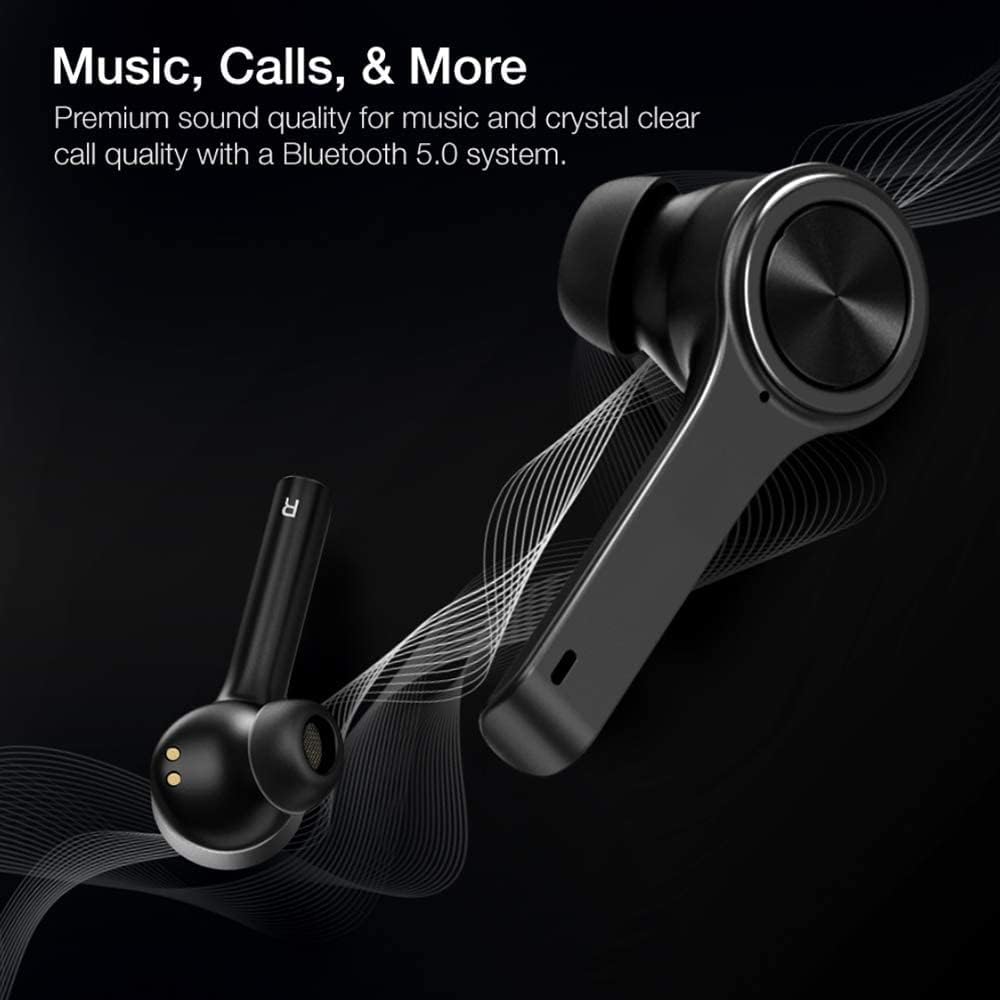
The XClear Wireless Earbuds (Model TT000082) are designed for an immersive audio experience with advanced features for convenience and durability. They feature Bluetooth 5.0 technology for stable connections and clear audio.
שליסל פֿעיִקייטן
פּרעמיום געזונט קוואַליטעט: Enjoy clear music and calls via Bluetooth 5.0.
שנעל פּאָרינג: Quick and easy connection by opening the charging case.
סאָליד טשאַרדזשינג פאַל: Portable case with a digital LED battery indicator.
באַקוועם פּאַסיק: Ergonomic design for a secure fit during daily use and sports.
IPX5 Sweatproof: Designed to withstand sweat and light splashes.
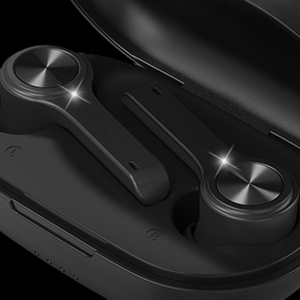
Image: XClear Wireless Earbuds and Charging Case. The earbuds are shown alongside their compact charging case, highlighting their sleek design.
Image: A person running while wearing XClear Wireless Earbuds, demonstrating a secure and comfortable fit during physical activity. A close-up inset shows an earbud in an ear.
3. סעטאַפּ
ערשט טשאַרדזשינג
Before first use, fully charge the earbuds and the charging case. Place the earbuds into the charging case. Connect the charging case to a power source using a compatible USB-C cable. The digital LED battery indicator on the case will show the charging progress. A full charge provides up to 5 hours of playtime for the earbuds and an additional 14 hours with the charging case.
Image: The XClear Wireless Earbuds charging case displaying battery life. Graphics indicate 5 hours of playtime for earbuds and 14 hours with the case.
פּערינג מיט דיין מיטל
מאַכן זיכער אַז די עאַרבודז זענען באפוילן.
Open the charging case. The earbuds will automatically enter pairing mode, indicated by bright LED lights.
אויף אייער סמאַרטפאָון אָדער בלוטוט-ענייבאַלד מיטל, גייט צו בלוטוט סעטטינגס.
Select "XClear Earbuds" from the list of available devices to connect.
Once connected, the LED lights on the earbuds will indicate a successful pairing.
Selecting the Right Eartips
For optimal sound quality and comfort, select the eartips that best fit your ear canals. An improper fit may result in reduced sound quality or call performance. Experiment with the different sizes provided to find the most snug and secure fit.
4. אַפּערייטינג ינסטרוקטיאָנס
ריר קאָנטראָלס
The XClear Wireless Earbuds feature intuitive touch controls for managing your audio and calls:
שפּיל / פּויזע: איין צאַפּן אויף יעדער עאַרבוד.
ווייַטער שפּור: טאָפּל צאַפּן אויף די רעכט עאַרבוד.
פֿריִערדיקע שפּור: טאָפּל צאַפּן אויף די לינקס עאַרבוד.
ענטפֿערן / סוף רופן: איין צאַפּ אויף יעדן אויערקנעפּל בעת אַן אינקאַמינג רוף.
אָפּוואַרפן רופן: דריק און האלט איינע פון די אויערקנעפל פאר 2 סעקונדעס בעת אן אנקומענדיקן רוף.
אַקטאַווייט קול אַססיסטאַנט: טרייפאַך צאַפּן אויף יעדן אויערקנעפּעל.
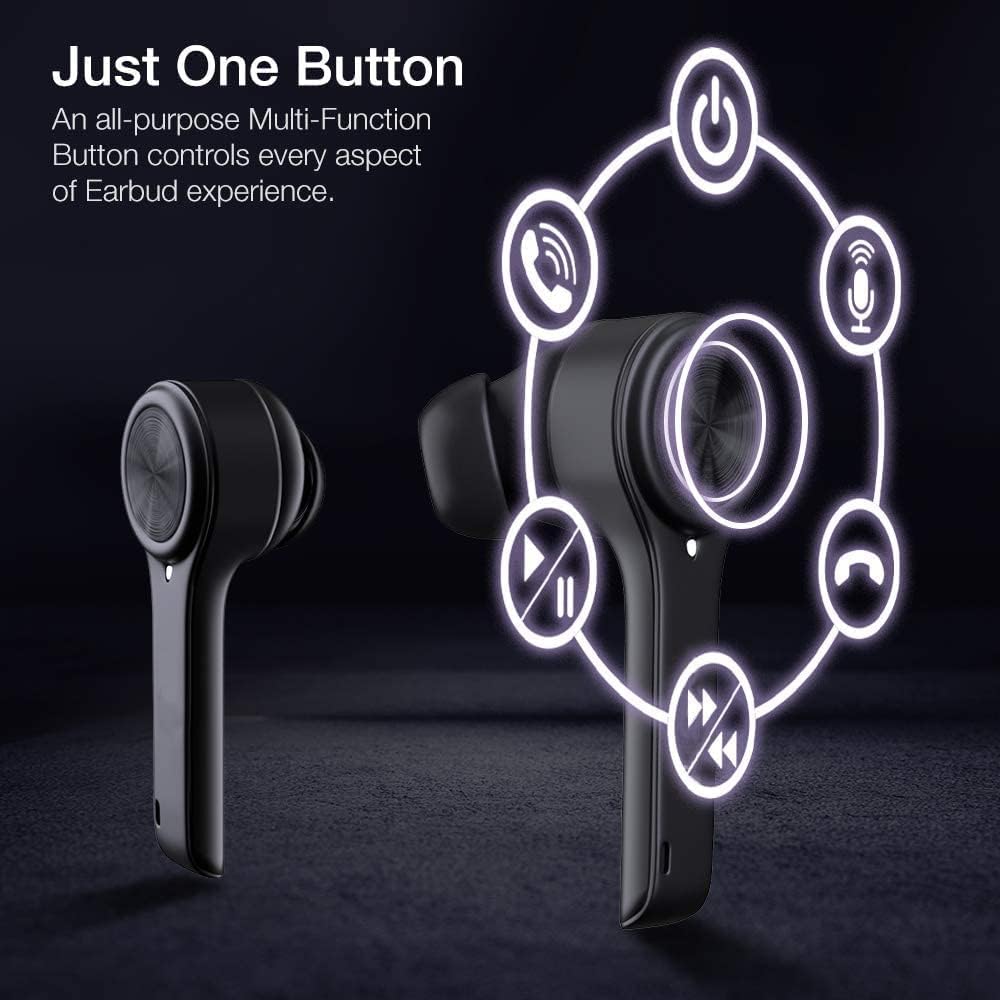
Image: A diagram illustrating the multi-function touch controls on the XClear Earbuds, showing icons for power, calls, microphone, play/pause, and track skipping.
Dual Mode Listening
You can use the XClear Wireless Earbuds in either Stereo Mode (both earbuds) or Single Ear Mode (one earbud). To properly use Single Ear Mode, ensure the unused earbud is placed in the charging case and the lid is closed.
Image: A man wearing a single XClear earbud, demonstrating the dual mode listening feature. The text indicates the ability to switch between stereo and single ear mode.
5. וישאַלט
רייניקונג און סטאָרידזש
רייניקט רעגולער די אויערקנעפּלעך און די טשאַרדזשינג קעסטל מיט אַ ווייכן, טרוקענעם שטאָף.
לייגט די אויערן-קנעפּלעך אין זייער טשאַרדזשינג קעסטל ווען זיי ווערן נישט גענוצט, כדי זיי צו באַשיצן פון שטויב און שאָדן.
באַטערי קער
כדי צו פארלענגערן די לעבן פון די באַטעריע, זאָלט איר נישט אָפט אויסלאָדן די אויערקנעפּלעך און די טשאַרדזשינג קעסטל.
Charge the device using only the provided cable or a certified USB-C charger.
דו זאלסט נישט ויסשטעלן די מיטל צו עקסטרעם טעמפּעראַטורעס.
Image: A close-up of an XClear earbud with water droplets, illustrating its sweatproof and water-resistant design.
6. טראָובלעשאָאָטינג
פּראָסט ישוז און סאַלושאַנז
אויערקנעפּלעך לאָדן זיך נישט אויף: Ensure the charging cable is securely connected to both the case and the power source. Verify that the earbuds are correctly seated in the charging case. Check the charging case's battery level.
אויערקנעפּלעך נישט פּערינג: Make sure Bluetooth is enabled on your device. Place the earbuds back in the case, close the lid, then open it again to re-enter pairing mode. If issues persist, try forgetting the device in your Bluetooth settings and re-pairing.
נעבעך געזונט קוואַליטעט: Ensure the eartips provide a snug fit in your ear canals. Clean any debris from the earbud speakers. Check the audio source for quality issues.
איין אויערקנעפל ארבעט נישט: Place both earbuds back into the charging case, close the lid, and then open it again. This often re-syncs them. If the issue continues, try resetting the earbuds (refer to the full manual for specific reset instructions if available).
XClear offers a 1-Year Warranty on this product. Please retain your proof of purchase for warranty claims. For detailed terms and conditions, refer to the official XClear webפּלאַץ אָדער קאָנטאַקט קונה שטיצן.
קונה שטיצן
For further assistance, technical support, or warranty inquiries, please visit the XClear official website or contact their customer service department. Contact details can typically be found on the product packaging or the brand's webפּלאַץ.
Ask a question about this manual
Ask about setup, troubleshooting, compatibility, parts, safety, or missing instructions. Manuals+ will review the question and use this page’s manual context to help answer it.