
1. פּראָדוקט איבערview
The Diswoe Switch Pro Controller is a versatile wireless gaming controller designed for an enhanced gaming experience across multiple platforms. It offers universal compatibility with Nintendo Switch, Switch 2, Switch Lite, Switch OLED, Windows PC, and Android phones. Featuring Hall Effect joysticks, dual vibration motors, a 6-axis gyro sensor, and turbo functionality, this controller provides precise control and immersive feedback for a wide range of games. Its ergonomic design ensures comfort during extended play sessions, and a high-performance rechargeable battery offers long hours of uninterrupted gaming.

פיגורע 1: פראָנט view of the Diswoe Switch Pro Controller.
2. סעטאַפּ און קאַנעקשאַן
2.1 טשאַרדזשינג די קאָנטראָללער
Before first use, fully charge the controller. The controller features a built-in 550mAh rechargeable battery. Connect the controller to a standard USB Type-A wall charger using the provided USB-C cable. A full charge typically takes 2-3 hours and provides 6-8 hours of usage time.
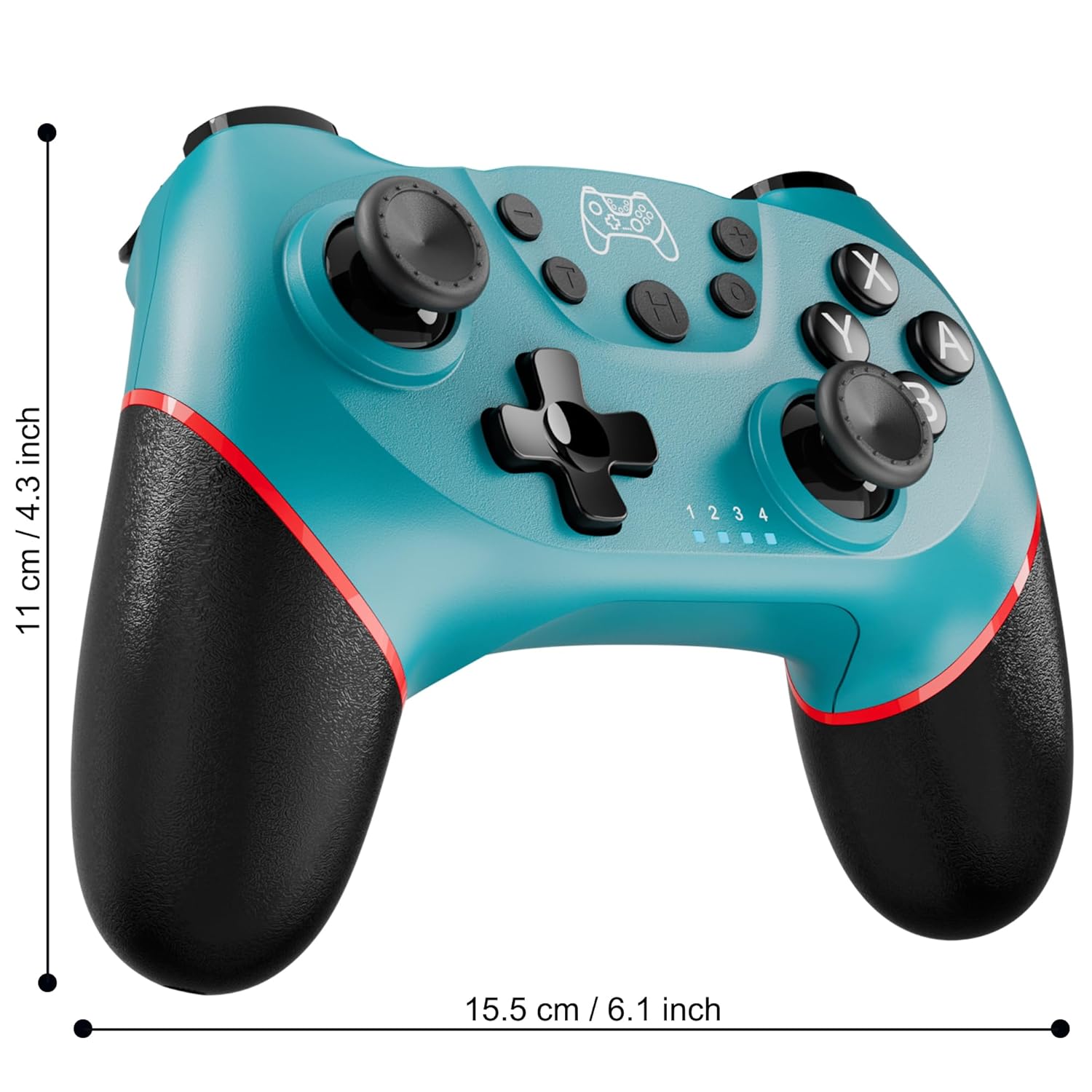
Figure 2: Charging the controller via USB-C port.
2.2 Wireless Bluetooth Connection (Nintendo Switch/Lite/OLED)
- Ensure your Nintendo Switch console is powered on and updated to the latest system version.
- סעלעקטירן פֿון די היים מעניו קאָנטראָללער > טוישן גריפּ / סדר.
- On the Diswoe Pro Controller, press and hold the H (Home) button for 3-5 seconds until the player indicator lights begin to flash rapidly.
- Once the controller is successfully paired, the player indicator light(s) will remain solid.
- The controller provides a stable and reliable signal without delay or drop-off within 8 meters.

Figure 3: Controller pairing and one-button wake-up feature.
2.3 Wired Connection (PC)
The controller supports USB cable connection with PC. Simply connect the controller to your PC using the provided USB-C cable. No additional drivers are required for basic functionality.
נאטיץ: The controller does not support wake-up for Switch 2 or audio functions via wired connection.
3. אַפּערייטינג ינסטרוקטיאָנס
3.1 יקערדיק קאָנטראָלס
The controller features standard button layouts for intuitive gameplay:
- A/B/X/Y קנעפּלעך: נאָרמאַלע אַקציע קנעפּלעך.
- ד-פּאַד: ריכטונגס-איינגאב.
- לינקס/רעכטס אנאלאג שטעקנס: פֿאַר 360-גראַד באַוועגונג און קאַמעראַ קאָנטראָל.
- L/R/ZL/ZR Buttons: Shoulder and trigger buttons for various in-game actions.
- +/- קנעפּלעך: Plus and Minus buttons for menu navigation.
- Home Button (H): Returns to the console's HOME Menu.
- סקרינשאט קנעפל: כאַפּט סקרעענשאָץ בעת גאַמעפּלייַ.

פיגורע 4: דעטאַילעד view פון קאָנטראָללער קנעפּלעך.
3.2 ווייבריישאַן פידבעק
The controller is equipped with dual vibration motors that provide excellent haptic feedback, enhancing game immersion. The intensity of the vibration can be adjusted to suit your preference, offering three levels of vibration.
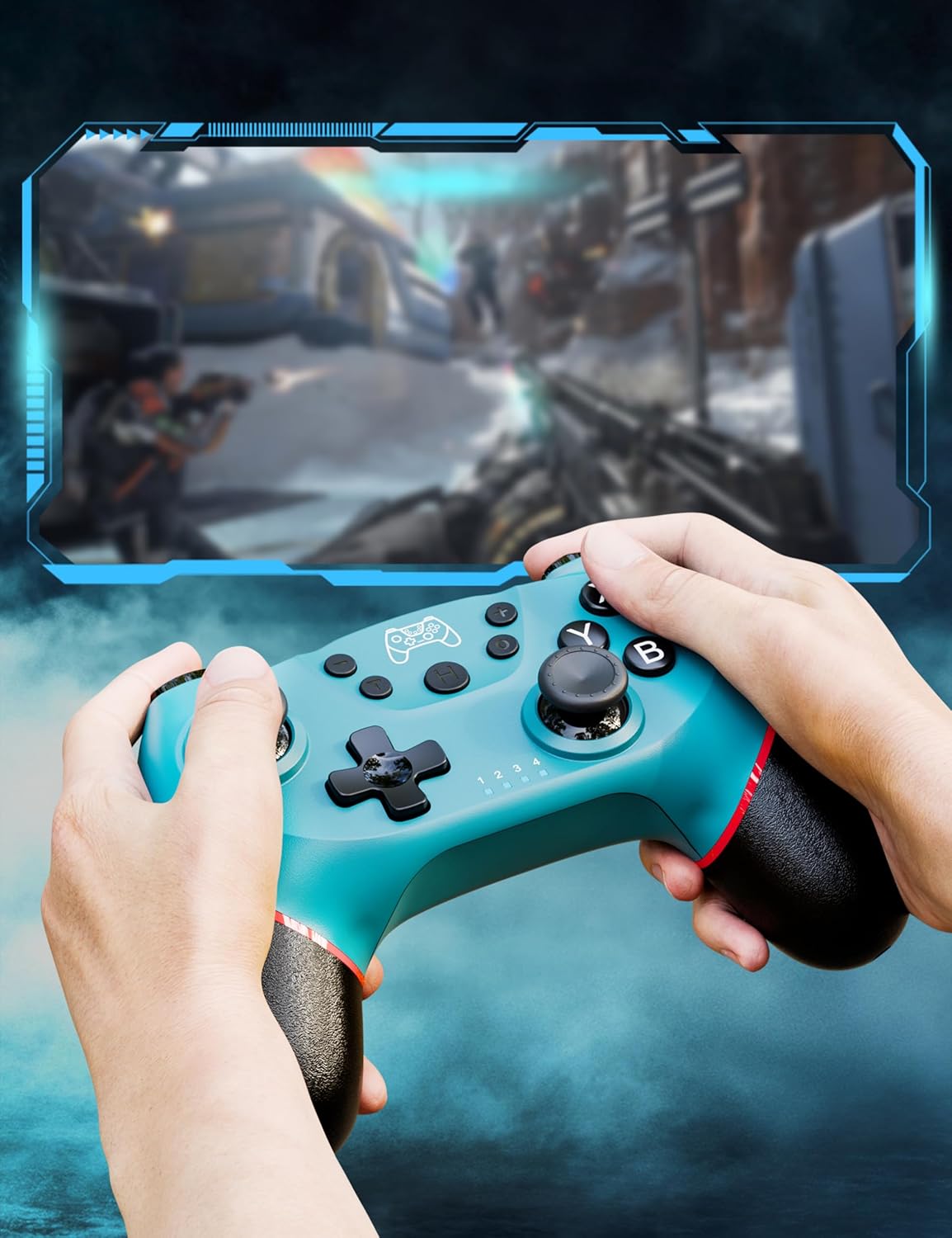
Figure 5: Illustration of adjustable vibration levels.
3.3 6-אַקס גיראָ סענסאָר
The integrated 6-axis gyro sensor allows the controller to detect its inclination and motion, providing quick and precise responses for motion-sensing games. This feature adds an extra layer of fun and control to compatible titles.

Figure 6: Controller with 6-axis gyro sensor in action.
3.4 טורבאָ פונקציע
Activate the turbo function for rapid, continuous input of a button press. This is particularly useful in games requiring fast, repetitive actions. The controller supports three turbo speeds: 5 shots/s, 12 shots/s, and 20 shots/s.

Figure 7: Turbo speed settings on the controller.
3.5 סקרעענשאָט פֿונקציע
Capture your favorite in-game moments instantly by pressing the dedicated screenshot button. This allows for easy sharing of your gameplay experiences.

Figure 8: Location of the screenshot button.
4. וישאַלט
4.1 רייניקונג
To maintain the controller's condition, wipe it regularly with a soft, dry cloth. Avoid using harsh chemicals or abrasive materials that could damage the surface.
4.2 באַטערי קער
- פֿאַרמײַדן אויסצושטעלן דעם קאָנטראָללער צו עקסטרעמע טעמפּעראַטורן.
- Do not attempt to disassemble or replace the built-in battery.
- Charge the controller regularly, even if not in frequent use, to prolong battery life.
5. טראָובלעשאָאָטינג
5.1 קאָנטראָללער פֿאַרבינדט זיך נישט/פֿאַרבינדט זיך נישט
- זיכער מאַכן אַז דער קאָנטראָללער איז גאָר אויפגעלאָדן.
- Verify that the Nintendo Switch console is powered on and in the "Change Grip/Order" screen.
- Press and hold the H (Home) button on the controller for 3-5 seconds until the player indicator lights flash rapidly.
- If issues persist, try restarting both the controller and the console.
5.2 אינפוט פארשפעטיגונג אדער דיסקאנעקשאַנז
- Ensure the controller is within the 8-meter operating range of the console.
- מינימיזירן אריינמישונג פון אנדערע וויירלעס דעווייסעס.
- Check for any physical obstructions between the controller and the console.
- זיכער מאַכן אַז די קאָנטראָללער'ס באַטאַרייע איז נישט קריטיש נידעריק.
5.3 Joystick Drift
If you experience unintended movement from the analog sticks (joystick drift), try the following:
- Calibrate the joysticks through your Nintendo Switch system settings: סיסטעם סעטטינגס > קאָנטראָללער און סענסאָרס > קאַלאַברייט קאָנטראָל סטיקס.
- Ensure the controller's firmware is up to date (check the manufacturer's webוועבזייטל פֿאַר דערהייַנטיקונגען).
- Clean around the base of the joysticks with compressed air to remove any debris.
6. פּראָדוקט ספּעסאַפאַקיישאַנז
| שטריך | דעטאַל |
|---|---|
| מאָדעל נומער | ET16801 |
| סאָרט | דיסוואָע |
| קאַמפּאַטאַבילאַטי | Nintendo Switch/Switch 2/Switch Lite/Switch OLED, Windows PC, Android Phone |
| קאַנעקטיוויטי | Wireless Bluetooth, Wired USB-C |
| באַטאַרייע קאַפּאַציטעט | 550mAh ליטהיום יאָן (אַרייַנגערעכנט) |
| טשאַרדזשינג צייט | בעערעך. 2-3 שעה |
| באַניץ צייט | בעערעך. 6-8 שעה |
| ספּעציעלע פֿעיִקייטן | Dual Vibration Motors, 6-Axis Gyro Sensor, Turbo Function, Screenshot Button |
| פּונקט וואָג | 9.9 אונסעס |
| פּעקל דימענשאַנז | 6.42 X 4.76 X 2.6 אינטשעס |
| ערשטער דאַטע בנימצא | 11טן דעצעמבער 2019 |
7. וואָראַנטי אינפֿאָרמאַציע
Specific warranty details for the Diswoe Switch Pro Controller are typically provided with the product packaging or available on the official Diswoe webזייטל. ביטע זעט די רעסורסן פאר פולשטענדיגע גאראנטיע טערמינען און באדינגונגען.
8. קונה שטיצן
For further assistance, technical support, or inquiries regarding your Diswoe Switch Pro Controller, please visit the official Diswoe webזייטל אדער קאנטאקט זייער קאסטומער סערוויס דעפארטמענט. קאנטאקט אינפארמאציע קען געווענליך געפונען ווערן אויף דער פראדוקט פאקאדזש אדער די בראנד'ס אפיציעלע אנליין פרעזענץ.