
1. הקדמה
This manual provides detailed instructions for the operation and maintenance of your Microware EZCAP230 Cassette to MP3 Converter. This device allows you to convert your old cassette tapes into digital MP3 format, preserving your audio memories. It can function as a standalone converter or connect to a computer for conversion and playback.
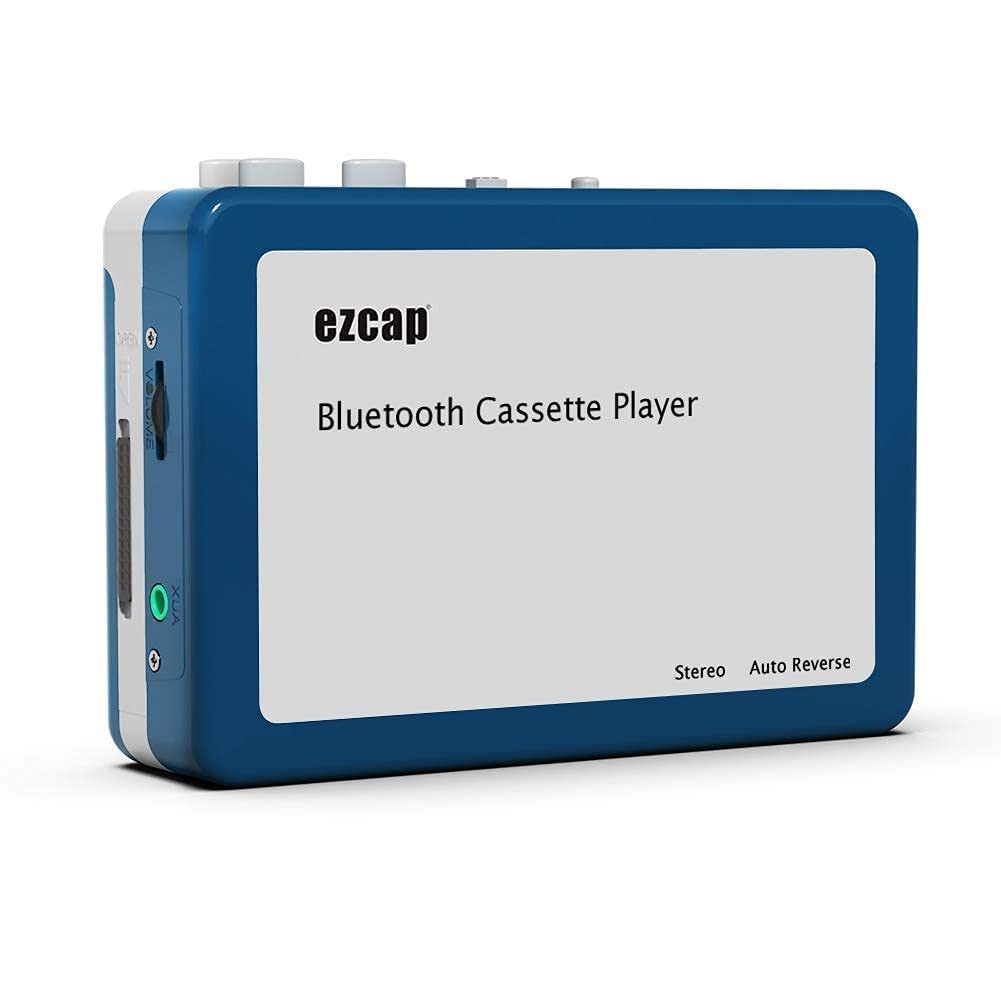
Image 1.1: The Microware EZCAP230 Cassette to MP3 Converter.
2. פּראָדוקט איבערview
2.1 שליסל פֿעיִקייטן
- Converts cassette tapes to MP3 format.
- Standalone operation: No computer required for conversion.
- USB connectivity for power and data transfer.
- Playback function to check recorded music.
- סאָליד און פּאָרטאַטיוו פּלאַן.
- Supports FAT, FAT32, exFAT USB formats up to 64GB. NTFS format is not supported.
2.2 פּעקל אינהאַלט
- Microware EZCAP230 Cassette to MP3 Converter
- וסב קאַבלע
- ירפאָונז
- באַניצער מאַנואַל (דעם דאָקומענט)

Image 2.1: The converter unit, USB cable, and earphones.
3. סעטאַפּ
3.1 מאַכט צושטעלן
דער אַפּאַראַט קען ווערן באַטריבן אויף צוויי וועגן:
- USB Power: Connect the provided USB cable to the device and a computer USB port or a 5V DC power adapter (not included).
- באַטאַרייע מאַכט: Insert 2 x AA batteries (not included) into the battery compartment.
3.2 אריינלייגן א קאסעטע טייפ
- עפֿנט דעם דעקל פֿון קאַסעטע אָפּטייל.
- Insert your cassette tape with the open side facing up.
- Close the cassette compartment cover securely.

Image 3.1: Proper insertion of a cassette tape.
3.3 Connecting Earphones/Speakers and USB Flash Drive
- Connect the earphones to the 3.5mm audio output jack for private listening.
- To save converted MP3 files, insert a USB flash drive into the USB port. The device supports FAT, FAT32, and exFAT formats up to 64GB.

Image 3.2: Connecting earphones and a USB flash drive to the converter.
4. אַפּערייטינג ינסטרוקטיאָנס
4.1 Standalone Cassette to MP3 Conversion
Follow these steps to convert your cassette tapes directly to MP3 format without a computer:
- מאַכט אויף: Ensure the device is powered via USB or batteries.
- אַרײַנשטעלן קאַסעטע: Place a cassette tape into the compartment.
- פאַרבינדן וסב דרייוו: Insert a USB flash drive into the USB port. A green light will flash, indicating it's ready.
- אָנהייב פּלייַבאַק: Press the "Play" button on top of the device to begin playing the tape.
- אָנהייב רעקאָרדינג: Press the "Record" button to start recording. The default mode is manual division. To divide tracks, press the "Record/Stop" button each time you want a new MP3 file.
- האַלטן רעקאָרדינג: Press the "Record" button again to stop recording. The MP3 files will be saved to your USB flash drive.

Image 4.1: Step-by-step guide for independent cassette to MP3 conversion.
4.2 שפּילן קאַסעטע טייפּס
To use the device as a cassette player:
- אַרייַנלייגן אַ קאַסעט טייפּ.
- Connect earphones or external speakers to the 3.5mm audio output jack.
- דריק דעם "שפּיל" קנעפּל.
- סטרויערן די באַנד מיט די באַנד קאָנטראָל.
4.3 קאַנעקטינג צו אַ קאָמפּיוטער
The device can be connected to a computer via USB for power and to transfer recorded MP3 files. While the device primarily functions for standalone conversion, you can manage the converted fileס אויף דיין קאָמפּיוטער.
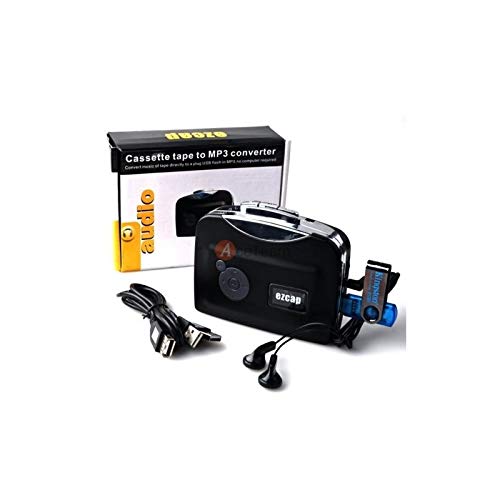
Image 4.2: The converter connected to a laptop, illustrating the digital conversion process.
4.4 Playback Function
The device includes a playback function to review the recorded MP3 files directly on the device. This allows you to verify the quality of your conversions.
ווידעא 4.1: אן איבערview of the Microware Cassette to MP3 Converter's features and operation, demonstrating its ease of use for digitizing old tapes.
5. וישאַלט
- האַלט דעם אַפּאַראַט ריין און פֿרײַ פֿון שטויב. ניצט אַ ווייכן, טרוקענעם שטאָף פֿאַר רייניקונג.
- ויסמיידן יקספּאָוזינג די מיטל צו עקסטרעם טעמפּעראַטורעס, הומידיטי אָדער דירעקט זונשייַן.
- דו זאלסט נישט נוצן אַברייסיוו קלינערז אָדער סאָלוואַנץ.
- When not in use for extended periods, remove batteries to prevent leakage.
6. טראָובלעשאָאָטינג
6.1 קיין מאַכט
- Check if the USB cable is securely connected to a power source.
- אויב איר נוצן באַטעריז, מאַכן זיכער אַז זיי זענען ינסערטאַד ריכטיק און זענען נישט דיפּליטיד.
6.2 Poor Audio Quality During Playback/Recording
- Ensure the cassette tape is clean and in good condition.
- Check earphone connections.
- Clean the tape head and pinch rollers with a cotton swab lightly dampמיט יסאָפּראָפּיל אַלקאָהאָל.
6.3 MP3 Files Not Saving to USB Drive
- זייט זיכער אַז דער USB פלאַש דרייוו איז ריכטיק אַרײַנגעשטעלט.
- Verify that the USB drive is formatted to FAT, FAT32, or exFAT. NTFS is not supported.
- Check if the USB drive has sufficient free space.
7. ספּעסאַפאַקיישאַנז
| שטריך | באַשרייַבונג |
|---|---|
| סאָרט | מיקראָוואַרע |
| מאָדעל | EZCAP230 |
| פּונקט וואָג | 150 ג |
| פּעקל דימענשאַנז | 14 X 10.01 X 5.99 סענטימעטער |
| מאַכט מקור | USB Power (5V DC) or 2 x AA Batteries |
| USB Format Support | FAT, FAT32, exFAT (up to 64GB). NTFS not supported. |
8. וואָראַנטי און שטיצן
For warranty information and technical support, please refer to the official MICROWARE webזייטל אדער קאָנטאַקט אייער הענדלער. האַלט אייער קויף קוויטל ווי אַ באַווייַז פון קויפן.
פאַבריקאַנט: מיקראָוואַרע
ערשטער דאַטע בנימצא: 24 ט ן סעפטעמבע ר 2019
פֿאַר ווייטערדיקע הילף, ביטע באַזוכט די MICROWARE Store on Amazon.