
הקדמה
Welcome to the Fitbit Versa 2 Health and Fitness Smartwatch user manual. This guide provides essential information for setting up, operating, maintaining, and troubleshooting your device. The Fitbit Versa 2 is designed to elevate every moment, offering features like heart rate tracking, music control, built-in Alexa, sleep and swim tracking, and notifications.
סעטאַפּ
1. אויספּאַקן די קעסטל און ערשטע אָפּצאָל
Upon receiving your Fitbit Versa 2, carefully unbox the device and its accessories. It is recommended to fully charge your smartwatch before initial use. Connect the charging cable to a USB power source and attach the charger to the back of your Versa 2.
2. Fitbit App Installation and Pairing
To get started, download the Fitbit app on your compatible iPhone or Android device. Follow the on-screen instructions within the app to create an account or log in, and then pair your Versa 2 with your smartphone via Bluetooth. A Google account may be required for full functionality.
3. Band Replacement
The Fitbit Versa 2 comes with both small and large bands. To replace a band, locate the small lever on the underside of the band where it connects to the watch. Slide the lever inward to release the band. Align the new band with the watch casing and slide the lever inward again to secure it in place. Ensure both ends of the band are firmly attached before wearing.
ווידעא: This video demonstrates the process of replacing the bands on your Fitbit Versa 2 smartwatch, showing how to detach and attach new bands.
Operating Your Fitbit Versa 2
1. גרונטלעכע נאַוויגאַציע און צובינד
The Fitbit Versa 2 features a responsive touchscreen and a single button on the left side for navigation. Swipe left or right to access different apps and stats. Swipe down from the top for quick settings and notifications. Press the button to return to the clock face or access a customizable shortcut.
ווידעא: דאס ווידעא גיט אן אלגעמיינע איבערבליקview of how to use the Fitbit Versa 2, including navigating the interface and accessing various features.
2. שליסל פֿעיִקייטן
- האַרץ קורס טראַקינג: Continuously monitors your heart rate to provide insights into your fitness levels and calorie burn.
- מוזיק קאָנטראָל: Control your favorite songs and playlists directly from your wrist with Spotify app controls (subscription required, not available in all countries).
- Alexa געבויט-אין: Use your voice to set alarms, check the weather, control smart home devices, and more with Amazon Alexa.
- שלאָף טראַקינג: Get a daily Sleep Score based on heart rate, time asleep, and restlessness. Track light, deep, and REM sleep stages for personal insights.
- Swim Tracking: Water-resistant up to 50 meters, the Versa 2 can track your swims.
- נאָטיפיקאַטיאָנס: Receive call, text, and smartphone app notifications directly on your wrist when your phone is nearby.
- Fitbit Pay: Make secure purchases directly from your wrist.
- שטענדיק-אויף ווייַז: See the time or your stats at a glance. Note that this feature may require more frequent charging.

בילד: The Fitbit Versa 2 tracks your exercise metrics, such as speed and heart rate during activities like cycling, helping you monitor your fitness goals.
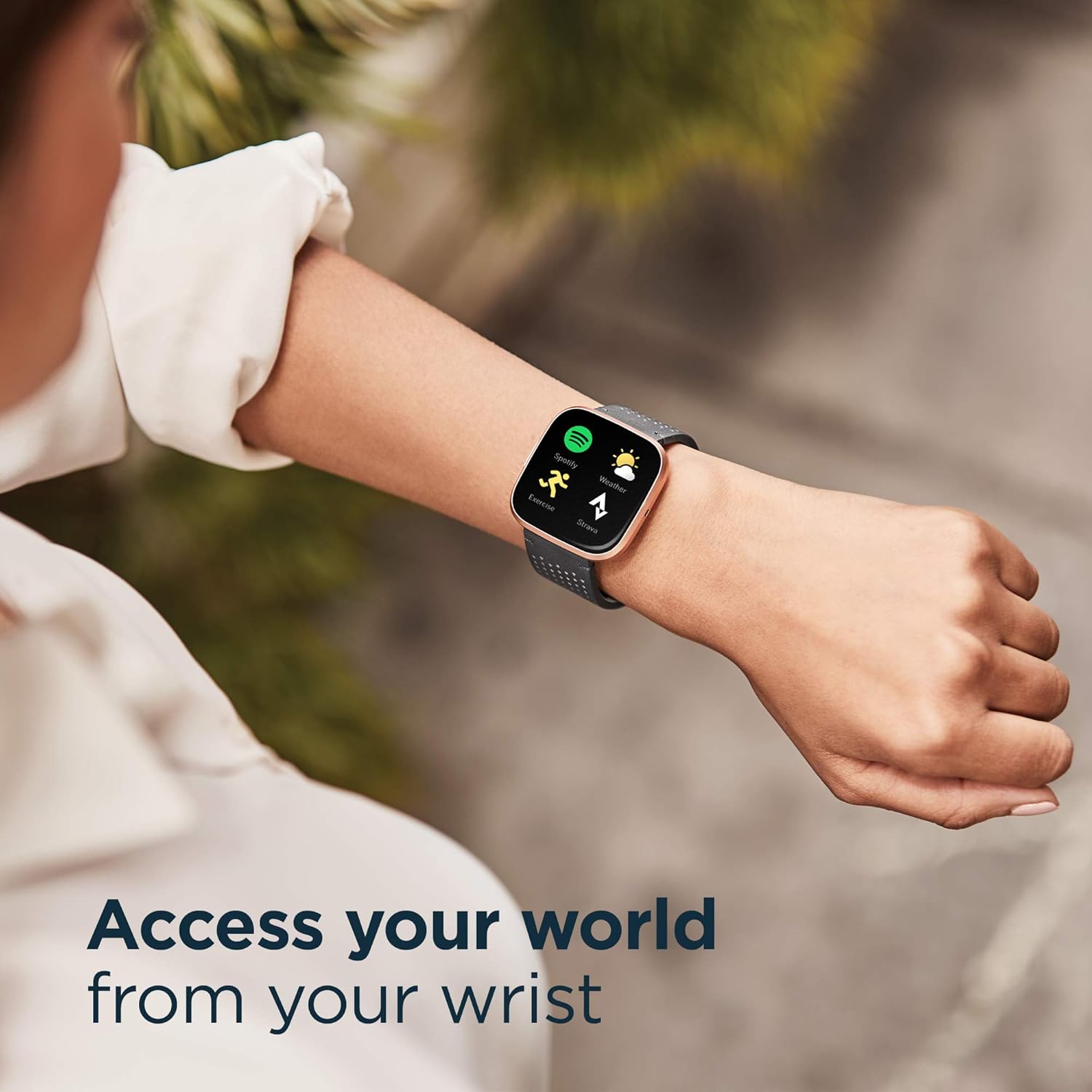
בילד: Access your world from your wrist with the Fitbit Versa 2, featuring quick access to apps like Spotify, Exercise, and Weather.
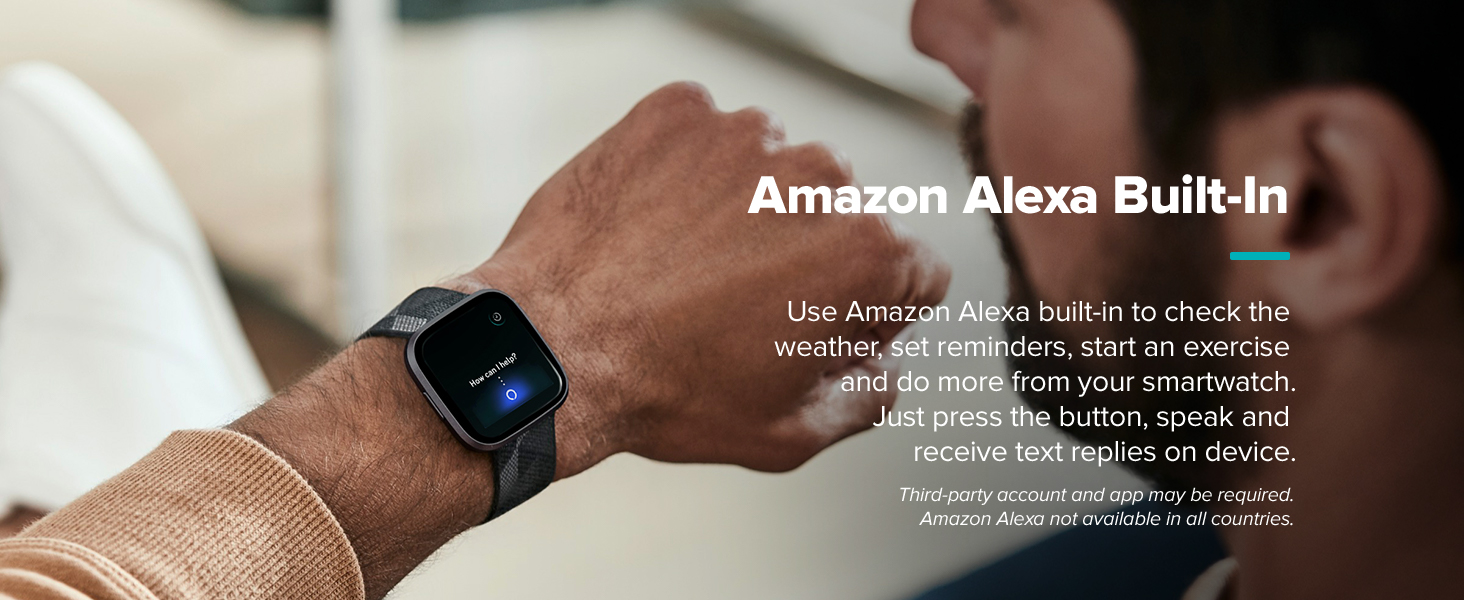
בילד: Utilize Amazon Alexa Built-in on your Fitbit Versa 2 for voice commands and quick information.

בילד: The Fitbit Versa 2 provides instant weather updates and can answer questions like 'Is it going to rain today?' via Alexa.
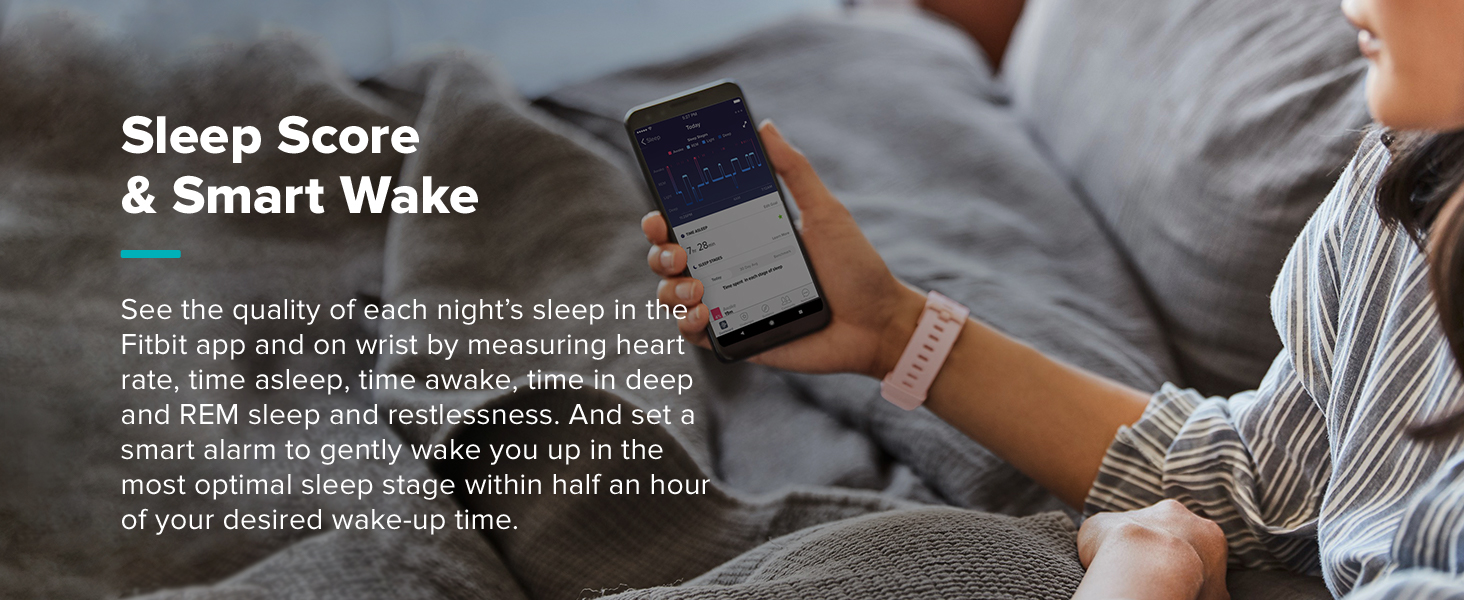
בילד: The Fitbit app allows you to know your body better by tracking sleep patterns and other health metrics.
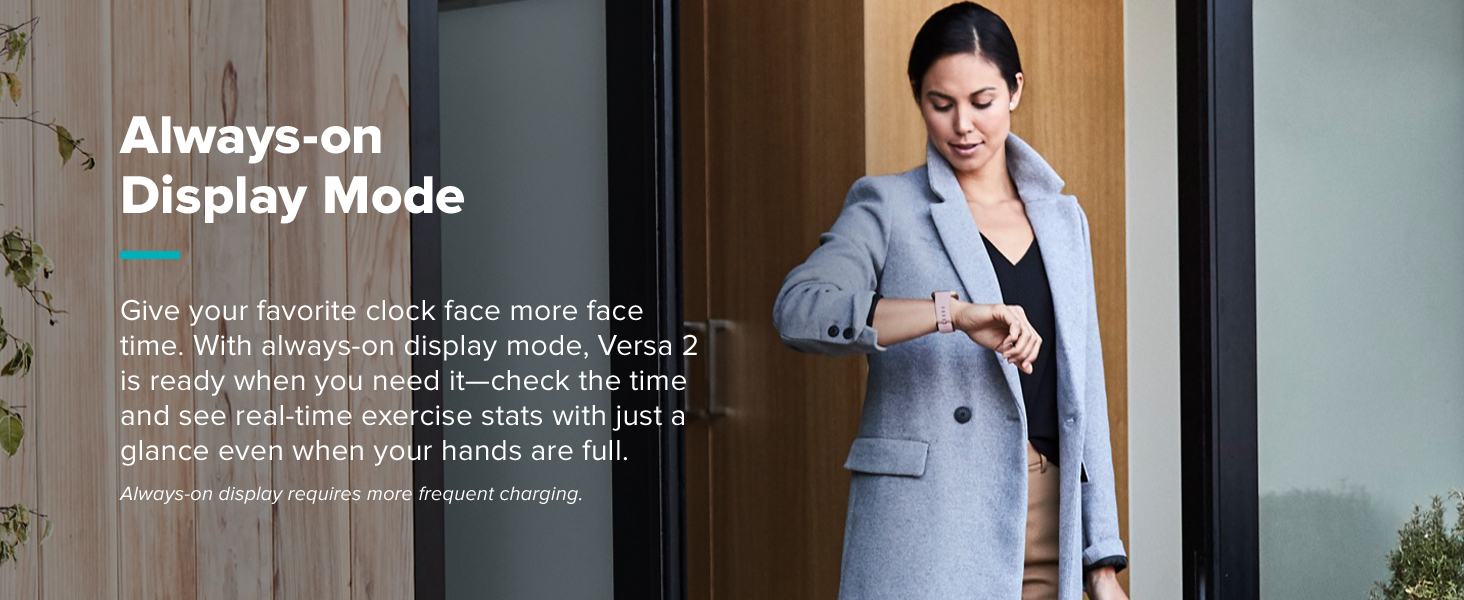
בילד: The Fitbit Versa 2 offers a sleek design suitable for various occasions, from casual to formal.
וישאַלט
1. רייניקן אייער סמאַרטוואַטש
Regularly clean your Fitbit Versa 2 to ensure optimal performance and hygiene. Use a soft, lint-free cloth to wipe the screen and casing. For the silicone band, you can use mild soap and water, then rinse thoroughly and dry completely before wearing. Avoid harsh chemicals or abrasive materials.
2. באַטערי קער
To maximize battery life, especially when using the always-on display feature, ensure regular charging. The device uses 1 LR44 battery (included). Avoid extreme temperatures during charging and storage.
טראָובלעשאָאָטינג
1. קאָנעקטיוויטי פּראָבלעמען
If your Versa 2 is not syncing with the Fitbit app or connecting to Bluetooth, try the following:
- מאַכן זיכער אַז בלועטאָאָטה איז ענייבאַלד אויף דיין סמאַרטפאָנע.
- Restart your Fitbit Versa 2.
- ריסטאַרט דיין סמאַרטפאָנע.
- Ensure the Fitbit app is up to date.
2. סקרין רעספּאָנסיוונאַס
If the touchscreen is unresponsive, try restarting the device. Ensure the screen is clean and dry. If issues persist, contact Fitbit support.
ספּעסאַפאַקיישאַנז
| שטריך | דעטאַל |
|---|---|
| מאָדעל נומער | FB507RGPK |
| דימענשאַנז | 1.56 X 1.59 X 0.47 אינטשעס |
| פּונקט וואָג | 4.54 ג (0.16 אונסעס) |
| ווייַז טיפּ | AMOLED |
| פאַרשטעלן גרייס | 1.34 אינטשעס |
| האַכלאָטע | 348 X 442 |
| באַטערי | 1 LR44 באַטאַרייע (אַרייַנגערעכנט) |
| קאַנעקטיוויטי טעכנאָלאָגיע | בלועטאָאָטה, NFC |
| וואַסער קעגנשטעל מדרגה | Water Resistant (50 Meters) |
| סענסאָרס | אָפּטיש האַרץ קורס סענסער |
| שטיצט אַפּפּליקאַטיאָנס | Alexa, GPS, Heart Rate Monitor, Phone, Reminders, Sleep Monitor, Voice Assistant, Weather |
| קאַמפּאַטאַבאַל דעוויסעס | Smartphone (e.g., Apple iPhone 6 Plus) |
וואָראַנטי אינפֿאָרמאַציע
The Fitbit Versa 2 comes with a warranty. The specific terms are typically described as "Limited" or "Standard/Full." For detailed information regarding your product's warranty coverage, including duration and conditions, please refer to the official Fitbit webוועבזייטל אדער די גאַראַנטיע דאָקומענטאַציע וואָס איז אַרייַנגערעכנט מיט אייער קויפן.
שטיצן
For further assistance, troubleshooting, or to explore additional features, please utilize the following resources:
- Fitbit App: The Fitbit app provides comprehensive data, personalized insights, and access to various programs and communities.
- אָנליין הילף: Visit the official Fitbit support website for FAQs, user forums, and detailed guides.
- קונה סערוויס: Contact Fitbit customer service directly for personalized support.