
1. הקדמה
א דאנק פארן קויפןasing the FINLUX 32-FHD-5620 32-inch Smart HD Ready LED TV. This television combines high-definition viewing with smart features, including Freeview Play, Amazon Prime Video, and Alexa compatibility. This manual provides essential information for setting up, operating, and maintaining your new television. Please read it thoroughly before use and retain it for future reference.
2. זיכערקייַט אינפֿאָרמאַציע
שטענדיק אָבסערווירן די פאלגענדע זיכערהייט מיטלען צו ויסמיידן עלעקטרישע קלאַפּ, פייַער אָדער שעדיקן צו דער טעלעוויזיע.
- מאַכט מקור: פֿאַרבינדט דעם טעלעוויזיע בלויז צו אַן AC מאַכט צושטעל ווי אנגעוויזן אויף דער עטיקעט.
- ווענטילאַטיאָן: זיכער מאַכן אַז עס איז דאָ גענוג ווענטילאַציע. נישט פֿאַרשטאָפּן די ווענטילאַציע עפענונגען.
- וואַסער און נעץ: שטעלט נישט אויס דעם טעלעוויזאר צו רעגן אדער פייכטקייט. לייגט נישט קיין אביעקטן פול מיט פליסיקייטן אויפן טעלעוויזאר.
- רייניקונג: נעמט ארויס דעם טעלעוויזאר איידער איר רייניגט. ניצט א ווייכן, טרוקענעם טוך. ניצט נישט קיין פליסיגע אדער אייראזאל רייניגער.
- אָרט: שטעלט דעם טעלעוויזאר אויף א סטאבילן, גלייכן אויבערפלאך. פארמיידט עס צו שטעלן אין דירעקטן זונשייַן אדער לעבן היץ-קוועלער.
- סערוויס: פרובירט נישט צו סערוויסן דעם טעלעוויזאר אליין. לאָזט איבער אלע סערוויסינג צו קוואַליפֿיצירטע סערוויס פּערסאָנעל.
3. וואָס איז אין דער קעסטל
Carefully unpack your television and check that all the following items are included:
- FINLUX 32-FHD-5620 32-inch Smart HD Ready LED TV
- ווײַטקאָנטראָל (מיט 2 AAA באַטעריעס אַרײַנגערעכנט)
- טעלעוויזיע שטייט
- Instruction Booklets
- מאַכט קאַבלע

בילד 1: פראָנט view of the FINLUX 32-FHD-5620 TV with a colorful landscape displayed on screen, showcasing its design and central stand.
4. סעטאַפּ
4.1 אַטאַטשינג די שטיין
- לייגט דעם טעלעוויזאר מיטן פנים אראפ אויף א ווייכער, ריינער אויבערפלאך כדי צו פארמיידן שאדן צום עקראן.
- גלייכט אויס דעם שטאַנד מיט די מאָנטירונג לעכער אויף דער אונטערשטער טייל פֿון דער טעלעוויזיע.
- באַפעסטיקט דעם שטאַנד מיט די צוגעשטעלטע שרויפן. מאַכט זיכער אַז עס איז פעסט באַפעסטיקט.
- הייב פֿאָרזיכטיק דעם טעלעוויזאָר צו זײַן אויפֿרעכטער פּאָזיציע אויף אַ שטאַרקער ייבערפֿלאַך.
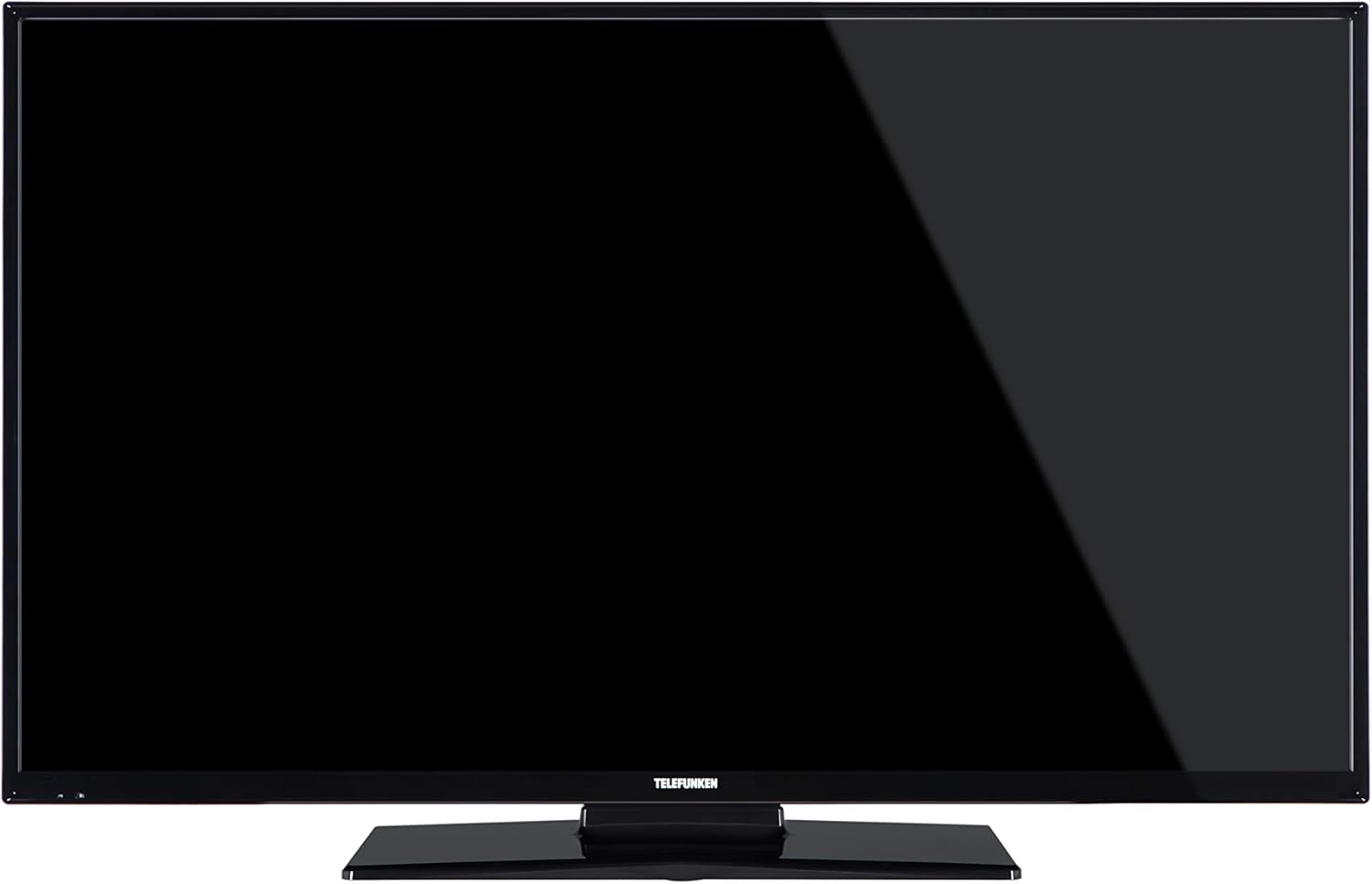
בילד 2: פראָנט view of the FINLUX 32-FHD-5620 TV with a black screen, demonstrating the TV's appearance with the stand installed.
4.2 וואַנט מאָונטינג (אָפּציאָנאַל)
If you choose to wall mount your TV, ensure you use a VESA-compatible wall mount kit (not included) and follow the instructions provided with the wall mount. Always consult a professional for wall mounting to ensure safety and proper installation.
4.3 קאַנעקטינג פונדרויסנדיק דעוויסעס
Your FINLUX TV offers various connectivity options. Refer to the image below for port locations.

בילד 3: זייט view of the FINLUX 32-FHD-5620 TV, highlighting the accessible input ports for external devices.
- הדמי: פֿאַרבינדט בלו-רэй שפּילער, שפּיל קאַנסאָולז, אָדער סעט-טאָפּ באָקסעס.
- וסב: פֿאַרבינדט USB סטאָרידזש דעוויסעס פֿאַר מעדיע ווידערשפּיל.
- אַנטענע / קאַבלע: Connect your aerial for Freeview Play channels.
- עטהערנעט: פֿאַר אַ דראָטיקער אינטערנעט פֿאַרבינדונג.
- ווגאַ: פאַרבינדן אַ קאָמפּיוטער.
4.4 מאַכט קאַנעקשאַן
Plug the power cable into the TV's power input, then into a wall socket.
4.5 ערשטע סעטאַפּ וויזאַרד
ביים ערשטן מאָל אנצינדן, וועט דער טעלעוויזיע אייך פירן דורך אן ערשטן סעטאַפּ פּראָצעס. דאָס נעמט אַרײַן:
- שפּראַך סעלעקציע.
- לאַנד/ראַיאָן אויסוואַל.
- Channel scanning (for Freeview שפּיל).
- נעץ פֿאַרבינדונג (Wi-Fi אָדער עטהערנעט).
- צייט זאָנע סעטטינגס.
5. אַפּערייטינג דיין טעלעוויזיע
5.1 רימאָוט קאָנטראָל
Insert the two AAA batteries into the remote control, ensuring correct polarity. The remote allows you to control all TV functions, including power, volume, channel selection, smart TV navigation, and menu access.
5.2 גרונטלעכע טעלעוויזיע פונקציעס
- מאַכט אויף / אַוועק: דריק דעם מאַכט קנעפּל אויף דער ווייַטקאָנטראָל אָדער טעלעוויזיע.
- באַנד קאָנטראָל: ניצט די VOL +/- קנעפלעך.
- קאַנאַל סעלעקציע: ניצט די CH +/- קנעפלעך אדער נומערן טאבלעט.
- אַרייַנשרייַב מקור: Press the SOURCE button to switch between HDMI, USB, TV, etc.
5.3 סמאַרט טעלעוויזיע פֿעיִקייטן
Your FINLUX Smart TV provides access to a range of online content and services.
- פרייview שפּיל: Access over 60 TV channels and up to 15 HD channels. Scroll back in the TV Guide (EPG) to watch programs from the last 7 days from BBC iPlayer, ITV Hub, All 4, and Demand 5. Ensure your TV is connected to the internet.
- עמעזאן פריים ווידעא: Enjoy a wide selection of movies and TV shows.
- Alexa ינאַגריישאַן: Control your TV using voice commands through an Amazon Echo or Echo Dot device. Pair your Alexa device with your TV to enable this feature.
- אַמאַזאָן דאַש ריפּלענישמאַנט: This feature allows the TV to automatically reorder batteries when they run low. Register for this service via the Dash Replenishment application on your TV.
5.4 נעטוואָרק קאַנעקשאַן
To access Smart TV features, your TV must be connected to the internet.
- ווי-פי: Navigate to the TV's network settings, select your Wi-Fi network, and enter the password.
- עטהערנעט: Connect an Ethernet cable from your router to the LAN port on the TV.
6. וישאַלט
6.1 רייניקונג דיין טעלעוויזיע
- שטענדיק אויסשטעקן דעם טעלעוויזאר איידער איר רייניגט.
- ניצט אַ ווייכן, טרוקענעם, לינט-פֿרייעם שטאָף צו ווישן דעם עקראַן און קאַבינעט.
- Do not use liquid or spray cleaners, as they may damage the screen or cabinet.
6.2 ווייכווארג דערהייַנטיקונגען
אייער טעלעוויזיע קען באַקומען ווייכווארג דערהייַנטיקונגען צו פֿאַרבעסערן פאָרשטעלונג און צולייגן נייַע פֿעיִקייטן. זיכער מאַכן אַז אייער טעלעוויזיע איז פארבונדן צום אינטערנעט צו באַקומען די דערהייַנטיקונגען אויטאָמאַטיש אָדער טשעק פֿאַר זיי מאַנועל אין די סעטטינגס מעניו.
7. טראָובלעשאָאָטינג
אויב איר טרעפט פּראָבלעמען מיט אייער טעלעוויזיע, זעט די פאלגענדע געוויינטלעכע פּראָבלעמען און לייזונגען.
| פּראָבלעם | מעגלעך לייזונג |
|---|---|
| קיין מאַכט | Check if the power cable is securely plugged into the TV and the wall outlet. Ensure the wall outlet has power. |
| קיין בילד נישט, אבער סאונד איז דא | קאָנטראָלירט די אינפוט מקור. מאַכט זיכער אַז עקסטערנע דעוויסעס זענען אנגעצינדן און ריכטיק פארבונדן. פּרוּווט אַן אַנדער HDMI קאַבל. |
| קיין קלאַנג, אָבער בילד איז דאָ | Check the volume level. Ensure mute is not activated. Check audio settings and external audio connections. |
| ווייַט קאָנטראָל נישט ארבעטן | טוישט די באַטעריעס. מאַכט זיכער אַז עס זענען נישטאָ קיין שטערונגען צווישן דעם ווײַטקאָנטראָל און דעם טעלעוויזיע'ס IR סענסאָר. |
| קענען ניט פאַרבינדן צו ווי-פי | Ensure your router is on and working. Re-enter the Wi-Fi password. Try restarting your router and TV. |
| Smart features not loading | Check your internet connection. Restart the TV. Ensure the TV's software is up to date. |
אויב די פראבלעם בלייבט נאך פרובירן די לייזונגען, ביטע קאנטאקטירט קאסטומער סופארט.
8. ספּעסאַפאַקיישאַנז
| מאָדעל נומער | 32-FHD-5620 |
| סאָרט | פינלוקס |
| פאַרשטעלן גרייס | 32 אינטשעס |
| ווייַז טעכנאָלאָגיע | געפירט |
| האַכלאָטע | HD Ready (e.g., 1366x768 pixels). Note: Specifications mention 4K resolution, which may refer to supported input signals. The panel's native resolution is HD Ready. |
| דערפרישן קורס | 50 הז |
| ספּעציעלע פֿעיִקייטן | Amazon Dash Replenishment, Works with Alexa, Freeview Play, Smart TV |
| קאַנעקטיוויטי טעכנאָלאָגיע | עטערנעט, הדמי, יו-עס-בי, ווגא |
| שטיצט אינטערנעט באַדינונגס | Alexa, Amazon Prime Video |
| מאַונטינג טיפּ | Wall Mount, Table Mount |
| באַטעריז | 2 AAA (אריינגערעכנט פֿאַר ווײַטקאָנטראָל) |
| פּאַקעט דימענסיעס (אומגעפער) | 91 X 58 X 15.5 סענטימעטער |
| פּאַקעט וואָג (אומגעפער) | 7.1 קג |
9. וואָראַנטי און שטיצן
9.1 וואָראַנטי אינפֿאָרמאַציע
Your FINLUX TV is covered by a manufacturer's warranty. Please refer to the warranty card included in your product packaging or visit the official FINLUX webזייטל פֿאַר דעטאַלירטע וואָראַנטי טערמינען און באַדינגונגען. האַלט דיין באַווייַז פון קויפן פֿאַר וואָראַנטי קליימז.
9.2 קונה שטיצן
For technical assistance, troubleshooting beyond this manual, or service inquiries, please contact FINLUX customer support. Contact details can typically be found on the official FINLUX webוועבזייטל אדער אין דער דאקומענטאציע וואס איז צוגעשטעלט געווארן מיט אייער טעלעוויזיע.
אָנליין שטיצן: Visit the official FINLUX webזייטל פֿאַר אָפֿט געשטעלטע פֿראַגעס, ווייכווארג דאַונלאָודז, און שטיצע קאָנטאַקט אינפֿאָרמאַציע.