
הקדמה
This manual provides comprehensive instructions for the safe and efficient use of your Paulmann MaxLED 79797 RGBW Controller. This device allows you to control Paulmann MaxLED RGBW light strips, enabling functions such as switching, dimming, and changing light colors and effects via the included wireless remote control. The controller operates without requiring direct line-of-sight to the remote, offering a range of up to 30 meters.
וויכטיק סאַפעטי אינסטרוקציעס
- לייענען אַלע ינסטראַקשאַנז קערפאַלי איידער ייַנמאָנטירונג און אָפּעראַציע.
- האַלטן דעם מאַנואַל פֿאַר צוקונפֿט רעפֿערענץ.
- דאס פּראָדוקט איז בלויז דיזיינד פֿאַר אינעווייניק נוצן (IP20 שאַץ). נישט אויסשטעלן צו נעץ אָדער עקסטרעמע טעמפּעראַטורן.
- זיכער מאַכן אַז די מאַכט צושטעל איז אָפּגעטיילט איידער קיין ינסטאַלירונג אָדער וישאַלט אַרבעט.
- Only use with Paulmann MaxLED RGBW strips and compatible 24V power supplies.
- Do not attempt to open or modify the controller or remote control. This will void the warranty.
- האַלט באַטעריעס אַוועק פון קינדער. וואַרפט אַוועק גענוצטע באַטעריעס פאַראַנטוואָרטלעך.
פּעקל אינהאַלט
באַשטעטיקן אַז אַלע קאָמפּאָנענטן זענען פאַראַן אין דער פּאַקעט:
- 1x Paulmann MaxLED RGBW Controller (Model 79797)
- 1x וויירלעסס ווײַטקאָנטראָל
- 1x Assembly Instructions (this manual)
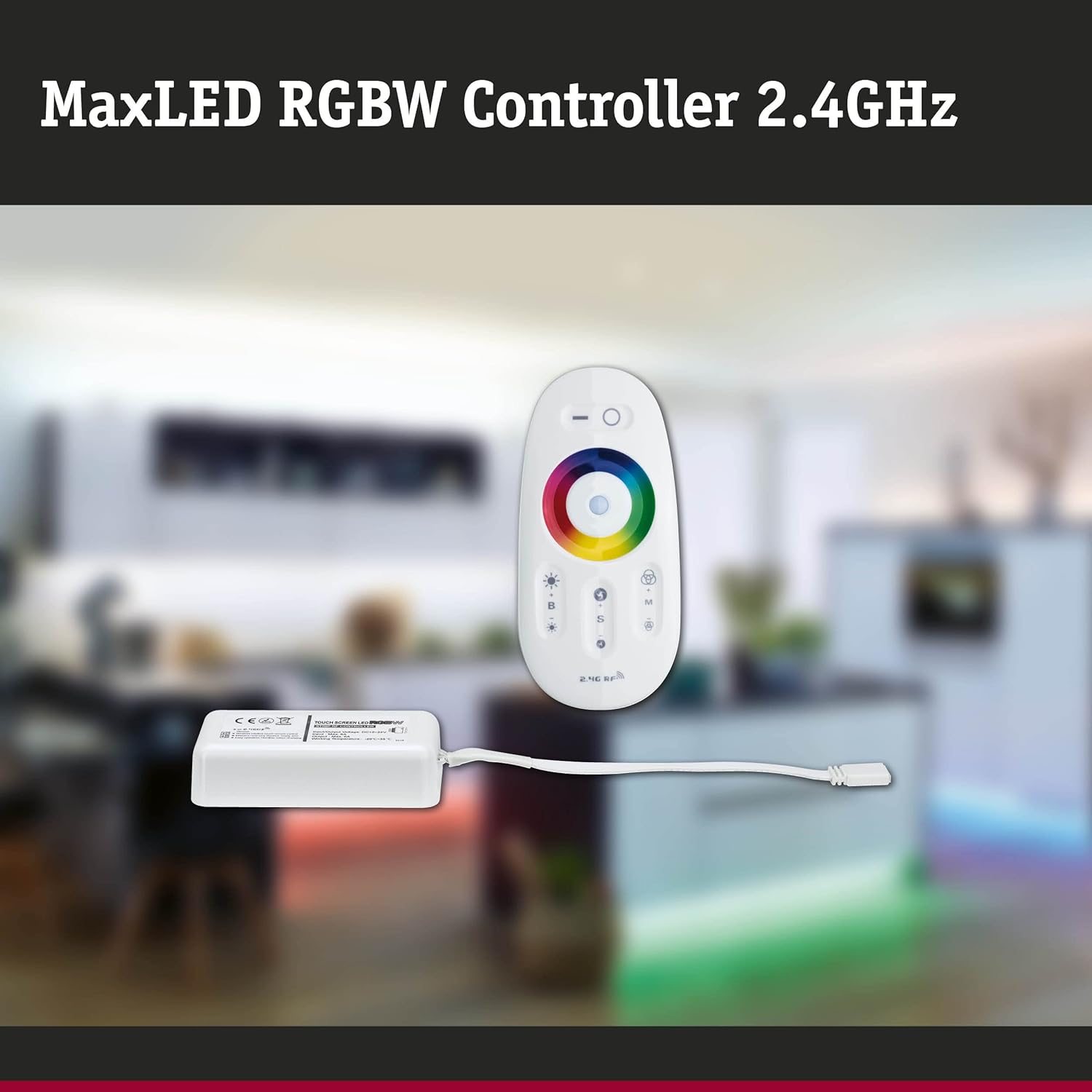
Image: The MaxLED RGBW Controller and its wireless remote control. The controller is a small white rectangular unit with a cable, and the remote is an oval-shaped white device with various buttons and a color wheel.

Image: Diagram showing the MaxLED RGBW Controller and remote control with their approximate dimensions. The controller measures 22.5x85x45mm and the remote 20x110x53mm. A 150mm cable connects the controller to the LED strip.
סעטאַפּ און ינסטאַלירונג
Follow these steps for proper installation of your MaxLED RGBW Controller:
- צוגרייטן די ינסטאַלירונג שטח: Ensure the surface where the LED strip will be mounted is clean, dry, and free of dust.
- פאַרבינדן די געפירט סטריפּ: Connect your Paulmann MaxLED RGBW strip to the output cable of the controller. The system uses an easy plug-in connection. Ensure the connectors are securely fastened.
- פאַרבינדן מאַכט צושטעלן: Connect a compatible 24V Paulmann power supply (not included) to the input side of the MaxLED RGBW Controller.
- שטעלן די קאָנטראָללער: The controller is designed for hidden installation. Place it in a discreet location where it is protected from physical damage and moisture, but still allows for proper signal transmission from the remote (up to 30m range).
- מאַכט אויף: Once all connections are secure, plug the power supply into a suitable electrical outlet.
- Pairing the Remote Control (if necessary): The remote control is usually pre-paired. If not, refer to the "Operating Instructions" section for pairing procedures.
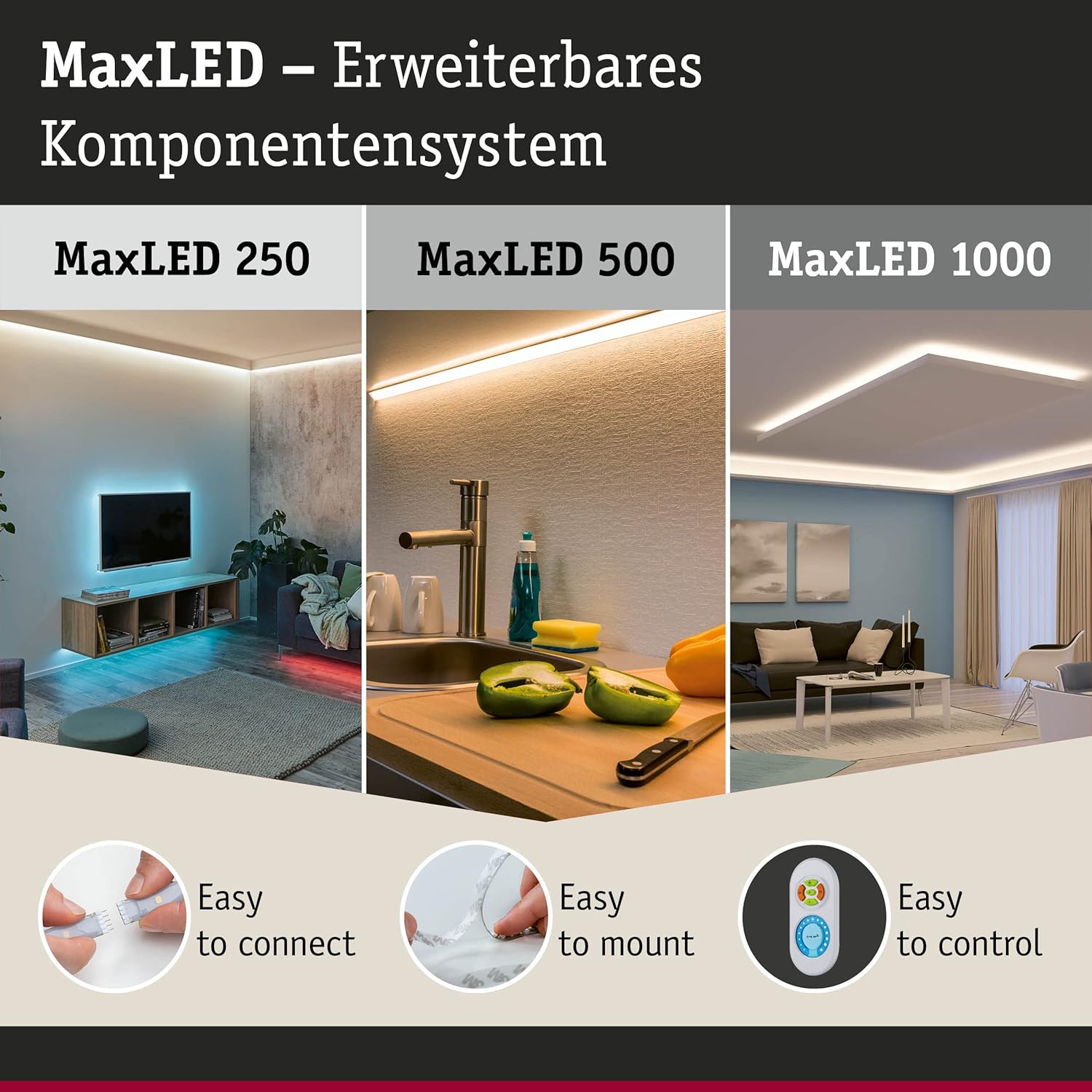
Image: This image illustrates the MaxLED expandable component system, highlighting three key aspects: "Easy to connect" (showing a hand connecting an LED strip), "Easy to mount" (showing an LED strip being applied to a surface), and "Easy to control" (showing the remote control). This demonstrates the simplicity of the setup process.
אַפּערייטינג ינסטראַקשאַנז
The wireless remote control allows full command over your MaxLED RGBW strips.
רימאָוט קאָנטראָל פאַנגקשאַנז:

בילד: א דעטאַלירטע view of the MaxLED RGBW remote control, showing its various buttons and the central color wheel. The remote features power, brightness, mode, speed, and color selection controls.
- מאַכט קנעפּל (O): Press to turn the LED strips On or Off.
- ברייטנאַס קאָנטראָל (B +/-): Use the '+' button to increase brightness and '-' to decrease brightness.
- קאָליר ראָד: Touch the color wheel to select a desired static color for your LED strips.
- Mode Selection (M): Cycle through various pre-programmed light effects and color changing modes.
- Speed Control (S +/-): When in a dynamic mode, use the '+' button to increase the speed of the effect and '-' to decrease it.
פּערינג די רימאָוט קאָנטראָל:
If your remote control is not responding, it may need to be paired with the controller:
- זייט זיכער אז דער קאנטראלער איז אנגעצונדן.
- Within 3 seconds of powering on the controller, press and hold the "Mode" (M) button on the remote control for a few seconds.
- The LED strips should flash to indicate successful pairing.
וישאַלט
רייניקונג:
To clean the controller and remote control, gently wipe with a soft, dry cloth. Do not use abrasive cleaners, solvents, or excessive moisture, as this can damage the components.
ווייַט קאָנטראָל באַטאַרייע פאַרבייַט:
The remote control requires batteries (type not specified in product data, typically CR2032 or similar button cell). If the remote's range decreases or it stops responding, replace the battery:
- געפֿינען די באַטאַרייע אָפּטייל אויף די צוריק פון די ווייַט קאָנטראָל.
- Open the compartment using a small screwdriver or by sliding the cover.
- Remove the old battery and insert a new one, ensuring correct polarity (+/-).
- פאַרמאַכן די באַטאַרייע אָפּטייל סיקיורלי.
- אַוועקוואַרפן די אַלט באַטאַרייע לויט די היגע רעגיאַליישאַנז.
טראָובלעשאָאָטינג
| פּראָבלעם | מעגלעך סיבה | לייזונג |
|---|---|---|
| LED strips do not light up. | No power, loose connection, faulty power supply, remote not paired. | Check power supply connection. Ensure all cables are securely plugged in. Verify power outlet is functional. Re-pair the remote control (see Operating Instructions). |
| די ווײַטקאָנטראָל רעאַגירט נישט. | טויטע באַטעריע, ווײַטקאָנטראָל נישט געפּאָרט, אַרויס פון דערגרייכונג. | Replace remote control battery. Re-pair the remote control. Move closer to the controller (within 30m). |
| קאלירן זענען נישט ריכטיג אדער נישט קאנסיסטענט. | Loose connection to LED strip, faulty LED strip. | Check the connection between the controller and the LED strip. Ensure the strip is fully compatible. |
| Dimming or effects not working. | Remote control issue, incompatible LED strip. | Ensure the remote control battery is good and it is paired. Verify the LED strip is an RGBW dimmable type. |
ספּעסאַפאַקיישאַנז
| סאָרט | פאולמאן |
| מאָדעל נומער | 79797 |
| פּראָדוקט דימענשאַנז (L x W x H) | 5.3 x 11 x 2 cm (Controller); 20 x 110 x 53 mm (Remote) |
| וואָג | 102 גראַמז |
| IP שאַץ | IP20 (בלויז דרינענדיק נוצן) |
| מאַטעריאַל | פּלאַסטיק |
| מאַקס. Wattage | 144 וואטס |
| Voltage | 24 וואלטס |
| ליכט מקור טיפּ | LED (for compatible strips) |
| מאַכט מקור | AC (via external 24V power supply) |
| ספּעציעלע פֿעיִקייטן | Dimmable, Variable Intensity, Remote Control, RGBW Color Change |
| רימאָוט קאָנטראָל אָפטקייַט | 2.4 גהז רף |
| רימאָוט קאָנטראָל קייט | Up to 30 meters (non-line-of-sight) |
| באַטעריעס פארלאנגט (ראָוט) | יאָ (ניט אַרייַנגערעכנט) |

Image: The MaxLED RGBW Controller and its remote control, emphasizing the 2.4 GHz RF wireless technology for reliable communication.
וואָראַנטי און שטיצן
וואָראַנטי:
Paulmann offers a 1-year availability for spare parts for this product. For specific warranty terms and conditions, please refer to the official Paulmann webפּלאַץ אָדער קאָנטאַקט דיין זיצער.
קונה שטיצן:
For further assistance, technical support, or inquiries regarding your Paulmann MaxLED RGBW Controller, please visit the official Paulmann website or contact their customer service department. Contact information can typically be found on the product packaging or the Paulmann webפּלאַץ.
פאולמאן Webפּלאַץ: www.paulmann.com