
הקדמה
The Adesso Xtream G2 Stereo USB Gaming Headset is designed to provide an immersive audio experience for gaming across multiple platforms. It features ergonomic comfort, practical functionalities, and a stylish design. This headset connects directly via a simple USB connection to your PC or other compatible devices. The built-in sound card and 50mm drivers deliver clear treble, rich mid-range, and deep bass. The adjustable headband and breathable earcup material ensure comfort during extended use, while the rotatable, noise-cancelling microphone facilitates clear communication.

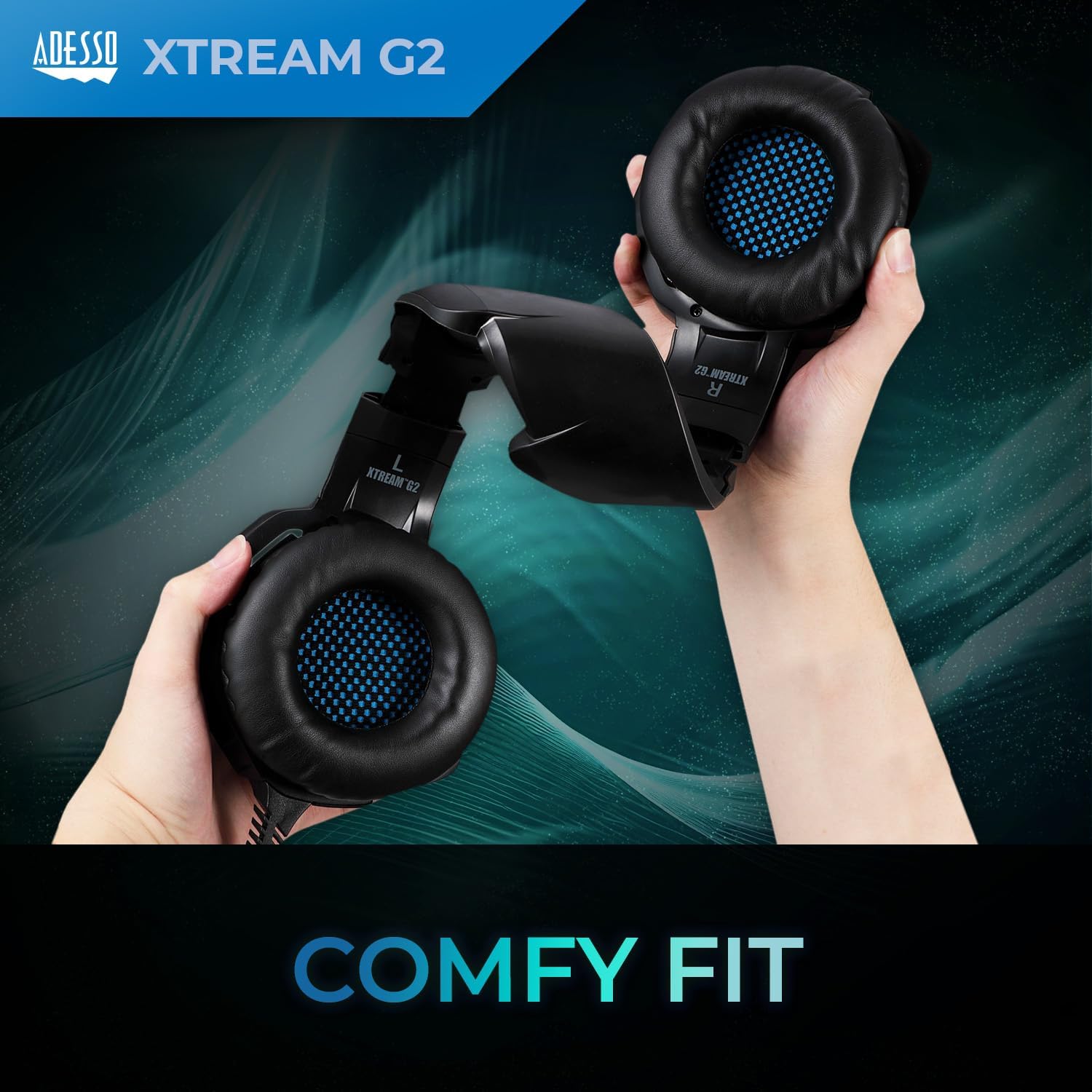
Image: The Adesso Xtream G2 Gaming Headset in use, highlighting its design and fit.
פּראָדוקט פֿעיִקייטן
- יממערסיווע אַודיאָ: Equipped with two 50mm drivers for a full range of bass, treble, and mid-range sound.
- ערגאָנאָמיק טרייסט: Features an ultra-comfortable, fully adjustable headband and soft earcups made with breathable material for long-term wear.
- ראַש-קאַנסאַלינג מיקראָפאָן: A 120-degree rotatable microphone with built-in noise cancellation to filter out background sounds for clear communication.
- אינלינע קאָנטראָללער: Conveniently located controls for volume adjustment and microphone mute/unmute.
- LED לייטינג: Integrated LED lighting provides a distinctive visual element.
- מולטי-פּלאַטפאָרם קאַמפּאַטאַבילאַטי: Compatible with PC, PS4, Xbox, Nintendo Switch, and Laptops.

Image: A visual representation of the 50mm sound drivers for enhanced audio.
בילד: דעטאַלירט view of the soft-touch earpads designed for comfort.

Image: The rotatable microphone, demonstrating its flexibility.
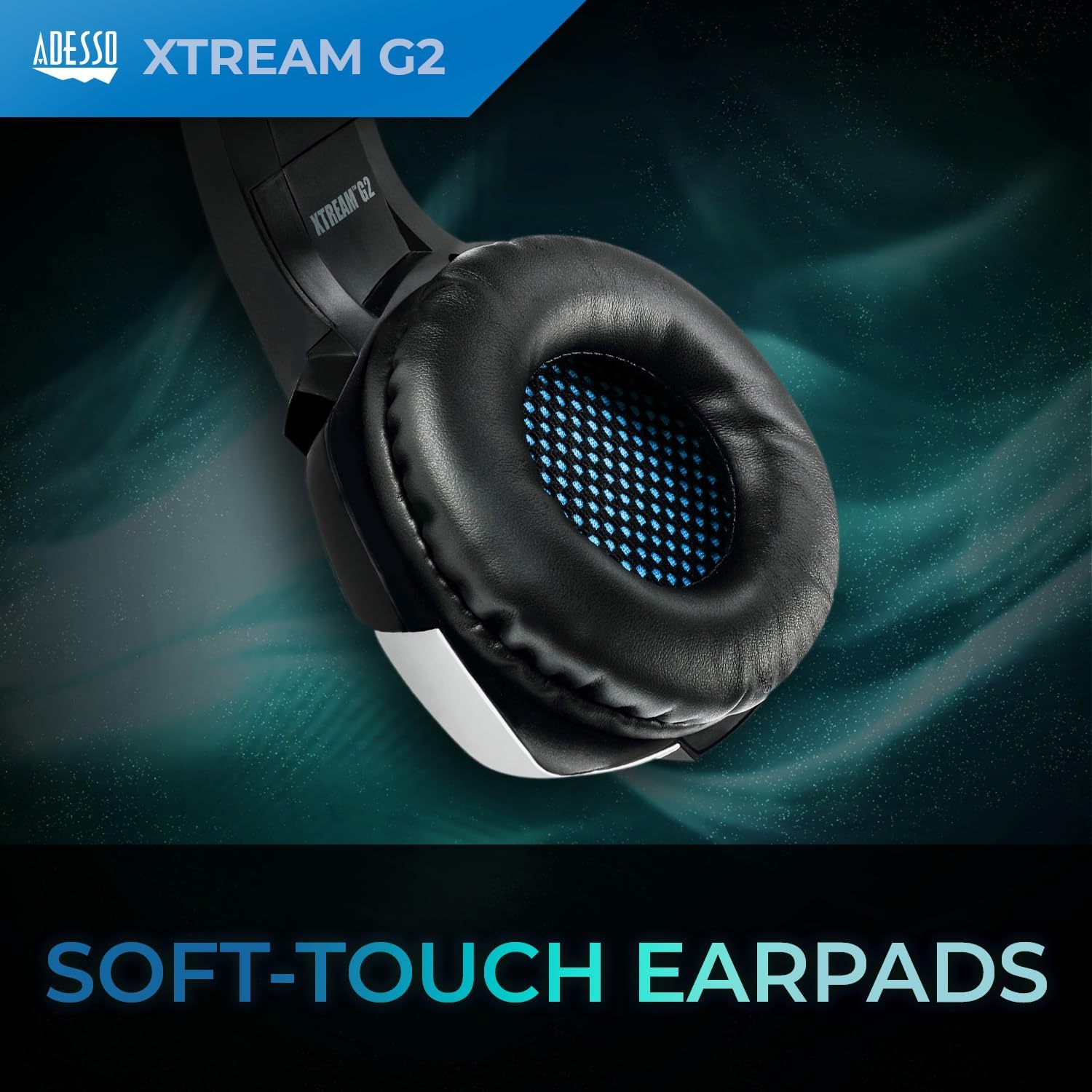
Image: The inline controller with volume wheel and microphone button.
סעטאַפּ אינסטרוקציעס
1. קאַנעקטינג די העאַדסעט
- Locate the USB-A connector on your Adesso Xtream G2 headset cable.
- Plug the USB-A connector into an available USB port on your PC, PS4, Xbox, Nintendo Switch dock, or laptop.
- The headset is plug-and-play; drivers should install automatically.

Image: The USB-A plug for connecting the headset to your device.
2. אַדזשאַסטינג די פּאַסיק
- Gently extend or retract the headband on both sides to fit your head comfortably.
- Position the earcups over your ears so they fully enclose them for optimal sound isolation and comfort.
- Rotate the microphone boom downwards and position it near your mouth for clear voice capture.

Image: Adjusting the headband for a comfortable fit.
אַפּערייטינג ינסטראַקשאַנז
באַנד קאָנטראָל
- The inline controller on the headset cable features a rotary volume wheel.
- Rotate the wheel upwards to increase volume and downwards to decrease volume.
מיקראָפאָן קאָנטראָל
- The inline controller also has a button to mute or unmute the microphone.
- Press the button once to toggle the microphone on or off.
קאַמפּאַטאַבילאַטי
The Adesso Xtream G2 headset is compatible with the following devices:
- פּיסי (Windows)
- Notebooks/Laptops
- פּלייסטיישאַן 4 (PS4)
- Xbox (via controller with 3.5mm jack, USB for power/LEDs only)
- Nintendo Switch (via USB-A to USB-C adapter for dock, or 3.5mm jack for handheld)
וישאַלט
- רייניקונג: Use a soft, dry cloth to wipe down the headset and earcups. For deeper cleaning of earcups, a slightly damp cloth with mild soap can be used, ensuring no moisture enters the speaker grilles.
- סטאָרידזש: האַלט די כעדסעט אין אַ קיל, טרוקן אָרט אַוועק פון דירעקט זונשייַן און עקסטרעמע טעמפּעראַטורן. ויסמיידן צו שטעלן שווערע זאַכן אויף שפּיץ פון די כעדסעט.
- קאַבלע זאָרגן: Do not sharply bend or pull the cable. Avoid tangling the cable to prevent damage.
- מיקראָפאָן: Handle the microphone boom gently. Avoid excessive force when rotating or adjusting its position.
טראָובלעשאָאָטינג
| אַרויסגעבן | מעגלעך לייזונג |
|---|---|
| קיין קלאַנג פֿון כעדסעט |
|
| מיקראָפאָן טוט נישט אַרבעטן |
|
| געפירט לייץ נישט ילומאַנייטינג |
|
ספּעסאַפאַקיישאַנז
| מאָדעל נאָמען | Xtream G2 |
| סאָרט | אַדעססאָ |
| קאַנעקטיוויטי טעכנאָלאָגיע | וסב |
| אַודיאָ דרייווער גרייס | 50 מילאַמיטערז |
| ימפּידאַנס | 16 אָהמס |
| אָפטקייַט ראַנגע | 20 הז צו 20 כז |
| ראַש קאָנטראָל | אַקטיווע ראַש קאַנסאַליישאַן (מיקראָפאָן) |
| קאָנטראָל טיפּ | וואָלומען קאָנטראָל, מיקראָפאָן שטום |
| קאַמפּאַטאַבאַל דעוויסעס | PC, Notebook, PlayStation 4, Xbox, Nintendo Switch |
| פּונקט וואָג | 430 גראַמז |
| מאַטעריאַל | Cushiony material, Plastic |
| קאָליר | בלוי |
וואָראַנטי אינפֿאָרמאַציע
The Adesso Xtream G2 Gaming Headset comes with a 1 יאָר לימיטעד וואָראַנטי. Please retain your proof of purchase for warranty claims. For detailed terms and conditions, refer to the official Adesso webפּלאַץ אָדער קאָנטאַקט קונה שטיצן.
שטיצן
For technical assistance, product inquiries, or warranty support, please visit the official Adesso webזייטל אדער קאנטאקטירן זייער קאסטומער סערוויס דעפארטמענט. קאנטאקט אינפארמאציע קען געווענליך געפונען ווערן אויף דער פראדוקט פאקאדזש אדער דעם פאבריקאנט'ס webפּלאַץ.
פּראָדוקט איבערview ווידעא
ווידעא: אן איבערview of the Adesso Gaming Headphones, highlighting key features like adjustability, inline controls, and connectivity options.