
1. הקדמה
Thank you for choosing the Rocketfish RF-HTS4418 12-Outlet Power Center. This device is designed to protect your valuable electronics from power surges and spikes while providing ample power outlets and USB charging ports. Please read this manual thoroughly before using the product to ensure safe and optimal performance.
בילד 1.1: פראָנט view of the Rocketfish 12-Outlet Power Center.
2. זיכערקייַט אינפֿאָרמאַציע
כדי צו רעדוצירן דעם ריזיקע פון עלעקטרישן שאק, פייער, אדער שאדן, פאלגט שטענדיג די גרונטלעכע זיכערהייט מיטלען:
- Do not use this product near water or in excessively humid environments.
- Do not open the housing. There are no user-serviceable parts inside.
- Ensure the power center is plugged into a properly grounded outlet.
- Do not exceed the electrical ratings of the power center.
- Keep children away from the power center.
- Avoid running power cords under carpets or rugs.
3. פּעקל אינהאַלט
באַשטעטיקט אַז די פאלגענדע זאכן זענען אַרייַנגערעכנט אין דיין פּעקל:
- Rocketfish RF-HTS4418 12-Outlet Power Center
- באַניצער מאַנואַל (דעם דאָקומענט)
4. פּראָדוקט פֿעיִקייטן
The Rocketfish RF-HTS4418 Power Center offers advanced features for comprehensive protection and convenience:
- 12 AC אַוטלעץ: גיט ample power connections for multiple devices.
- וסב טשאַרדזשינג פּאָרץ: Conveniently charge mobile devices.
- סערדזש שוץ: Protects connected equipment from power surges and spikes with a 5280-joule rating.
- EMI/RFI Noise Filter: Reduces electromagnetic and radio frequency interference for cleaner power delivery.
- נידעריק פּראָfile פּלאַן: Allows for placement in limited spaces.
- וניווערסאַל קאַמפּאַטאַבילאַטי: Suitable for computers, TVs, and various household appliances.

Image 4.1: The power center features a 5280-joule rating for robust surge protection.

Image 4.2: Detail of the 12 AC outlets and multiple USB ports.

Image 4.3: Features such as the 47dB EMI/RFI Noise Filter and low profile פּלאַן.

Image 4.4: Universal compatibility for various electronic devices.
5. סעטאַפּ
- אָרט: Position the power center in a dry, indoor location, away from heat sources and direct sunlight. Its low-profile design allows for flexible placement.
- פאַרבינדן צו וואנט אָוטלעט: Plug the power center's main power cord into a standard, grounded 240V AC wall outlet.
- פאַרבינדן דיווייסאַז: Plug your electronic devices into the available AC outlets. For charging mobile devices, use the USB ports.
- Coaxial/Phone Line Protection (if applicable): If your model includes coaxial or phone line protection, connect your incoming line to the 'IN' port and your device to the 'OUT' port.

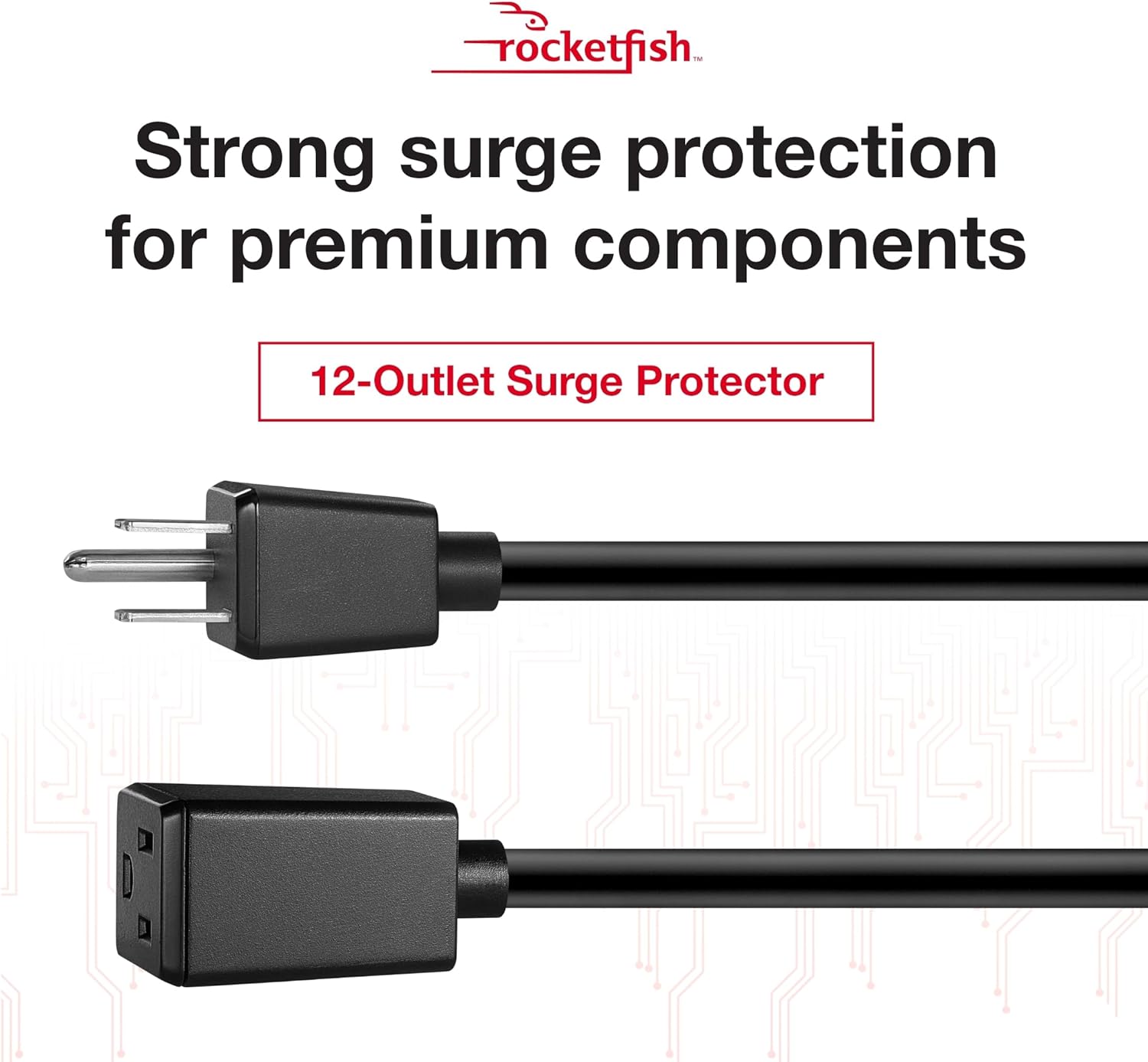
Image 5.1: The power center's main plug for connection to a wall outlet.
6. אַפּערייטינג ינסטרוקטיאָנס
Once connected, the Rocketfish Power Center operates automatically to protect your devices.
- מאַכט ינדיקאַטאָר: A light on the power center indicates that it is receiving power and the surge protection is active.
- אָווערלאָאַד שוץ: In case of an overload, the circuit breaker may trip. If this happens, unplug some devices, then press the reset button (if available) to restore power.
- USB טשאַרדזשינג: Simply connect your USB-powered devices to the USB ports for charging. The power center will automatically detect and deliver the appropriate charging current.
ווידעא 6.1: איבערview of the Rocketfish Power Center's features and functionality.
Video 6.2: Demonstration of connecting devices to the power center.
7. וישאַלט
The Rocketfish Power Center requires minimal maintenance:
- רייניקונג: Unplug the power center from the wall outlet before cleaning. Use a soft, dry cloth to wipe the exterior. Do not use liquid cleaners or aerosols.
- דורכקוק: Periodically inspect the power cord and the unit for any signs of damage. If damage is present, discontinue use and contact support.
8. טראָובלעשאָאָטינג
| פּראָבלעם | מעגלעך סיבה | לייזונג |
|---|---|---|
| קיין שטראָם צו פֿאַרבונדענע דעוויסעס. | Power center not plugged in, wall outlet not working, circuit breaker tripped. | Ensure power center is securely plugged in. Test wall outlet with another device. Reset the power center's circuit breaker if tripped. |
| USB פּאָרטן לאָדן זיך נישט אויף. | Device not compatible, cable faulty, power center not receiving power. | Check device compatibility. Try a different USB cable. Ensure the power center is powered on. |
| מאַכט גראדן ליכט איז אַוועק. | No power to the unit, surge protection compromised. | Check wall outlet. If the indicator remains off after confirming power, the surge protection may have been sacrificed to protect your devices. The unit may still function as a power strip, but surge protection is no longer active. Replace the unit for continued surge protection. |
9. ספּעסאַפאַקיישאַנז
- מאָדעל: רף-הצ 4418
- גאַנץ מאַכט אַוטלעץ: 12
- Voltage: 240 וואלטס
- סערדזש שוץ: 5280 דזשאָולס
- ספּעציעלע פֿעיִקייטן: Surge Protection, USB Slots, EMI/RFI Noise Filter
- פּראָדוקט דימענשאַנז: 17.33 X 10.56 X 3.85 אינטשעס (44.02 X 26.82 X 9.78 סענטימעטער)
- נומער וואָג: 6.25 פונט (2.83 קג)
- רעקאַמענדיד ניצט: Apartment, Home Theater, Office
- ערשטער בנימצא: 13 יוני 2018
10. וואָראַנטי און שטיצן
Rocketfish products are designed for reliability and performance. This product includes a lifetime equipment guarantee, protecting your connected devices up to $1,000,000 against surge damage when properly connected.
For technical support, warranty claims, or further assistance, please visit the official Rocketfish website or contact their customer service. Keep your purchase receipt for warranty purposes.
אָנליין שטיצן: www.rocketfishproducts.com/support (עקסampדער לינק, ביטע זעט די פאַקטישע פּראָדוקט דאָקומענטאַציע פֿאַר ריכטיקע אינפֿאָרמאַציע. URL)