
הקדמה
This manual provides instructions for the safe and effective use of your Tzumi AquaBoost Boom Waterproof Bluetooth Speaker. Please read this manual thoroughly before operating the device and retain it for future reference.
פּעקל אינהאַלט
- Tzumi AquaBoost Boom Bluetooth Speaker
- מיקראָ-וסב טשאַרדזשינג קאַבלע
- Auxiliary (AUX) Audio Cable
פּראָדוקט פֿעיִקייטן
- IP68 Certified Waterproof: Designed to be fully impervious to sand and water.
- בלועטאָאָטה 4.2 קאַנעקטיוויטי: Wireless streaming up to 33 feet (10 meters).
- דוראַבאַל קאַנסטראַקשאַן: Shockproof silicone shell and dust-resistant design.
- לאנג באַטאַרייע לעבן: Up to 5 hours of continuous play on a full charge.
- ינטויטיווע קאָנטראָלס: Four control buttons with LED indicator lights for easy operation.
- אָטאַמאַטיק מאַכט אַוועק: Conserves battery by powering off after 10 minutes of idle time.
- עטלעכע קאַנעקטיוויטי אָפּציעס: Bluetooth and Auxiliary input.

Image: The AquaBoost Boom speaker is designed to float and continue playing music even when submerged, making it suitable for pool use.
סעטאַפּ
1. טשאַרדזשינג די ספּיקער
Before first use, fully charge the speaker. Connect the supplied Micro-USB cable to the charging port on the speaker and the other end to a USB power adapter (not included) or a computer's USB port. The LED indicator will show charging status.
- טשאַרדזשינג צייט: בעערעך 3 שעה.
- Battery Life: Up to 5 hours of playback.
2. פּאָווערינג אויף / אויסגעלאשן
- To Power On: Press and hold the Power button until the LED indicator lights up.
- To Power Off: Press and hold the Power button until the LED indicator turns off.
3. בלועטאָאָטה פּערינג
- Ensure the speaker is powered on and within 33 feet (10 meters) of your Bluetooth-enabled device.
- The speaker will automatically enter pairing mode, indicated by a blinking LED light.
- אויף דיין מיטל, געבן בלועטאָאָטה און זוכן פֿאַר בנימצא דעוויסעס.
- Select "AquaBoost Boom" from the list of devices.
- Once paired, the LED indicator will become solid, and you will hear an audible confirmation.
- דער רעדנער וועט זיך אויטאָמאַטיש צוריקבינדן צום לעצטן פארבונדענעם אפאראט ווען עס ווערט אנגעצונדן, אויב פאראן.

Image: The AquaBoost Boom speaker is designed for outdoor use, including sandy environments like beaches, due to its dust-resistant and shockproof construction.
4. Auxiliary (AUX) Connection
To connect a device without Bluetooth, use the supplied 3.5mm auxiliary cable. Insert one end into the speaker's AUX input port and the other end into your device's audio output jack. The speaker will automatically switch to AUX mode.
אַפּערייטינג ינסטראַקשאַנז
קאָנטראָל קנעפּלעך
The AquaBoost Boom features four control buttons for managing playback and calls:
- מאַכט קנעפּל: דריקן און האַלטן צו מאַכט אויף / אַוועק.
- שפּיל / פּויזע קנעפּל: Press to play or pause music. Press to answer or end a call.
- באַנד אַרויף (+): דריקן צו פֿאַרגרעסערן די קול. דריקן און האַלטן פֿאַר דער ווייַטער ליד.
- באַנד אַראָפּ (-): דריקן צו פֿאַרמינערן די קול. דריקן און האַלטן פֿאַר די פֿריִערדיקע ליד.
אָטאַמאַטיק מאַכט אַוועק
To conserve battery, the speaker will automatically power off after 10 minutes of inactivity (no audio playback or Bluetooth connection).
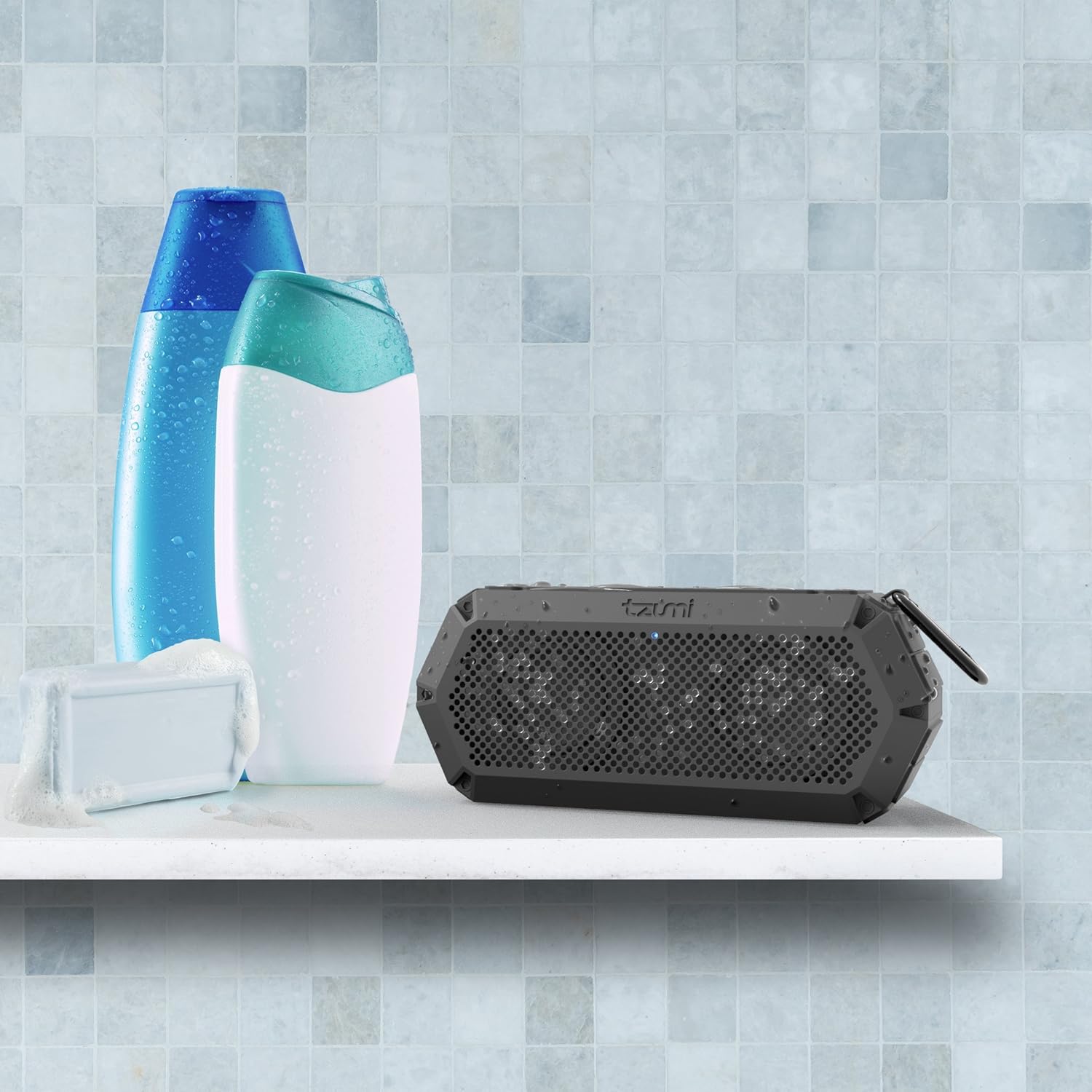
Image: The IP68 waterproof rating makes the AquaBoost Boom suitable for use in wet environments such as showers or bathrooms.
וישאַלט
רייניקונג
ווישן די רעדנער מיט אַ ווייך, דamp cloth. Do not use abrasive cleaners or solvents. Ensure all ports are dry before charging.
סטאָרידזש
האַלט דעם רעדנער אין אַ קיל, טרוקן אָרט אַוועק פון דירעקט זונשייַן און עקסטרעמע טעמפּעראַטורן. אויב איר האַלט עס פֿאַר אַ לענגערער צייט, לאָדט די באַטאַרייע פּעריִאָדיש צו האַלטן איר לעבן.
טראָובלעשאָאָטינג
| פּראָבלעם | מעגלעך סיבה | לייזונג |
|---|---|---|
| דער רעדנער גייט נישט אן. | נידעריק באַטאַרייע. | לאָדט דעם רעדנער גאָר אויף. |
| קען נישט פארבינדן דורך בלוטוט. | רעדנער נישט אין פּערינג מאָדע; מיטל בלועטוט אויסגעלאָשן; צו ווייט פון רעדנער. | Ensure speaker is on and LED is blinking. Turn device Bluetooth off/on. Move device closer to speaker. |
| קיין געזונט. | קול צו נידעריג; אומרעכטער אינפוט מאָדע; דעווייס שפּילט נישט. | Increase speaker and device volume. Check if AUX cable is connected (switches to AUX mode). Ensure music is playing on the device. |
| געזונט דיסטאָרשאַן. | די קול איז צו הויך; די דעווייס איז צו ווייט פונעם רעדנער. | Reduce volume on speaker and device. Move device closer to speaker. |
ספּעסאַפאַקיישאַנז
- מאָדעל: 5311AMZ
- בלועטאָאָטה ווערסיע: 4.2
- ווירעלעסס קייט: אַרויף צו 33 פֿיס (10 מעטער)
- וואָטערפּרוף שאַץ: IP68
- באַטאַרייע קאַפּאַציטעט: Provides up to 5 hours of playback
- טשאַרדזשינג צייט: בעערעך 3 שעה
- מאַכט רעזולטאַט: 8 וואטס
- דימענסיעס: 2.9 X 5 X 7.9 אינטשעס
- וואָג: 14.4 אונסעס
- קאַנעקטיוויטי: Bluetooth, Auxiliary (3.5mm), Micro-USB for charging
- אַרייַנגערעכנט קאַמפּאָונאַנץ: Bluetooth Speaker, Micro-USB Cable, AUX Cable
וואָראַנטי און שטיצן
Tzumi products are designed for reliability and performance. If you encounter any issues or require assistance with your AquaBoost Boom speaker, please contact Tzumi customer support directly for assistance.
For support, visit the official Tzumi webזייטל אדער זעט די קאנטאקט אינפארמאציע וואס איז צוגעשטעלט געווארן מיט אייער פראדוקט פארפאקונג.