
1. הקדמה
This manual provides instructions for the CJ TECH Digital HD TV Antenna, Model 72254. This indoor antenna is designed to receive over-the-air digital television signals, allowing access to free local HD channels. It supports HD 1080P, UHF, VHF, and FM signals, offering a clear picture and a wide selection of channels. Optimal reception depends on the antenna's placement and local broadcast conditions.
2. פּעקל אינהאַלט
ביטע באַשטעטיקן אַז אַלע זאכן זענען פאַראַן אין דעם פּעקל:
- CJ TECH Digital HD TV Antenna
- אַנטענע שטיין
- קאָאַקסיאַל קאַבלע
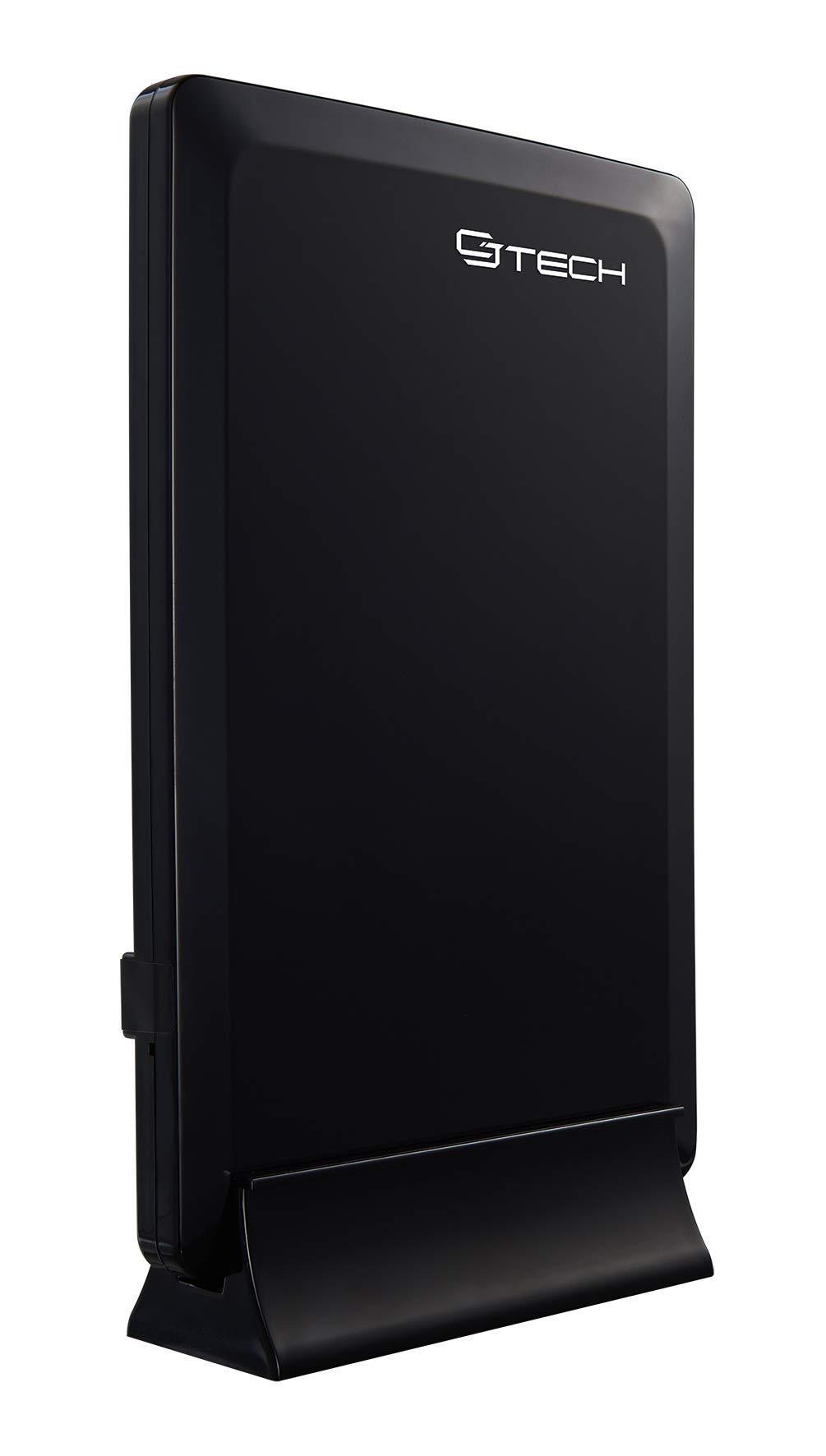
Image 1: The CJ TECH Digital HD TV Antenna, its stand, and the included coaxial cable. The antenna is a black, rectangular unit designed for indoor use.
3. סעטאַפּ אינסטרוקציעס
Follow these steps to set up your CJ TECH Digital HD TV Antenna:
- Assemble the Antenna Stand: If your antenna requires assembly, attach the antenna to its stand according to the provided instructions. The antenna is designed for vertical placement.
- פֿאַרבינדט דעם קאָאַקסיאַל קאַבל: Connect one end of the coaxial cable to the antenna's coaxial input port. Connect the other end of the coaxial cable to the "Antenna In" or "Cable In" port on the back of your television or digital converter box.
- שטעלן די אַנטענע: Place the antenna in a location that offers the best possible reception.
- For optimal signal reception, position the antenna near a window.
- Avoid placing the antenna near large metal objects or appliances that may cause interference.
- Experiment with different locations and orientations (e.g., higher up, different walls) to find the best signal strength.
- מאַכט קאַנעקשאַן (אויב אָנווענדלעך): If your antenna model includes an amplifier or signal booster, ensure it is connected to a power source (e.g., a USB port on your TV or a wall adapter, if included). This model is described as "Amplified Powered," so this step is crucial.
4. אַפּערייטינג ינסטרוקטיאָנס
After completing the setup, follow these steps to scan for channels:
- Turn on your TV: Ensure your television is powered on and set to the correct input source (e.g., TV, Antenna, Air).
- צוטריט טעלעוויזיע מעניו: Using your TV remote control, navigate to the TV's menu. Look for options like "Settings," "Setup," "Channel," or "Broadcast."
- דורכפירן קאַנאַל סקען: Select the "Channel Scan," "Auto Program," or "Auto Tune" option. This process will search for all available over-the-air channels in your area. This may take several minutes.
- Review טשאַנאַלז: Once the scan is complete, your TV should display a list of available channels. You can now browse and watch free local HD programming.
- Rescan if Needed: If you move the antenna or experience changes in reception, perform a channel scan again to update your channel list.
5. וישאַלט
The CJ TECH Digital HD TV Antenna requires minimal maintenance:
- רייניקונג: ווישט אָפּ די אַנטענע מיט אַ ווייכן, טרוקענעם שטאָף צו באַזייַטיקן שטויב. ניצט נישט קיין פליסיקע רייניגער אָדער שרײַבנדיקע מאַטעריאַלן.
- אָרט: Ensure the antenna remains in a stable position to prevent accidental falls or damage.
- קאַבלע קאַנעקשאַנז: Periodically check that all cable connections are secure.
6. טראָובלעשאָאָטינג
If you experience issues with your antenna, try the following troubleshooting steps:
- קיין סיגנאַל אָדער שלעכטע בילד קוואַליטעט:
- טשעק קאַנעקשאַנז: Ensure the coaxial cable is securely connected to both the antenna and the TV.
- Reposition Antenna: Try moving the antenna to a different location, especially closer to a window or higher up. Re-orient the antenna to face the general direction of local broadcast towers.
- איבערקוקן קאנאלן: After repositioning, perform a new channel scan on your TV.
- טשעק Ampהעכער מאַכט: If your antenna has an amplifier, ensure it is properly powered.
- Check TV Input: Verify that your TV's input source is set to "Antenna" or "Air."
- פעלנדיקע קאַנאַלן:
- Perform a New Scan: Always perform a channel scan after initial setup or repositioning the antenna.
- טשעק סיגנאַל שטאַרקייט: Some TVs have a signal strength meter in their settings menu. Use this to optimize antenna placement.
- Local Obstructions: Buildings, trees, or terrain can block signals. Try to find a clear line of sight if possible.
- צייטווייליגע סיגנאַל פארלוסט:
- וועטער טנאָים: Severe weather can temporarily affect signal reception.
- ינטערפיראַנס: Other electronic devices (e.g., microwaves, cordless phones) can cause interference. Try moving the antenna away from such devices.
7. ספּעסאַפאַקיישאַנז
Key specifications for the CJ TECH Digital HD TV Antenna Model 72254:
| שטריך | דעטאַל |
|---|---|
| מאָדעל נומער | 72254 |
| אַנטענע טיפּ | דיגיטאַל דרינענדיק אַנטענע |
| קייט | אַרויף צו 25 מייל |
| שטיצט סיגנאַלז | HD 1080P, UHF, VHF, FM |
| אָפּטראָג מוסטער | 360 גראַד |
| דימענשאַנז (H X W X D) | 7.67" x 5.2" x 1.77" (אומגעפער) |
| קאָליר | שוואַרץ |
| UPC | 695087722541 |
| פּונקט וואָג | 0.72 פונט |