
PROSCAN PSB3713-OP
PROSCAN 37-Inch Bluetooth Sound Bar User Manual
Model: PSB3713-OP
הקדמה
א דאנק פארן קויפןasing the PROSCAN 37-Inch Bluetooth Sound Bar. This ultra-slim sound bar is designed to enhance your audio experience with your Smart TV, offering versatile connectivity options including Bluetooth, Optical Digital Audio Input, and Aux-In. This manual provides detailed instructions for setup, operation, maintenance, and troubleshooting to ensure optimal performance and longevity of your device.
וויכטיק סאַפעטי אינפֿאָרמאַציע
ווארענונג: דעם פּראָדוקט כּולל קעמיקאַלז באקאנט צו די שטאַט פון קאַליפאָרניאַ צו פאַרשאַפן ראַק און געבורט חסרונות אָדער אנדערע רעפּראָדוקטיווע שאָדן.
- לייענען אַלע ינסטראַקשאַנז איידער אַפּערייטינג די מיטל.
- האַלטן דעם מאַנואַל פֿאַר צוקונפֿט רעפֿערענץ.
- דו זאלסט נישט ויסשטעלן די אַפּאַראַט צו רעגן אָדער נעץ.
- דו זאלסט נישט פאַרשפּאַרן קיין ווענטאַליישאַן אָופּאַנינגז.
- פאַרזיכערן געהעריק מאַכט צושטעלן וואָלtage ווי אנגעצייכנט אויף דער איינהייט.
- אָפּשטעקן די אַפּאַראַט בעשאַס בליץ סטאָרמז אָדער ווען אַניוזד פֿאַר לאַנג פּיריאַדז.
- אָפּשיקן אַלע סערוויסעס צו קוואַלאַפייד סערוויס פּערסאַנעל.
וואָס איז אין די קעסטל

Image: Contents of the PROSCAN Sound Bar box, showing the sound bar, remote control, AC power adapter, stereo audio connection cable, RCA audio cable, and mount screws.
ביטע קאָנטראָלירט אַז אַלע די פאלגענדע זאכן זענען אַרייַנגערעכנט אין דיין פּעקל:
- PROSCAN 37-Inch Bluetooth Sound Bar
- ווייַט קאָנטראָל
- אַק מאַכט אַדאַפּטער
- Stereo Audio Connection Cable
- רקאַ אַודיאָ קאַבלע
- Mount Screws (for wall mounting)
- באַניצער מאַנואַל (דעם דאָקומענט)
פּראָדוקט איבערview

Image: The PROSCAN 37-Inch Bluetooth Sound Bar positioned in front of a curved television screen, with its remote control placed nearby. The sound bar is sleek and black.
The PROSCAN 37-Inch Bluetooth Sound Bar is designed for optimal audio performance and ease of use. It features a sleek, ultra-slim design that complements any home entertainment setup.
פראָנט פּאַנעל

בילד: א דירעקטע פראנט view of the PROSCAN 37-Inch Bluetooth Sound Bar, showcasing its minimalist design and speaker grille.
The front panel features the speaker grille and an LED indicator that shows the current input mode and status.
דערציען פּאַנעל (קאַנעקשאַנז)
The rear panel houses all the necessary input ports for connecting to your audio sources.
- Optical Digital Audio Input: For high-quality digital audio connection from your TV or other devices.
- AUX אריין (3.5 מ״מ): For connecting analog audio devices.
- דק אין: מאַכט אַרייַנשרייַב פּאָרט.
ווייַט קאָנטראָל
The included remote control allows you to manage all functions of the sound bar conveniently.
- מאַכט אויף / אַוועק
- באַנד אַרויף / אַראָפּ
- Input Source Selection (Bluetooth, Optical, AUX, FM)
- שטום
- FM Radio controls (Scan, Preset)
סעטאַפּ גייד
קסנומקס. פּלאַסעמענט
The sound bar can be placed on a table stand or wall-mounted.

Image: The PROSCAN Sound Bar wall-mounted directly above a flat-screen television, demonstrating a clean and space-saving installation.
- טיש שטיין: Place the sound bar on a stable, flat surface in front of your TV. Ensure it does not block the TV's remote sensor.
- וואנט בארג: Use the included mount screws to securely attach the sound bar to a wall. Refer to the wall mounting template (if provided separately) for precise drilling locations. Ensure the wall can support the weight of the sound bar.
2. קאַנעקטינג אַודיאָ קוואלן
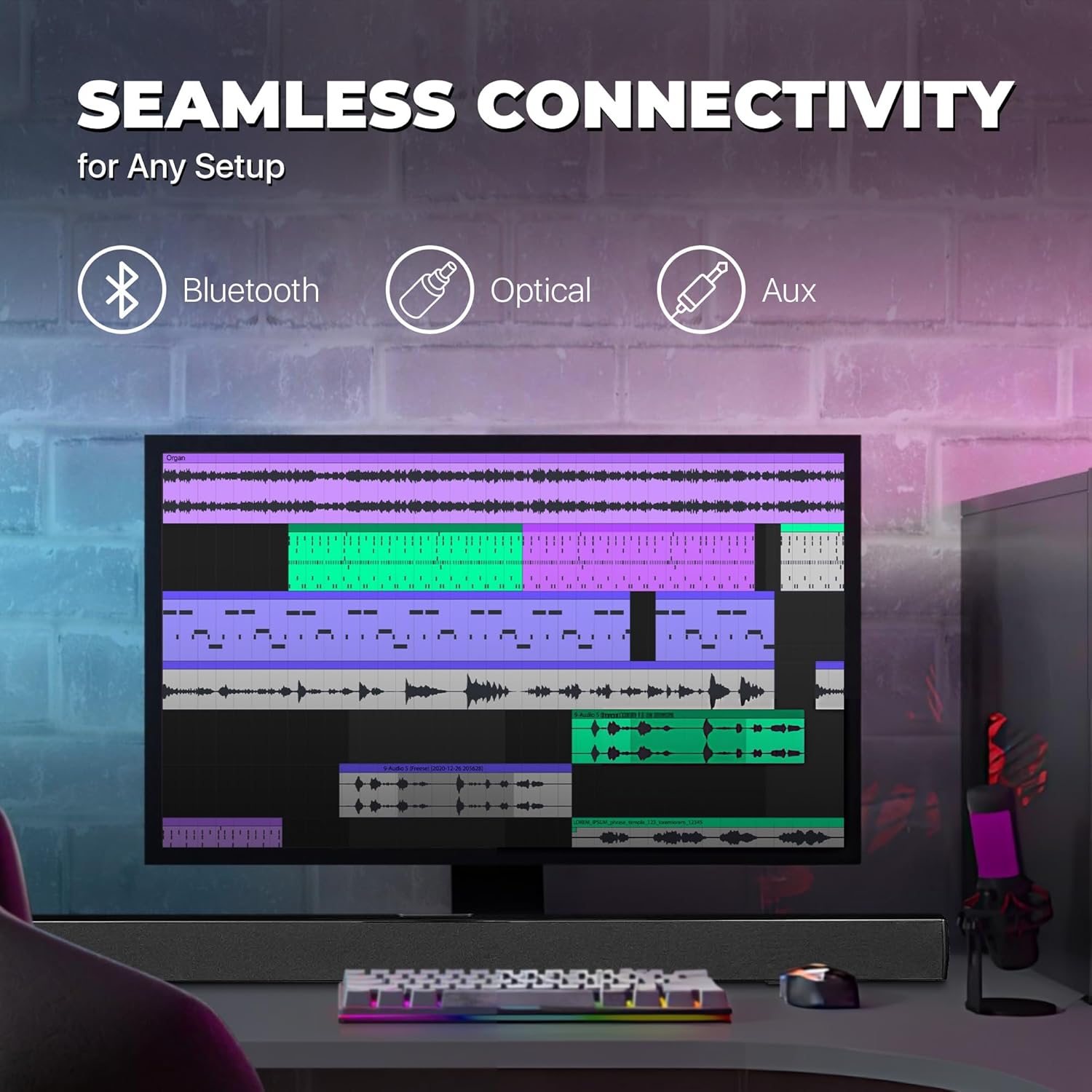
Image: A graphic illustrating the seamless connectivity options of the sound bar, including icons for Bluetooth, Optical, and Aux connections, with a sound bar placed below a computer monitor.
קלייַבט איינע פון די פאלגענדע מעטאָדן צו פאַרבינדן דיין אַודיאָ מקור:
- Optical Digital Audio Connection:
Connect an optical cable (not included) from the OPTICAL OUT port on your TV or audio device to the OPTICAL IN port on the sound bar. This provides high-quality digital audio.
- AUX (3.5mm) Connection:
Use the included 3.5mm audio cable to connect the AUX IN port on the sound bar to the headphone jack or audio output port on your device (e.g., TV, smartphone, MP3 player).
- בלועטאָאָטה קאַנעקשאַן:
For wireless audio streaming from Bluetooth-enabled devices like smartphones, tablets, or laptops. (Detailed pairing instructions in the Operating section).
3. מאַכט קאַנעקשאַן
Connect the included AC power adapter to the DC IN port on the sound bar, then plug the adapter into a standard wall outlet.
אַפּערייטינג ינסטראַקשאַנז
מאַכט אויף / אַוועק
דרוק די מאַכט button on the remote control or on the sound bar to turn the unit on or off.
סעלעקטינג אַרייַנשרייַב מקור
דרוק די אַרייַנשרייַב button on the remote control repeatedly to cycle through the available input sources: Bluetooth, Optical, AUX, FM. The LED indicator on the front panel will change to reflect the selected input.
באַנד קאָנטראָל
ניצן די VOL+ און וואָל- buttons on the remote control to adjust the volume. Press the שטום קנעפּל צו צייטווייליג שטיל מאַכן דעם אַודיאָ.
בלועטאָאָטה פּערינג
- Turn on the sound bar and select Bluetooth mode using the אַרייַנשרייַב button. The LED indicator will flash, indicating it's in pairing mode.
- אַקטיווירן בלועטוט אויף אייער מיטל (סמאַרטפאָן, טאַבלעט, אאז"וו) און זוכן פֿאַר פֿאַראַן דעוויסעס.
- Select "PSB3713-OP" from the list of found devices.
- Once paired, the LED indicator will stop flashing and remain solid. You can now play audio from your device through the sound bar.
עפעם ראַדיאָ אָפּעראַציע
צו ניצן דעם איינגעבויטן FM ראַדיאָ:
- אויסקלייבן FM מאָדע ניצנדיק די אַרייַנשרייַב קנעפּל.
- דרוק די יבערקוקן button on the remote control to automatically scan and save available FM stations.
- ניצן די PREV און NEXT קנעפּלעך צו נאַוויגירן דורך געראטעוועט סטיישאַנז.
וישאַלט
- רייניקונג: Use a soft, dry cloth to clean the surface of the sound bar. Do not use liquid cleaners or aerosol sprays.
- סטאָרידזש: אויב איר לייגט דאָס אַפּאַראַט אַוועק פֿאַר אַ לענגערע צייט, נעמט עס אַרויס פֿון דער עלעקטרישער אַוטלעט און לייגט עס אַוועק אין אַ קיל, טרוקן אָרט.
- ווענטילאַטיאָן: Ensure the sound bar has adequate ventilation and is not covered by cloths or other materials that could block airflow.
טראָובלעשאָאָטינג
| פּראָבלעם | מעגלעך סיבה | לייזונג |
|---|---|---|
| קיין מאַכט | מאַכט אַדאַפּטער נישט פארבונדן אדער אַוטלעט אַרבעט נישט. | Ensure the power adapter is securely connected to the sound bar and a working power outlet. |
| קיין געזונט | אומרעכטע אינפוט מקור אויסגעקליבן; באַנד צו נידעריק; אַודיאָ קאַבל נישט ריכטיק פארבונדן. | Select the correct input source (Bluetooth, Optical, AUX). Increase the volume. Check all audio cable connections. Ensure TV audio output is set correctly (e.g., PCM for Optical). |
| בלועטאָאָטה פּערינג פיילז | סאַונד באַר נישט אין פּערינג מאָדע; דעווייס צו ווייט; שטערונג. | Ensure the sound bar is in Bluetooth pairing mode (flashing LED). Move your device closer to the sound bar. Turn off other Bluetooth devices to reduce interference. |
| ווייַט קאָנטראָל נישט ארבעטן | Batteries are dead or inserted incorrectly; obstacle between remote and sound bar. | Replace the remote control batteries. Ensure there is no obstruction between the remote and the sound bar's sensor. |
| נעבעך עפעם אָפּטראָג | שוואַך סיגנאַל. | Adjust the position of the sound bar or try rescanning for stations. |
ספּעסאַפאַקיישאַנז
| שטריך | דעטאַל |
|---|---|
| מאָדעל נאָמען | PSB3713-OP |
| רעדנער טיפּ | סאָונדבאַר |
| רעדנער גרייס | 37 אינטשעס |
| קאַנעקטיוויטי טעכנאָלאָגיע | Bluetooth, Auxiliary (3.5mm), Optical |
| ווירעלעסס קאָמוניקאַציע | בלועטאָאָטה, עפעם ראַדיאָ |
| אַודיאָ רעזולטאַט מאָדע | סטערעאָ, סוראַונד סאַונד |
| רעדנער מאַקסימום רעזולטאַט מאַכט | 40 וואטס |
| ימפּידאַנס | 4 Ohm |
| פּראָדוקט דימענשאַנז (ד רענטגענ וו רענטגענ ה) | 3.25"ד רענטגענ 3.25"וו רענטגענ 41.5"ה |
| פּונקט וואָג | 4.55 פונט |
| קאָליר | שוואַרץ |
| מאַכט מקור | קאָרדעד עלעקטריק |
| קאָנטראָללער טיפּ | ווייַט קאָנטראָל |
| מאַונטינג טיפּ | בַּר הַר |
וואָראַנטי און שטיצן
This PROSCAN product comes with a Limited Warranty. For specific warranty terms and conditions, please refer to the warranty card included in your product packaging or contact PROSCAN customer support.
For technical support, troubleshooting assistance, or service inquiries, please contact the manufacturer, Curtis International LTD, or visit the PROSCAN official webפּלאַץ פֿאַר קאָנטאַקט אינפֿאָרמאַציע.
פאַבריקאַנט: קערטיס אינטערנאציאנאל לימיטעד
Webפּלאַץ: Visit the PROSCAN Store on Amazon
Ask a question about this manual
Ask about setup, troubleshooting, compatibility, parts, safety, or missing instructions. Manuals+ will review the question and use this page’s manual context to help answer it.