
1. הקדמה
The Zhongyi M42-FX Lens Turbo Adapter II Mark 2 is designed to allow M42 screw mount lenses to be used on APS-C format Fuji X (FX) cameras. This adapter features advanced optical elements that condense light from the full-frame lens, projecting it onto the camera's sensor. This process effectively negates the crop factor, providing a wider angle of view (approximately 0.726x magnification) and increasing the maximum aperture of the lens by 1 f-stop, enhancing low-light performance.
The adapter is constructed from sturdy metal with stainless steel mounts, ensuring a secure connection between your lens and camera. It operates as a manual adapter, meaning there is no electronic communication between the lens and the camera body.
2. זיכערקייַט אינפֿאָרמאַציע
- Handle the adapter with care to prevent damage from drops or impacts.
- Keep the adapter away from water and excessive moisture.
- Do not attempt to disassemble the adapter. Disassembly will void any warranty and may damage the optical elements.
- Avoid looking directly at the sun or other intense light sources through the adapter and attached lens, as this can cause permanent eye damage.
- Store the adapter in a clean, dry, and dust-free environment when not in use.
3. פּעקל אינהאַלט
ביטע באַשטעטיקן אַז אַלע זאכן זענען פאַראַן אין דיין פּעקל:
- Zhongyi M42-FX Lens Turbo Adapter II Mark 2
- פראָנט לענס קאַפּ
- דערציען אָביעקטיוו קאַפּ
4. סעטאַפּ
4.1 Attaching the Adapter to Your Camera
- מאַכן זיכער אַז דיין אַפּאַראַט איז אויסגעדרייט אַוועק.
- Remove the body cap from your Fuji X camera and the rear cap from the M42-FX adapter.
- Align the red dot on the adapter with the white dot (or corresponding alignment mark) on your Fuji X camera's lens mount.
- Insert the adapter into the camera mount and rotate it clockwise until it clicks securely into place. Do not force it.
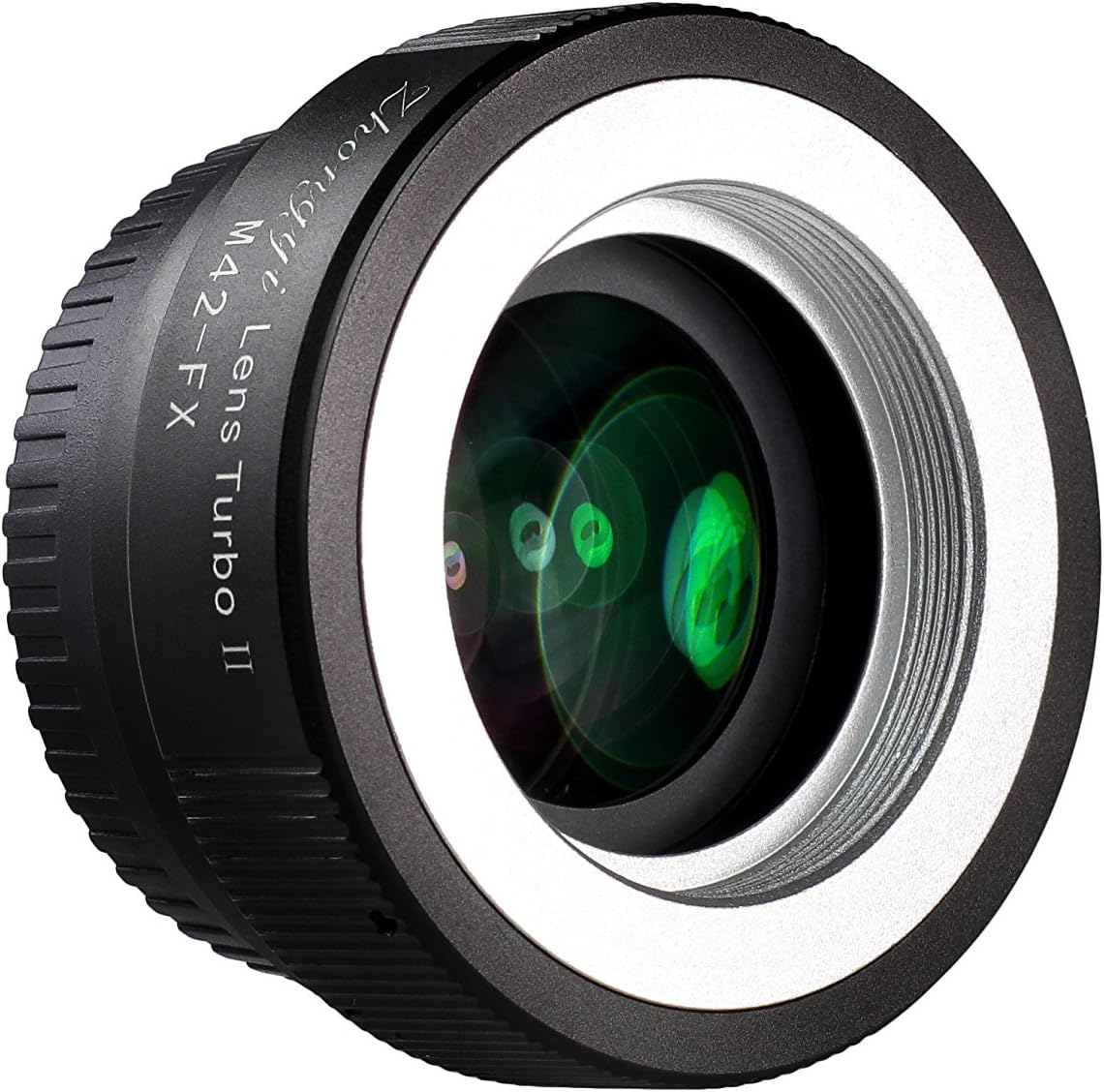
פיגורע 1: דערציען view of the Zhongyi M42-FX Lens Turbo Adapter II Mark 2, showing the camera mount side.
4.2 Attaching an M42 Lens to the Adapter
- Remove the front cap from the M42-FX adapter.
- Carefully align the M42 screw mount lens with the threads on the adapter.
- Gently screw the lens clockwise onto the adapter until it is firmly seated. Avoid overtightening.

פיגורע 2: פראָנט view of the Zhongyi M42-FX Lens Turbo Adapter II Mark 2, illustrating the M42 screw mount.
5. אַפּערייטינג ינסטרוקטיאָנס
5.1 קאַמעראַ סעטטינגס
Since this is a manual adapter with no electronic contacts, your camera will not detect an attached lens. To enable shooting, you must adjust your camera settings:
- Navigate to your camera's menu.
- Find the option typically labeled "Shoot Without Lens" or "Release Shutter Without Lens" and set it to ON or געבן.
5.2 פאָקוסינג
Focusing will be entirely manual. Use the focus ring on your M42 lens to achieve sharp focus. Your camera's focus peaking or magnification assist features can be helpful for precise manual focusing.
5.3 אַפּערטור קאָנטראָל
Aperture control is also manual. Adjust the aperture ring on your M42 lens to set the desired f-stop. The adapter increases the effective maximum aperture by 1 stop, meaning an f/2.8 lens will behave like an f/2.0 lens in terms of light gathering.
5.4 ויסשטעלן
Exposure must be set manually or using aperture-priority (Av/A) mode on your camera. In aperture-priority mode, the camera will automatically select the shutter speed based on the light meter reading and your chosen aperture. Due to the adapter's light-gathering capabilities, you may need to adjust exposure compensation or use a faster shutter speed than you would with a standard adapter.
5.5 פעלד פון View
The adapter provides an angle of view magnification of approximately 0.726x. This means a 50mm full-frame lens, when used with this adapter on an APS-C Fuji X camera, will have a field of view roughly equivalent to a 50mm lens on a full-frame camera (50mm * 1.5 crop factor * 0.726 adapter factor ≈ 54.45mm equivalent).
6. וישאַלט
6.1 Cleaning the Adapter Body
Use a soft, dry, lint-free cloth to wipe the exterior of the adapter. For stubborn dirt, a slightly damp שטאָף קען גענוצט ווערן, און דערנאָך זאָל עס גלייך טרוקנט ווערן.
6.2 Cleaning the Optical Elements
The optical elements inside the adapter are delicate. Use a lens blower brush to remove dust. For smudges or fingerprints, use a specialized lens cleaning solution and a microfiber lens cloth. Apply the solution to the cloth, not directly to the lens surface, and wipe gently in a circular motion.
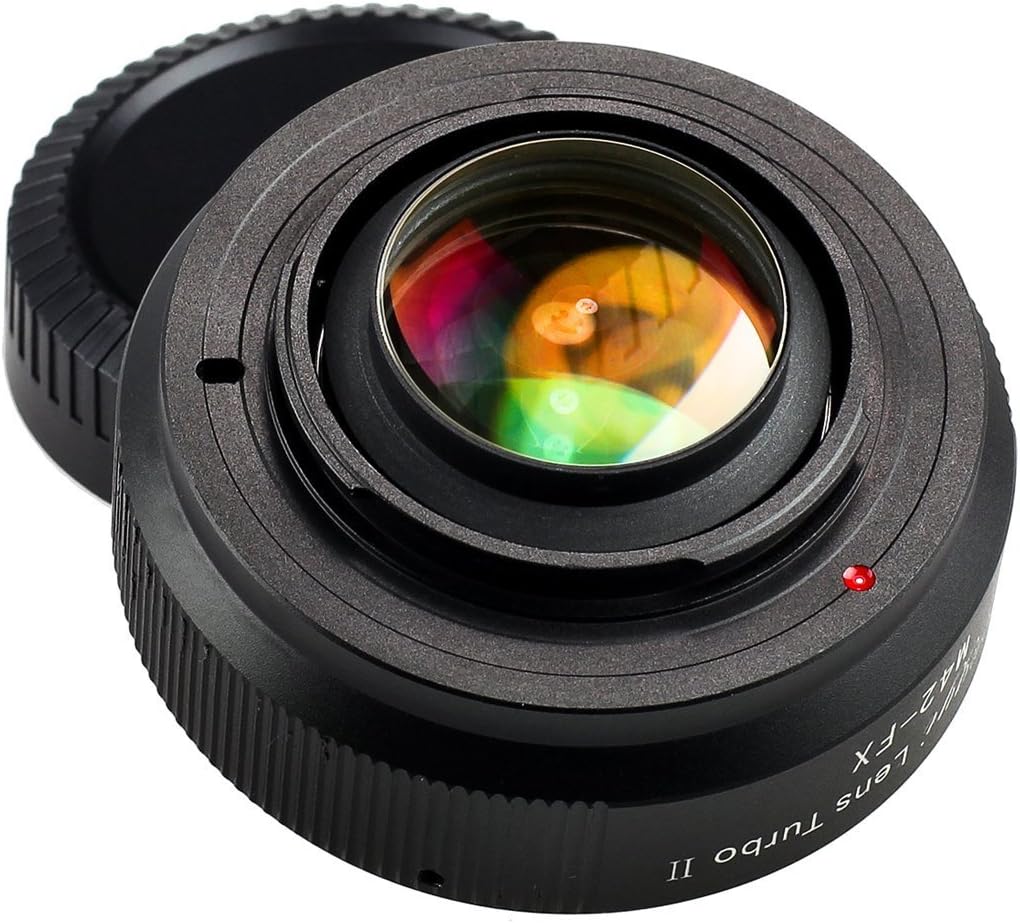
Figure 3: Internal optical elements of the adapter, requiring careful cleaning.
6.3 סטאָרידזש
Always attach both the front and rear lens caps when the adapter is not in use. Store the adapter in its original packaging or a protective pouch in a cool, dry, and dust-free environment. Avoid areas with extreme temperature fluctuations or high humidity.

Figure 4: Adapter with protective caps for storage.
7. טראָובלעשאָאָטינג
- פּראָבלעם: Lens does not attach securely to the adapter.
לייזונג: Ensure the lens is an M42 screw mount type and that the threads are clean and undamaged. Align carefully before screwing. Some M42 lenses may have rear protrusions that interfere with the adapter; check for physical obstructions. - פּראָבלעם: Adapter does not attach securely to the camera.
לייזונג: Ensure the camera is a Fuji X (FX) mount. Align the red dot on the adapter with the camera's white dot and rotate clockwise until it clicks. Do not force the connection. - פּראָבלעם: Camera does not take pictures or displays an error message.
לייזונג: Verify that the "Shoot Without Lens" or "Release Shutter Without Lens" option is enabled in your camera's menu. - פּראָבלעם: Image quality is soft or exhibits aberrations.
לייזונג: While the adapter is designed for optical quality, adding additional glass can sometimes affect sharpness, especially at wide apertures. Try stopping down your lens by one or two stops. Ensure both the lens and adapter optics are clean. - פּראָבלעם: Vignetting or dark corners in images.
לייזונג: This can occur with certain lens combinations or at very wide apertures. It is generally less common with speed boosters designed to reduce the image circle. Ensure the lens is fully seated and clean.
8. ספּעסאַפאַקיישאַנז
| שטריך | באַשרייַבונג |
|---|---|
| מאָדעל נאָמען | M42-FX |
| Compatible Lens Mount | M42 Screw Mount |
| Compatible Camera Mount | Fuji X (FX) |
| Optical Elements | 4 elements in 4 groups (including 1 Extra-Low Dispersion element) |
| ווינקל פון View Multiplier | 0.726x |
| Aperture Increase | 1 f-stop |
| פאָקוס טיפּ | מאַנואַל פאָקוס |
| בילד סטאַביליזאַטיאָן | None (adapter is passive and does not provide stabilization) |
| קאַנסטראַקשאַן | Metal with stainless steel mounts |
| קאָליר | שוואַרץ |
| פּונקט וואָג | 182 גראַמז |
| קאַמפּאַטאַבאַל אַפּאַראַט מאָדעלס | Fuji X-T4, Fuji X-T3, Fuji X-E4, Fuji X-S10 (and other Fuji X-mount cameras) |
| UPC | 682962946932 |
| ASIN | B00SYTHF2A |
9. וואָראַנטי און שטיצן
For information regarding warranty coverage, technical support, or service, please refer to the official Zhongyi Optics website or contact the retailer from whom you purchased this product. Keep your proof of purchase for warranty claims.