
1. הקדמה
The Nyko Modular Power Station is designed to provide a convenient charging solution for Xbox One wireless controllers. This unit includes two rechargeable battery packs, allowing you to keep your controllers powered and ready for use. Its unique modular design integrates seamlessly with your original Xbox One console, drawing power directly from a side USB port without requiring additional cables.
וויכטיקע קאָמפּאַטאַביליטי נאָטיץ:
This Modular Power Station is specifically designed for the original Xbox One console. עס איז ניט קאַמפּאַטאַבאַל with the Xbox One S or Xbox One X consoles.
2. זיכערקייַט אינפֿאָרמאַציע
- Do not expose the unit or batteries to extreme temperatures, direct sunlight, or moisture.
- Do not attempt to disassemble or modify the unit or battery packs. This may cause damage, electric shock, or fire.
- האַלטן אויס פון דערגרייכן פון קינדער.
- Use only the provided rechargeable battery packs with this unit.
- If the unit or batteries appear damaged, discontinue use immediately.
3. פּעקל אינהאַלט
באַשטעטיקן אַז דיין פּעקל כּולל די פאלגענדע זאכן:
- 1 x Nyko Modular Power Station
- 2 x Rechargeable Battery Packs for Xbox One Wireless Controllers
4. סעטאַפּ אינסטרוקציעס
- Connect the Power Station to your Xbox One: Locate the side USB port on your original Xbox One console. Align the Modular Power Station with this port and gently slide it into place until it is securely connected. The design allows it to integrate smoothly with the console's aesthetic.
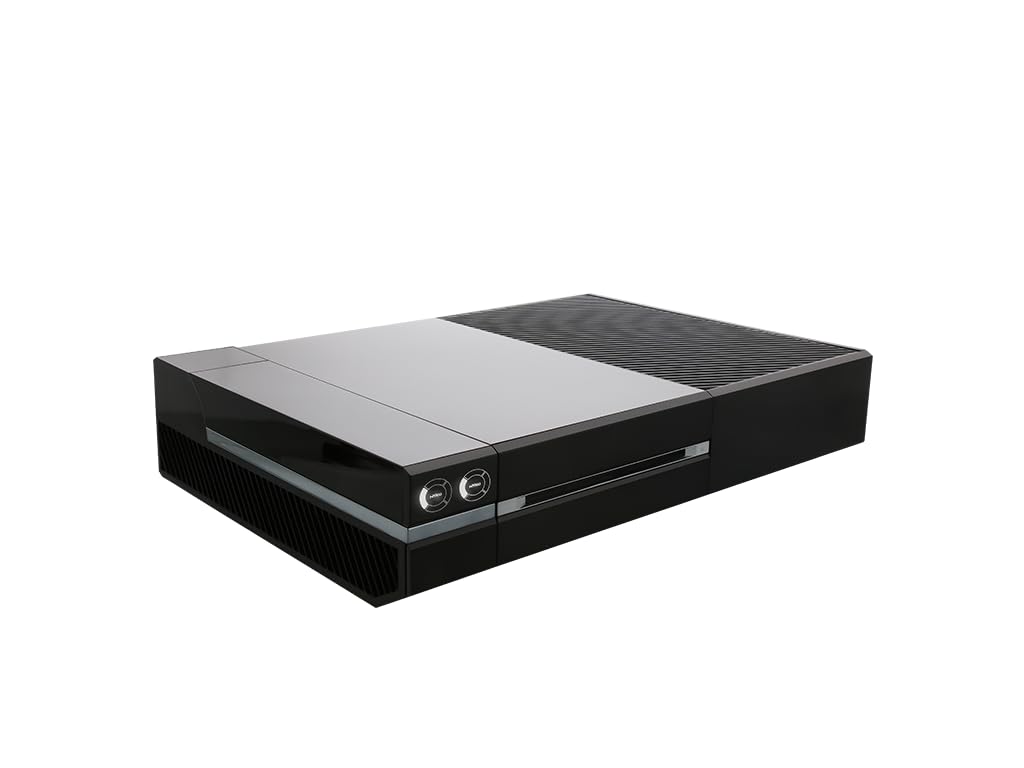
Image: The Nyko Modular Power Station attached to the side of an original Xbox One console, showing its integrated design.
- Install Battery Packs into Controllers: Open the battery compartment on your Xbox One wireless controller. Insert one of the provided rechargeable battery packs, ensuring proper orientation. Replace the controller's battery cover. The battery cover should fit flush with the controller.
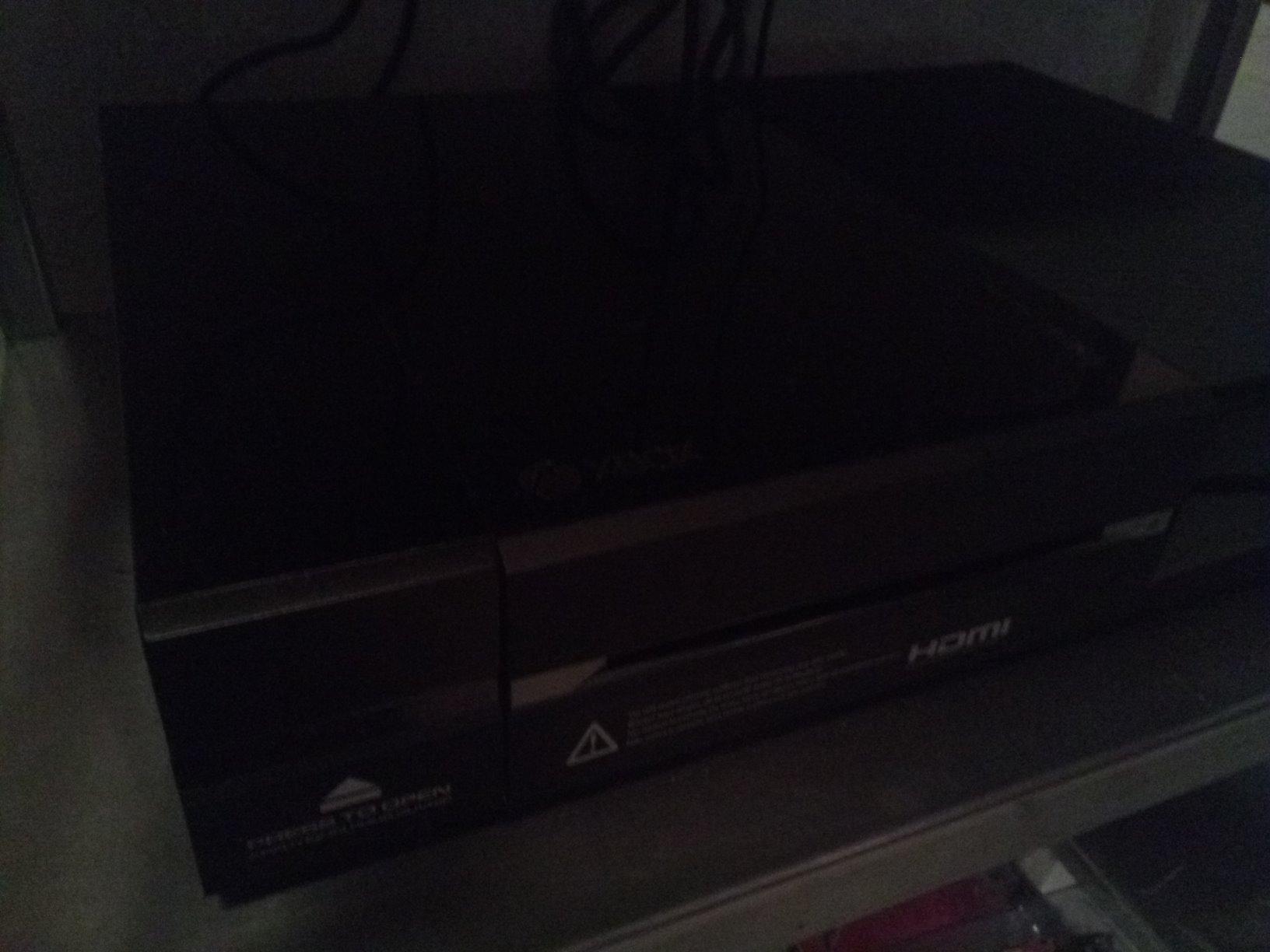
Image: A close-up of the Nyko Modular Power Station, possibly showing a battery pack or the charging slots, with an Xbox One controller nearby.
באַמערקונג: The Modular Power Station draws power directly from the Xbox One's side USB port, eliminating the need for external power adapters or cables.
5. אַפּערייטינג ינסטרוקטיאָנס
- טשאַרדזשינג באַטעריז: To charge a battery pack, simply place it into one of the two charging slots on the Modular Power Station. Ensure the battery is seated correctly.
- אָפּצאָל ינדיקאַטאָרס: The Power Station features LED charge indicators. These indicators will illuminate to show the charging status of each battery pack. A solid light typically indicates a full charge, while a blinking light indicates charging in progress. Refer to the product's visual cues for specific indicator behavior.
- סוואַפּינג באַטעריז: When a controller's battery is low, you can easily swap it with a fully charged battery from the Power Station. This ensures continuous gameplay with minimal interruption. Each fully charged battery can provide up to 25 hours of play time.
6. וישאַלט
- רייניקונג: Use a soft, dry cloth to clean the exterior of the Power Station. Do not use liquid cleaners or abrasive materials.
- באַטערי זאָרגן: To prolong battery life, avoid fully discharging the battery packs frequently. Store the Power Station and batteries in a cool, dry place when not in use.
- סטאָרידזש: If storing the unit for an extended period, ensure batteries are partially charged (around 50%) and remove them from the charging station.
7. טראָובלעשאָאָטינג
- Problem: Batteries are not charging.
- Ensure the Modular Power Station is securely connected to the Xbox One's side USB port.
- Verify that the Xbox One console is powered on or in a mode that supplies power to its USB ports.
- Check that the battery packs are correctly seated in the charging slots.
- Confirm that the battery packs are not damaged.
- Problem: Controller does not recognize the battery pack.
- ענשור אַז די באַטאַרייע פּאַק איז גאָר באפוילן.
- Verify the battery pack is correctly inserted into the controller's battery compartment.
- Try resetting your Xbox One console (a full power cycle) if connectivity issues persist.
- Problem: Power Station feels loose or unstable when connected to the console.
- Ensure the Power Station is aligned precisely with the console's side USB port and the console's back piece. Gentle finessing may be required to ensure a flush fit. Avoid forcing the connection.
8. ספּעסאַפאַקיישאַנז
| סאָרט | ניקאָ |
| מאָדעל נומער | 86118 |
| קאַמפּאַטאַבאַל דעוויסעס | Original Xbox One Consoles |
| קאַנעקטער טיפּ | USB (connects to console's side USB port) |
| רעזולטאַט חלקtage | 5 וואלטס |
| Ampעראַגע | 0.5 Amps |
| וואָסtage | 10 וואטס |
| מאַכט מקור | Corded Electric (via console USB) |
| געבויט-אין מידיאַ | 2 rechargeable batteries for Xbox One wireless controllers |
| פאָרם פאַקטאָר | Console-Side Modular Design |
| פּונקט וואָג | 1.4 פונט |
9. וואָראַנטי און שטיצן
For warranty information or technical support, please contact Nyko customer service. Details can typically be found on the official Nyko webזייטל אדער פּראָדוקט פּאַקאַדזשינג.
האַלט אייער קויף קוויטל ווי אַ באַווייַז פון קויפן פֿאַר קיין וואָראַנטי קליימז.