
1. הקדמה
Thank you for choosing the Mac Audio Ice Cube 12-300mm Subwoofer. This manual provides essential information for the proper installation, operation, and maintenance of your new car audio subwoofer. Please read these instructions carefully before attempting to install or use the product to ensure optimal performance and safety.
2. זיכערקייַט אינסטרוקציעס
שטענדיק אָבסערווירן די פאלגענדע זיכערהייט מיטלען צו פאַרמייַדן שאָדן אָדער שאָדן צו די פּראָדוקט און פאָרמיטל:
- פאַכמאַן ינסטאַלירונג רעקאַמענדיד: Installation of car audio components can be complex. If you are unsure about any part of the installation process, consult a qualified professional installer.
- דיסקאַנעקט באַטערי: Before starting any electrical work, disconnect the vehicle's negative battery terminal to prevent short circuits and electrical hazards.
- געהעריק וויירינג: Ensure all wiring is correctly connected, insulated, and secured to prevent shorts, overheating, and interference. Use appropriate gauge wires for power and speaker connections.
- מאָונטינג זיכערהייַט: Securely mount the subwoofer to prevent it from becoming a projectile in the event of sudden stops or collisions.
- ווענטילאַטיאָן: זיכער מאַכן גענוג ווענטילאַציע אַרום דעם סאַבוואָאָפער און ampליפיער צו פאַרמייַדן אָוווערכיטינג.
- באַנד לעוועלס: פארלענגערטע אויסשטעלונג צו הויכע קול לעוועלס קען שאפן געהער שאדן. שטעלט אפ דעם קול צו א זיכערן און באקוועמען לעוועל.
3. פּראָדוקט איבערview
The Mac Audio Ice Cube 12-300mm Subwoofer is designed to deliver powerful bass performance for your car audio system. It features a robust construction suitable for both enclosed and bass-reflex mounting applications.
שליסל פֿעיִקייטן:
- 300 mm subwoofer for enclosed/bass-reflex mounting.
- High-performance 5 cm voice coil with Japanese Totoku wire and additional ventilation.
- Steel basket with multi-layer coating for reduced resonance.
- High-power 40 oz magnet with protective cap.
קאַמפּאָונאַנץ:
The subwoofer consists of the speaker driver, a robust steel basket, a voice coil, and a powerful magnet assembly. The terminals for connecting speaker wires are located on the side of the basket.

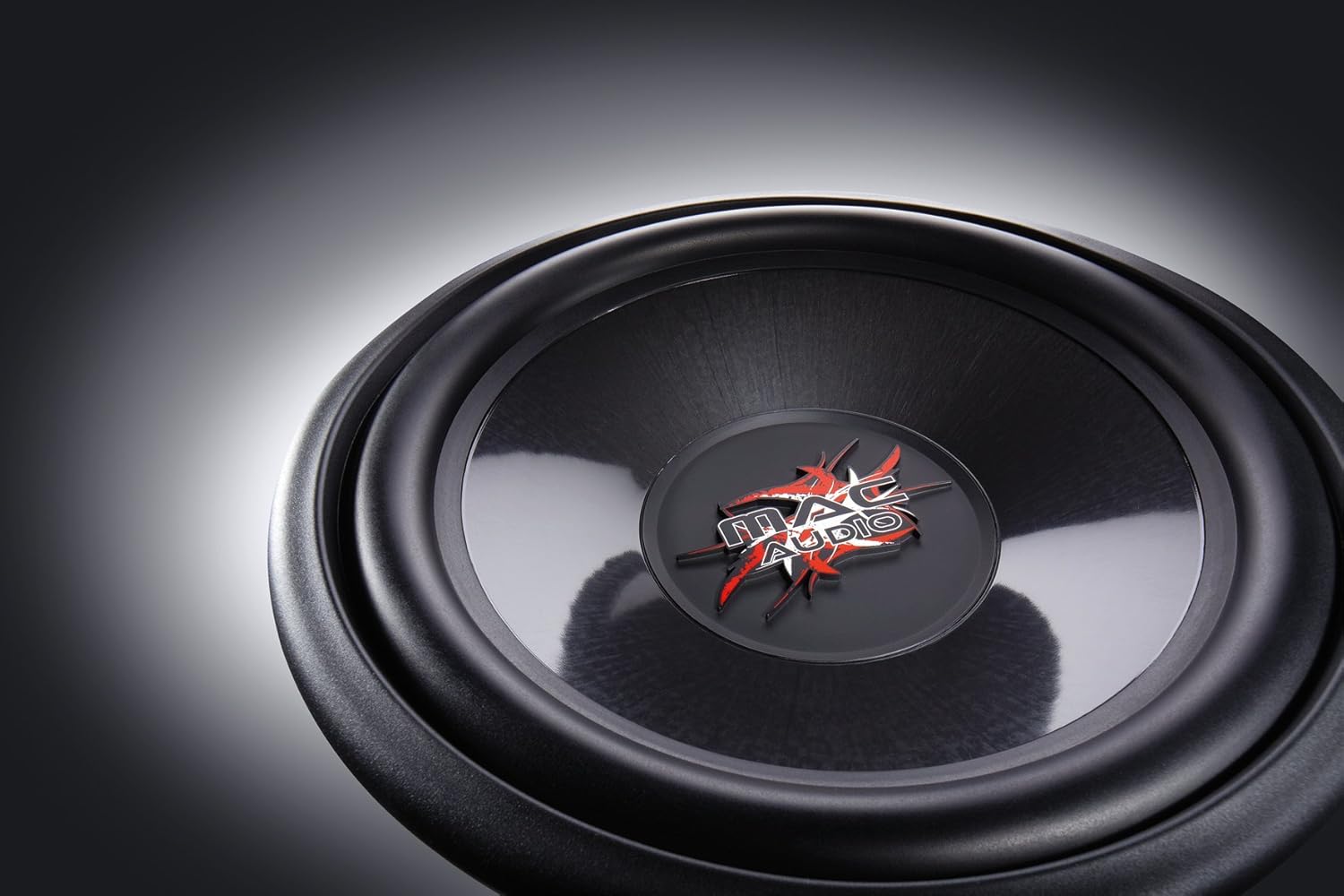
4. סעטאַפּ און ייַנמאָנטירונג
Proper installation is crucial for the performance and longevity of your subwoofer. This subwoofer is designed for integration into a custom enclosure, either sealed (enclosed) or ported (bass-reflex).
4.1 אָפּצוימונג פּלאַן
- געחתמעט עקל: Provides tight, accurate bass response. The internal volume of the enclosure should be calculated based on the subwoofer's Thiele-Small parameters for optimal performance.
- Ported (Bass-Reflex) Enclosure: Offers louder bass output at specific frequencies. Requires careful design of port dimensions (length and diameter) to tune the enclosure to the desired frequency.
- Consult a car audio specialist or use specialized software for precise enclosure design.
4.2 מאָנטירן דעם סאַבוואָאָפער
- Ensure the enclosure has a cutout of the correct diameter for the subwoofer.
- Place the subwoofer into the cutout, aligning the mounting holes.
- Secure the subwoofer using appropriate screws, ensuring an airtight seal between the subwoofer frame and the enclosure. Do not overtighten.
4.3 וויירינג קאַנעקשאַנז
פאַרבינדן די סובוואָאָפער צו אַ פּאַסיק ampליפיער. פאַרזיכערן די amplifier can provide sufficient power within the subwoofer's rated specifications. Pay close attention to polarity.
- ספּיקער טערמינאַלס: The subwoofer has clearly marked positive (+) and negative (-) terminals.
- Ampליפיער קשר: Connect the positive (+) terminal of the subwoofer to the positive (+) speaker output of your amplifier. Connect the negative (-) terminal of the subwoofer to the negative (-) speaker output of your ampליפער.
- דראָט מאָס: Use appropriate gauge speaker wire (e.g., 12-16 gauge) for the distance and power levels.
- זיכער קאַנעקשאַנז: Ensure all connections are tight and free from frayed wires that could cause short circuits.
5. אַפּערייטינג ינסטרוקטיאָנס
Once installed, follow these steps for initial operation and optimal sound adjustment:
- ערשט מאַכט-אַרויף: After all connections are made and checked, reconnect the vehicle's battery. Turn on your car audio system.
- Ampליפיער סעטטינגס:
- געווינען קאָנטראָל: אָנהייבן מיט די amplifier's gain control at its minimum setting. Gradually increase the gain until the subwoofer output matches the rest of your system without distortion. Avoid setting the gain too high, as this can lead to clipping and damage.
- נידעריק-פּאַס פילטער (LPF): שטעלן די amplifier's low-pass filter to a suitable frequency, typically between 60 Hz and 100 Hz. This ensures the subwoofer only reproduces low frequencies.
- באַס באָאָסט: Use bass boost sparingly, if at all. Excessive bass boost can cause distortion and damage the subwoofer.
- ברייק-אין צייט: Allow a break-in period of approximately 10-20 hours of normal listening before operating the subwoofer at maximum volume. This allows the suspension components to loosen up and perform optimally.
6. וישאַלט
The Mac Audio Ice Cube subwoofer requires minimal maintenance to ensure long-term performance.
- רייניקונג: Use a soft, dry cloth to wipe down the subwoofer cone and frame. Avoid using harsh chemicals or abrasive cleaners.
- דורכקוק: Periodically check all wiring connections for tightness and signs of corrosion. Ensure the subwoofer is still securely mounted in its enclosure.
- ענוויראָנמענטאַל סיבות: באַשיצן דעם סאַבוווּפער פֿון עקסטרעמע טעמפּעראַטורן, דירעקטער זונשייַן און פֿײַכטקייט.
7. טראָובלעשאָאָטינג
אויב איר האָט פּראָבלעמען מיט אייער סאַבוואָאָפער, זעט די פאלגענדע געוויינטלעכע פּראָבלעמען און לייזונגען:
| פּראָבלעם | מעגלעך סיבה | לייזונג |
|---|---|---|
| קיין קלאַנג פֿון סאַבוואָפֿער |
|
|
| Distorted or weak bass |
|
|
| Subwoofer cuts out |
|
|
If the problem persists after attempting these solutions, contact your dealer or a qualified service technician.
8. ספּעסאַפאַקיישאַנז
The following are the technical specifications for the Mac Audio Ice Cube 12-300mm Subwoofer (Model 1328320):
| באַשרייַבונג | ווערט |
|---|---|
| סאָרט | MAC AUDIO |
| רעדנער טיפּ | סובוואָאָפער |
| מאַכט | 1200 וואטס (פּיקס) |
| פּראָדוקט דימענשאַנז (L x W x H) | 31.7 X 31.7 X 13 סענטימעטער |
| פּונקט וואָג | 3.3 קילאָגראַמס |
| נומער מאָדעל נומער | 1328320 |
| מאַונטינג טיפּ | Table Mount (Refers to general mounting, typically in an enclosure) |
| Software updates guaranteed until | אינפֿאָרמאַציע ניט בנימצא |
9. וואָראַנטי און שטיצן
For warranty information, please refer to the documentation provided at the time of purchase or contact your authorized Mac Audio dealer. Keep your proof of purchase for any warranty claims.
For technical support or further assistance, please contact the retailer where you purchased the product or visit the official Mac Audio webפּלאַץ פֿאַר קאָנטאַקט דעטאַילס.