
1. הקדמה
א דאנק פארן קויפןasing the Imation Memorex PX6683 Wireless Bluetooth Speaker. This manual provides essential information for setting up, operating, and maintaining your speaker to ensure optimal performance and longevity. Please read these instructions carefully before use.
2. פּעקל אינהאַלט
- Imation Memorex PX6683 Wireless Bluetooth Speaker
- מאַכט אַדאַפּטער (קען זיין אַנדערש לויט ראַיאָן)
- Audio Cable (3.5mm auxiliary cable)
- באַניצער מאַנואַל (דעם דאָקומענט)
3. פּראָדוקט איבערview
Familiarize yourself with the components of your Memorex PX6683 speaker.
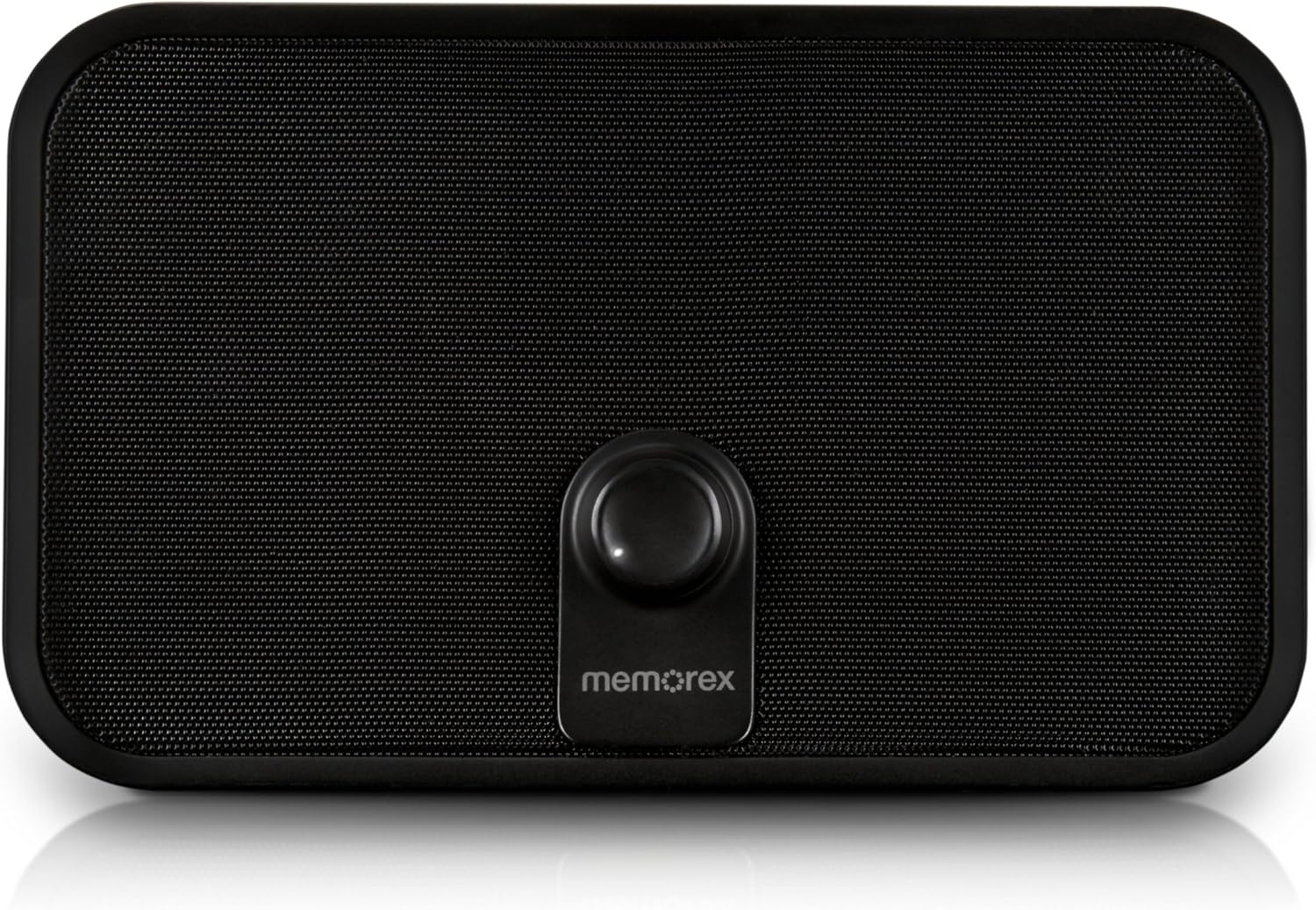
פיגורע 3.1: פראָנט view of the Memorex PX6683 speaker. The front features a large speaker grille and a central control knob with the 'memorex' logo below it.

פיגור 3.2: ווינקלדיק view of the Memorex PX6683 speaker. This perspective highlights the speaker's rectangular shape with rounded edges, the front grille, and the central control knob.
4. סעטאַפּ
4.1 מאַכט קאַנעקשאַן
- Locate the power input port on the back or side of the speaker.
- Connect the provided power adapter to the speaker.
- צאַפּן די מאַכט אַדאַפּטער אין אַ נאָרמאַל עלעקטריקאַל ווענטיל.
- The speaker is now powered on or in standby mode.
4.2 בלועטאָאָטה פּערינג
The Memorex PX6683 supports A2DP Bluetooth wireless technology for audio streaming.
- פאַרזיכערן אַז די רעדנער איז פּאַוערד אויף.
- Activate Bluetooth on your audio device (smartphone, tablet, computer).
- זוכן פֿאַר available Bluetooth devices. The speaker should appear as "Memorex PX6683" אָדער ענלעך.
- אויסקלייבן דעם רעדנער פֿון דער רשימה צו אָנהייבן פּאָרינג.
- Once paired, the speaker will indicate a successful connection (e.g., an audible tone or LED indicator).
4.3 Line-in Connection (Auxiliary Input)
For devices without Bluetooth, use the universal line-in jack.
- Connect one end of the 3.5mm audio cable to the 'Line In' or 'AUX' port on the speaker.
- Connect the other end of the 3.5mm audio cable to the headphone jack or audio output of your device.
- The speaker will automatically switch to auxiliary input mode or may require manual selection via a mode button (if present).
5. אַפּערייטינג ינסטרוקטיאָנס
5.1 מאַכט אויף / אַוועק
Refer to the power button or control knob on your speaker. Typically, a long press or rotation will power the unit on or off.
5.2 באַנד קאָנטראָל
Adjust the audio volume using the central control knob on the front of the speaker. Rotate clockwise to increase volume and counter-clockwise to decrease volume.
5.3 אַודיאָ ווידערשפּיל
Once connected via Bluetooth or Line-in, begin playing audio from your source device. The sound will be output through the speaker.
6. וישאַלט
6.1 רייניקונג
ווישט אָפּ די אויסערלעכע זייט פֿונעם רעדנער מיט אַ ווייכן, טרוקענעם שטאָף. ניצט נישט קיין פֿליסיקע רייניקונגס־מיטלען אָדער אַברייזיוו מאַטעריאַלן, ווײַל זיי קענען שאַטן דעם ענדיק אָדער די אינעווייניקסטע קאָמפּאָנענטן.
6.2 סטאָרידזש
When not in use for extended periods, store the speaker in a cool, dry place away from direct sunlight and extreme temperatures. Disconnect the power adapter.
7. טראָובלעשאָאָטינג
- קיין מאַכט: Ensure the power adapter is securely connected to both the speaker and a working electrical outlet.
- קיין קול:
- Check the volume level on both the speaker and your audio source device.
- If using Bluetooth, ensure the speaker is successfully paired and connected.
- If using Line-in, ensure the audio cable is fully inserted into both devices.
- בלועטאָאָטה פּערינג ישוז:
- Ensure the speaker is in pairing mode (if applicable).
- Turn off and on Bluetooth on your source device.
- ריקט אייער דעווייס נענטער צום רעדנער.
- Remove "Memorex PX6683" from your device's Bluetooth list and attempt to re-pair.
8. ספּעסאַפאַקיישאַנז

Figure 8.1: Approximate dimensions of the Memorex PX6683 speaker.
| שטריך | באַשרייַבונג |
|---|---|
| סאָרט | ימאַטיאָן |
| מאָדעל | PX6683 |
| קאַנעקטיוויטי טעכנאָלאָגיע | Wireless (Bluetooth), Wired (3.5mm Line-in) |
| בלועטאָאָטה שטיצן | A2DP |
| אַודיאָ רעזולטאַט מאָדע | סטערעאָ |
| רעדנער מאַקסימום רעזולטאַט מאַכט | 10 וואטס |
| מאַונטינג טיפּ | Freestanding |
| דימענשאַנז (דערנאַכט) | 11.25" (ברייט) x 8.75" (ה) x 4.13" (טיף) |
9. וואָראַנטי און שטיצן
For warranty information and customer support, please refer to the documentation included with your purchase or visit the official Imation webזייטל. האַלט דיין קויפן באַווייַז פֿאַר וואָראַנטי קליימז.