
הקדמה
This manual provides essential information for the setup, operation, maintenance, and troubleshooting of your HP Compaq LA2206x 21.5-inch LED LCD Monitor. The monitor features a super-thin, soft black design with a 21.5-inch diagonal widescreen display, offering Full HD images. Its WLED backlight technology contributes to improved recyclability, and advanced adjustability enhances user productivity.
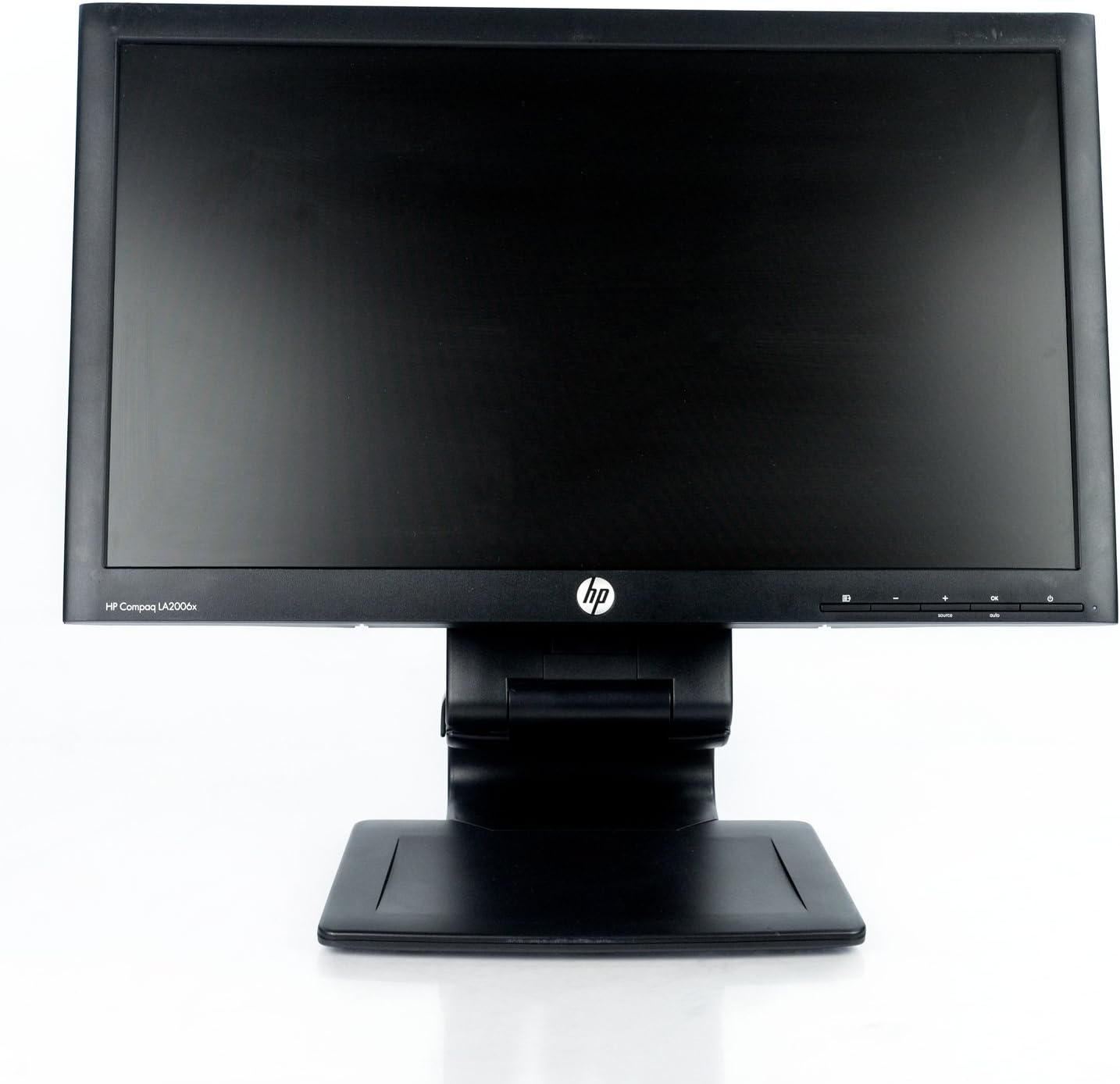
פיגורע 1: פראָנט view of the HP Compaq LA2206x monitor, showcasing its slim bezel and adjustable stand.
סעטאַפּ
1. אויספּאַקן דעם מאָניטאָר
Carefully remove all components from the packaging. Ensure all parts are present before proceeding with assembly. Retain packaging for future transport or service.
2. אַסעמבאַל די שטיין
- לייגט דעם מאָניטאָר מיטן פּנים אַראָפּ אויף אַ ווייכער, ריינער ייבערפלאַך צו פאַרמייַדן קראַצן.
- Align the stand base with the stand column. Secure the base to the column using the provided screw, if applicable.
- Attach the assembled stand to the back of the monitor. Ensure it clicks securely into place or is fastened with screws as per the included quick setup guide.
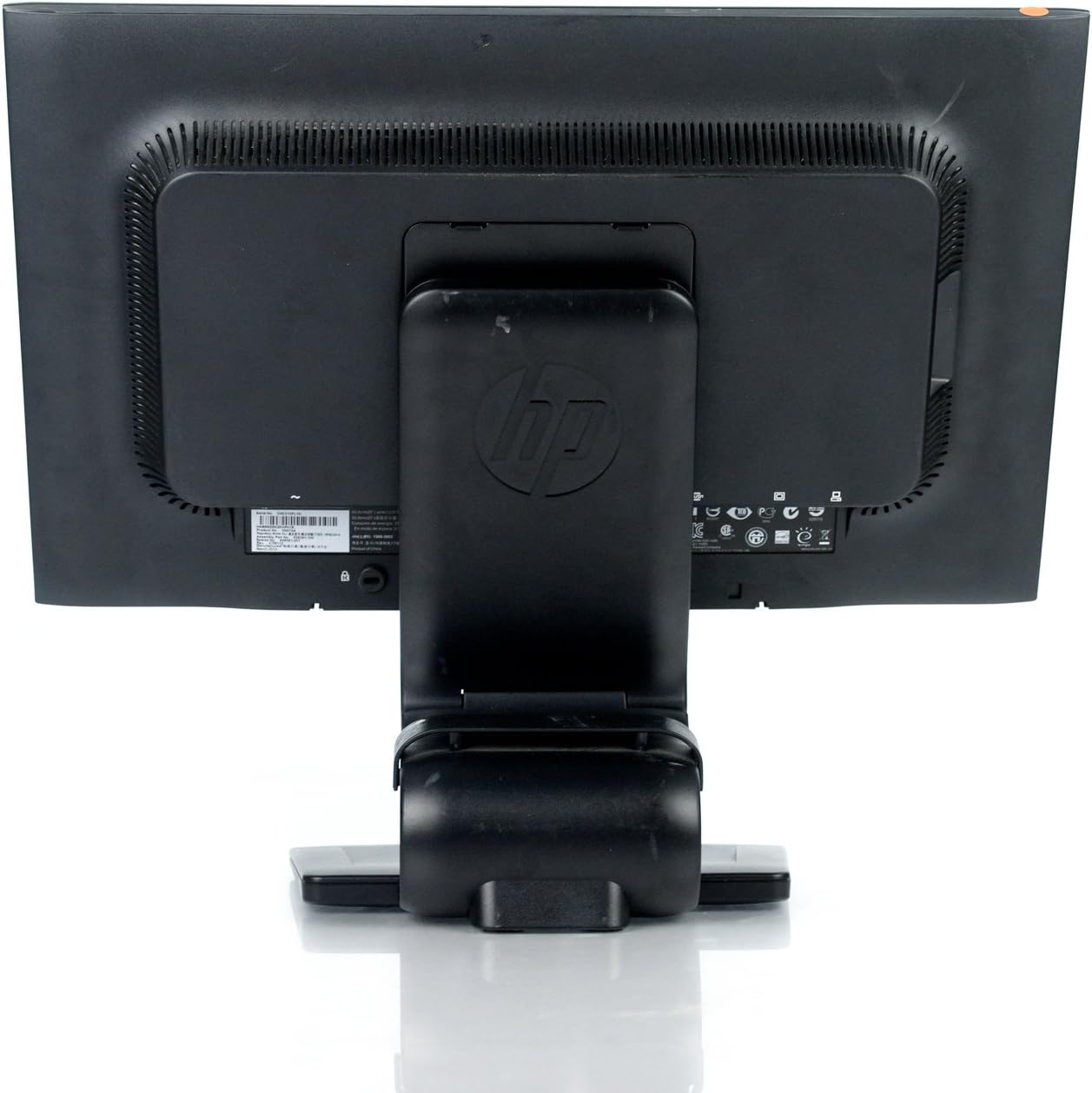
פיגורע 2: דערציען view of the monitor showing the attached stand, ready for cable connections.
3. קאַנעקטינג קאַבלעס
Connect the necessary cables to the monitor and your computer. Ensure all connections are firm.
- מאַכט קאַבלע: Connect one end to the monitor's power input and the other to a grounded electrical outlet.
- ווידעא קאַבלע: Connect a DVI, DisplayPort, or VGA cable from your computer's video output to the corresponding input on the monitor. The monitor supports 1920x1080 resolution.
- USB Cable (Optional): Connect a USB upstream cable from your computer to the monitor's USB upstream port to enable the monitor's integrated USB 2.0 ports.

פיגורע 3: דעטאַילעד view of the monitor's rear panel, highlighting the power input, DisplayPort, DVI, VGA, and USB ports.
אַפּערייטינג די מאָניטאָר
1. מאַכט אויף / אויסגעלאשן
דריק דעם מאַכט קנעפּל וואָס געפינט זיך אויף דער פראָנט רעכטער זייט פון דעם מאָניטאָר צו עס אנצינדן אָדער אויסלעשן. די מאַכט אינדיקאַטאָר ליכט וועט זיך אָנצינדן ווען דער מאָניטאָר איז אַקטיוו.
2. אויף-סקרין דיספּליי (OSD) מעניו נאַוויגאַציע
The monitor features an On-Screen Display (OSD) menu for adjusting various settings. Use the control buttons located on the front bezel to navigate and select options.

פיגורע 4: Close-up of the monitor's control buttons, including power, menu navigation, and input selection.
- מעניו קנעפּל: אָפּענס די OSD מעניו.
- '+' / '-' קנעפּלעך: נאַוויגירן דורך מעניו אָפּציעס אָדער סטרויערן ווערטן.
- OK קנעפּל: קאַנפערמז אַ סעלעקציע אָדער גייט אריין אַ סובמעניו.
- מקור קנעפּל: Quickly switches between available video inputs (DVI, DisplayPort, VGA).
- אַוטאָ קנעפּל: Automatically adjusts the screen image for optimal display, particularly useful for analog (VGA) connections.
3. אַדזשאַסטינג מאָניטאָר סעטטינגס
Through the OSD menu, you can adjust settings such as:
- ברייטנאַס און קאַנטראַסט: אַדזשאַסטירן די אַלגעמיינע לומינאַנס און דעם חילוק צווישן ליכטיקע און טונקעלע געביטן.
- קאָליר קאָנטראָל: Select color temperature or customize RGB values.
- בילד קאָנטראָל: Fine-tune sharpness, clock, and phase for optimal image clarity.
- ינפּוט קאָנטראָל: Manually select the video input source.
- מאַכט פאַרוואַלטונג: Configure sleep timers and power-saving modes.
וישאַלט
1. רייניקונג די מאָניטאָר
- Always power off the monitor and unplug it from the electrical outlet before cleaning.
- ניצן אַ ווייך, לינט-פֿרייַ שטאָף לייטלי דampגעוואשן מיט וואַסער אָדער אַ ניט-אַברייסיוו פאַרשטעלן רייניגער.
- Do not spray cleaners directly onto the screen or casing.
- Avoid using benzene, thinners, or any volatile solvents, as these may damage the monitor's surface.
2. זיכערקייַט פּריקאָשאַנז
- בלאָקירט נישט די ווענטילאַציע עפענונגען אויף דעם מאָניטאָר.
- האַלט דעם מאָניטאָר אַוועק פון דירעקטער זונשייַן, היץ קוועלער און איבערגעטריבענער נעץ.
- פֿאַרמײַדט צו שטעלן שווערע זאַכן אויף דעם מאָניטאָר אָדער זײַנע קאַבלען.
- If the monitor is damaged or malfunctions, do not attempt to repair it yourself. Contact qualified service personnel.
טראָובלעשאָאָטינג
This section addresses common issues you might encounter with your HP Compaq LA2206x monitor.
קיין מאַכט
- זיכער מאַכן אַז דער מאַכט קאַבל איז זיכער פארבונדן צו ביידע דעם מאָניטאָר און אַ אַרבעטנדיק עלעקטריש ווענטיל.
- באַשטעטיקן אַז די עלעקטרישע ווענטיל אַרבעט דורך אַרײַנשטעקן אַן אַנדער דעוויס.
- Check if the monitor's power button is pressed.
קיין סיגנאַל / ליידיקער עקראַן
- Confirm that the video cable is securely connected to both the monitor and the computer's video output port.
- Ensure the correct input source is selected on the monitor using the 'Source' button.
- ריסטאַרט דיין קאָמפּיוטער.
- Test the monitor with another computer or a different video cable if possible.
Distorted or Unclear Image
- For analog (VGA) connections, press the 'Auto' button on the monitor to automatically adjust the image.
- Adjust the brightness, contrast, sharpness, clock, and phase settings through the OSD menu.
- Ensure your computer's display resolution is set to the monitor's native resolution of 1920x1080.
ספּעסאַפאַקיישאַנז
Below are the key technical specifications for the HP Compaq LA2206x monitor (Model: XN376AA):
| שטריך | באַשרייַבונג |
|---|---|
| פאַרשטעלן גרייס | 21.5 אינטשעס |
| מאַקסימום סקרין האַכלאָטע | 1920 x 1080 (FHD 1080p) |
| אַספּעקט פאַרהעלטעניש | 16:9 |
| ענטפער צייט | 5 מיז |
| ווייַז טעכנאָלאָגיע | געפירט לקד |
| קאַנעקטיוויטי | DisplayPort, DVI, VGA, 2x USB 2.0 Ports |
| קאָליר | שוואַרץ |
| פּונקט וואָג | 13.45 פונט |
| פּראָדוקט דימענשאַנז (LxWxH) | 8.95 X 20.39 X 13.12 אינטשעס |
| מאָדעל נומער | XN376AA |
וואָראַנטי אינפֿאָרמאַציע
This HP Compaq LA2206x monitor is covered by a standard manufacturer's warranty. Please refer to the warranty card included with your product or visit the official HP support website for detailed terms and conditions, including warranty duration and service procedures. Keep your proof of purchase for warranty claims.
שטיצן
For technical assistance, driver downloads, or further information regarding your HP Compaq LA2206x monitor, please visit the official HP support website. You may need your monitor's serial number for support inquiries.

פיגורע 5: Location of the serial number label on the back of the monitor. The serial number for this unit is CNC210PLYN.
When contacting support, please have your model number (XN376AA) and serial number ready to expedite service.